HelloGrowthCRM software
Built for real small-business sales teams
HelloGrowthCRM helps reps qualify faster, follow up on time, and close more deals—with practical automation in one place.
- AI lead scoring and pipeline visibility
- Built-in dialer, WhatsApp, and email automation
- Sales forecasting and RevOps-ready reporting
Local email marketing means sending emails focused on people in your local area to promote your products or services, drive foot traffic, or increase local brand awareness. It’s a way to connect directly with nearby customers and prospects using personalized, relevant messages.
Why this comes up / what goes wrong
Small business owners often face challenges reaching local customers effectively. They may rely on general email blasts or scattered contact lists that don’t focus on local leads. Without targeting, emails can feel irrelevant, leading to low open rates and poor response. Local email marketing helps fix this by narrowing your audience to people who can actually visit your store or use your services nearby. However, many owners struggle with organizing their contacts, creating follow-up sequences, or managing replies efficiently.
Step-by-step
- Build a local contact list: Gather email addresses from your website sign-ups, in-store customers, local events, or partnerships. Check that contacts are actually in your target geographic area.
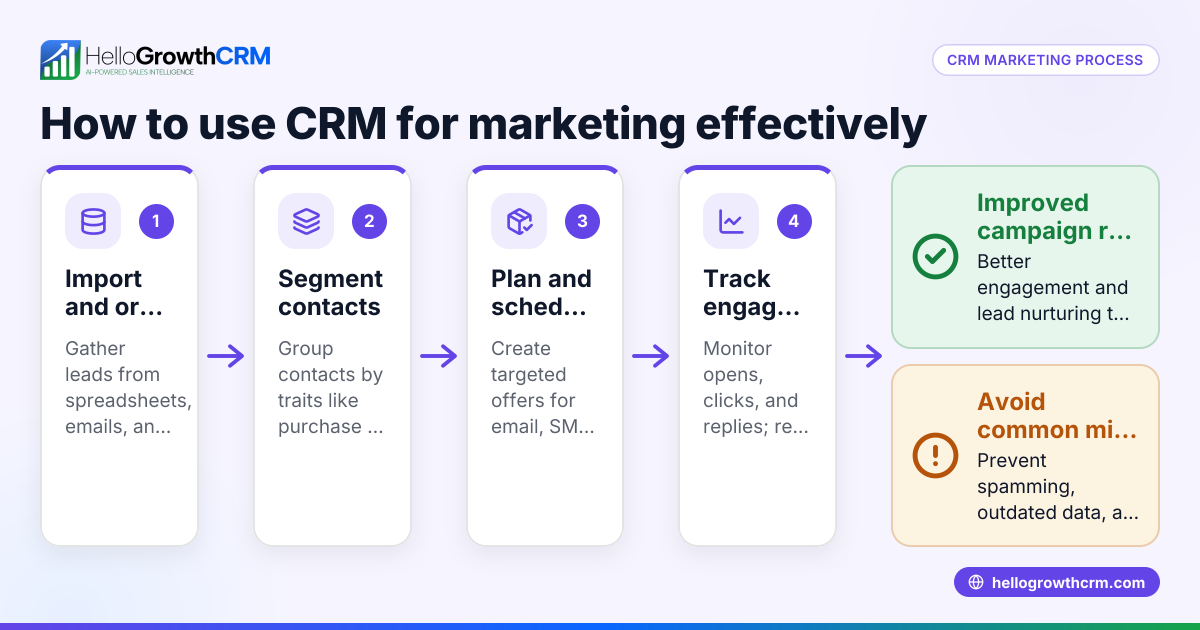
- Segment your list by location: Use zip codes, cities, or neighborhoods to create segments. This lets you tailor messages specifically for each area.
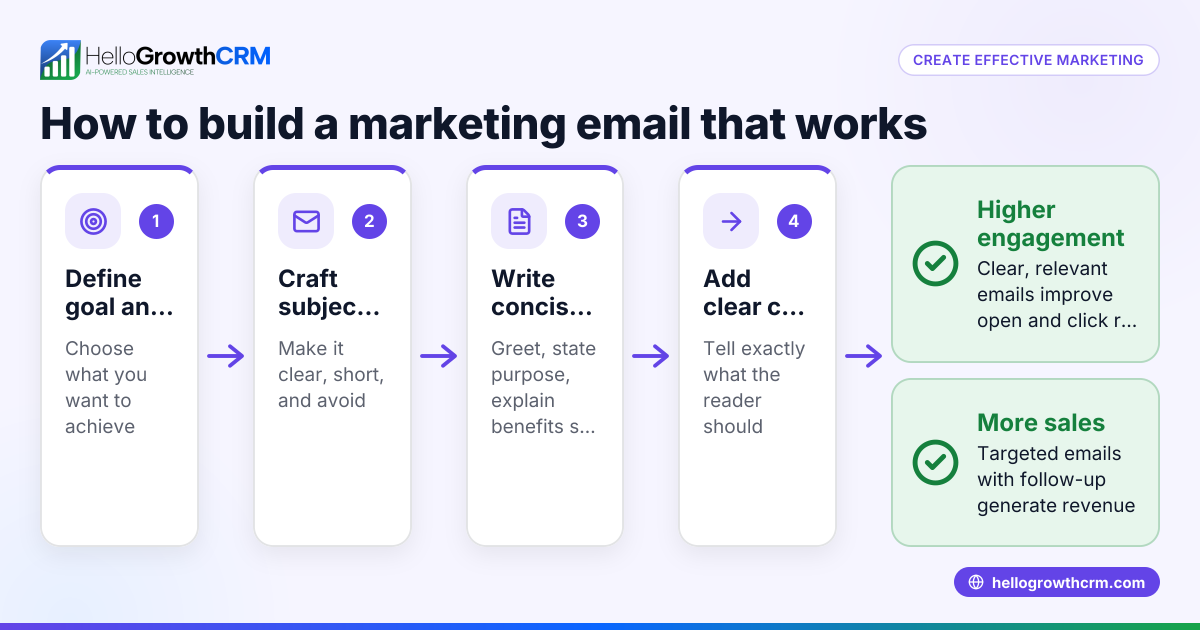
- Craft localized email content: Write emails that mention local events, landmarks, or exclusive local offers. Make the message relevant to the community.
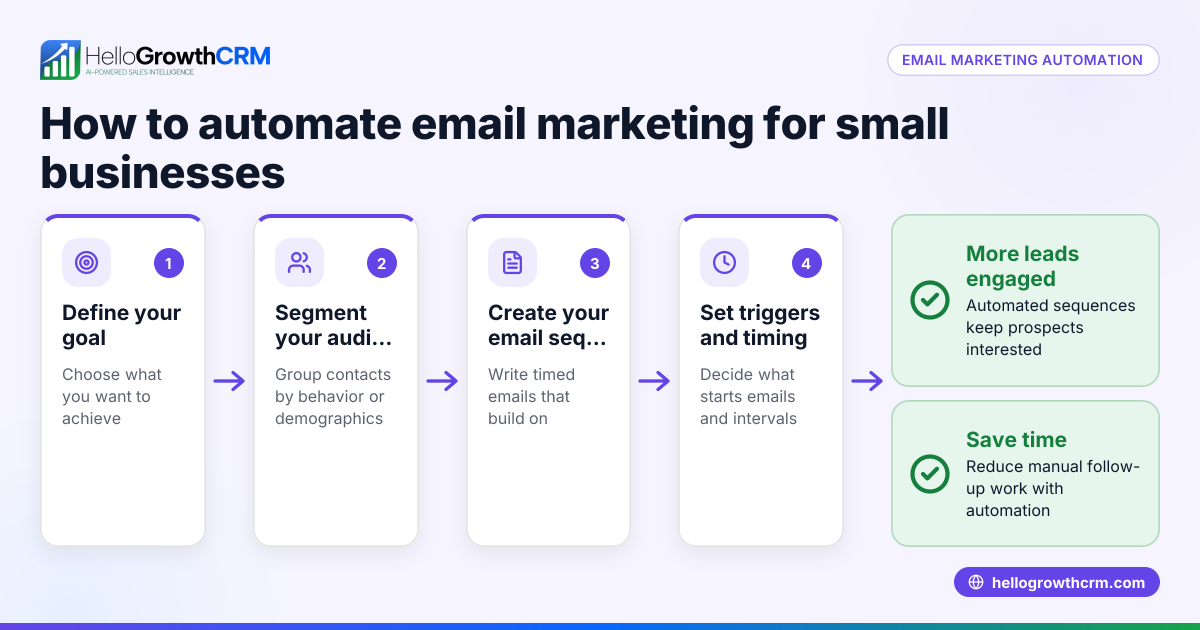
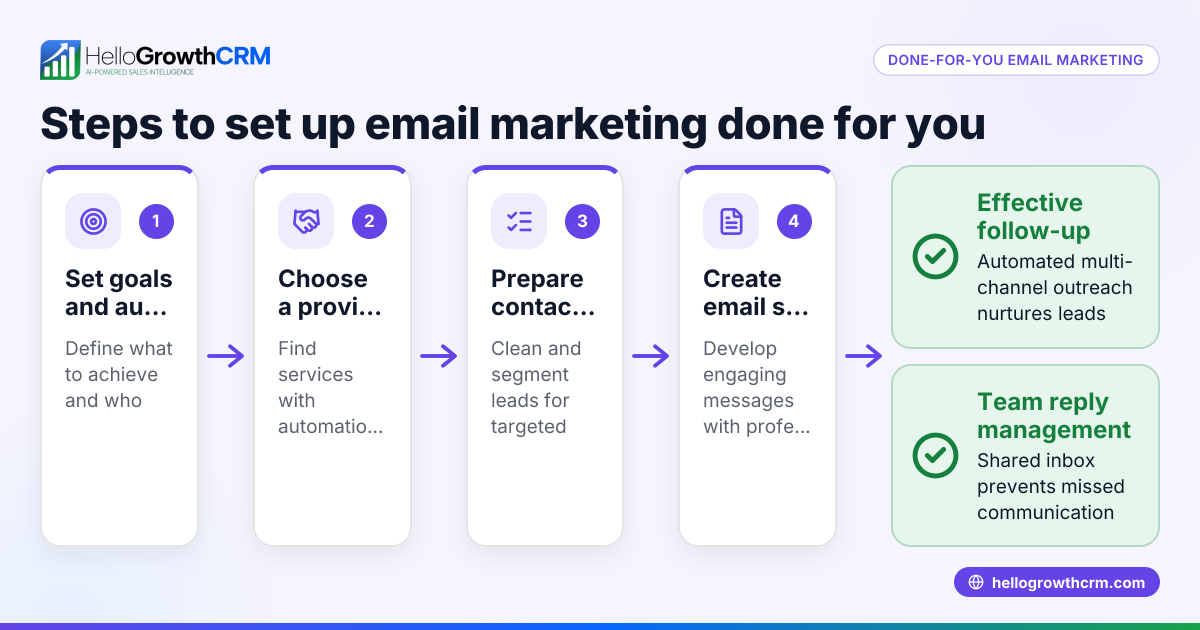
- Set up an email sequence: Plan a series of emails to nurture leads over time, such as a welcome message, a follow-up with a special offer, and a reminder before an event. Check that the timing suits your sales cycle.
- Test your emails: Send test emails to yourself and colleagues to check formatting, links, and personalization.
- Send and monitor results: Launch your campaign and track open rates, click-throughs, and replies. Adjust your messaging or timing based on performance.
- Follow up promptly: Respond quickly to any replies or inquiries to keep leads engaged.
Using email automation and sequences can help you run these steps efficiently.
Example (fictional figures)
A plumbing company in Austin, Texas wants to run a local email campaign promoting a spring discount.
- They collect 1,000 email addresses from Austin-area customers.
- They segment the list by zip codes within Austin.
- They create a 5-step email sequence over two weeks with tips on spring plumbing maintenance and a 10% discount offer.
- They send the first email on 04/01/2026.
Calculations:
Assuming a $200 average job value and a 5% conversion from the campaign:
1,000 contacts × 5% conversion = 50 new jobs 50 jobs × $200 = $10,000 revenue generated
If the discount is 10%: $200 × 10% = $20 discount per job 50 jobs × $20 = $1,000 total discount cost
Net revenue = $10,000 − $1,000 = $9,000
This example shows how local targeting and follow-up can drive measurable revenue.
Common mistakes
- Not segmenting by location: Sending the same email to all contacts wastes relevance. Prevent by organizing your list into local groups.
- Ignoring follow-up: Leads may reply or ask questions. Prevent by setting up automated sequences and monitoring replies with a shared inbox.
- Overloading emails with too much info: Keep emails concise and focused on one local message or offer.
- Skipping testing: Errors in links or formatting reduce professionalism. Prevent by always sending test emails.
- Not tracking results: Without monitoring, you can’t improve. Use campaign analytics to adjust your approach.
Learn how to avoid these with WhatsApp and SMS CRM integration for multi-channel follow-up.
Doing this in HelloGrowthCRM
HelloGrowthCRM offers tools to simplify local email marketing. The HelloMail shared inbox lets your sales team see all replies to quotation emails in one place, ensuring no lead gets missed. Its sequences and campaigns feature automates a five-step follow-up over two weeks that stops automatically when a prospect replies, saving time and improving engagement. These capabilities help you run local email campaigns efficiently without juggling multiple apps. See more about email automation and sequences.
Frequently asked questions
What is the difference between local email marketing and general email marketing? Local email marketing targets contacts based on geographic location, making messages more relevant to the recipient’s community or area. General email marketing sends the same message to a broader audience without location focus.
How often should I send local marketing emails? Aim for a balance: enough to stay top of mind but not so frequent that recipients unsubscribe. Many small businesses find sending a few emails per week effective, especially when using automated sequences that space messages logically.
Can I use local email marketing if I only have a small contact list? Yes, even a small, well-targeted list can yield good results because the messages are relevant. Focus on quality over quantity and build your list over time.
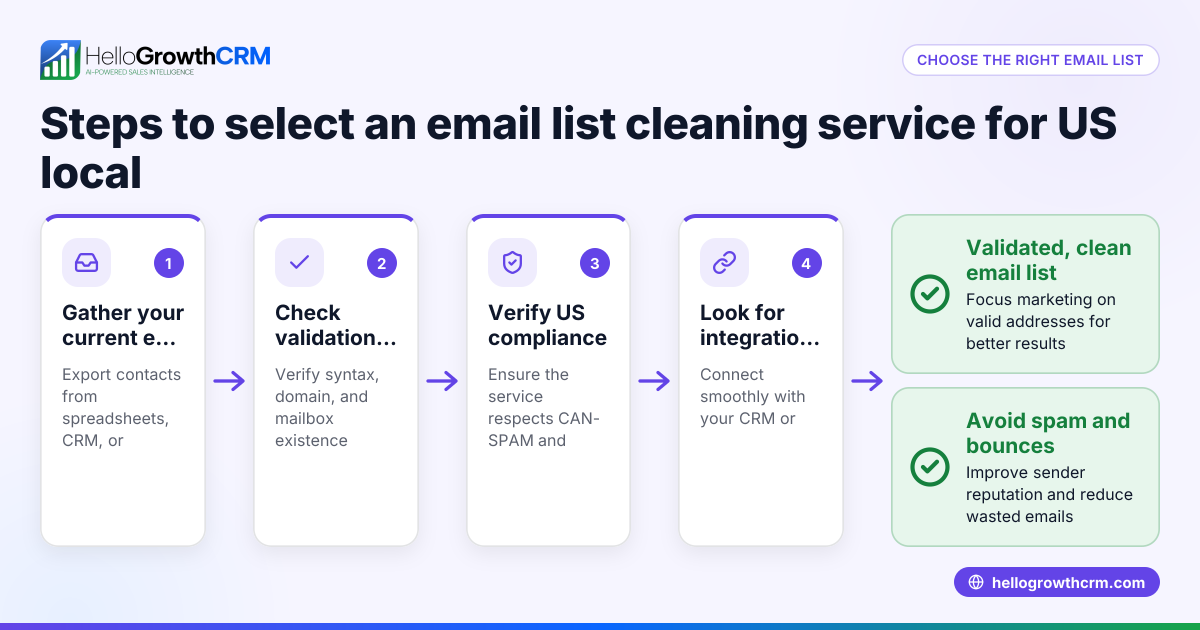
How do I collect local email addresses legally? Always get explicit consent from contacts before emailing them. Use sign-up forms, in-person opt-ins, or local events to gather emails compliantly.
Is local email marketing effective for service businesses? Yes, especially for businesses like plumbing, landscaping, or retail where customers are nearby. Local emails can promote seasonal offers, events, or new services tailored to the area.
Key takeaways
- Local email marketing targets customers in specific geographic areas for relevance.
- Segment your contact list by location and tailor your messages accordingly.
- Use automated sequences to nurture leads with timely follow-ups.
- Test emails and track campaign results to improve effectiveness.
- Avoid common mistakes like ignoring follow-up or sending generic emails.
- HelloGrowthCRM’s shared inbox and sequences help manage local email campaigns efficiently.
Start your local email marketing with HelloGrowthCRM’s Free Forever plan, which lets you manage up to 200 leads without a credit card. Visit Start on the Free Forever plan (200 leads, no credit card) to begin today.
Ready to put this into practice?
Set up your pipeline, WhatsApp follow-ups, and AI lead scoring in minutes — free, no credit card.
Try HelloGrowthCRM freeGet CRM tips in your inbox
Join thousands of sales professionals who get weekly insights on CRM strategy, AI automation, and pipeline optimization.

The HelloGrowthCRM team publishes guides on CRM strategy, AI sales tools, and revenue operations for small business sales teams.