HelloGrowthCRM software
Built for real small-business sales teams
HelloGrowthCRM helps reps qualify faster, follow up on time, and close more deals—with practical automation in one place.
- AI lead scoring and pipeline visibility
- Built-in dialer, WhatsApp, and email automation
- Sales forecasting and RevOps-ready reporting
A local presence dialer helps your business appear local when calling prospects or customers by showing a phone number with their area code on their caller ID. This reduces the chance your call is ignored as spam or telemarketing, improving answer rates and lead engagement.
Why this comes up / what goes wrong
Small-business owners often find their outbound calls go unanswered or are marked as spam. This happens because consumers are wary of unknown numbers, especially those from distant area codes. Without a local presence dialer, your sales team’s calls may be ignored, leading to lost leads and slower follow-up. Many small businesses run sales calls manually using personal phones, text messages, and spreadsheets, which makes local presence dialing difficult to scale or track.
Step-by-step
- Identify your target geographic areas. Determine the key regions or area codes where your prospects or customers live. Check your current customer data or lead sources for common locations.
- Choose a phone system or CRM with local presence dialing. Select a system that allows assigning local numbers for outbound calls matching each target area code. Confirm it supports call outcome logging.
- Set up local numbers for each area code. Acquire or port phone numbers with the desired local area codes. Verify these numbers are active and ready to use.
- Integrate the dialer with your contact and lead data. Ensure your calling system pulls the prospect’s location and automatically uses the matching local number for calls.
- Train your sales team to use the dialer. Explain how local presence dialing works and how to log call outcomes properly in the CRM.
- Monitor call outcomes and answer rates. Track if local presence dialing improves engagement and adjust your approach as needed. Use CRM reports to analyze call results.
Example (fictional figures)
A B2B software reseller in Denver, Colorado, targets businesses across Colorado (area code 303) and neighboring states with area codes 720 and 719.
- They acquire local numbers: one 303, one 720, and one 719.
- Sales reps use a dialer that automatically selects the local number matching the prospect’s area code.
- On 01/15/2026, they call 300 leads evenly split among the three area codes.
Assuming an answer rate increase from 10% to 20% due to local presence dialing:
Without local presence dialer: 300 calls × 10% answer rate = 30 answered calls
With local presence dialer: 300 calls × 20% answer rate = 60 answered calls
This doubles their live conversations, improving lead follow-up and sales opportunities.
Common mistakes
- Not matching the prospect’s area code correctly. Prevent this by verifying lead location data and testing dialer settings before full rollout.
- Using too few local numbers for large regions. Prevent this by acquiring enough numbers to cover all key target areas.
- Failing to log call outcomes in the CRM. Prevent this by training sales reps and using a dialer integrated with your CRM.
- Ignoring compliance and telemarketing rules. Prevent this by consulting legal advice and following relevant regulations.
- Relying on manual dialing and spreadsheets. Prevent this by adopting a CRM with a built-in dialer to automate and track calls.
Doing this in HelloGrowthCRM
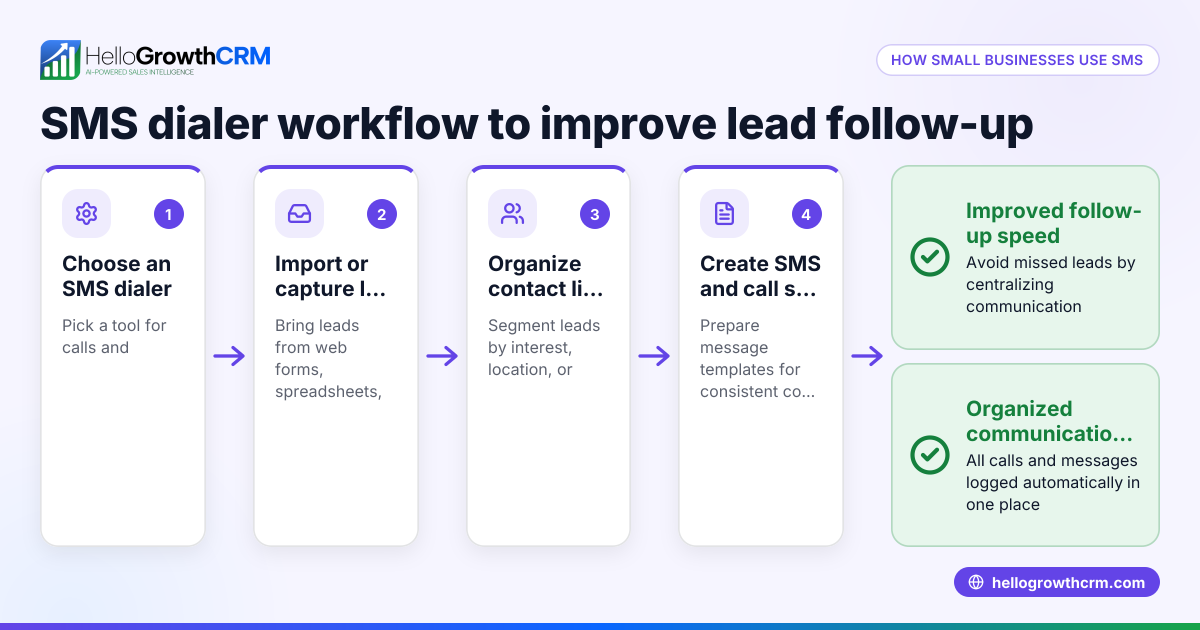
HelloGrowthCRM includes a built-in dialer that lets reps work a list of leads directly inside the CRM. Each call’s outcome is logged automatically on the lead record, keeping your call history organized and tied to contacts and deals. The Starter plan includes a local dialer suitable for small businesses wanting to improve call engagement without juggling multiple apps or spreadsheets. Learn more about the built-in CRM dialer and how it integrates with your sales workflow. HelloGrowthCRM also supports WhatsApp and SMS CRM communication, making it easier to follow up across channels. For US businesses, see how HelloGrowthCRM for the United States fits local needs.
Frequently asked questions
What is a local presence dialer? It is a phone system feature that shows the caller ID with a local area code matching the recipient’s location, helping calls appear familiar and increasing answer rates.
Why does a local presence dialer improve call answers? Recipients are more likely to answer calls from local numbers because they seem less like spam or telemarketing, making your outreach more effective.
Can I use a local presence dialer without a CRM? Yes, but it’s harder to manage and track calls manually. A CRM with a built-in dialer streamlines calling, logging, and follow-up.
Is local presence dialing legal? Local presence dialing is legal but must comply with telemarketing laws and regulations, such as the TCPA in the US. (ftc.gov) Always consult legal advice.
How does HelloGrowthCRM support local presence dialing? Its built-in dialer lets reps call leads inside the CRM, log call outcomes, and maintain a call history tied to contacts and deals, improving sales team efficiency.
Key takeaways
- A local presence dialer shows a local area code on outbound calls to boost answer rates.
- Small businesses lose leads when calls seem unfamiliar or spammy without local presence dialing.
- Set up local numbers for your target areas and integrate dialing with your CRM.
- Avoid common mistakes like poor area code matching and manual call tracking.
- HelloGrowthCRM’s built-in dialer helps small teams call and log outcomes efficiently.
Start improving your call engagement today by trying HelloGrowthCRM’s built-in dialer. Start on the Free Forever plan (200 leads, no credit card).
Ready to put this into practice?
Set up your pipeline, WhatsApp follow-ups, and AI lead scoring in minutes — free, no credit card.
Try HelloGrowthCRM freeGet CRM tips in your inbox
Join thousands of sales professionals who get weekly insights on CRM strategy, AI automation, and pipeline optimization.

The HelloGrowthCRM team publishes guides on CRM strategy, AI sales tools, and revenue operations for small business sales teams.