HelloGrowthCRM software
Built for real small-business sales teams
HelloGrowthCRM helps reps qualify faster, follow up on time, and close more deals—with practical automation in one place.
- AI lead scoring and pipeline visibility
- Built-in dialer, WhatsApp, and email automation
- Sales forecasting and RevOps-ready reporting
To manage business contacts effectively means to organize, store, and maintain information about your customers, prospects, suppliers, and partners in a way that is easy to access and update. This article explains why managing contacts is important, provides a clear step-by-step process, highlights common mistakes to avoid, and offers a practical example for a US small business owner.
Why this comes up / what goes wrong
Small-business owners often find themselves overwhelmed by scattered contact information stored in multiple places such as text messages, emails, spreadsheets, or paper notes. This disorganization leads to slow follow-up, missed opportunities, and lost leads. Without a consistent way to manage business contacts, sales teams struggle to track conversations, remember details, or prioritize outreach. This inefficiency can reduce revenue and customer satisfaction.
Step-by-step
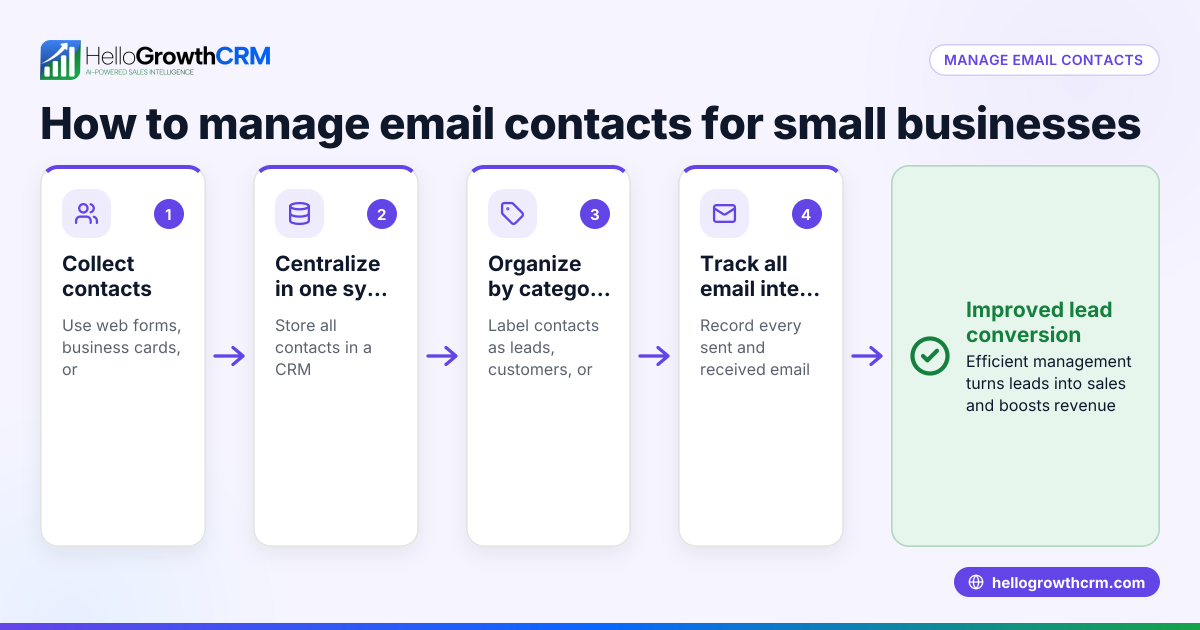
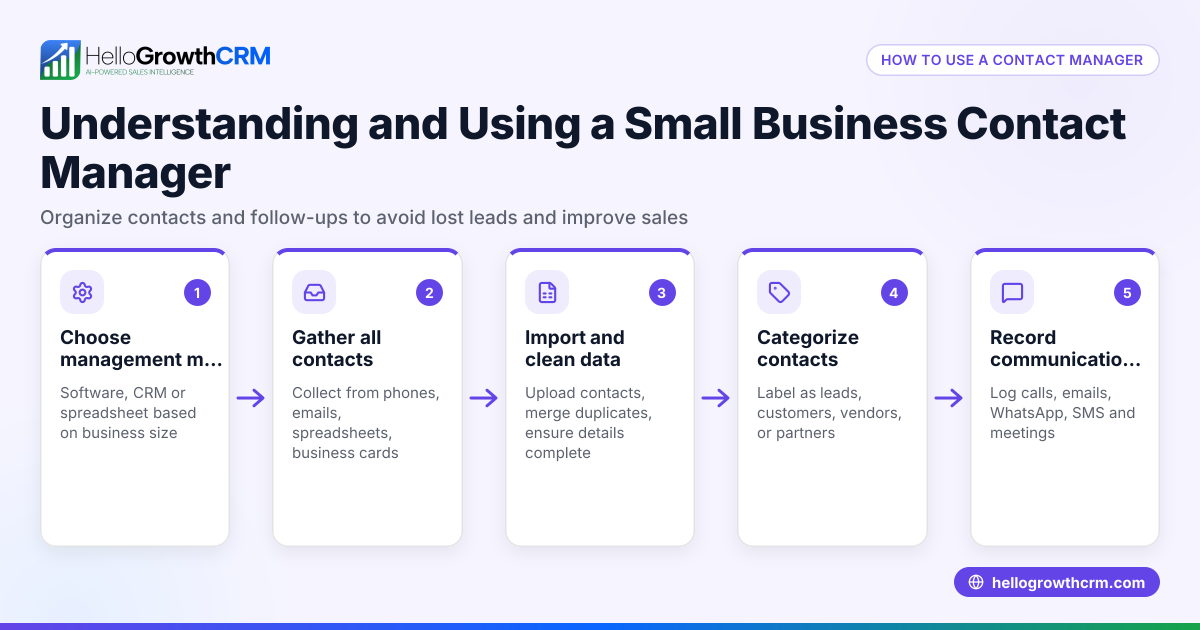
- Collect all existing contacts in one place. Gather contacts from emails, phone logs, spreadsheets, business cards, and messaging apps. Check for duplicates or outdated information.
- Choose a method to store and organize contacts. This could be a spreadsheet, a dedicated contact management tool, or a CRM system. Ensure it allows easy search, update, and categorization.
- Standardize contact details. For each contact, record consistent fields such as full name, company, phone number, email address, physical address, and notes on interactions.
- Categorize contacts by type and priority. Label contacts as leads, customers, suppliers, or partners. Assign priority levels to help focus follow-up efforts.
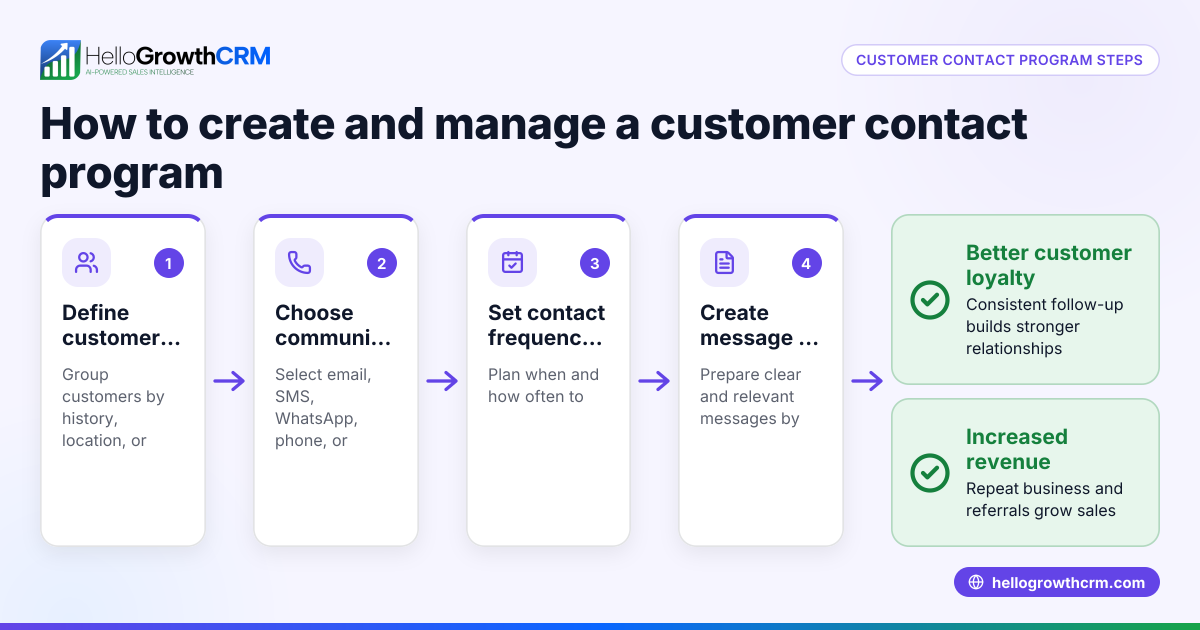
- Set reminders and follow-up tasks. Schedule calls, emails, or messages to keep relationships active and move sales forward.
- Regularly update and clean your contact list. Remove duplicates, correct errors, and archive inactive contacts to keep the list relevant.
- Secure your contact data. Use password protection or encryption to safeguard sensitive information.
- Train your team on the process. Make sure everyone knows how to add, update, and use contact information consistently.
For sales teams using WhatsApp and SMS, integrating contact management with communication channels can improve efficiency. See WhatsApp and SMS CRM for examples of tools that combine messaging and contact management.
Example (fictional figures)
A B2B software reseller in Denver, Colorado, wants to organize its 1,200 contacts scattered across emails and spreadsheets by 07/01/2026.
- Step 1: Collect contacts from three sources:
- Emails: 700 contacts
- Spreadsheets: 500 contacts Total contacts collected = 700 + 500 = 1,200
- Step 2: Identify duplicates (200 contacts found duplicated across sources).
- Step 3: Remove duplicates: 1,200 - 200 = 1,000 unique contacts
- Step 4: Categorize contacts:
- Leads: 400
- Customers: 450
- Suppliers: 100
- Partners: 50
- Step 5: Assign priorities:
- High priority leads: 100
- Medium priority leads: 300
- Step 6: Schedule follow-up tasks:
- Call 100 high-priority leads weekly
- Email 300 medium-priority leads biweekly
- Step 7: Secure data with password protection on the spreadsheet.
- Step 8: Train 5 sales reps on this system by 07/15/2026.
This approach helps the reseller focus on the most promising contacts and maintain accurate records.
Common mistakes
- Scattered data sources: Prevent by centralizing contacts from all platforms into one system.
- Duplicate entries: Avoid by regularly cleaning and merging duplicates.
- Incomplete contact information: Prevent by standardizing required fields for each contact.
- Ignoring follow-up reminders: Use task lists or calendar alerts to stay consistent.
- Not training the team: Hold regular sessions so everyone follows the same process.
- Failing to secure sensitive data: Use secure software or password protection to prevent unauthorized access.
For teams relying on calls, a built-in CRM dialer can streamline outreach and logging.
Frequently asked questions
What is the best way to organize business contacts? The best way depends on your business size and needs. A simple spreadsheet can work for very small teams, but a CRM system offers better organization, searchability, and integration with communication tools.
How often should I update my contact list? Regular updates are important. Review and clean your contacts at least quarterly to remove duplicates, update details, and archive inactive contacts.
Can I manage contacts using WhatsApp? Yes, many businesses use WhatsApp for communication, but managing contacts solely through WhatsApp can become disorganized. Combining WhatsApp with a CRM designed for messaging can improve efficiency. See WhatsApp and SMS CRM for more.
How do I prevent losing leads due to slow follow-up? Set up reminders and task boards to track follow-ups. Using a CRM or task management tool helps keep follow-ups timely and visible to the team.
Is it necessary to train my team on contact management? Yes. Consistent training ensures everyone inputs and uses contact data correctly, preventing errors and improving sales efficiency.
What tools can help with managing business contacts? Besides spreadsheets, consider CRM software that integrates with your communication channels. For US businesses, solutions that include a built-in CRM dialer and support WhatsApp and SMS messaging can be especially useful.
Key takeaways
- Centralize all contacts in one accessible place.
- Standardize and complete contact information fields.
- Categorize contacts by type and priority for focused follow-up.
- Schedule reminders and tasks to maintain consistent communication.
- Regularly clean and update your contact list.
- Train your team to follow a unified contact management process.
Managing business contacts well improves follow-up speed, sales effectiveness, and customer relationships. Start organizing your contacts today to avoid lost opportunities.
Start on the Free Forever plan (200 leads, no credit card) at HelloGrowthCRM to begin managing your contacts efficiently.
Ready to put this into practice?
Set up your pipeline, WhatsApp follow-ups, and AI lead scoring in minutes — free, no credit card.
Try HelloGrowthCRM freeGet CRM tips in your inbox
Join thousands of sales professionals who get weekly insights on CRM strategy, AI automation, and pipeline optimization.

The HelloGrowthCRM team publishes guides on CRM strategy, AI sales tools, and revenue operations for small business sales teams.