HelloGrowthCRM software
Built for real small-business sales teams
HelloGrowthCRM helps reps qualify faster, follow up on time, and close more deals—with practical automation in one place.
- AI lead scoring and pipeline visibility
- Built-in dialer, WhatsApp, and email automation
- Sales forecasting and RevOps-ready reporting
Mass email software is a tool that helps small businesses send large volumes of emails to many contacts at once. It automates the sending process, tracks replies, and manages follow-ups to keep sales and marketing organized and efficient.
Why this comes up / what goes wrong
Small-business owners often begin by emailing prospects and customers individually or using basic tools like spreadsheets and regular email clients. As the contact list grows, this approach becomes unmanageable. Sending bulk emails manually can lead to errors, missed replies, and inconsistent follow-up. Without proper tools, leads slip through the cracks, sales slow down, and the team wastes time. Searching for "mass email software" is a sign the business wants a better way to communicate efficiently, save time, and improve sales results.
Step-by-step
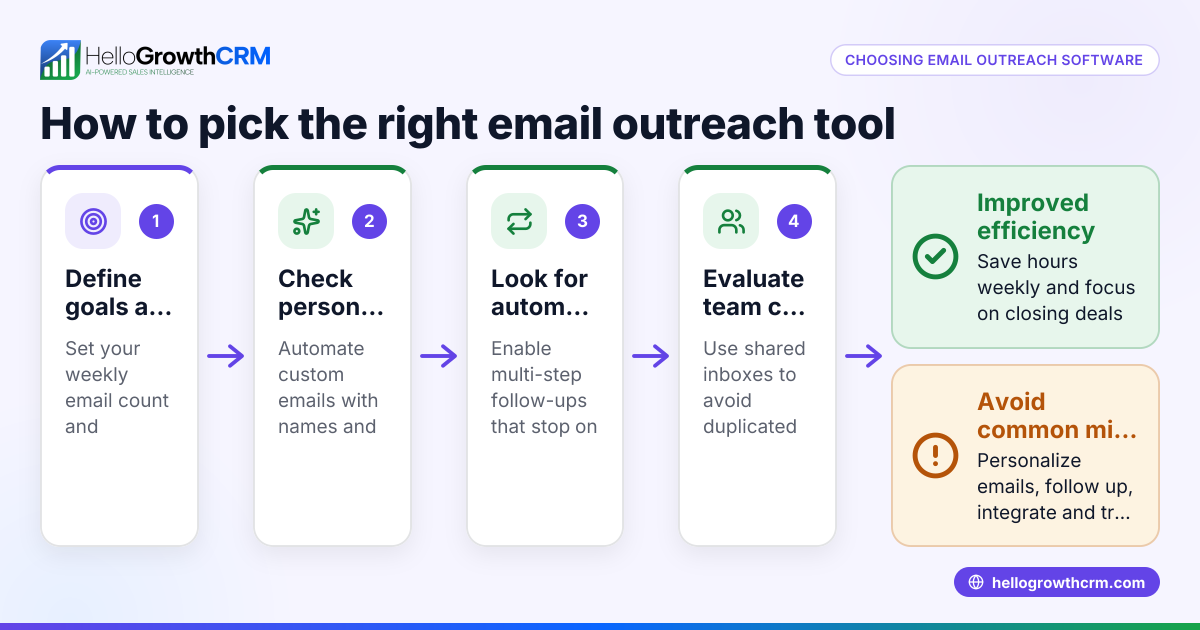
- Define your needs: Determine how many emails you plan to send and how often. Decide if you want simple bulk blasts or automated follow-up sequences.
- Check deliverability features: Look for software that supports domain authentication (SPF, DKIM) and handles bounces to keep your emails out of spam folders.
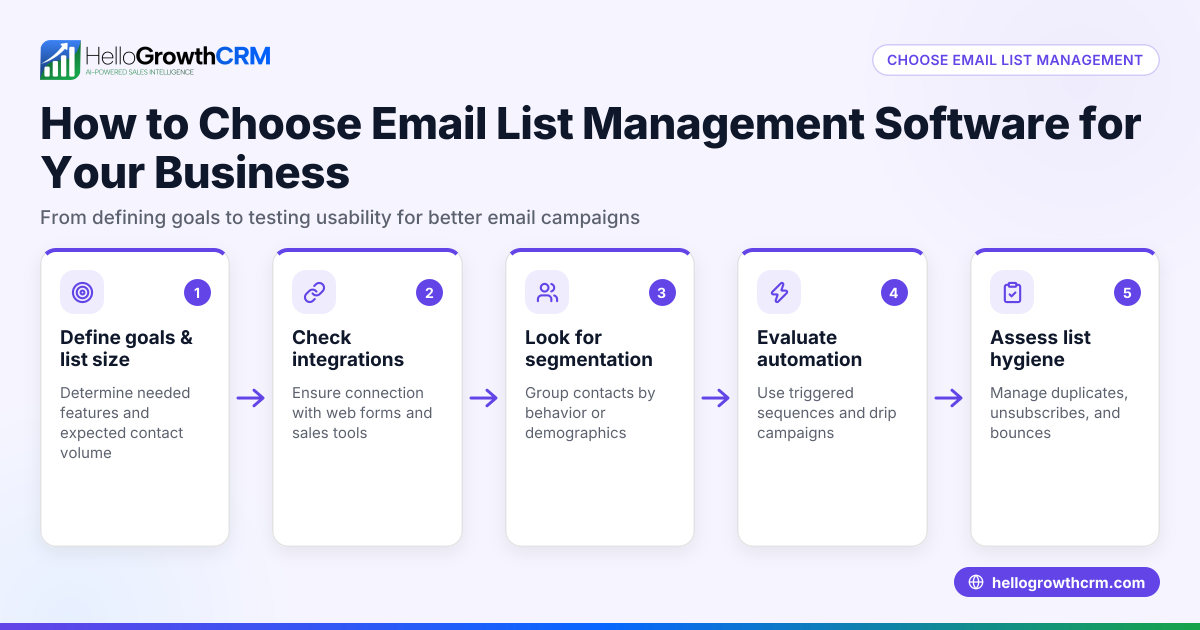
- Evaluate contact management: The software should let you import contacts easily, segment lists by interest or stage, and update records without hassle.
- Look for automation capabilities: Automated sequences or campaigns send follow-ups on schedule until a reply arrives, saving manual work and keeping prospects engaged.
- Consider team collaboration: If multiple salespeople handle leads, a shared inbox or centralized system helps everyone see replies and coordinate responses.
- Review reporting and tracking: You want visibility into open rates, click rates, and replies to measure how well your emails perform.
- Check integration options: Make sure the software connects with your existing tools like web forms, CRMs, or other marketing platforms.
- Test user experience: The interface should be easy for your team to learn and use without extensive training.
Example (fictional figures)
A Denver-based B2B software reseller plans a mass email campaign to 5,000 leads starting on 07/01/2026. They want to run a five-step follow-up sequence over two weeks, expecting a 10% reply rate.
- Total emails planned = 5,000 leads × 5 steps = 25,000 emails
- Expected replies = 5,000 leads × 10% reply rate = 500 replies
Because the software stops follow-ups when a prospect replies, the actual number of emails sent will be less than 25,000. This automation reduces unnecessary emails, saves the sales team time, and ensures no lead is contacted more than needed.
Common mistakes
- Sending without segmentation: Avoid sending the same message to all contacts. Segment your list by interest or sales stage to improve relevance and response.
- Ignoring reply management: Without a shared inbox, replies can be missed or duplicated. Use tools that centralize communication so your team stays coordinated.
- Overlooking automation: Manually tracking follow-ups wastes time and risks errors. Use automated sequences that stop when prospects reply.
- Neglecting deliverability: Poorly configured mass emails may end up in spam folders. Ensure your software supports domain authentication and bounce handling.
- Choosing complex software: If your team struggles to use the tool, adoption drops and emails get delayed. Pick user-friendly software.
- Not tracking results: Without reporting on opens, clicks, and replies, you can’t improve your campaigns. Monitor these metrics regularly.
Doing this in HelloGrowthCRM
HelloGrowthCRM offers HelloMail, a shared inbox inside the CRM where replies to quotation emails are visible to the whole team on the deal. This prevents missed responses and duplicated work. Its sequences and campaigns feature runs automated five-step follow-ups over two weeks, stopping immediately when a prospect replies. This keeps outreach consistent and efficient without manual tracking. Learn more about email automation and sequences and how HelloGrowthCRM supports WhatsApp and SMS CRM for multi-channel communication.
Frequently asked questions
What is the difference between mass email software and regular email? Mass email software is designed to send bulk emails efficiently with automation, tracking, and list management. Regular email clients are made for one-to-one communication and lack these bulk sending and tracking features.
Can I use mass email software for sales follow-up? Yes, many mass email tools offer automated sequences that send follow-up emails until a prospect replies. This helps sales teams manage outreach without manual effort.
How do I avoid my mass emails going to spam? Use software that supports domain authentication (SPF, DKIM), manage bounce rates, and segment your list to send relevant content. Avoid spammy language and excessive email frequency.
Is it better to send mass emails or personalized emails? Personalized emails generally get better responses. Mass email software often includes personalization features to insert names or custom details, combining scale with relevance.
Can my team collaborate on mass email replies? Yes, tools like HelloMail provide a shared inbox where your team can see and respond to replies collaboratively, avoiding lost or duplicated responses.
Do I need technical skills to use mass email software? Most modern tools are designed for non-technical users with easy interfaces and templates. Testing before choosing helps ensure your team can adopt the software smoothly.
Key takeaways
- Mass email software automates sending bulk emails and managing replies to save time and improve sales.
- Define your needs clearly, and check automation, deliverability, and collaboration features before choosing.
- Avoid common mistakes like ignoring segmentation, reply management, and reporting.
- HelloGrowthCRM offers a shared inbox and automated sequences to manage mass emails efficiently.
- Test usability and integration to ensure smooth adoption by your sales team.
Start on the Free Forever plan (200 leads, no credit card) at HelloGrowthCRM to try mass email features and grow your sales efficiently.
Ready to put this into practice?
Set up your pipeline, WhatsApp follow-ups, and AI lead scoring in minutes — free, no credit card.
Try HelloGrowthCRM freeGet CRM tips in your inbox
Join thousands of sales professionals who get weekly insights on CRM strategy, AI automation, and pipeline optimization.

The HelloGrowthCRM team publishes guides on CRM strategy, AI sales tools, and revenue operations for small business sales teams.