HelloGrowthCRM software
Built for real small-business sales teams
HelloGrowthCRM helps reps qualify faster, follow up on time, and close more deals—with practical automation in one place.
- AI lead scoring and pipeline visibility
- Built-in dialer, WhatsApp, and email automation
- Sales forecasting and RevOps-ready reporting
Email outreach software automates sending personalized emails to prospects and customers, helping small businesses save time and improve follow-up. This article covers why businesses seek email outreach tools, step-by-step guidance to evaluate options, a realistic example, common mistakes to avoid, and how HelloGrowthCRM supports email outreach.
Why this comes up / what goes wrong
Small-business owners often start with manual email outreach using personal inboxes or basic tools like spreadsheets and copy-pasting messages. This approach quickly becomes inefficient as the business grows or the sales team expands. Leads get lost or forgotten, follow-up is inconsistent, and it's hard to track who replied or what was said. Without automation, sending timely follow-ups is a challenge, and sales opportunities slip away. Owners look for email outreach software to organize contacts, automate sequences, and keep the team aligned.
Step-by-step
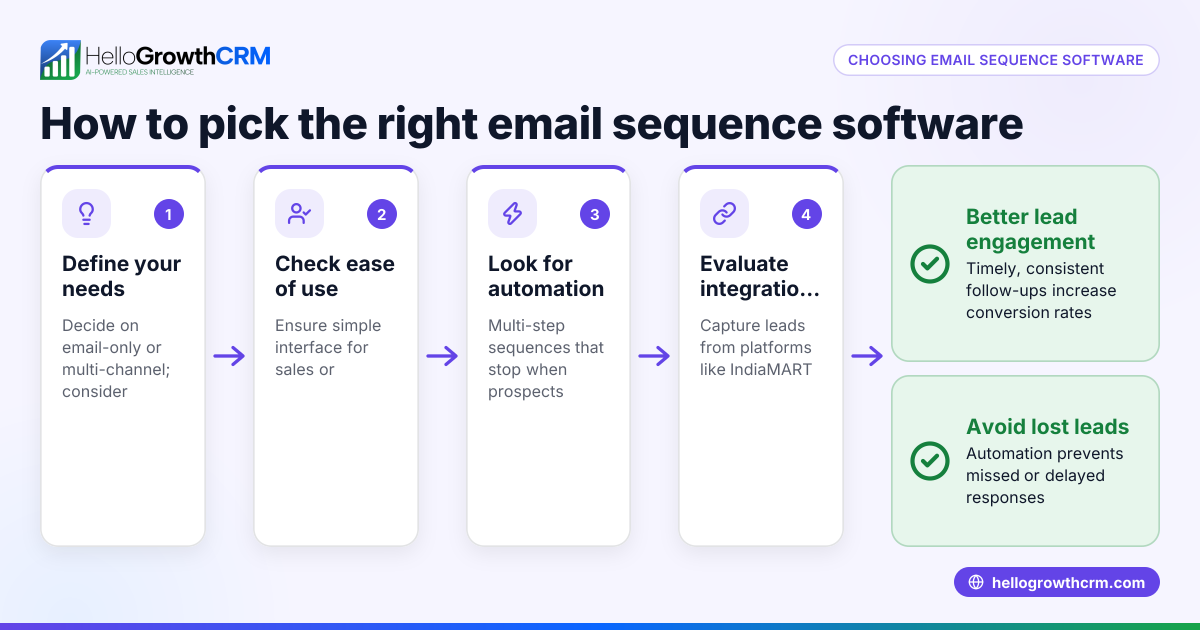
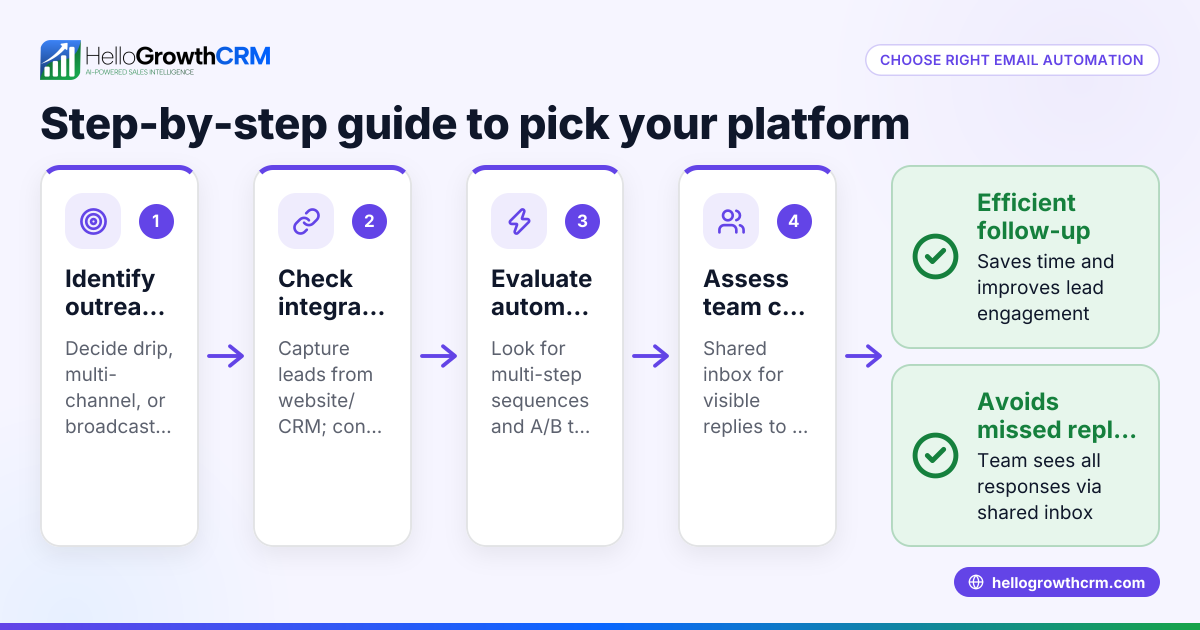
- Define your outreach goals and volume: Determine how many emails you need to send weekly and what outcomes you want—lead generation, follow-up, or customer engagement. This helps set the scale and complexity needed.
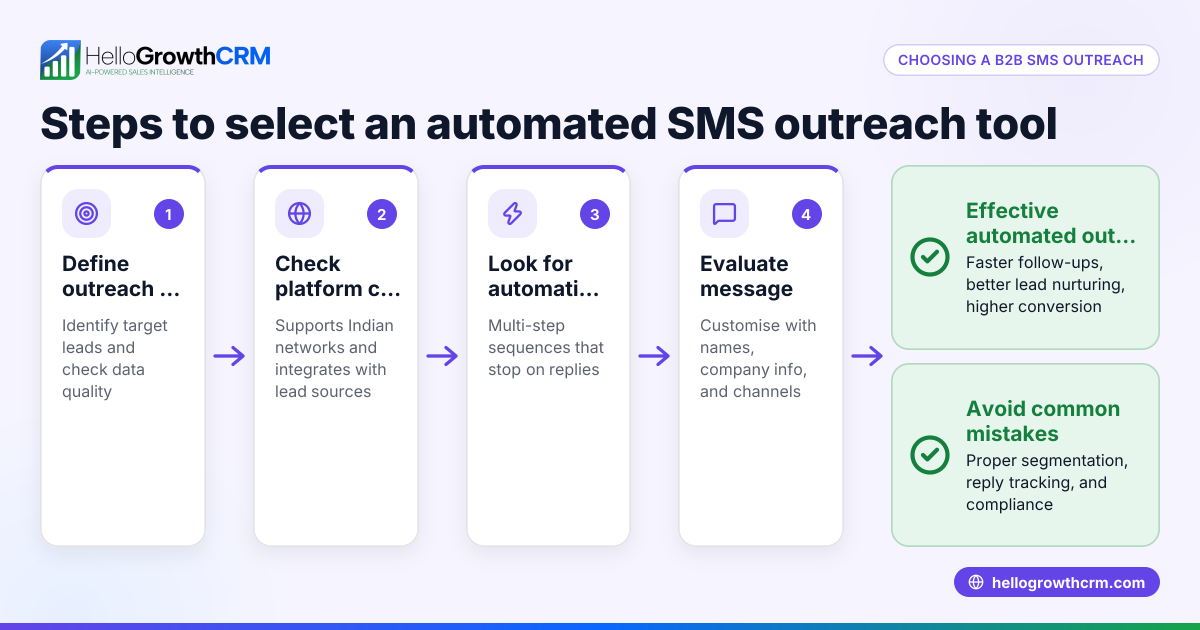
- Check for personalization capabilities: Good software lets you customize emails with names, company info, or other details to avoid generic messages that reduce response rates.
- Look for automated sequences and follow-ups: Choose tools that allow multi-step automated email sequences with timed intervals that stop when a prospect replies, ensuring persistent but respectful outreach.
- Evaluate team collaboration features: If multiple people handle sales, shared inboxes or visible reply threads prevent duplicated efforts and keep everyone informed.
- Consider integration options: The software should integrate with your existing tools like your CRM, web forms, or lead sources to capture contacts automatically.
- Review reporting and tracking: Look for features that track open rates, click-throughs, replies, and overall campaign performance to optimize your outreach.
- Check ease of use and support: The tool should be user-friendly for your team and offer reliable customer support.
- Compare pricing and plans carefully: Understand limits on contacts, emails per month, team seats, and feature tiers.
Example (fictional figures)
A residential real-estate team in Phoenix, Arizona, wants to improve their email outreach to potential home buyers. They currently send 200 emails manually each week with inconsistent follow-up.
They choose software with automated sequences to send a five-step follow-up over two weeks.
- Weekly emails sent manually: 200
- Time spent per email: 3 minutes
- Weekly time spent: 200 × 3 = 600 minutes = 10 hours
With automation:
- Initial setup time: 4 hours
- Automated follow-up reduces manual emails to 50 per week
- Time spent on manual emails weekly: 50 × 3 = 150 minutes = 2.5 hours
Time saved weekly:
10 hours - 2.5 hours = 7.5 hours
Over a month (4 weeks):
7.5 hours × 4 = 30 hours saved
This frees the team to focus on closing deals instead of chasing leads.
Common mistakes
- Not personalizing emails: Sending generic emails leads to low response rates. Prevent this by using software that supports dynamic fields for personalization.
- Ignoring follow-up sequences: Many prospects need multiple touches. Avoid losing leads by setting up automated follow-up sequences that stop when a reply arrives.
- Using separate tools for email and CRM: Switching between apps causes lost information. Choose an integrated system or one that connects well with your CRM.
- Overloading recipients with too many emails: This can annoy potential customers. Set reasonable intervals and limits in your sequences.
- Not tracking results: Without analytics, you can’t improve. Use software with reporting to monitor open rates, replies, and conversions.
- Failing to train the team: Without proper training, tools go unused. Invest time in onboarding your sales team.
For more on automating follow-ups, see email automation and sequences.
Doing this in HelloGrowthCRM
HelloGrowthCRM offers a shared inbox called HelloMail, where replies to quotation emails are visible to the whole team on the deal, reducing duplicated effort and missed responses. It also supports sequences and campaigns: a five-step follow-up over two weeks runs automatically and stops as soon as a prospect replies. These features help small sales teams manage email outreach efficiently without switching between tools. Learn more about these features at email automation and sequences.
Frequently asked questions
What is email outreach software used for? Email outreach software automates sending personalized emails to prospects and customers. It helps small businesses manage follow-ups, increase response rates, and track communication in one place.
Can email outreach software integrate with other tools? Yes, many email outreach tools integrate with CRMs, lead capture forms, and communication platforms. This integration streamlines lead management and ensures contact information stays updated.
How do automated email sequences work? Automated sequences send a series of timed emails to prospects. They continue until the prospect replies or the sequence ends. This ensures consistent follow-up without manual effort.
Is it better to use a shared inbox for sales emails? A shared inbox allows the whole sales team to see incoming replies and coordinate responses. This prevents duplicated work and missed messages, improving team efficiency.
What should I look for in email outreach software pricing? Check limits on the number of contacts, emails per month, user seats, and whether key features like sequences and shared inboxes are included at your plan level.
For more on how HelloGrowthCRM supports sales teams, see HelloGrowthCRM for the United States and WhatsApp and SMS CRM.
Key takeaways
- Email outreach software automates personalized email sending and follow-ups, saving time.
- Look for features like automated sequences, team-shared inboxes, and integration with your CRM.
- Avoid common mistakes like ignoring follow-ups, not personalizing messages, and poor tracking.
- HelloGrowthCRM offers HelloMail shared inbox and automated sequences to help teams manage email outreach efficiently.
- Evaluate pricing, ease of use, and support before choosing software.
Start improving your email outreach today. Start on the Free Forever plan (200 leads, no credit card).
Ready to put this into practice?
Set up your pipeline, WhatsApp follow-ups, and AI lead scoring in minutes — free, no credit card.
Try HelloGrowthCRM freeGet CRM tips in your inbox
Join thousands of sales professionals who get weekly insights on CRM strategy, AI automation, and pipeline optimization.

The HelloGrowthCRM team publishes guides on CRM strategy, AI sales tools, and revenue operations for small business sales teams.