HelloGrowthCRM software
Built for real small-business sales teams
HelloGrowthCRM helps reps qualify faster, follow up on time, and close more deals—with practical automation in one place.
- AI lead scoring and pipeline visibility
- Built-in dialer, WhatsApp, and email automation
- Sales forecasting and RevOps-ready reporting
Email parser software helps small businesses automatically extract key information—like order details, contact info, or support requests—from emails and convert it into usable data for sales, support, or operations. This removes the need to manually copy and paste data from emails into spreadsheets or CRM systems.
Why this comes up / what goes wrong
Small business owners often rely on email for customer inquiries, orders, or quotes. Without automation, staff must read each email, find relevant data, and enter it manually into systems. This process is slow, error-prone, and wastes valuable time. As email volume grows, delays in processing leads or orders can cause lost sales and frustrated customers. Email parser software addresses this by automatically extracting data and feeding it into your business tools, speeding up response times and improving accuracy.
Step-by-step
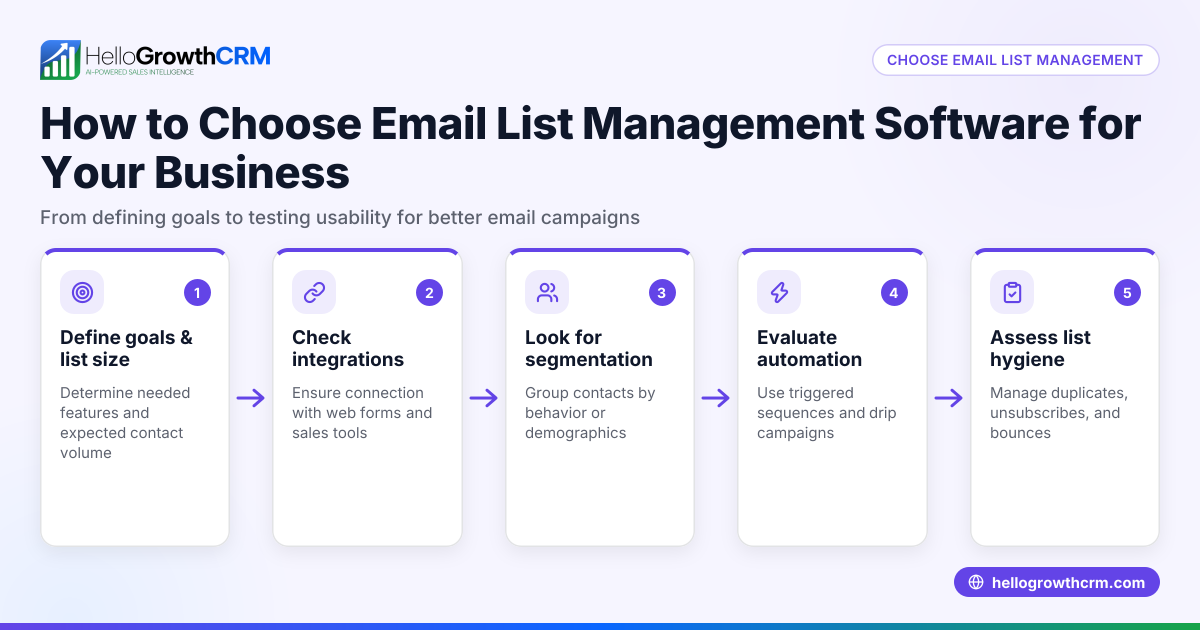
- Identify your data needs: Decide exactly what information you want to extract from emails (e.g., customer name, phone, order number, product details).
- Check email formats: Review typical emails you receive to see if data appears in consistent formats or locations; this affects parser setup complexity.
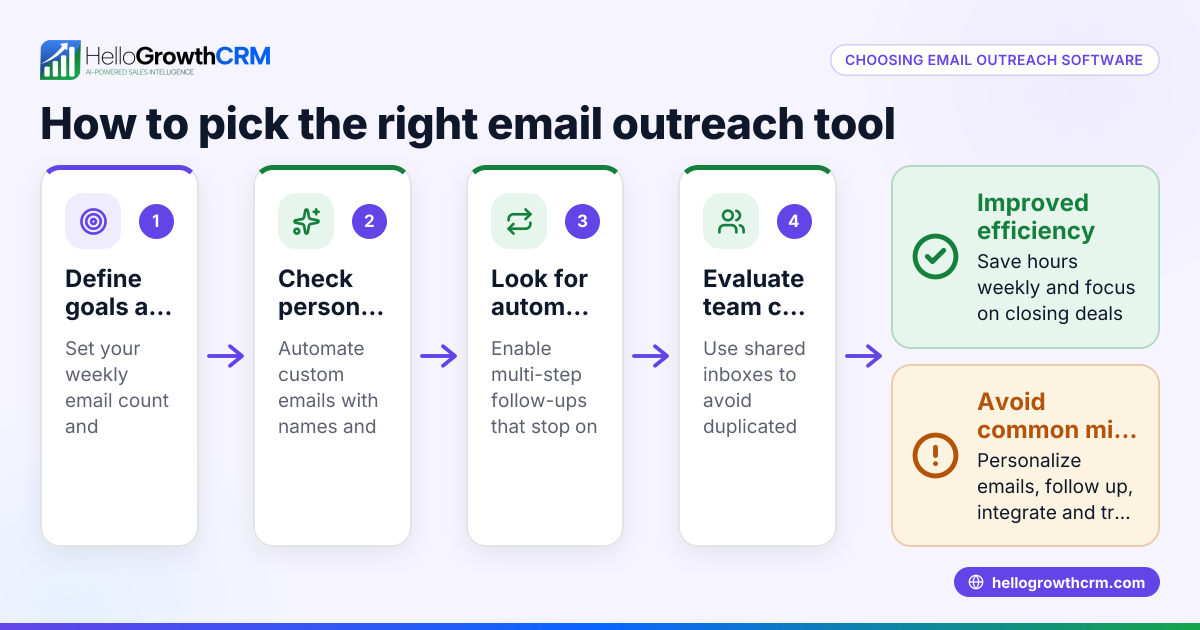
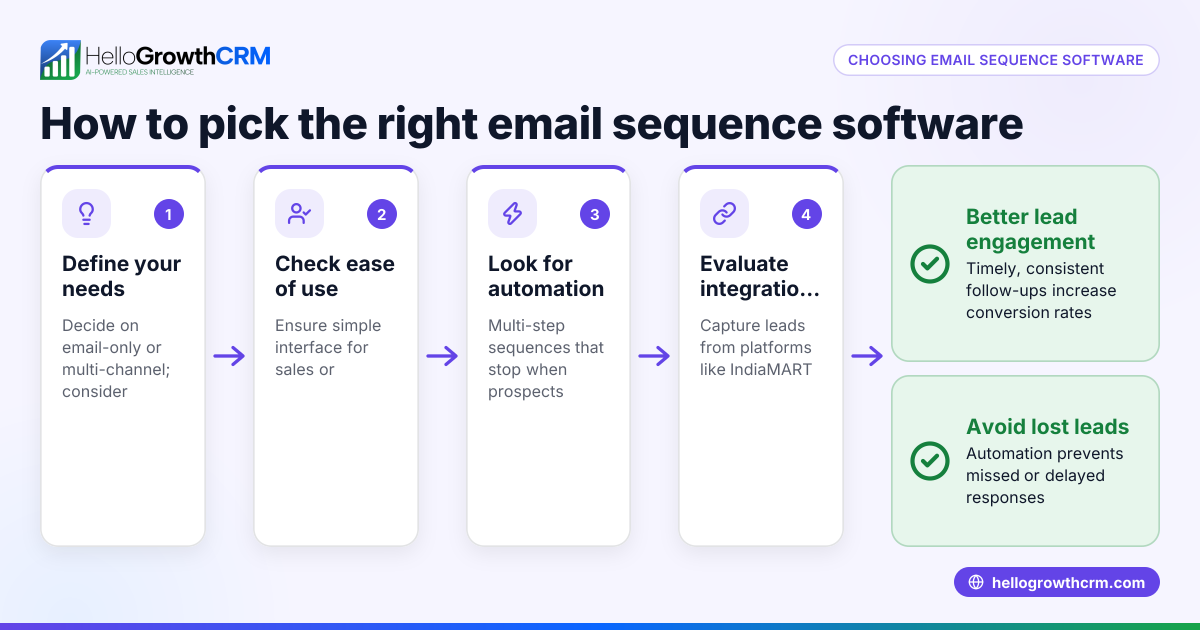
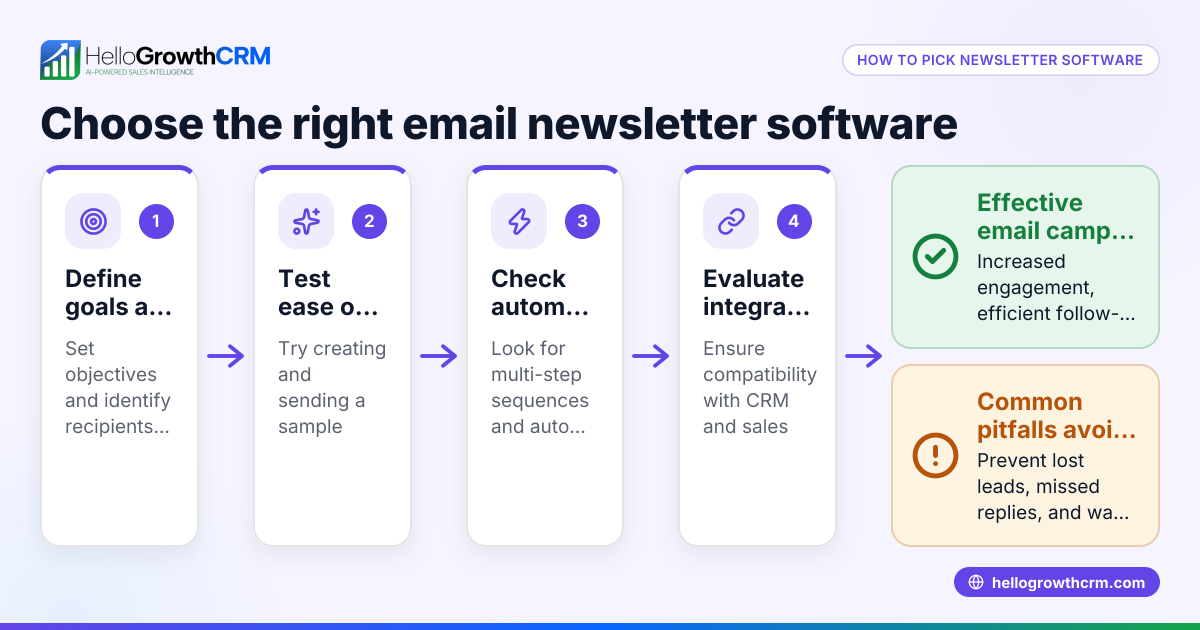
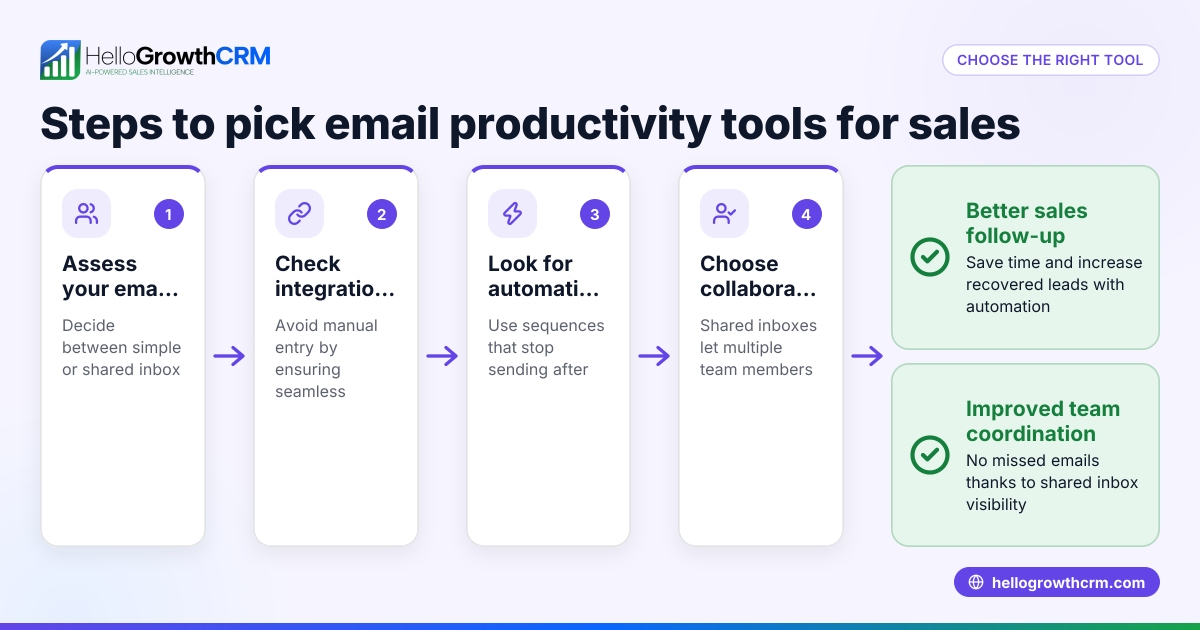
- Evaluate parser features: Look for software that can handle your email formats (HTML, plain text), supports custom parsing rules, and integrates with your CRM or tools.
- Test extraction accuracy: Use trial versions or demos to parse sample emails and verify the data is correctly captured without errors.
- Consider automation workflows: Choose software that can trigger follow-up actions automatically, such as sending emails or updating records.
- Assess team collaboration: If multiple team members handle leads, ensure the software supports shared inboxes or visibility to avoid duplicated work.
- Review pricing and scalability: Confirm the software fits your budget and can handle your email volume as your business grows.
- Check support and updates: Reliable customer support and regular software updates are important for ongoing effectiveness.
Example (fictional figures)
A residential real-estate team in Phoenix, Arizona receives dozens of property inquiry emails daily. They want to extract client name, phone number, property ID, and budget from each email automatically.
- Monthly email volume: 600 inquiries
- Average manual processing time per email: 3 minutes
- Staff hourly cost: $25
Manual monthly cost: 600 emails × 3 minutes = 1,800 minutes = 30 hours 30 hours × $25 = $750
By implementing email parser software, they reduce processing time to 30 seconds per email: 600 emails × 0.5 minutes = 300 minutes = 5 hours 5 hours × $25 = $125
Monthly savings: $750 - $125 = $625
This time saved allows faster lead follow-up, increasing chances of closing deals.
Common mistakes
- Choosing software without testing on your actual email formats: Prevent by running real email samples through the parser before buying.
- Ignoring integration capabilities: Prevent by ensuring the parser connects with your CRM or workflow tools, such as HelloGrowthCRM's shared inbox features.
- Overlooking automation features: Prevent by selecting software that supports sequences and campaigns to automate follow-ups; see email automation and sequences.
- Failing to train the team on new processes: Prevent by providing clear instructions and support for staff to use the parser and related tools.
- Underestimating data privacy and security needs: Prevent by reviewing vendor security policies and compliance relevant to your business.
Doing this in HelloGrowthCRM
HelloGrowthCRM offers HelloMail shared inbox, allowing your team to manage inbound emails together so replies to quotation emails are visible to everyone working on the deal. Its sequences and campaigns feature automates follow-up with a five-step workflow over two weeks that stops as soon as the prospect replies, reducing manual effort and speeding up response times. Learn more about these features at email automation and sequences.
Frequently asked questions
What types of emails can email parser software handle? Most email parsers work with plain text and HTML emails. Some can handle attachments like PDFs or images, but this depends on the software. Check if your typical email formats are supported.
Can email parser software integrate with my CRM? Yes, many email parsers offer integrations or APIs to connect with popular CRMs. This lets you automatically add parsed data to contact records or deals, reducing manual data entry.
Is email parser software suitable for small businesses? Absolutely. It saves time and reduces errors even with moderate email volumes. Many solutions offer scalable pricing and features tailored to small and mid-sized businesses.
How does automation improve sales follow-up? Automation tools like sequences send timed follow-up messages automatically until the prospect replies. This ensures no lead is forgotten and improves conversion rates. HelloGrowthCRM supports this with multi-channel sequences including email and SMS.
Do I need technical skills to use email parser software? Some parsers require setting up parsing rules, which may need some technical knowledge. Look for user-friendly options with templates or support to help you get started.
Key takeaways
- Email parser software extracts data from emails automatically, saving time and reducing errors.
- Evaluate software by testing on your actual emails, checking integration, automation, and team features.
- Avoid common mistakes by verifying accuracy, integration, and training your team.
- HelloGrowthCRM supports email automation with shared inbox and sequences to streamline sales follow-up.
- Automation accelerates response times and helps capture more leads efficiently.
Start automating your email workflows today. You can Start on the Free Forever plan (200 leads, no credit card) with HelloGrowthCRM to try shared inbox and sequences for your sales team.
Ready to put this into practice?
Set up your pipeline, WhatsApp follow-ups, and AI lead scoring in minutes — free, no credit card.
Try HelloGrowthCRM freeGet CRM tips in your inbox
Join thousands of sales professionals who get weekly insights on CRM strategy, AI automation, and pipeline optimization.

The HelloGrowthCRM team publishes guides on CRM strategy, AI sales tools, and revenue operations for small business sales teams.