HelloGrowthCRM software
Built for real small-business sales teams
HelloGrowthCRM helps reps qualify faster, follow up on time, and close more deals—with practical automation in one place.
- AI lead scoring and pipeline visibility
- Built-in dialer, WhatsApp, and email automation
- Sales forecasting and RevOps-ready reporting
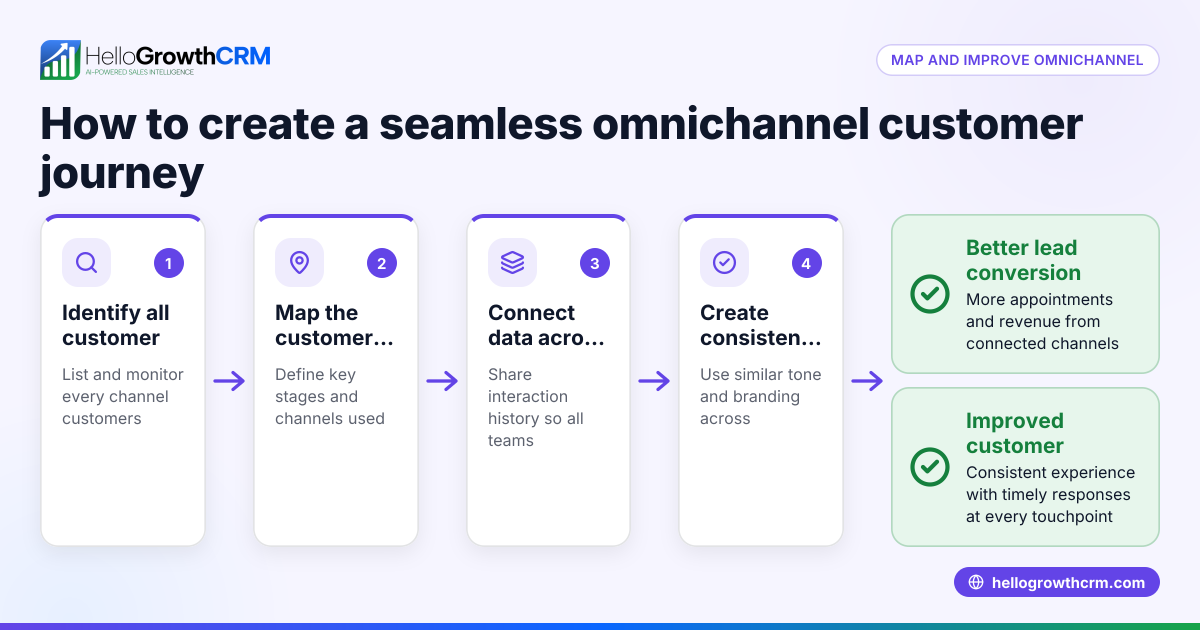
Omnichannel customer experience means your customers have a seamless and consistent journey no matter how they contact you. Whether they send a WhatsApp message, email, call your office, or visit in person, they receive coordinated service without repeating information. This approach reduces lost leads and improves customer satisfaction by connecting all communication channels into one unified experience.
Why this comes up / what goes wrong
Small businesses often manage customer communication through separate tools: texting on phones, emails in inboxes, phone calls logged on paper or spreadsheets, and notes scattered across apps. This fragmentation creates problems like slow follow-up, duplicate efforts, and frustrated customers.
For example, a customer might email a question and later send a WhatsApp message about the same issue. If your team doesn’t see both conversations linked, the customer may have to repeat details or wait longer for answers. Sales and support teams struggle to stay updated and deliver consistent service without a unified view.
This leads to lost revenue from missed opportunities and damages your reputation. An omnichannel customer experience fixes this by bringing all interactions together, so your team works from the same information and customers feel valued.
Step-by-step
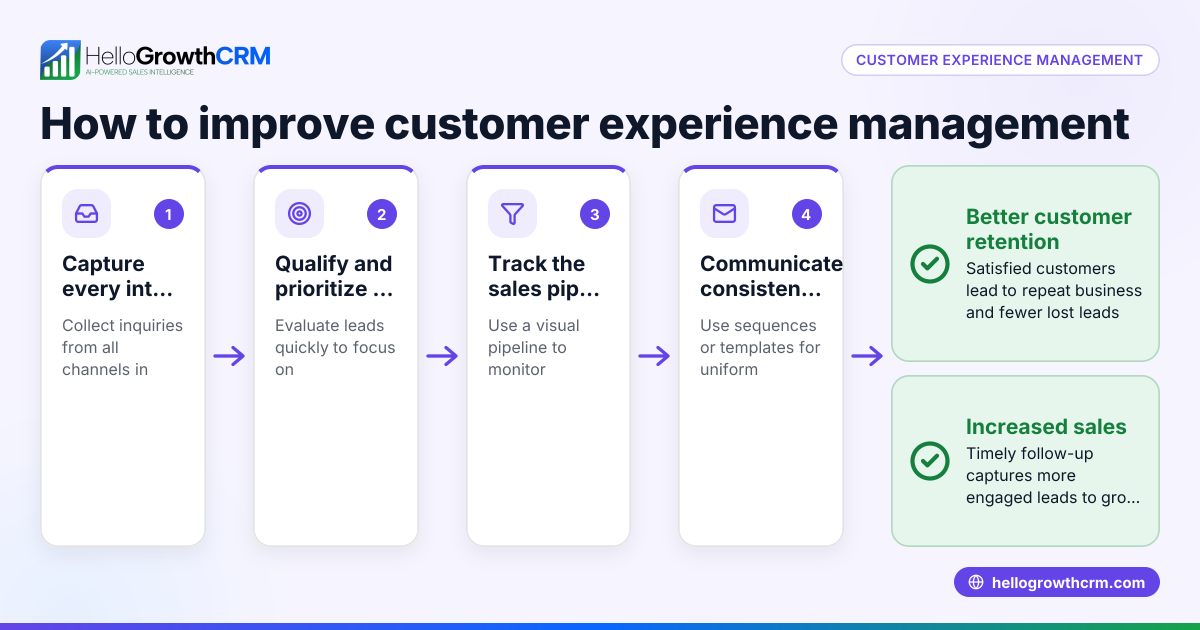
- List every customer contact channel
- Write down all ways customers reach you: phone calls, SMS, WhatsApp, emails, website forms, social media.
- Check if these channels are tracked separately or together.
- Centralize customer data
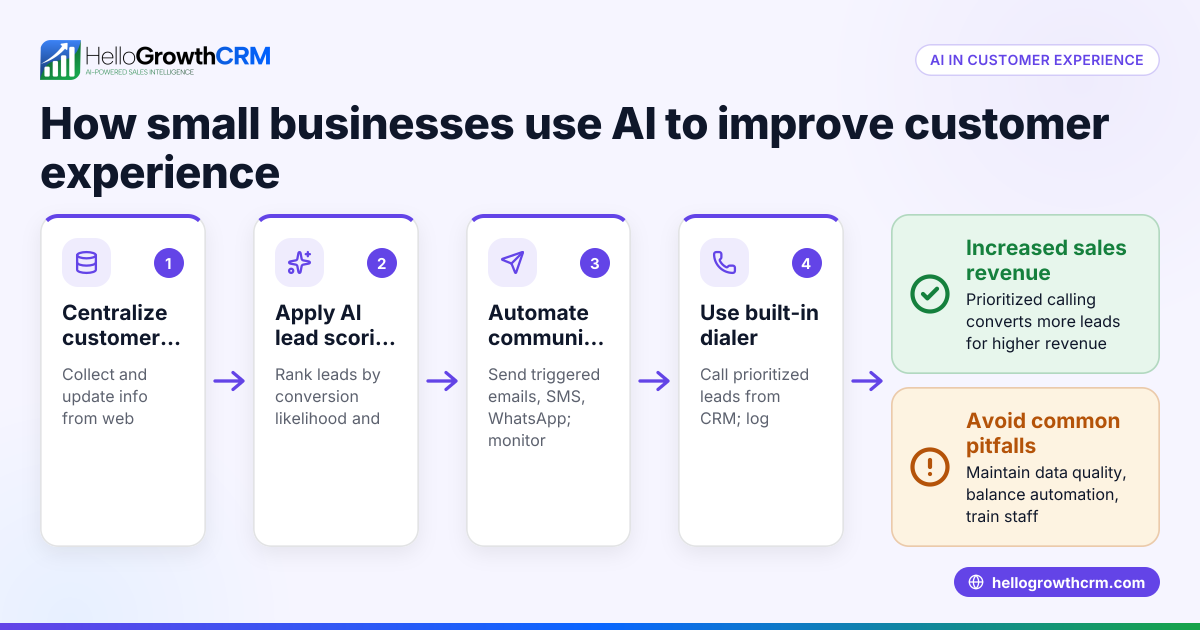
- Collect all customer details and communication histories in one system.
- Verify that customer records include messages, calls, emails, and notes from all channels.
- Standardize messaging and workflows
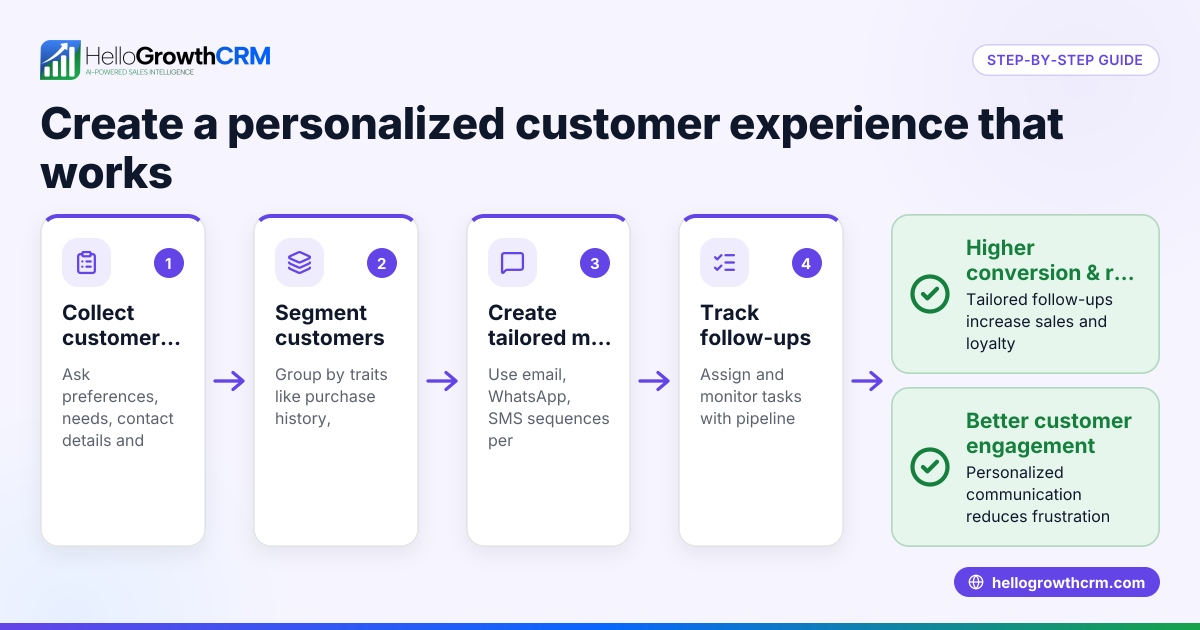
- Create consistent responses and templates for common questions.
- Train your team to use a unified tone and approach across channels.
- Train your team to use the unified system
- Ensure sales and support staff access the same customer information.
- Check that follow-ups happen promptly and reference previous conversations.
- Automate follow-ups and sequences
- Set up automated email, SMS, or WhatsApp sequences to nurture leads and remind your team.
- Monitor responses and adjust messaging as needed.
- Measure engagement and satisfaction
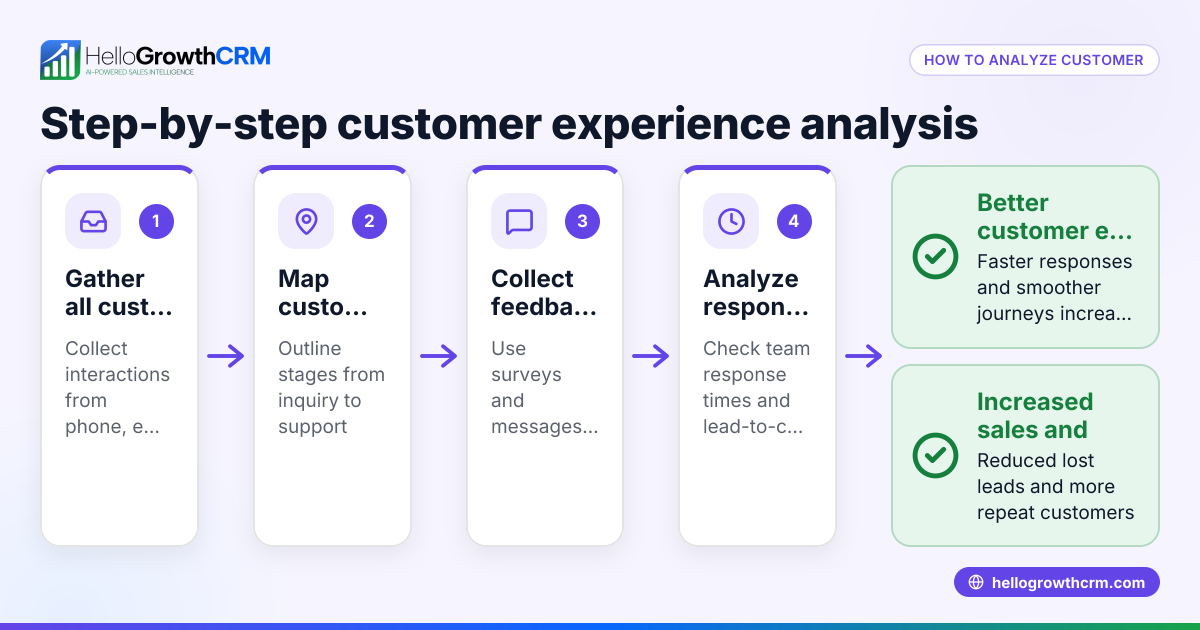
- Track response times and customer feedback.
- Use tools like a customer health score to evaluate ongoing engagement.
- Link after-sales service to the same customer record
- Keep support tickets and service requests connected to the original deal.
- This ensures continuity and faster resolution.
Example (fictional figures)
A plumbing company in Austin, Texas wants to improve how it handles service requests and follow-ups across phone, email, and WhatsApp.
- They receive 100 service requests per month.
- Before implementing omnichannel, 15 service requests per month had delayed follow-up, causing lost revenue.
By centralizing customer data and automating follow-ups:
- They reduce delayed follow-ups to 4 service requests per month.
- Assuming each lost request was worth $250,
15 requests × $250 = $3,750 lost monthly before.
4 requests × $250 = $1,000 lost monthly after.
Monthly savings = $3,750 - $1,000 = $2,750.
Annual savings = $2,750 × 12 = $33,000.
This example shows how unifying communication channels and speeding follow-up directly increases revenue.
Common mistakes
- Ignoring channel integration: Using separate tools without syncing customer info causes repeated questions and slow responses. Prevent by centralizing customer data.
- Inconsistent messaging: Different tones or offers confuse customers. Prevent by standardizing templates and training your team.
- Slow follow-up: Delays cause lost leads and frustrated customers. Prevent by automating reminders and sequences.
- Not tracking after-sales service: Losing track of support tickets frustrates customers and delays resolution. Prevent by linking service requests to the original customer record.
- Neglecting team adoption: If staff don’t use the system consistently, it fails. Prevent by involving your team in setup and ongoing training.
Doing this in HelloGrowthCRM
HelloGrowthCRM supports omnichannel customer experience by keeping service requests, referrals, and support tickets on the same customer record as the deal. Its branded self-service customer portal lets customers submit and track requests, reducing delays. The integrated knowledge base helps your team respond quickly and consistently. This keeps your sales and support aligned for better customer satisfaction. Learn more about these features at HelloGrowthCRM for the United States.
Frequently asked questions
What is the difference between omnichannel and multichannel customer experience? Omnichannel connects all channels so customers get a seamless experience without repeating themselves. Multichannel means multiple channels exist but may not be integrated, so customers might have to repeat information.
How can small businesses improve omnichannel experience without big budgets? Start by listing all customer contact points and gathering communication records in one place, even manually. Then create consistent messaging and train your team. Affordable tools like a WhatsApp and SMS CRM can automate follow-ups and reduce errors.
Why is follow-up speed important in omnichannel experience? Fast follow-up keeps leads warm and shows customers you value their business. Delays cause frustration and lost sales. Automating reminders and sequences ensures timely responses across channels.
Can omnichannel experience improve customer retention? Yes. Consistent, timely, and personalized service across channels increases loyalty. Keeping after-sales service tickets linked to the customer record helps resolve issues faster.
How does HelloGrowthCRM support omnichannel communication? HelloGrowthCRM integrates WhatsApp, SMS, and email sequences and keeps service tickets, referrals, and customer portal interactions linked to one customer record. This unified view helps teams manage leads and support efficiently.
Key takeaways
- Omnichannel customer experience means seamless, consistent interactions across all customer channels.
- Centralize customer data and unify messaging to avoid lost leads and frustrated customers.
- Automate follow-ups and keep after-sales service requests linked to the customer record.
- Avoid common mistakes like slow follow-up, inconsistent communication, and poor team adoption.
- HelloGrowthCRM supports omnichannel by linking service requests, referrals, and knowledge base on one customer record.
Start improving your customer experience today. Start on the Free Forever plan (200 leads, no credit card).
Ready to put this into practice?
Set up your pipeline, WhatsApp follow-ups, and AI lead scoring in minutes — free, no credit card.
Try HelloGrowthCRM freeGet CRM tips in your inbox
Join thousands of sales professionals who get weekly insights on CRM strategy, AI automation, and pipeline optimization.

The HelloGrowthCRM team publishes guides on CRM strategy, AI sales tools, and revenue operations for small business sales teams.