HelloGrowthCRM software
Built for real small-business sales teams
HelloGrowthCRM helps reps qualify faster, follow up on time, and close more deals—with practical automation in one place.
- AI lead scoring and pipeline visibility
- Built-in dialer, WhatsApp, and email automation
- Sales forecasting and RevOps-ready reporting
Online customer service means managing customer support and communication through online tools instead of in-person or phone-only methods. Small businesses use it to respond faster, keep records, and improve customer satisfaction. This article explains why you might be looking for online customer service, how to choose the right software or service, a detailed example, common mistakes to avoid, and how HelloGrowthCRM can help.
Why this comes up / what goes wrong
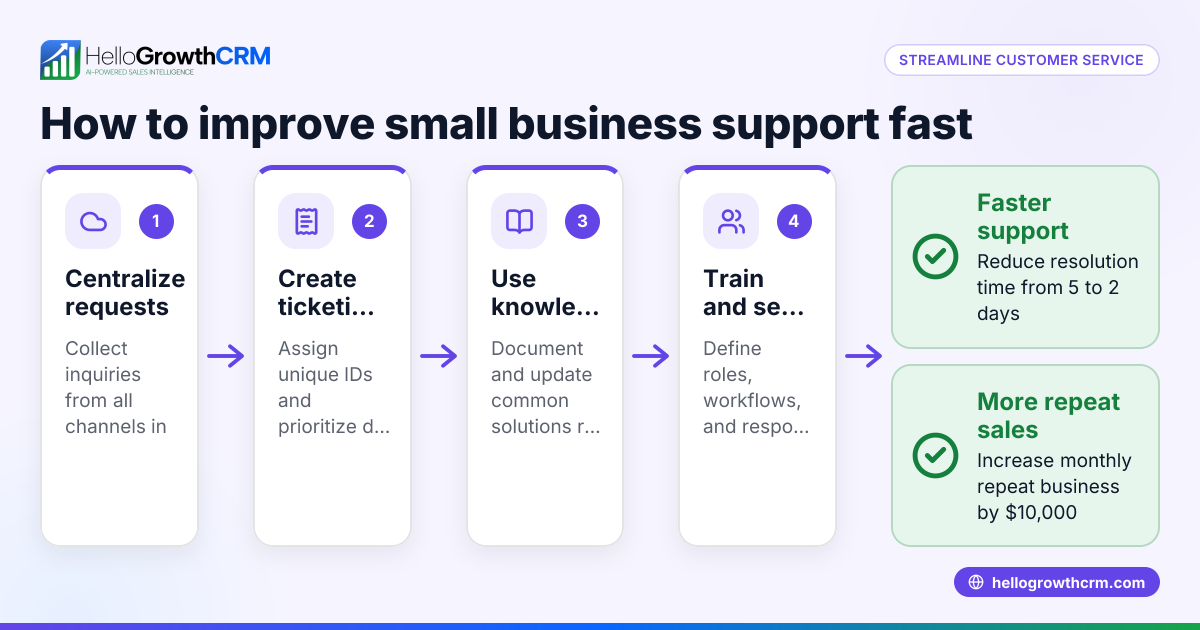
Small-business owners often search for online customer service solutions because their current methods are slow, disorganized, or inconsistent. For example, a landscaping business might get service requests by phone or text but struggle to track them, causing delays or lost jobs. Without a centralized system, customer questions slip through the cracks, repeat issues aren’t tracked, and the team wastes time juggling multiple tools like email, spreadsheets, and messaging apps.
This leads to lost revenue, unhappy customers, and extra work for the owner or sales team. Choosing the right online customer service software helps you keep all customer interactions in one place, assign tasks, track progress, and provide faster, more reliable support.
Step-by-step
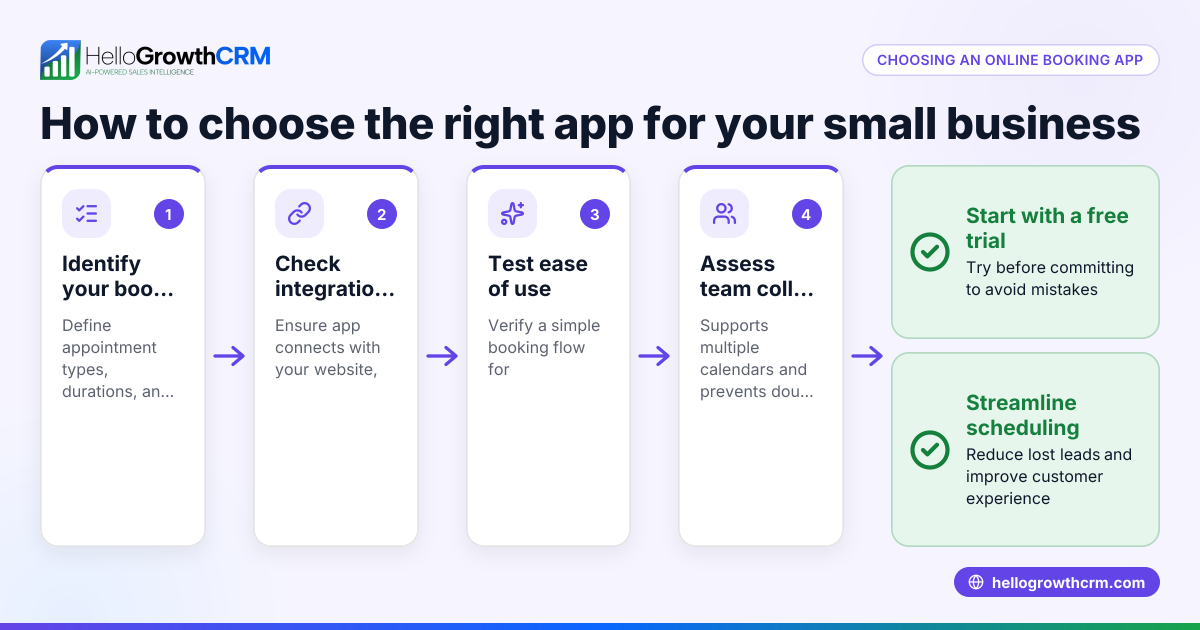
- Identify your customer service channels and volume
- What channels do your customers use most? (Email, chat, WhatsApp, SMS, phone)
- How many support requests do you handle daily or weekly?
- Check if the software supports these channels and can scale with your volume.
- List essential features you need
- Ticket management to track and assign requests
- Customer portal for self-service
- Knowledge base for FAQs and guides
- Referral tracking if you run referral programs
- Integration with your sales or CRM system
- Evaluate ease of use and adoption
- Can your team easily learn and use the software?
- Does it centralize customer info, so service requests stay linked to sales deals?
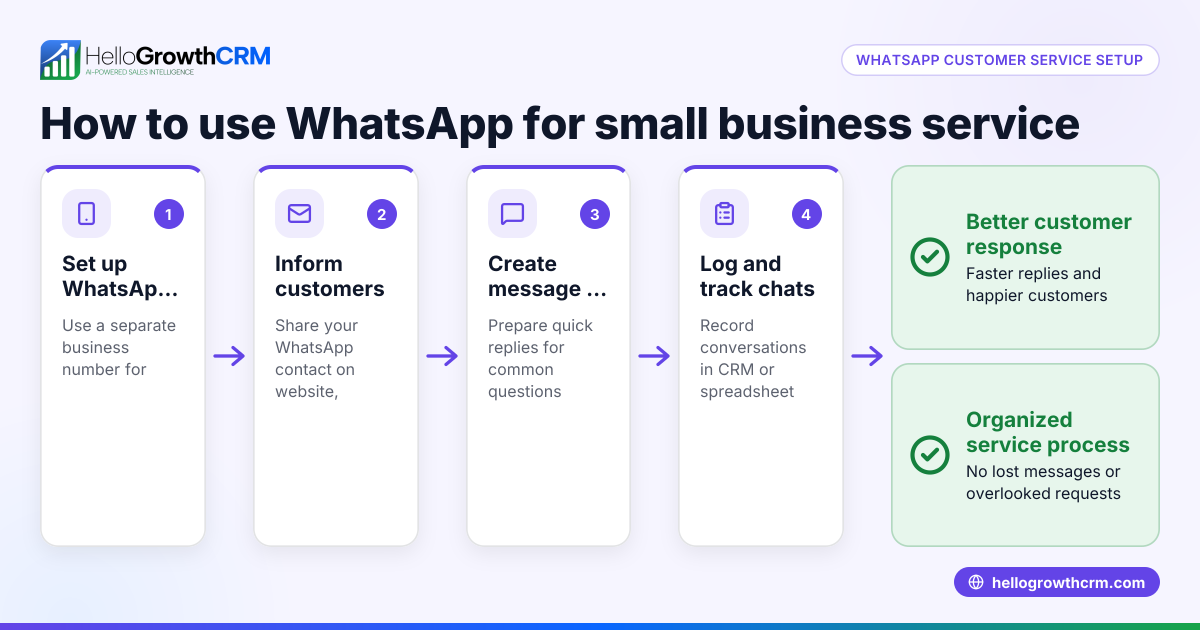
- Check if mobile access or WhatsApp and SMS support is included for your team’s workflow.
- Check reporting and SLA capabilities
- Does the software provide reports on ticket resolution times and customer satisfaction?
- Can you set SLA policies to prioritize urgent requests?
- Consider pricing and scalability
- Is the pricing transparent and affordable for your business size?
- Can you start small and add features or users as you grow?
- Request demos and trial periods
- Test the software with real customer requests
- Involve your team in the trial to get feedback
- Review support and onboarding
- Does the vendor provide training, documentation, and responsive support?
Example (fictional figures)
GreenLeaf Landscaping in Charlotte, North Carolina handles about 20 service requests weekly, mostly by phone and WhatsApp. They want to switch to online customer service to reduce missed requests and improve response time.
- Current lost jobs due to missed requests: 2 per week
- Average job revenue: $1,500
- Weekly revenue lost = 2 × $1,500 = $3,000
- Monthly revenue lost = $3,000 × 4 = $12,000
GreenLeaf estimates that adopting a ticket system with a customer portal and WhatsApp integration will reduce lost jobs by 75%.
- Monthly revenue saved = $12,000 × 75% = $9,000
They choose a solution with ticket tracking, a branded customer portal, and WhatsApp support to keep all service requests linked to the customer record and sales deals.
Common mistakes
- Choosing software without channel support
- Prevent by verifying the software supports your main customer communication channels like WhatsApp and SMS.
- Ignoring team adoption and training
- Prevent by involving your team early and providing training resources.
- Not linking service requests to sales data
- Prevent by selecting a CRM-integrated solution so service history stays with customer records.
- Overlooking reporting and SLA features
- Prevent by checking the software’s ability to track response times and set priorities.
- Underestimating ongoing costs and scalability
- Prevent by reviewing pricing plans and scalability options before committing.
- Failing to test software before purchase
- Prevent by using trial periods and demos to ensure the product fits your workflow.
Doing this in HelloGrowthCRM
HelloGrowthCRM offers a customer portal, referrals, tickets, and knowledge base features designed for small and mid-sized businesses. After the sale, service requests stay on the same customer record as the deal, ensuring your team has full context. The system supports WhatsApp and SMS CRM workflows, helping your team manage customer communication efficiently from one place. Learn more about the customer health score and how HelloGrowthCRM fits for the United States.
Frequently asked questions
What is online customer service? Online customer service is providing support and communication to customers through digital channels such as email, chat, WhatsApp, or customer portals. It helps businesses respond faster and keep track of all interactions.
How do I choose the best online customer service software? Identify your main support channels, list essential features, check ease of use, reporting capabilities, and pricing. Test software with your team before deciding.
Can online customer service improve customer satisfaction? Yes. Faster response times, organized tracking, and self-service portals reduce frustration and improve customer experience.
Why is linking service requests to sales data important? It helps your team see the full customer history, enabling personalized support and better follow-up opportunities. HelloGrowthCRM keeps service requests on the same customer record as the deal.
What channels should an online customer service tool support? Common channels include email, chat, WhatsApp, SMS, and phone. Choose software that matches your customers’ preferred communication methods.
How can I measure the effectiveness of online customer service? Use reporting features to track ticket resolution times, customer satisfaction scores, and the volume of requests handled. Setting SLA policies helps prioritize urgent requests.
Key takeaways
- Online customer service organizes and speeds up customer support using digital tools.
- Evaluate software based on channels supported, features, ease of use, reporting, and pricing.
- Test solutions with your team and customers before committing.
- Avoid common mistakes like ignoring team adoption and missing channel support.
- HelloGrowthCRM offers integrated tickets, customer portal, referrals, and knowledge base with linked service requests.
- Linking service requests to sales data improves context and customer experience.
Start managing your customer service more effectively today. Start on the Free Forever plan (200 leads, no credit card) with HelloGrowthCRM.
Ready to put this into practice?
Set up your pipeline, WhatsApp follow-ups, and AI lead scoring in minutes — free, no credit card.
Try HelloGrowthCRM freeGet CRM tips in your inbox
Join thousands of sales professionals who get weekly insights on CRM strategy, AI automation, and pipeline optimization.

The HelloGrowthCRM team publishes guides on CRM strategy, AI sales tools, and revenue operations for small business sales teams.