HelloGrowthCRM software
Built for real small-business sales teams
HelloGrowthCRM helps reps qualify faster, follow up on time, and close more deals—with practical automation in one place.
- AI lead scoring and pipeline visibility
- Built-in dialer, WhatsApp, and email automation
- Sales forecasting and RevOps-ready reporting
Outbound call center CRM software combines outbound calling tools with customer relationship management to streamline sales workflows. It allows sales teams to call prospects directly from the CRM, log call outcomes, and automate follow-up messages to improve lead conversion rates. This article explains why small businesses search for this software, guides you through evaluating options step-by-step, provides a detailed example with US figures, highlights common mistakes to avoid, and describes relevant HelloGrowthCRM features.
Why this comes up / what goes wrong
Many small and mid-sized US businesses rely on outbound calls to generate sales leads and maintain customer relationships. Managing calls separately from CRM data—using standalone phone systems, spreadsheets, and email—often causes delays, lost leads, and inconsistent follow-up. Business owners and sales leaders look for outbound call center CRM software to centralize lead data, automate workflows, and improve team productivity. Without integrated software, reps may struggle to prioritize leads, accurately record call results, or send timely follow-ups, which hurts sales outcomes.
Step-by-step
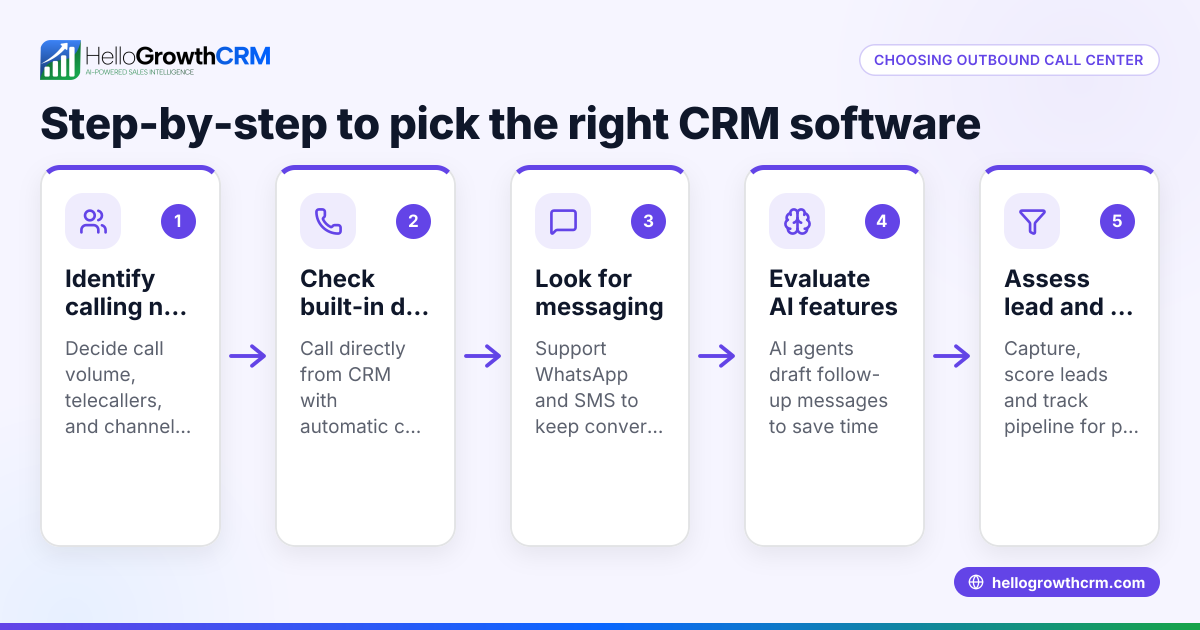
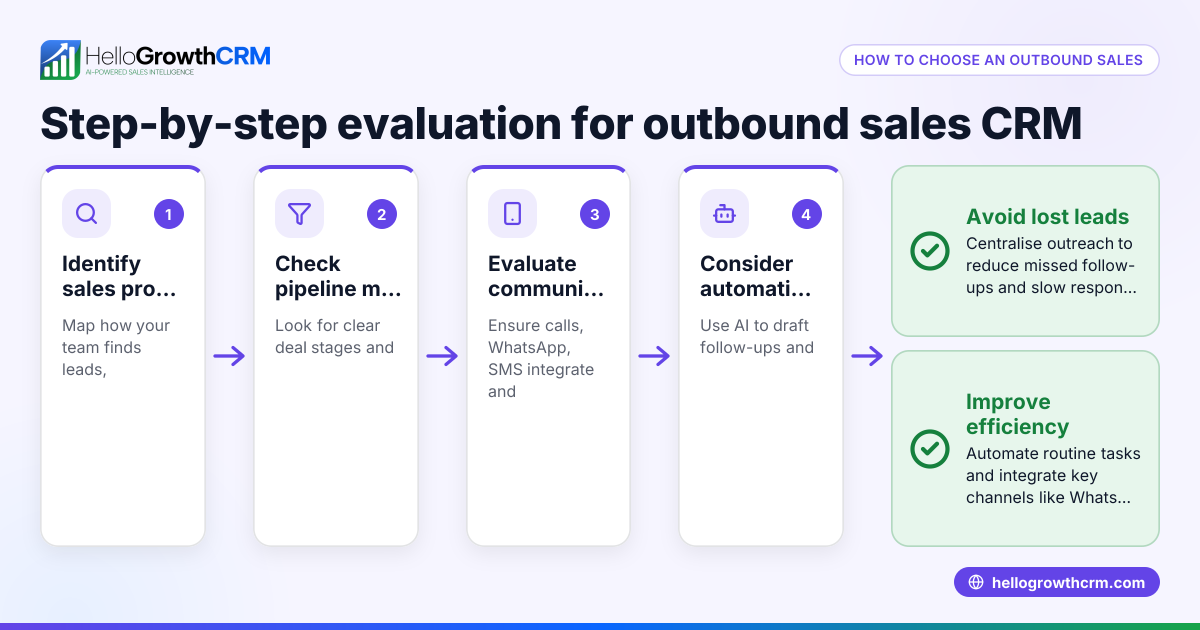
- Identify Your Business Needs: Determine your daily outbound call volume, number of sales reps, and communication channels (phone, SMS, WhatsApp). Decide if you need features like call list management, call outcome logging, automated follow-ups, and multi-channel messaging.
- Evaluate CRM Integration: Choose software that combines calling and CRM functions to avoid switching between systems. Confirm it logs call history and outcomes directly to lead records.
- Check Dialer Options: Look for built-in dialers that support local or power dialing to increase call efficiency. Understand any limitations, such as the absence of call recording or number masking.
- Assess Messaging Capabilities: If your team uses WhatsApp or SMS for follow-ups, ensure the CRM supports logging conversations and sending messages from the lead record.
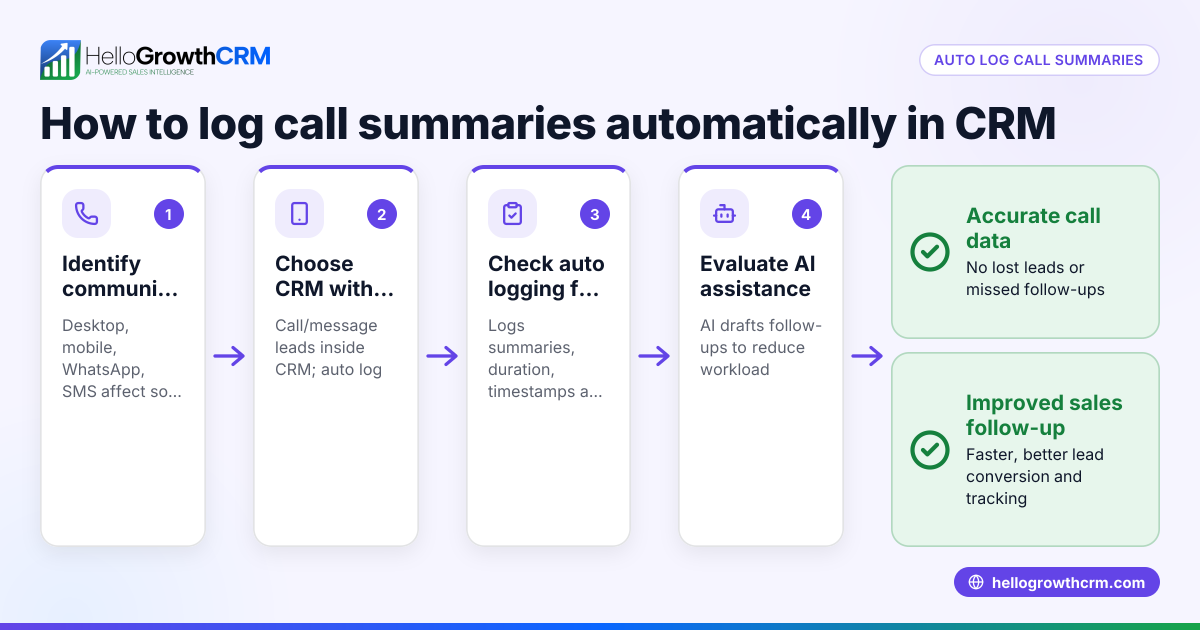
- Consider AI Assistance: Some CRMs offer AI agents that draft follow-up messages or update records automatically. Decide if this beta-level automation fits your workflow.
- Review Usability and Adoption: Select software that your sales team can learn and use daily, avoiding complex setups that reduce adoption.
- Compare Pricing and Plans: Match features against your budget, noting which plans include dialers, messaging, and AI capabilities.
- Request Demos and Trials: Test the software with real calling scenarios and evaluate reporting and forecasting tools.
- Check Support and Updates: Confirm vendor support availability and product updates to keep pace with your growing business.
- Make a Shortlist and Ask Questions: Prepare questions on integration, scalability, compliance, and mobile support before final decisions.
Learn more about the built-in CRM dialer and other CRM features to help in your evaluation.
Example (fictional figures)
A two-location dental practice in Columbus, Ohio, wants to improve outbound patient recall calls and new patient lead follow-up. It has 4 sales reps making 50 calls each per day.
- Monthly outbound calls: 4 reps × 50 calls/day × 22 workdays = 4,400 calls
- Average call duration: 3 minutes
- Total calling time: 4,400 × 3 min = 13,200 minutes = 220 hours
The practice chooses a CRM with a built-in dialer to speed dialing and track outcomes, reducing manual dialing time by an assumed illustrative 20%.
- Time saved: 220 hours × 20% = 44 hours
- Value of saved time (assuming $25/hour wage): 44 hours × $25 = $1,100
The CRM’s WhatsApp and SMS follow-ups allow reps to send timely messages directly from lead records, improving engagement and conversion.
This example demonstrates how integrated outbound call center CRM software can reduce manual work and improve sales results.
Common mistakes
- Using separate tools for calling and CRM: Leads to lost data and slow follow-up. Prevent by choosing integrated software with a built-in dialer and CRM.
- Ignoring multi-channel messaging: Missing WhatsApp and SMS follow-ups reduces engagement. Prevent by selecting CRM features that log and send messages.
- Overlooking user adoption: Complex interfaces discourage reps. Prevent by involving users in demos and choosing intuitive software.
- Neglecting AI features: Not leveraging AI agents for follow-up drafts wastes time. Prevent by testing beta AI capabilities where available.
- Focusing only on price: Cheaper software may lack essential features. Prevent by balancing cost with functionality and support.
Learn more about the built-in CRM dialer and other CRM features to avoid these mistakes.
Doing this in HelloGrowthCRM
HelloGrowthCRM supports outbound call center needs with a built-in dialer allowing telecallers to work call lists inside the CRM and log call outcomes directly on leads. WhatsApp and SMS conversations are logged on lead records, enabling follow-ups as messages from the same interface. Additionally, AI agents in beta draft follow-up messages after calls for reps to review and send, saving time and improving consistency. Learn more about HelloGrowthCRM for the United States at hellogrowthcrm.com/usa.
Frequently asked questions
What is outbound call center CRM software? It is software that combines customer relationship management with outbound calling tools. It helps sales teams call prospects from within the CRM, track call results, and automate follow-ups to improve lead conversion.
How does outbound call software differ from inbound? Outbound call software focuses on making calls proactively to prospects or customers, while inbound software manages incoming calls. Outbound solutions often include dialers and call list management.
Can I use WhatsApp and SMS for outbound calls in a CRM? Yes, some CRMs integrate WhatsApp and SMS messaging to log conversations and send follow-ups directly from lead records, enhancing multi-channel engagement.
What is an outbound call center dialer CRM? It is a CRM that includes a dialer feature specifically designed for outbound calling, allowing reps to call leads efficiently and log outcomes without leaving the CRM.
How do I choose the right outbound call center CRM software? Identify your calling volume, channels, and automation needs. Evaluate dialer options, messaging support, AI features, usability, and pricing. Test demos and ask vendors detailed questions.
Learn more about the built-in CRM dialer and other CRM features to help your decision.
Key takeaways
- Outbound call center CRM software combines calling and lead management to streamline sales workflows.
- Integrated dialers and messaging (WhatsApp/SMS) improve call efficiency and follow-up engagement.
- AI agents can draft follow-up messages, saving time for sales reps.
- Avoid using separate tools that cause data loss and slow response.
- Test usability and feature sets before deciding.
- Balance price with essential outbound calling and CRM features.
Start improving your outbound sales calls today. Start on the Free Forever plan (200 leads, no credit card).
Ready to put this into practice?
Set up your pipeline, WhatsApp follow-ups, and AI lead scoring in minutes — free, no credit card.
Try HelloGrowthCRM freeGet CRM tips in your inbox
Join thousands of sales professionals who get weekly insights on CRM strategy, AI automation, and pipeline optimization.

The HelloGrowthCRM team publishes guides on CRM strategy, AI sales tools, and revenue operations for small business sales teams.