HelloGrowthCRM software
Built for real small-business sales teams
HelloGrowthCRM helps reps qualify faster, follow up on time, and close more deals—with practical automation in one place.
- AI lead scoring and pipeline visibility
- Built-in dialer, WhatsApp, and email automation
- Sales forecasting and RevOps-ready reporting
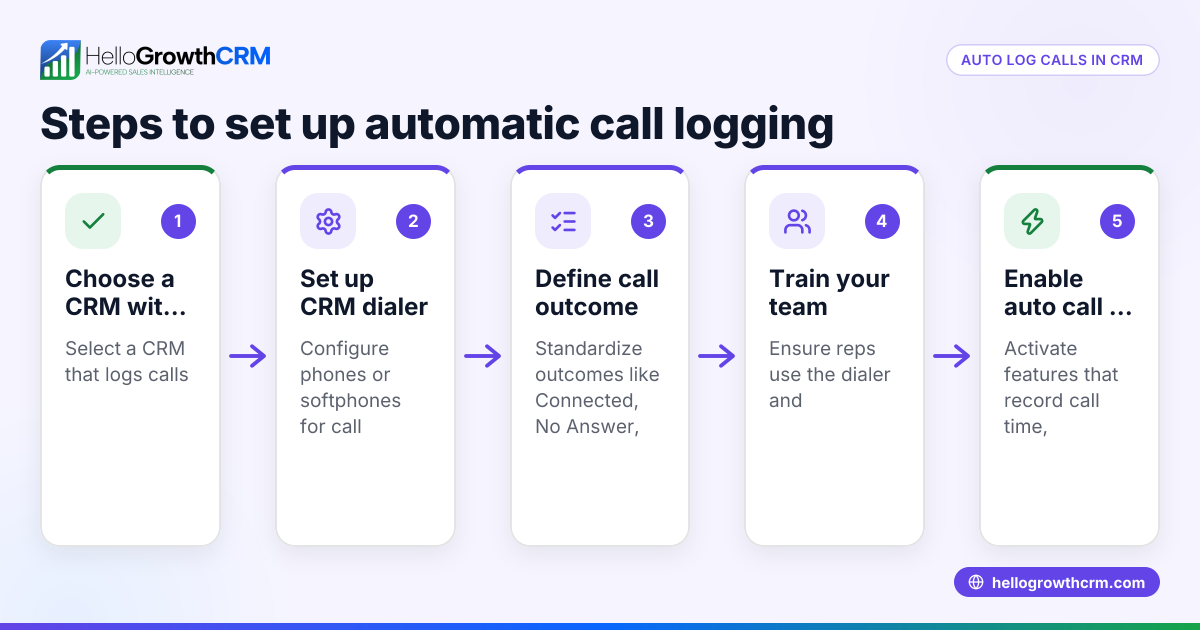
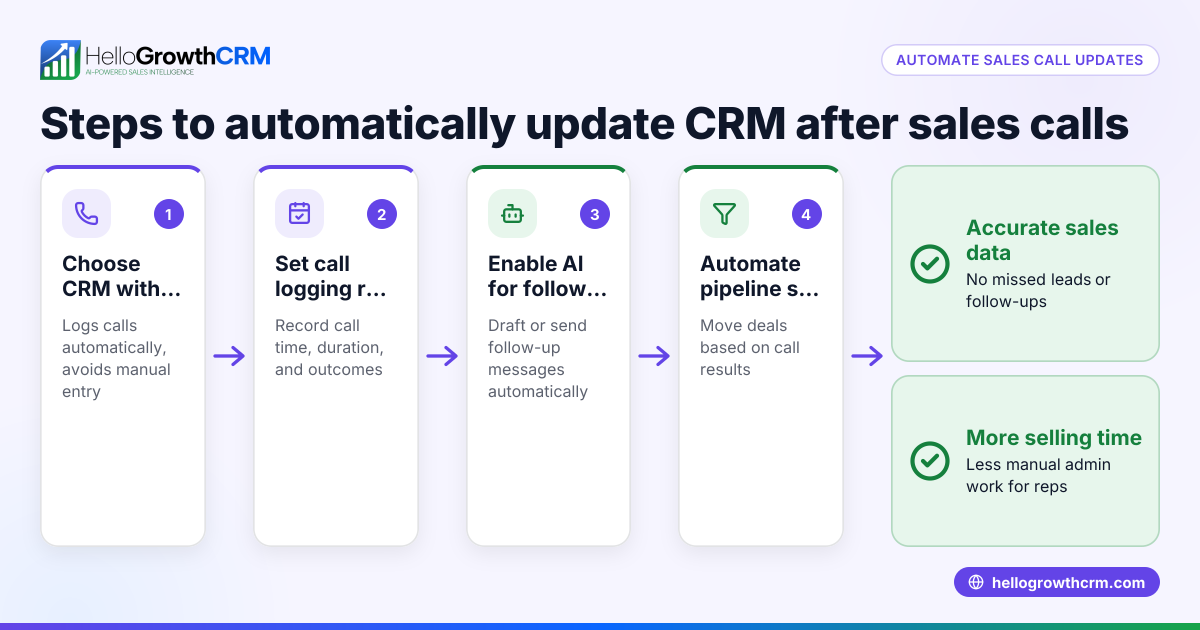
Software that automatically logs call summaries in a CRM uses built-in dialers or messaging integrations to capture call details and outcomes directly into CRM records. This eliminates manual note-taking and reduces lost or forgotten information after calls.
Why this comes up / what goes wrong
Small-business owners and sales teams often struggle with keeping accurate records of phone calls made to prospects or customers. Without automatic logging, reps must manually enter call notes and outcomes, which can be time-consuming and error-prone. This leads to lost leads, missed follow-ups, and poor sales tracking. Businesses running sales on texts, emails, and spreadsheets especially find it hard to consolidate call data efficiently. They look for software solutions that streamline call logging to improve sales team productivity and lead management.
Step-by-step
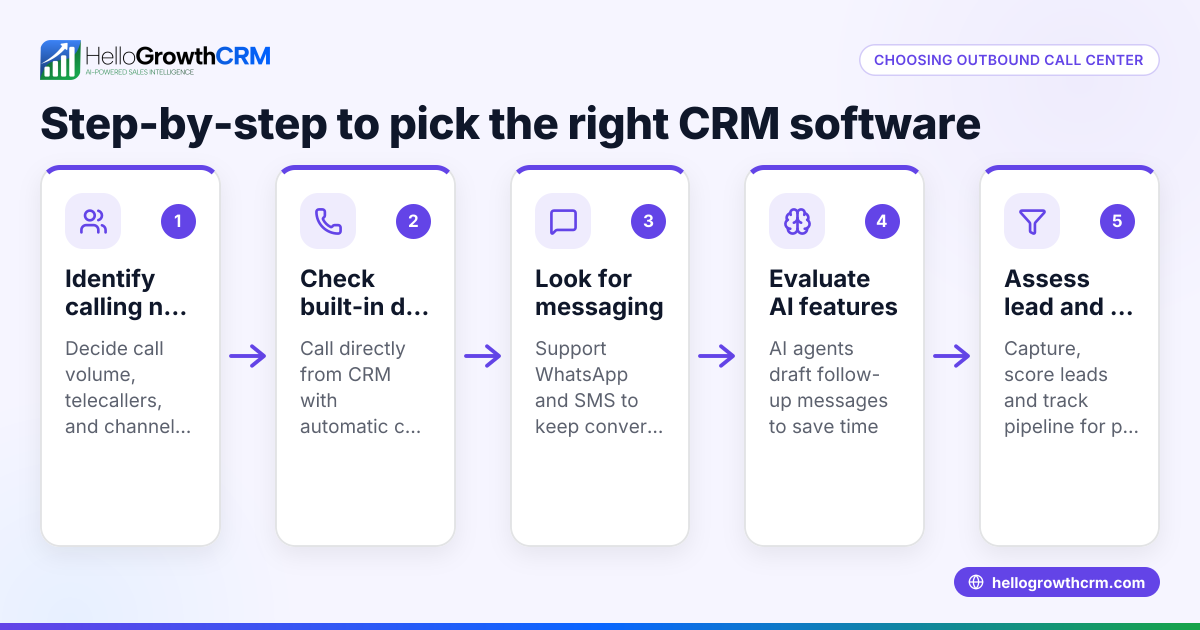
- Identify your sales communication channels. Determine if your team primarily calls leads from desktop phones, mobile phones, or messaging apps like WhatsApp or SMS. This affects the type of call logging software you need.
- Look for CRM software with built-in dialers or messaging integrations. Choose software that lets reps call or message leads directly within the CRM and automatically logs call outcomes and message histories.
- Check the automatic logging capabilities. Confirm the software logs call summaries, call duration, timestamps, and notes without manual input.
- Evaluate AI assistance features. Some software offers AI agents that draft follow-up messages after calls, reducing rep workload.
- Test the user interface and ease of use. The software should make it simple for reps to access call histories and update records.
- Verify integration with other tools. Ensure the CRM integrates with your existing web forms or lead sources to capture complete sales data.
- Consider pricing and plan limitations. Some automatic call logging features may only be available on paid plans.
- Request a demo or trial. See the software in action to confirm it meets your call logging needs.
Example (fictional figures)
A two-location dental practice in Columbus, Ohio, wants to improve its lead follow-up. It currently logs calls manually in spreadsheets and misses some leads due to slow follow-up.
- Monthly leads: 500
- Average conversion rate with manual logging: 15% (75 new patients)
- Estimated revenue per patient: $1,200
The practice adopts a CRM with automatic call logging and built-in dialer.
- Leads converted with automatic logging improve to 16.5% (500 × 16.5% = 82.5 patients)
- Additional patients: 82.5 - 75 = 7.5 patients
- Additional monthly revenue: 7.5 × $1,200 = $9,000
This example shows how capturing every call summary automatically and speeding follow-up can increase revenue.
Common mistakes
- Choosing software without true automatic logging. Some CRMs require manual note entry after calls. Prevent by verifying automatic call summary capture.
- Ignoring multi-channel communication. If your team uses WhatsApp or SMS, pick software that logs these conversations too. Prevent by checking messaging integrations like WhatsApp and SMS CRM features.
- Overlooking the user experience. Complex interfaces discourage reps from using the CRM consistently. Prevent by testing the software’s ease of use.
- Not verifying AI features. Some AI agents draft follow-ups but may still be in beta. Prevent by confirming the AI feature’s maturity and fit.
- Neglecting plan restrictions. Some call logging features are not on free plans. Prevent by reviewing plan details before purchase.
Doing this in HelloGrowthCRM
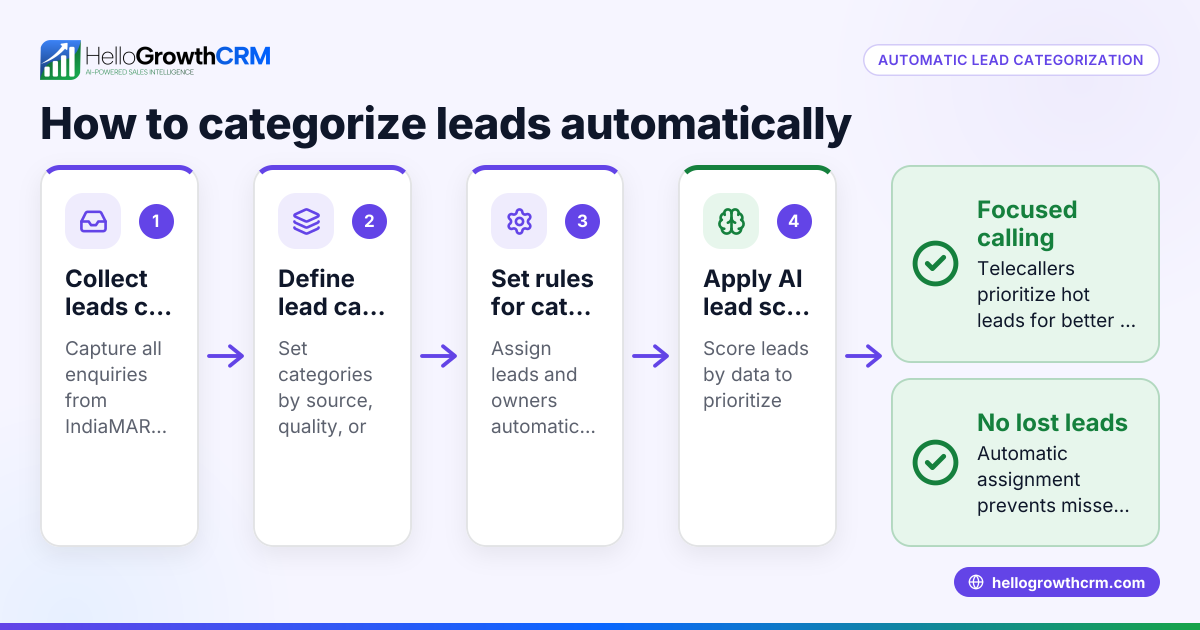
HelloGrowthCRM offers a built-in dialer where telecallers work a list inside the CRM, and every call outcome is logged on the lead record automatically. It also logs WhatsApp conversations with leads on their records, allowing follow-ups via WhatsApp and SMS messages. Additionally, AI agents in HelloGrowthCRM draft follow-up messages after calls so reps only review and send, speeding up communication. Learn more about the built-in CRM dialer, WhatsApp and SMS CRM, and HelloGrowthCRM for the United States.
Frequently asked questions
What types of calls can CRM software automatically log? Most software with built-in dialers logs outbound and inbound calls made through the CRM interface. Some also log calls made on mobile phones or via messaging apps if integrated.
Can automatic call logging capture call summaries or just call metadata? Basic automatic logging records call duration, time, and outcome. More advanced systems or AI agents can generate call summaries or draft follow-up messages.
Is call recording the same as automatic call logging? No. Call recording captures audio, while automatic call logging records call details and notes in the CRM. Recording may require separate compliance checks.
How does AI help with call summaries in CRM? AI agents can draft follow-up messages or summarize key points from calls to save reps time. Some AI features are still in beta and should be evaluated carefully.
Do free CRM plans include automatic call logging? Often, automatic call logging and built-in dialers are only available on paid plans. Check plan details before choosing.
Key takeaways
- Automatic call logging saves time and improves lead follow-up accuracy.
- Choose CRM software with built-in dialers and messaging integrations for full communication capture.
- AI agents can assist by drafting follow-ups after calls.
- Test software ease of use and verify feature availability on your plan.
- Avoid solutions that require manual call note entry or lack multi-channel support.
Start improving your sales follow-up by trying HelloGrowthCRM’s call logging features. Start on the Free Forever plan (200 leads, no credit card).
Ready to put this into practice?
Set up your pipeline, WhatsApp follow-ups, and AI lead scoring in minutes — free, no credit card.
Try HelloGrowthCRM freeGet CRM tips in your inbox
Join thousands of sales professionals who get weekly insights on CRM strategy, AI automation, and pipeline optimization.

The HelloGrowthCRM team publishes guides on CRM strategy, AI sales tools, and revenue operations for small business sales teams.