HelloGrowthCRM software
Built for real small-business sales teams
HelloGrowthCRM helps reps qualify faster, follow up on time, and close more deals—with practical automation in one place.
- AI lead scoring and pipeline visibility
- Built-in dialer, WhatsApp, and email automation
- Sales forecasting and RevOps-ready reporting
Outbound calling software lets your sales or telesales team make calls directly from a system that tracks leads and call outcomes. It improves follow-up speed and organisation by logging calls and outcomes in one place. This article explains why small UAE businesses search for outbound calling software, steps to evaluate options, common mistakes to avoid, a practical example, and how HelloGrowthCRM's built-in dialer supports outbound calling.
Why this comes up / what goes wrong
Many small and mid-sized UAE businesses lose leads because their sales teams rely on WhatsApp, phone calls, and spreadsheets separately. This causes slow follow-up and missed opportunities. Without software that integrates calling and lead management, telecallers waste time switching between apps and manually logging calls. Business owners find it hard to track team performance or pipeline health. Outbound calling software promises to centralise calls, automate logging, and speed up lead follow-up, which is why owners start evaluating solutions.
Step-by-step
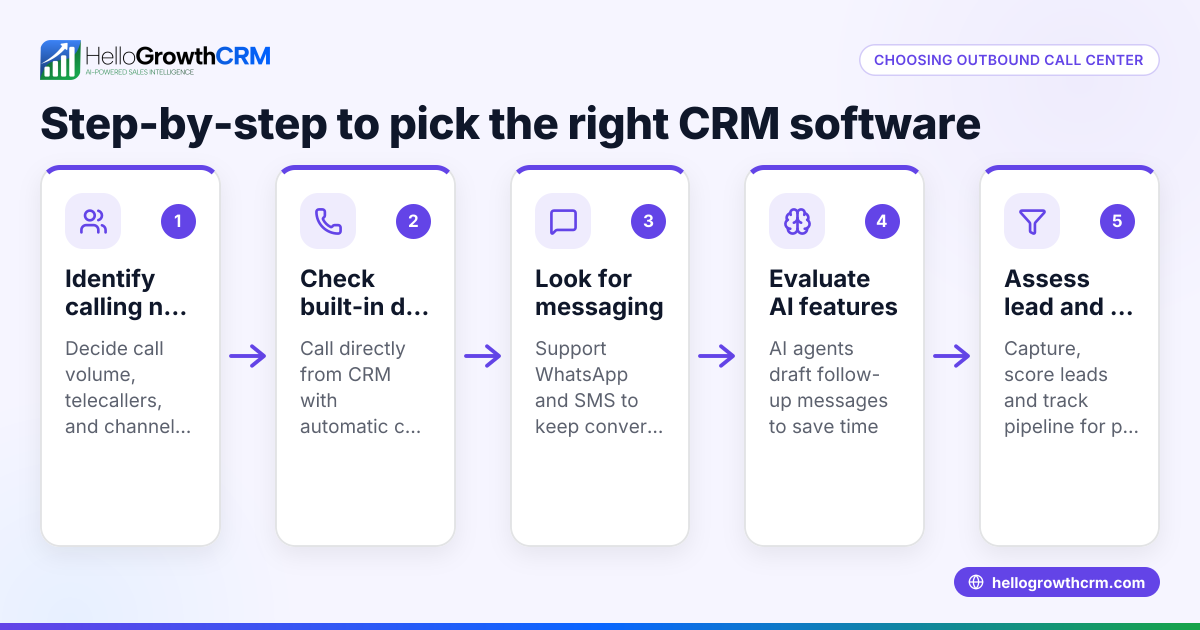
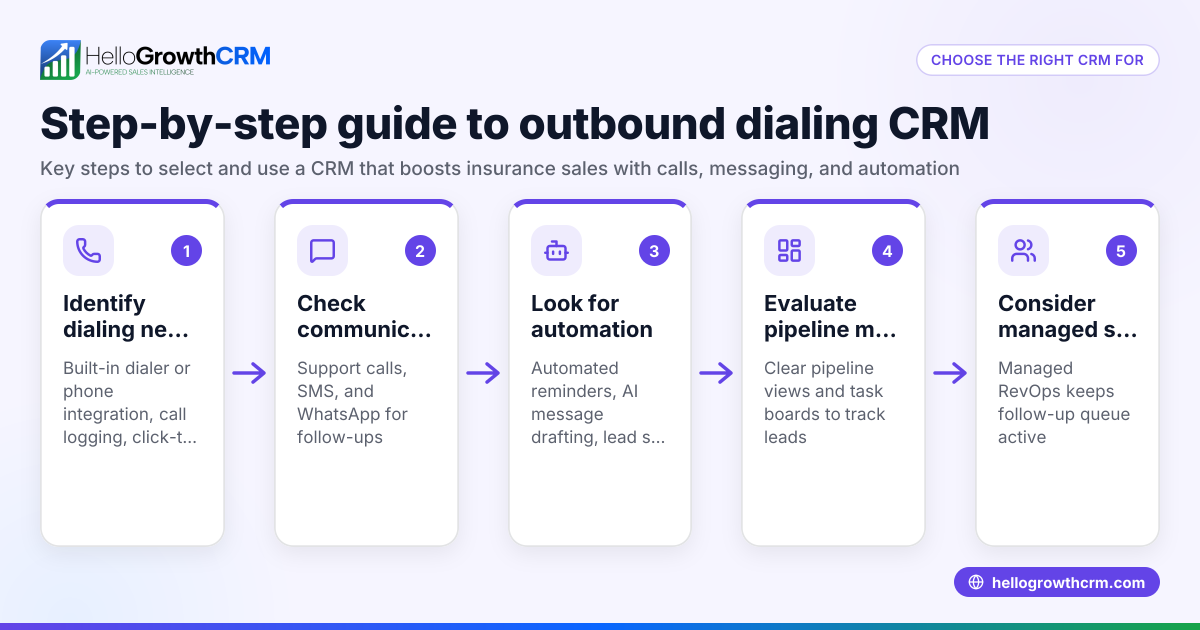
- Identify your calling volume and team size: Estimate how many calls your team makes daily and how many sales reps will use the software. This helps you pick software that can handle your load without extra costs.
- Check integration with your lead sources: Ensure the software can import leads from your existing forms, websites, or WhatsApp conversations to avoid manual entry.
- Look for built-in dialer features: Confirm the software lets reps call directly from the system and logs the outcome automatically. This saves time and keeps records accurate.
- Evaluate call outcome tracking and reporting: The software should let you mark call results (e.g., interested, no answer) and generate reports on call activity and lead status.
- Consider ease of use for your team: Choose software with a simple interface that your sales reps will actually use daily, avoiding complex setups.
- Review pricing and plans: Check if the software fits your budget, especially if it charges per user or per call.
- Test with a free trial or demo: Always try the software hands-on to see if it fits your workflow.
- Check for additional communication channels: Some software also supports WhatsApp and SMS sequences, which can boost outreach.
- Verify local support and compliance: Since you operate in the UAE, ensure the software supports local telecom regulations and offers support in your time zone.
Example (fictional figures)
A business-setup consultancy in Business Bay, Dubai, wants to improve its outbound calling. They have 3 sales reps making about 40 calls each per day.
- Calls per day: 3 reps × 40 calls = 120 calls
- Calls per month (22 working days): 120 × 22 = 2,640 calls
They pick software charging AED 1.50 per call plus AED 500 monthly license.
- Call costs per month: 2,640 × AED 1.50 = AED 3,960
- Total monthly cost = AED 3,960 + AED 500 = AED 4,460
They compare this to the cost of missed leads due to slow follow-up and decide the software is affordable and will improve sales.
Common mistakes
- Ignoring integration with current tools: Prevent by confirming the software imports leads from your existing channels to avoid double work.
- Choosing software without call outcome logging: Prevent by testing if the software automatically logs call results to track follow-up.
- Overlooking user interface complexity: Prevent by involving your sales reps in demos and choosing simple systems.
- Neglecting local telecom compliance: Prevent by checking software support for UAE telecom regulations.
- Not testing with real call volumes: Prevent by running a trial with your actual call numbers before buying.
- Focusing only on price, not features: Prevent by balancing cost with necessary features like built-in dialers and reporting.
Doing this in HelloGrowthCRM
HelloGrowthCRM includes a built-in dialer that lets telecallers work a list from inside the CRM. Each call's outcome is logged directly on the lead, keeping full call history tied to contact and deal records. This simplifies outbound calling and lead tracking in one system. Learn more about the built-in CRM dialer and how HelloGrowthCRM supports your UAE business on HelloGrowthCRM for the United Arab Emirates. It also integrates WhatsApp and SMS sequences to extend your outreach beyond calls, see WhatsApp and SMS CRM.
Frequently asked questions
What is outbound calling software? Outbound calling software is a system that enables sales teams to make calls directly from the software interface, automatically log calls and outcomes, and manage leads in one place.
How does a built-in dialer improve sales calls? A built-in dialer saves time by letting reps call from the CRM without switching apps. It automatically logs call results, helping managers track performance and follow-up efficiently.
Can outbound calling software integrate with WhatsApp? Some outbound calling software, including HelloGrowthCRM, supports WhatsApp and SMS communication alongside calls, allowing multi-channel outreach.
Is outbound calling software suitable for small UAE businesses? Yes, especially for businesses with small sales teams who need better organisation and faster lead follow-up to reduce lost sales.
What should I look for in outbound calling software pricing? Check if pricing is per user, per call, or a flat fee. Also, consider if features like power dialers or AI summaries are included or extra.
Key takeaways
- Outbound calling software centralises calls and lead tracking to speed up follow-up.
- Evaluate based on call volume, integration, built-in dialer, ease of use, and local compliance.
- Avoid common mistakes like ignoring integration, missing call logging, and neglecting user experience.
- HelloGrowthCRM offers a built-in dialer that logs call outcomes directly on leads, plus WhatsApp and SMS support.
Start improving your outbound calling today. You can Start on the Free Forever plan (200 leads, no credit card) to try HelloGrowthCRM’s built-in dialer and see if it fits your team’s workflow.
Ready to put this into practice?
Set up your pipeline, WhatsApp follow-ups, and AI lead scoring in minutes — free, no credit card.
Try HelloGrowthCRM freeGet CRM tips in your inbox
Join thousands of sales professionals who get weekly insights on CRM strategy, AI automation, and pipeline optimization.

The HelloGrowthCRM team publishes guides on CRM strategy, AI sales tools, and revenue operations for small business sales teams.