HelloGrowthCRM software
Built for real small-business sales teams
HelloGrowthCRM helps reps qualify faster, follow up on time, and close more deals—with practical automation in one place.
- AI lead scoring and pipeline visibility
- Built-in dialer, WhatsApp, and email automation
- Sales forecasting and RevOps-ready reporting
POS sales are transactions completed at the point where the customer pays for goods or services, commonly in retail stores, restaurants, or online checkouts. For small businesses, managing POS sales effectively means tracking each sale from initial interest through payment and follow-up. This article covers why POS sales matter, practical steps to manage them, a worked example, typical mistakes to avoid, and how HelloGrowthCRM supports this process.
Why this comes up / what goes wrong
Small business owners often find themselves overwhelmed by the volume and complexity of sales transactions. Without a clear system, POS sales can get lost in spreadsheets, WhatsApp messages, or emails. This leads to slow follow-up, missed upsell opportunities, and lost revenue. For example, a kitchen-fitting company may receive customer enquiries and send quotations but fail to track which quotes convert to sales or require follow-up. This lack of structure causes inefficiency and customer dissatisfaction.
Step-by-step
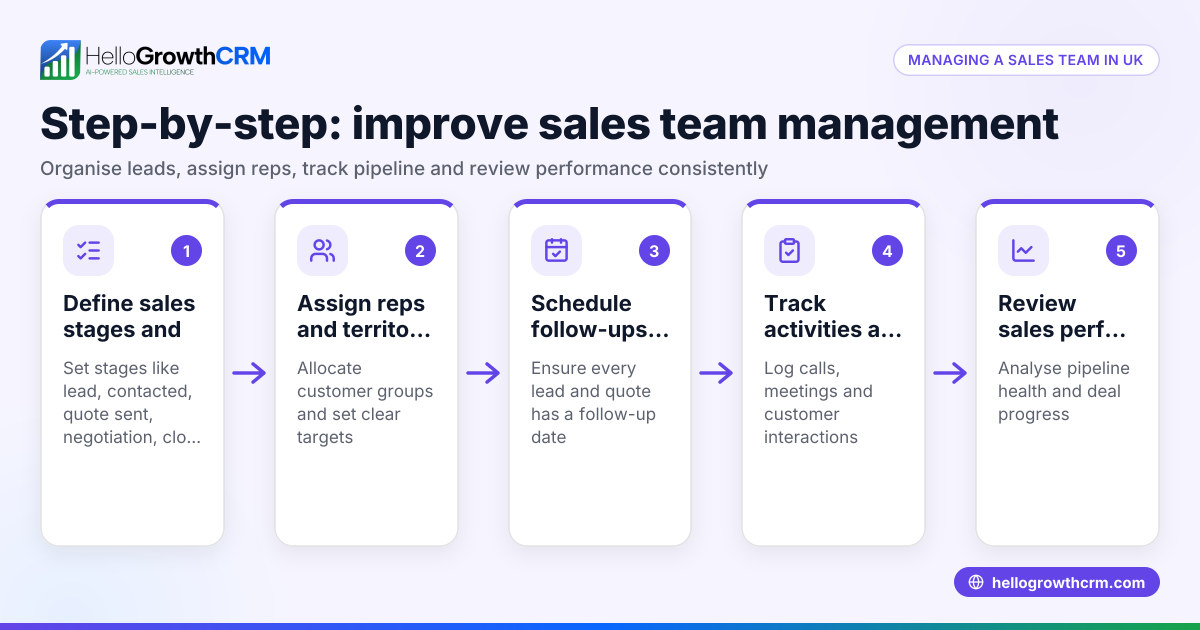
- Record the sale immediately at the point of transaction: Whether in person or online, ensure every sale is captured accurately with customer details, items sold, and payment method.
- Enter the sale into a central system: Use a CRM or POS software to log the transaction. Check that the data includes customer contact info, sale value, and date.
- Assign the sale to a stage in your sales pipeline: For example, 'Payment received', 'Quote sent', or 'Follow-up needed'. This helps prioritise actions.
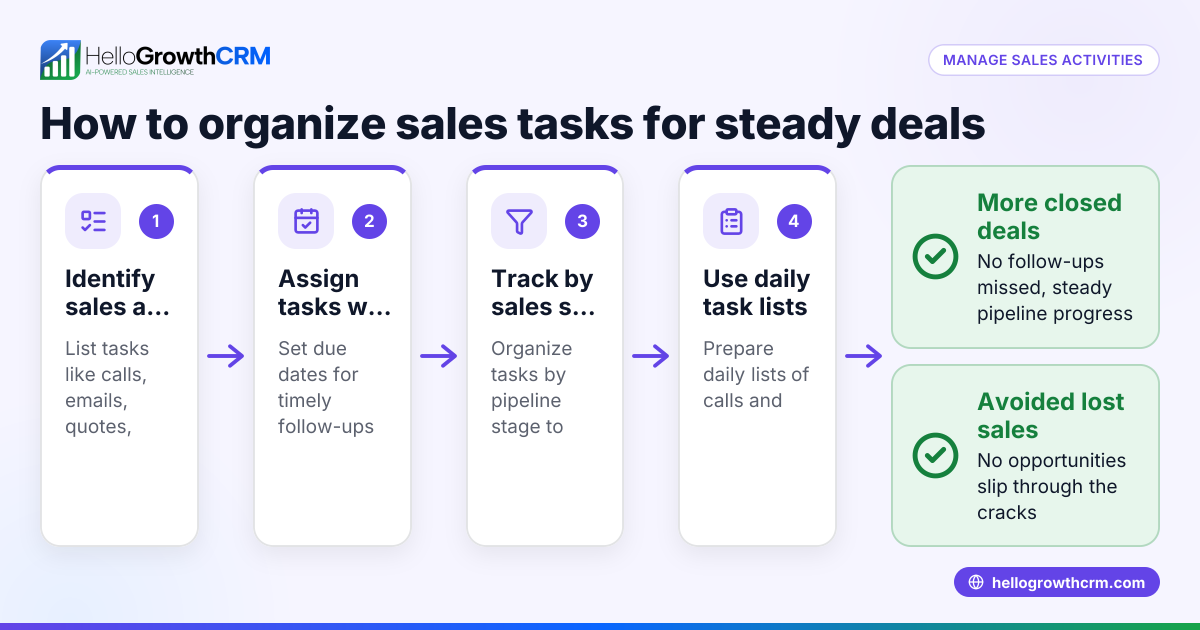
- Schedule follow-up tasks if needed: If the sale requires installation, delivery, or further communication, set reminders and assign responsibility.
- Monitor sales progress regularly: Review your pipeline weekly to identify stalled sales or opportunities for upselling.
- Analyse sales reports to forecast revenue: Use reporting tools to understand trends and plan stock or staffing.
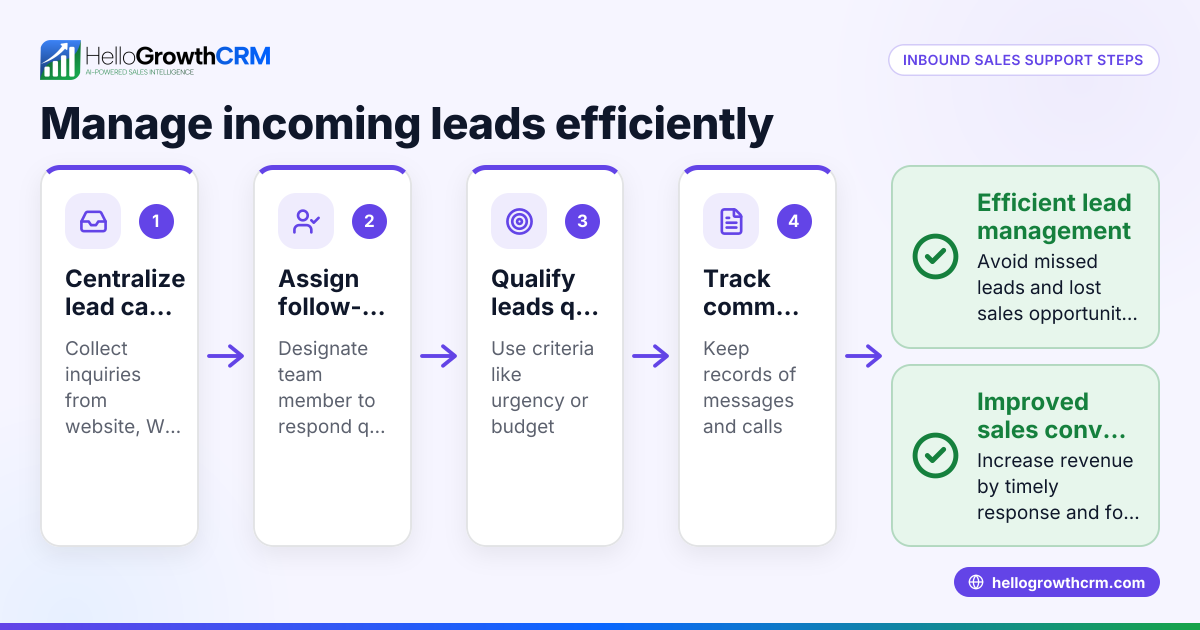
- Keep communication channels organised: Avoid running sales on WhatsApp, email, and spreadsheets separately. Consolidate interactions in one system to prevent lost leads.
Check that your system supports integration with web forms and communication tools to automate lead capture and follow-up.
Example (fictional figures)
A kitchen-fitting company in Leeds receives a custom order on 15/05/2026. The quote sent is £12,000. The customer confirms the order on 20/05/2026, and a 30% deposit is paid.
- Quote value = £12,000
- Deposit (30%) = £12,000 × 30% = £3,600
- Remaining balance = £12,000 - £3,600 = £8,400
The company logs the deal at the 'quote sent' stage on 15/05/2026 with a follow-up date for 20/05/2026. On 20/05/2026, the deal moves to 'payment received' with the deposit recorded. Installation is scheduled for 10/06/2026 with a follow-up task set. This tracking prevents missed payments or delays.
Common mistakes
- Not recording sales immediately: Leads to lost or forgotten transactions. Prevent by logging sales at the point of transaction.
- Using multiple unconnected tools: Sales on WhatsApp, email, and spreadsheets cause confusion. Use a single system to consolidate data and communication, such as HelloGrowthCRM's WhatsApp and SMS CRM features (/product/whatsapp-sms-crm).
- Failing to assign follow-up tasks: Without reminders, customer contact drops. Always set follow-up dates and assign responsibility.
- Neglecting pipeline review: Without regular checks, stalled sales go unnoticed. Schedule weekly pipeline reviews.
- Ignoring sales reporting: Lack of data analysis impairs forecasting. Use built-in reporting tools to plan ahead.
- Overlooking field sales activity: For businesses with field reps, not tracking visits wastes effort. Use territory and field operations tools to log visits and routes (/product/territory-management).
Doing this in HelloGrowthCRM
HelloGrowthCRM helps small businesses manage POS sales efficiently with features like Deals (pipeline) that track every opportunity from first contact to close. For example, a quotation sent last week appears as a deal at the 'quote sent' stage with a follow-up date, so it is not forgotten. Field sales teams can log visits from their phones, and managers can monitor daily activity using Territories, field operations and commissions tools. For founders without a sales manager, Managed RevOps provides weekly follow-up support to keep the sales queue moving smoothly. Learn more about HelloGrowthCRM for the United Kingdom (/uk).
Frequently asked questions
What does POS sales mean? POS sales are transactions completed at the point where a customer pays for goods or services, either in person or online. It represents the final step of the sales process where payment is made.
Why is tracking POS sales important for small businesses? Tracking POS sales helps ensure every transaction is recorded, followed up if necessary, and analysed for business insights. This prevents lost leads, improves customer service, and supports accurate forecasting.
Can I manage POS sales using WhatsApp? While WhatsApp is popular for communication, managing sales solely on WhatsApp can cause data loss and slow follow-up. HelloGrowthCRM integrates WhatsApp and SMS communication within a CRM to keep all sales data organised (/product/whatsapp-sms-crm).
How does a sales pipeline help with POS sales? A sales pipeline organises sales by stages such as enquiry, quote sent, payment received, and follow-up. This helps track progress, prioritise actions, and avoid missing steps in closing deals (/product/ai-crm).
What if I have sales reps working in the field? Field sales reps can log their visits and activities directly from their phones. Managers can then view daily routes and activities, improving oversight and efficiency (/product/territory-management).
Key takeaways
- POS sales are transactions completed when the customer pays, requiring accurate recording and follow-up.
- Use a central system to log sales, assign pipeline stages, and schedule follow-ups.
- Avoid scattered sales data by consolidating communication and sales tracking in one CRM.
- Regularly review your sales pipeline and use reporting tools for forecasting.
- HelloGrowthCRM supports POS sales management with deals pipeline, field sales logging, and managed follow-up support.
Start managing your POS sales more effectively today. Start on the Free Forever plan (200 leads, no credit card).
Ready to put this into practice?
Set up your pipeline, WhatsApp follow-ups, and AI lead scoring in minutes — free, no credit card.
Try HelloGrowthCRM freeGet CRM tips in your inbox
Join thousands of sales professionals who get weekly insights on CRM strategy, AI automation, and pipeline optimization.

The HelloGrowthCRM team publishes guides on CRM strategy, AI sales tools, and revenue operations for small business sales teams.