HelloGrowthCRM software
Built for real small-business sales teams
HelloGrowthCRM helps reps qualify faster, follow up on time, and close more deals—with practical automation in one place.
- AI lead scoring and pipeline visibility
- Built-in dialer, WhatsApp, and email automation
- Sales forecasting and RevOps-ready reporting
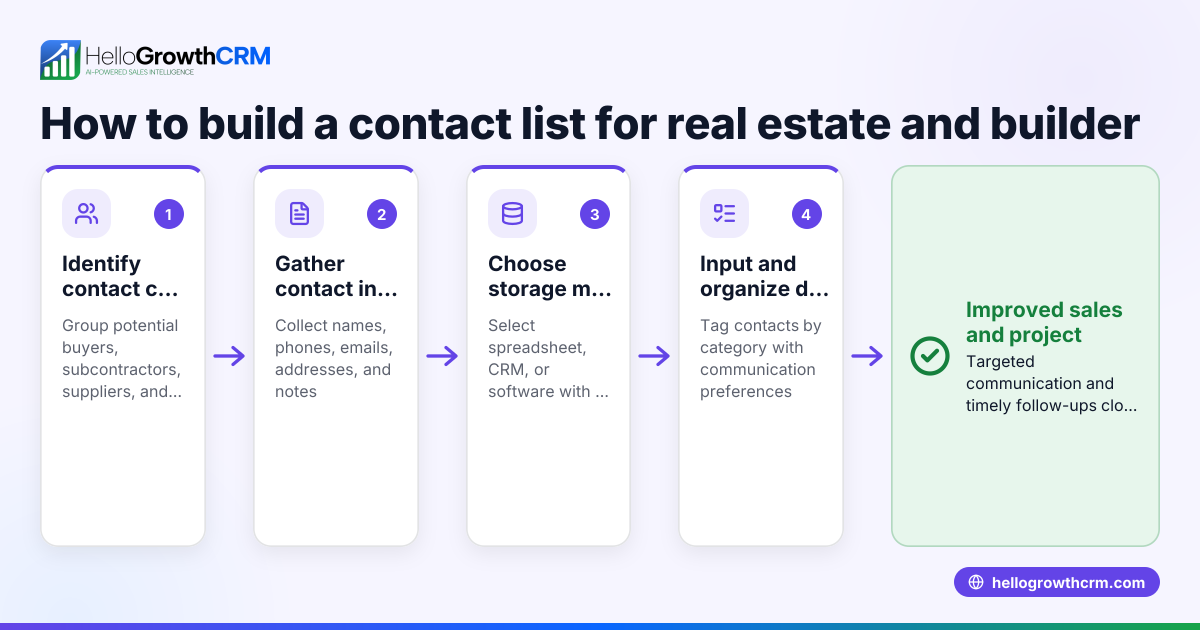
A real estate contact manager is a tool crafted to organize contacts, leads, and communication in the real estate industry. It centralizes client details, tracks conversations, and helps manage follow-ups so you don’t lose potential deals. This article explains why real estate business owners or accountants seek such a system, how to choose one, a detailed example, common pitfalls, and answers to common questions.
Why this comes up / what goes wrong
Real estate businesses, including brokerages and independent agents, handle many contacts: buyers, sellers, lenders, inspectors, and contractors. Without a dedicated contact manager, details get scattered across emails, texts, spreadsheets, or paper notes. This fragmentation causes slow follow-ups, missed opportunities, and lost commissions. Accountants and business owners struggle to maintain organized records for client communication history, deal status, and marketing outreach.
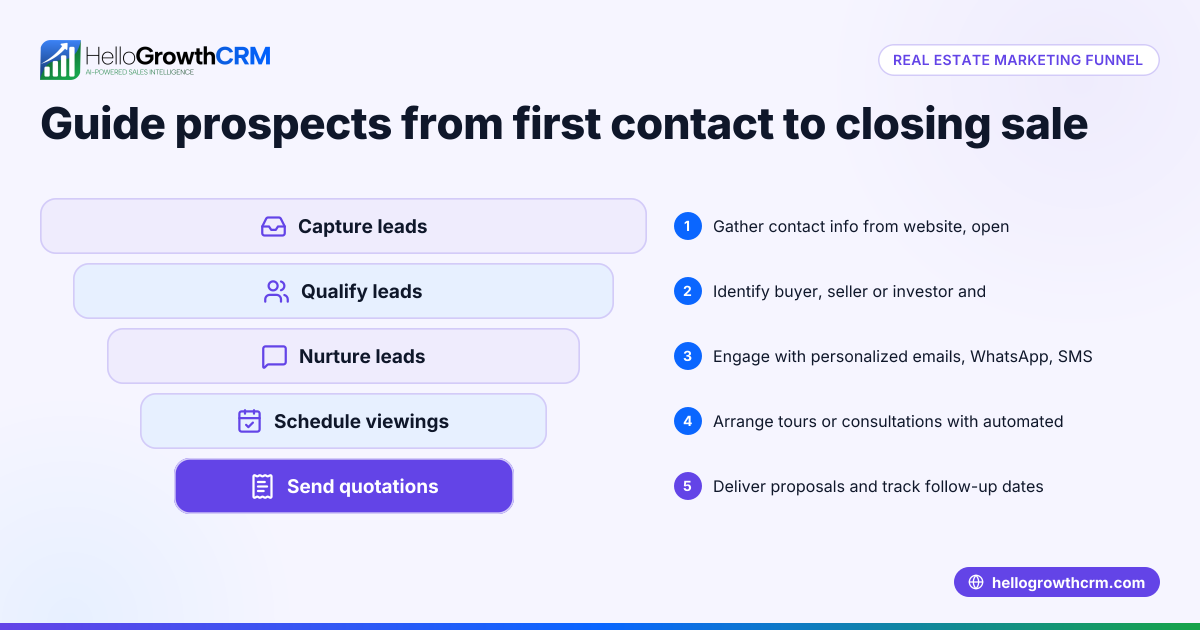
Real estate transactions often involve multiple stages and stakeholders. Without a real estate-specific contact manager, it’s hard to track where each lead is in the sales funnel or to automate reminders for follow-ups. This results in inefficiencies and lost revenue. Mobile access is also important for agents working remotely, who need to update or access contact information on the go to respond quickly to opportunities.
Step-by-step
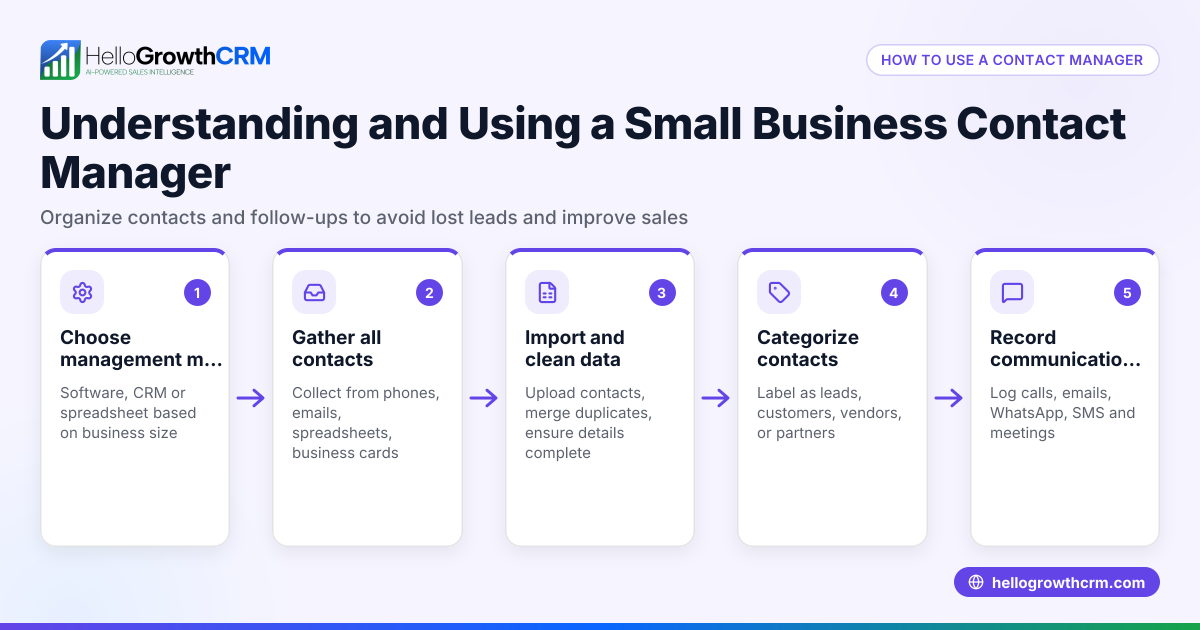
- Identify your business needs: List what features you require, such as lead capture, pipeline tracking, contact categorization (buyers, sellers, agents), and communication history. Consider if you need appointment scheduling or document storage tied to contacts.
- Check for real estate industry focus: Choose a contact manager designed or customizable for real estate workflows. This should include fields for property details, transaction stages, and client types.
- Evaluate ease of use: Ensure the system is user-friendly for your team, including mobile access for agents working in the field. Test the interface and mobile apps if available.
- Consider integration capabilities: Verify it can import contacts from emails, web forms, spreadsheets, or other apps you use. This avoids manual data entry and keeps contacts up to date.
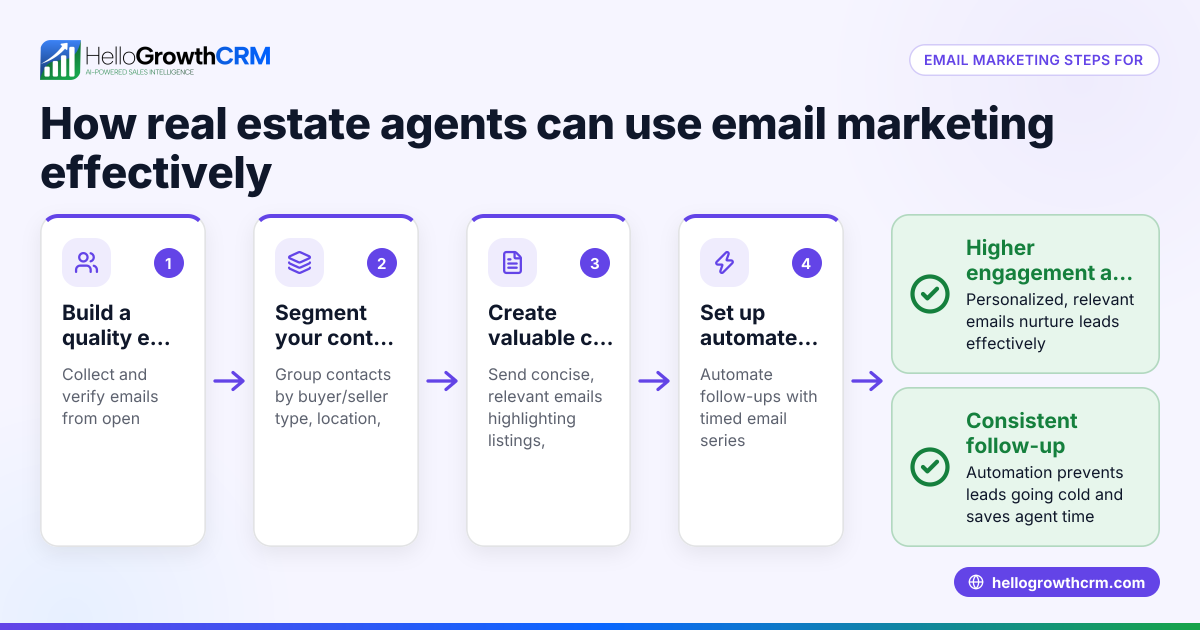
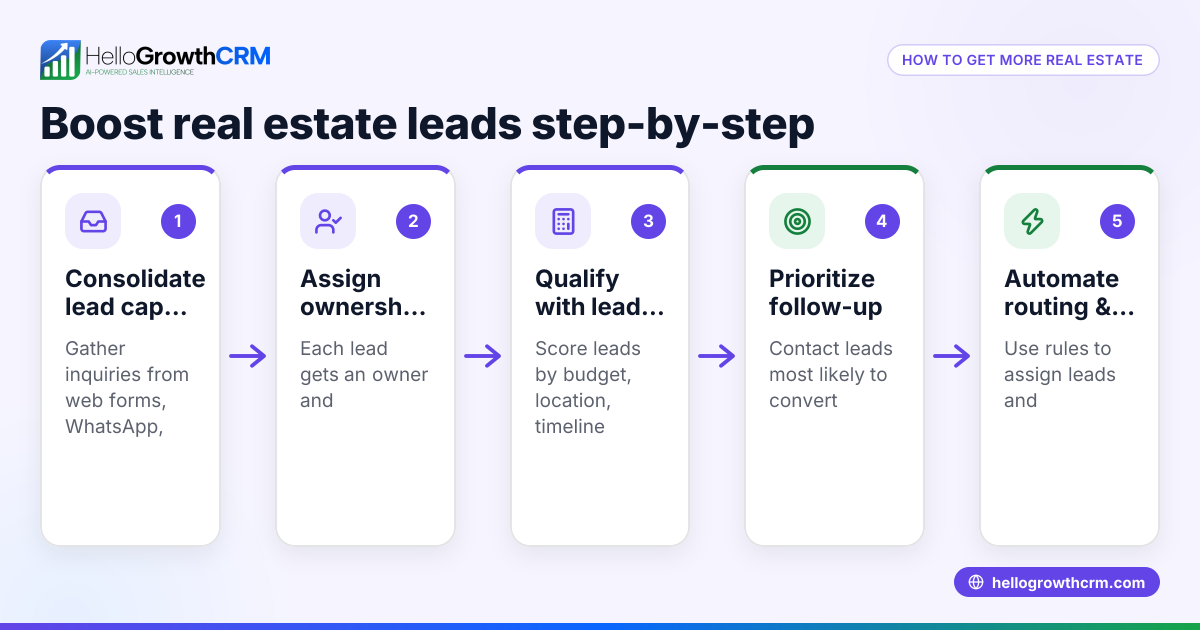
- Review follow-up and automation features: Look for reminders, task boards, or communication sequences to keep leads engaged and prevent them from slipping through the cracks.
- Test reporting and forecasting tools: These help track sales performance, pipeline health, and plan growth strategies effectively.
- Assess data security and compliance: Ensure client information is protected and stored according to best practices to maintain confidentiality.
- Request demos or trials: Hands-on experience helps confirm the fit for your team and uncovers any usability issues.
- Compare costs and scalability: Consider pricing models and whether the system can grow with your business to avoid costly migrations later.
For more on real estate software options, see Real estate and builders.
Example (fictional figures)
A two-location real estate brokerage in Columbus, Ohio, manages about 1,000 active contacts, including buyers, sellers, and agents. They want to improve lead follow-up and pipeline visibility to increase closed deals.
- They select a contact manager with real estate features and mobile access.
- Initial setup and data import cost $1,500.
- Monthly subscription is $150.
- Expected increase in closed deals is 5 per month, each averaging $300,000 in sales with a 3% commission rate.
Calculations:
5 deals × $300,000 = $1,500,000 total sales $1,500,000 × 3% commission = $45,000 monthly commission revenue Monthly subscription = $150 Setup cost amortized over 12 months = $1,500 ÷ 12 = $125 Total monthly cost = $150 + $125 = $275 Monthly commission revenue - monthly cost = $45,000 - $275 = $44,725 net gain
This example shows how a real estate contact manager can increase sales efficiency and revenue by improving lead management and follow-up.
Common mistakes
- Choosing a generic CRM without real estate features: Prevent this by prioritizing industry-specific tools or those customizable to real estate workflows.
- Ignoring mobile usability: Agents need access on the go; test mobile apps before buying to ensure field productivity.
- Failing to train the team: Provide thorough onboarding and ongoing support to ensure consistent use and adoption.
- Not automating follow-ups: Use reminders and communication sequences to avoid losing leads due to slow response.
- Overlooking data security: Confirm the system follows best practices for client data protection to maintain trust and compliance.
- Not reviewing scalability: Pick a system that can handle business growth and increased contact volume to avoid costly switches.
Learn more about communication tools in real estate at WhatsApp and SMS CRM.
Frequently asked questions
What is the difference between a real estate contact manager and a general CRM? A real estate contact manager is tailored to real estate workflows, including property details, client types, and transaction stages. General CRMs may lack these features or require complex customization to fit real estate needs.
Can I integrate my existing contact lists into a real estate contact manager? Most contact managers allow importing contacts from email, spreadsheets, or other software. Check the specific import formats supported before choosing to ensure smooth data migration.
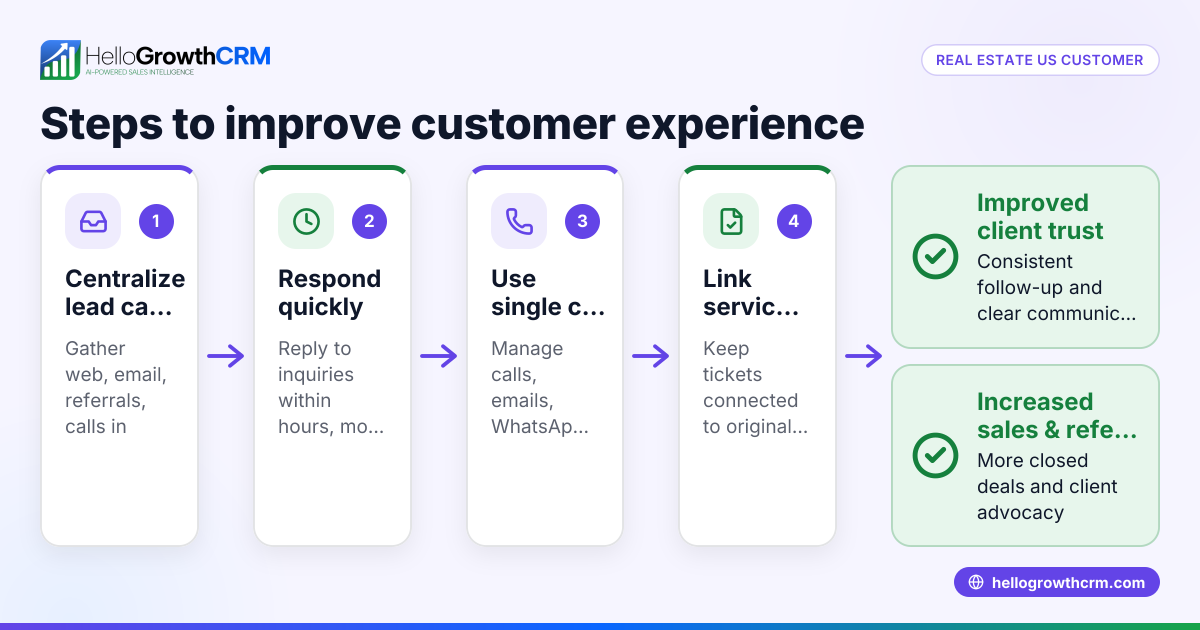
How does a contact manager improve lead follow-up? It centralizes contact information and tracks communication history, enabling timely reminders and automated sequences to nurture leads effectively and prevent missed opportunities.
Is mobile access important for a real estate contact manager? Yes, agents often work remotely and need to update or access contact info on the go. Mobile-friendly systems improve productivity and responsiveness in the field.
How do I evaluate the cost-effectiveness of a real estate contact manager? Compare subscription and setup costs against potential revenue gains from improved lead management and faster deal closures. The example above illustrates this calculation.
For further industry-specific solutions, see HelloGrowthCRM for the United States.
Key takeaways
- A real estate contact manager organizes and tracks industry-specific contacts and leads.
- Choose a system with real estate features, mobile access, and automation.
- Test usability, integrations, and security before committing.
- Avoid common mistakes like ignoring mobile needs and lacking team training.
- Evaluate costs against expected revenue improvements with a clear example.
Start managing your real estate contacts efficiently today. Start on the Free Forever plan (200 leads, no credit card).
Ready to put this into practice?
Set up your pipeline, WhatsApp follow-ups, and AI lead scoring in minutes — free, no credit card.
Try HelloGrowthCRM freeGet CRM tips in your inbox
Join thousands of sales professionals who get weekly insights on CRM strategy, AI automation, and pipeline optimization.

The HelloGrowthCRM team publishes guides on CRM strategy, AI sales tools, and revenue operations for small business sales teams.