HelloGrowthCRM software
Built for real small-business sales teams
HelloGrowthCRM helps reps qualify faster, follow up on time, and close more deals—with practical automation in one place.
- AI lead scoring and pipeline visibility
- Built-in dialer, WhatsApp, and email automation
- Sales forecasting and RevOps-ready reporting
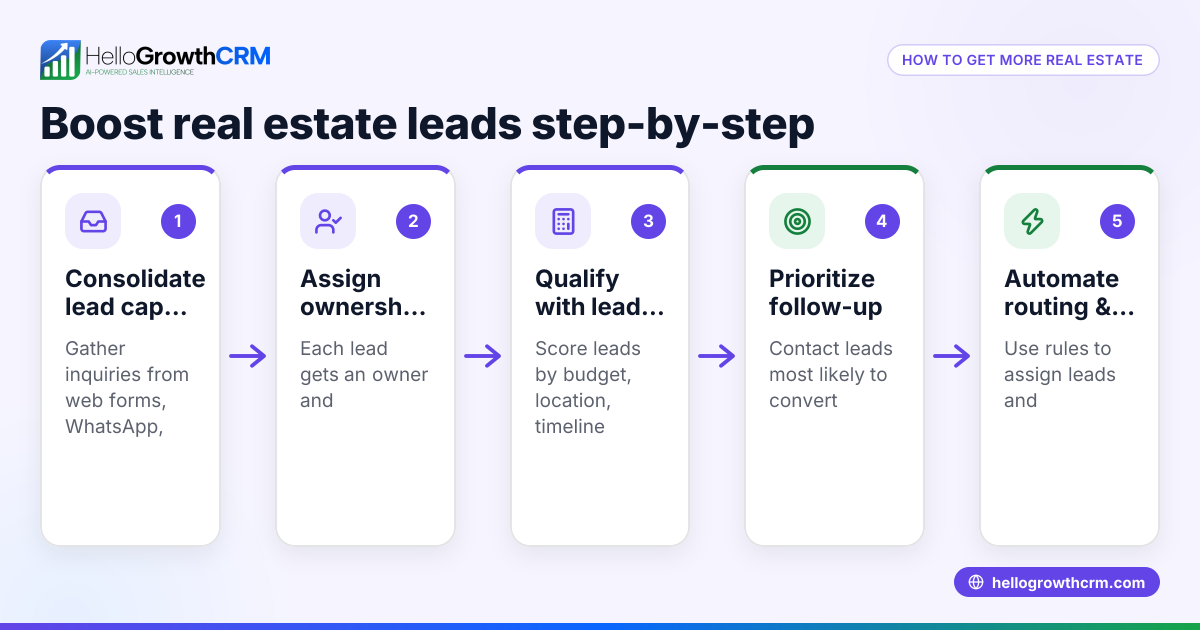
A contact list builder is essential for real estate and builder businesses in the US to manage leads, suppliers, and clients effectively. It organizes contact information in a way that supports sales, marketing, and project management efforts. This article explains why such businesses need specialized contact lists, provides a clear step-by-step process to build one, shares a practical example with realistic figures, highlights common mistakes with prevention tips, and answers key questions you might have.
Why this comes up / what goes wrong
For builder business owners or accountants in real estate, managing contacts is more complex than just storing names and numbers. They deal with multiple types of contacts: potential homebuyers, contractors, suppliers, real estate agents, and local government offices. Without a well-structured contact list builder, leads can be lost, follow-ups delayed, and project coordination hampered. Many rely on spreadsheets or scattered notes, which leads to errors and inefficiencies. A contact list builder tailored to the real estate and builder industry helps organize contacts by category, track communication history, and prioritize follow-ups, critical for closing deals and managing projects smoothly.
Step-by-step
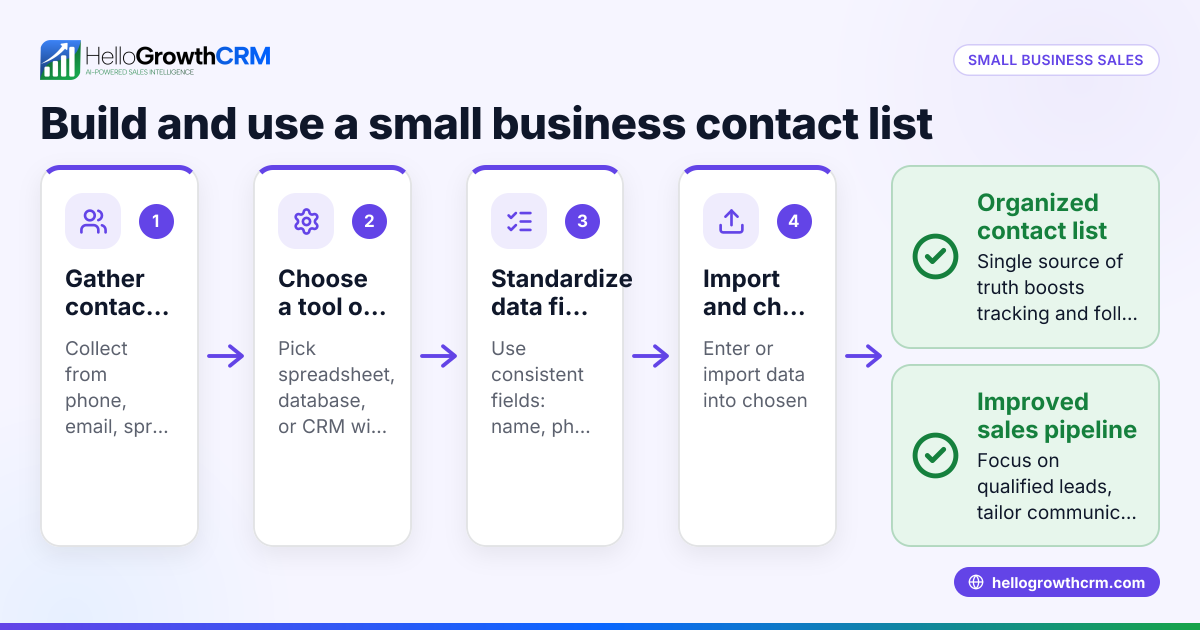
- Identify Contact Categories: Define groups such as potential buyers, subcontractors, suppliers, real estate agents, and inspectors. This helps segment your list for targeted communication.
- Gather Contact Information: Collect full names, phone numbers, emails, business addresses, and notes on how you met or their relevance. Verify accuracy by cross-checking with business cards, emails, or online profiles.
- Choose a Storage Method: Decide whether to use a spreadsheet, contact management software, or CRM. Ensure it supports easy search, filtering, and updating.
- Input and Organize Data: Enter contacts into your chosen system, tagging them by category and adding notes like project interests or communication preferences.
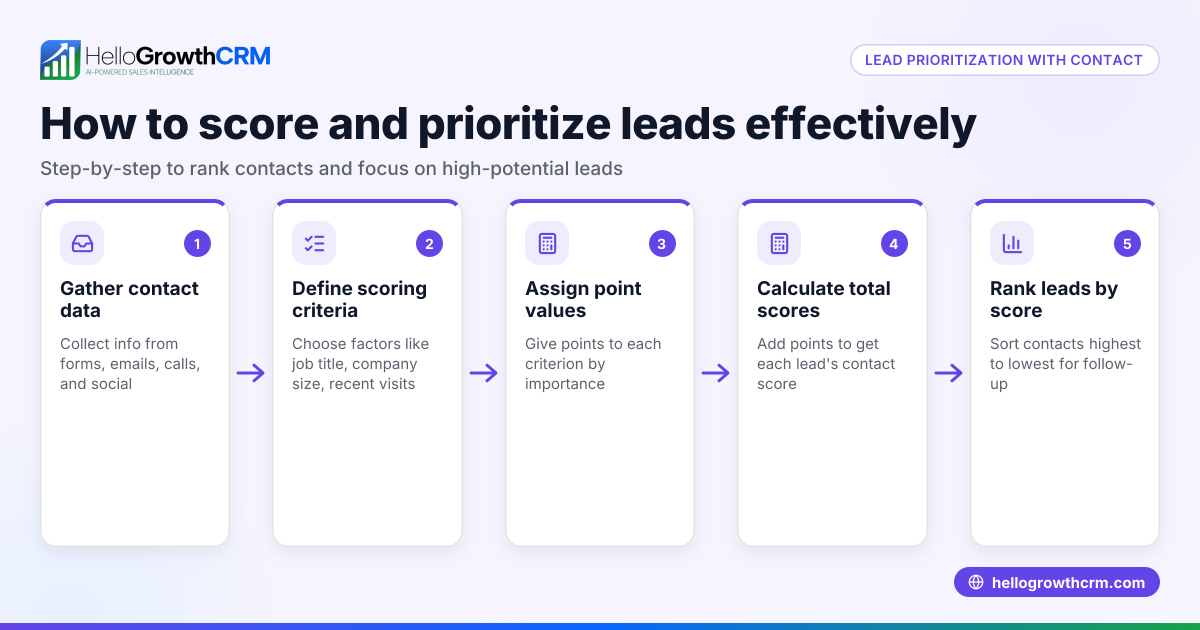
- Set Follow-up Reminders: Schedule tasks or reminders for calls, emails, or meetings based on lead priority or project timelines.
- Regularly Update the List: Remove outdated contacts, add new ones, and update information after interactions to keep the list current.
- Backup Your Data: Regularly export or back up your contact list to avoid loss from technical issues.
- Review and Refine: Periodically analyze the list to identify gaps, such as missing supplier contacts or inactive leads, and adjust your outreach accordingly.
For more on managing real estate and builder contacts efficiently, see Real estate and builders.
Example (fictional figures)
A Denver-based residential builder, "Mountain View Homes," wants to build a contact list for their upcoming project launch on 09/15/2026. They identified these categories:
- Potential buyers
- Subcontractors
- Suppliers
- Real estate agents
They gathered contact details as follows:
- 150 potential buyers
- 30 subcontractors
- 20 suppliers
- 15 real estate agents
They chose a spreadsheet for initial input.
Step 1: Input total contacts
150 + 30 + 20 + 15 = 215 contacts
Step 2: Prioritize follow-ups
Mountain View Homes decides to call top 50 buyers first, schedule meetings with 10 subcontractors, and email all suppliers and agents.
Step 3: Schedule reminders
Calls to buyers set for 09/16/2026
Meetings with subcontractors set for 09/18/2026
Emails sent on 09/15/2026
Step 4: Backup data weekly
Export spreadsheet every Friday
This example shows how a builder segments and manages contacts to support sales and project success.
Common mistakes
- Mixing contact categories without labels: Prevent confusion by tagging contacts clearly.
- Using outdated contact info: Check and verify details regularly.
- Ignoring follow-up scheduling: Use reminders to avoid losing leads.
- Relying solely on spreadsheets without backups: Regularly back up data to prevent loss.
- Not segmenting contacts for targeted communication: Tailor messages by category to increase engagement.
- Failing to update after interactions: Record notes promptly to keep context fresh.
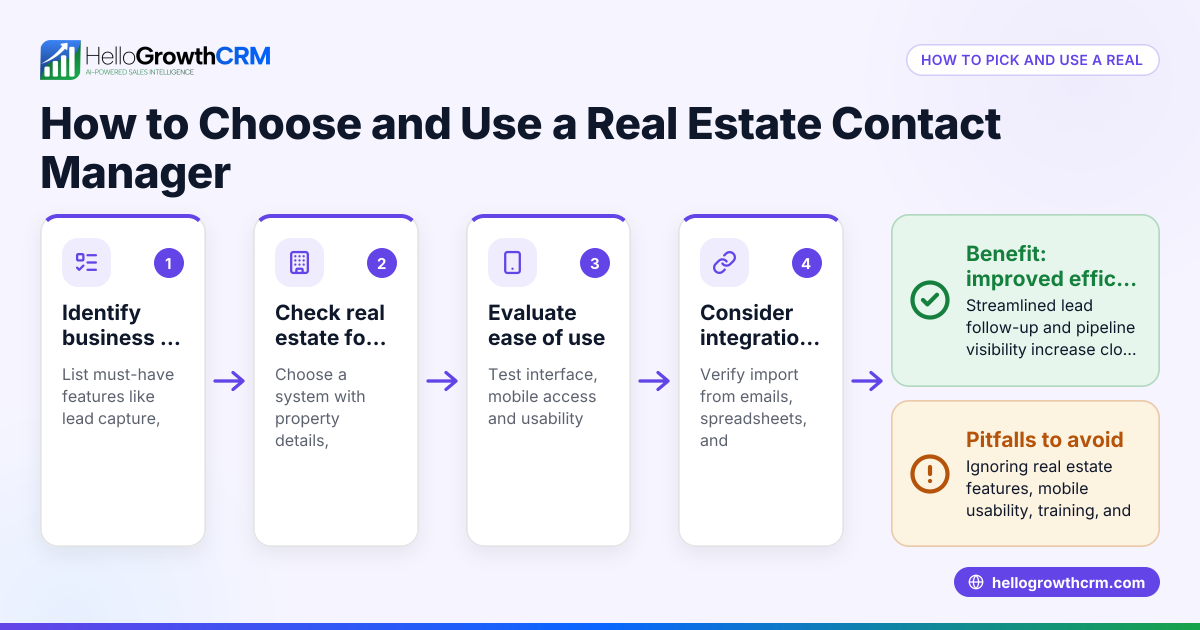
To avoid these pitfalls, consider tools designed for real estate and builder needs, such as those described in HelloGrowthCRM for the United States and WhatsApp and SMS CRM.
Frequently asked questions
What is the best way to start building a contact list for my builder business? Start by identifying key contact categories relevant to your projects, then gather accurate contact details and choose a system that allows easy organization and updates.
How often should I update my contact list? Update your list after every significant interaction or at least monthly to ensure information remains current and useful.
Can I use a simple spreadsheet for my contact list? Yes, spreadsheets work for small lists, but as your contacts grow, consider CRM tools that offer better organization, follow-up reminders, and communication tracking.
How do I protect my contact list data? Regularly back up your contact list to cloud storage or external drives and use password protection if available.
What communication methods work best with builder contacts? Phone calls, emails, and text messaging are common; segment your list to know which method suits each contact type best.
For more industry-specific advice, visit Real estate and builders.
Key takeaways
- Define clear contact categories to organize your list effectively.
- Gather accurate and complete contact information and verify it.
- Use a system that supports easy updates, search, and follow-up reminders.
- Regularly update and back up your contact list to maintain its value.
- Segment contacts for targeted communication to improve engagement.
- Avoid common mistakes like mixing categories or neglecting follow-ups.
Start building your contact list today to improve sales and project management. You can Start on the Free Forever plan (200 leads, no credit card) to manage your contacts efficiently.
Ready to put this into practice?
Set up your pipeline, WhatsApp follow-ups, and AI lead scoring in minutes — free, no credit card.
Try HelloGrowthCRM freeGet CRM tips in your inbox
Join thousands of sales professionals who get weekly insights on CRM strategy, AI automation, and pipeline optimization.

The HelloGrowthCRM team publishes guides on CRM strategy, AI sales tools, and revenue operations for small business sales teams.