HelloGrowthCRM software
Built for real small-business sales teams
HelloGrowthCRM helps reps qualify faster, follow up on time, and close more deals—with practical automation in one place.
- AI lead scoring and pipeline visibility
- Built-in dialer, WhatsApp, and email automation
- Sales forecasting and RevOps-ready reporting
Reconnecting with old clients can revive valuable business relationships and increase sales. The key is to send a well-crafted email that feels personal, respectful, and relevant. Here is a simple email template you can use:
Subject: Checking In and Sharing Some Updates
Hi [Client's First Name],
I hope this message finds you well. It’s been a while since we last connected, and I wanted to reach out to see how things are going with [their business or project]. We’ve recently [mention any new service, product, or update], and I thought it might be helpful for you.
Please let me know if you have any questions or if there’s anything I can assist with. I’d love to catch up and explore how we can support your goals.
Best regards,
[Your Full Name] [Your Business Name] [Your Contact Information]
This email is polite, reminds the client of your past connection, and opens the door for further conversation without pressure.
Why this comes up / what goes wrong
Small-business owners often lose touch with clients due to busy schedules or shifting priorities. When they try to reconnect, emails can sound generic, pushy, or forget to reference the previous relationship, causing clients to ignore them. Without a clear template or process, follow-up attempts may be inconsistent or poorly timed, reducing chances of success.
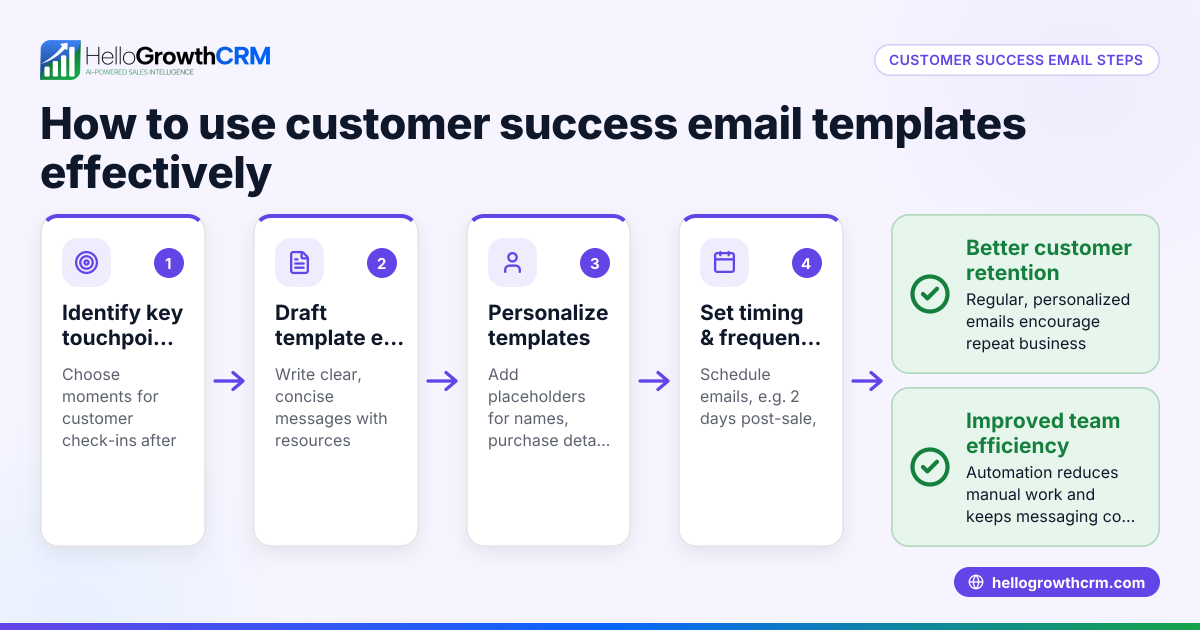
Step-by-step
- Identify old clients to contact. Review your client list and pick those you haven’t interacted with in 6+ months.
- Personalize the email. Use the client’s name and mention something specific about their past projects or business.
- Use the template above. Fill in the placeholders with your details and relevant updates.
- Check your timing. Send emails on Tuesday to Thursday mornings for better open rates.
- Proofread carefully. Check for spelling, grammar, and correct client names.
- Set reminders to follow up. If you haven’t received a reply after some time, consider sending a polite follow-up email.
- Track your emails and replies. Use a spreadsheet or CRM to note who responded and when.
For help managing follow-ups, see our sales templates and free sales tools and calculators.
Example (fictional figures)
BrightSmiles is a two-location dental practice in Columbus, Ohio. They have 120 past patients they haven't contacted since 12/01/2025. They want to reconnect to promote a new teeth whitening service.
They send the email on 02/15/2026 using the template, personalized for each client.
Costs are mostly staff time:
- Staff time to personalize and send 120 emails: 120 emails × 5 minutes = 600 minutes
- 600 minutes ÷ 60 = 10 hours
- Staff hourly wage: $20
- Total labor cost = 10 hours × $20 = $200
If 12 clients book the whitening service at $300 each:
- 12 clients × $300 = $3,600 revenue
Return on labor cost calculation:
- $3,600 revenue − $200 labor cost = $3,400 net gain
This example shows how a small investment in reconnecting emails can lead to significant revenue.
Common mistakes
- Sending generic emails: Prevent by personalizing each email with client details.
- Being too salesy or pushy: Use soft language offering help, not hard selling.
- Ignoring follow-ups: Set reminders to send at least one follow-up email.
- Not tracking responses: Use a simple CRM or spreadsheet to avoid losing leads.
- Poor timing: Avoid weekends and late Fridays; midweek mornings perform better.
- Typos or incorrect names: Always proofread before sending.
Using tools like our free sales tools and calculators can help you plan and automate follow-ups.
Doing this in HelloGrowthCRM
HelloGrowthCRM offers a shared inbox called HelloMail, so your team can see replies to reconnecting emails on the same deal without switching apps. You can also use Sequences and campaigns to automate a five-step follow-up over two weeks that stops as soon as the client replies. For easy templates and follow-up plans, download our free sales templates. Learn more about email automation and sequences.
Frequently asked questions
How often should I send reconnect emails? Sending one initial email followed by one or two polite follow-ups spaced 7-10 days apart is effective without overwhelming the client.
What if the client doesn’t respond? If there’s no reply after two follow-ups, it’s best to pause and try reconnecting again in a few months or focus on other leads.
Can I use the same template for all clients? It’s better to personalize at least the greeting and mention specific past interactions to increase engagement.
What’s the best subject line? Use friendly and clear subjects like "Checking In and Sharing Some Updates" or "Hello from [Your Business] — Let’s Catch Up!"
Should I offer a discount or promotion in the email? Not in the first reconnect email. Focus on value and relationship first; offers can come later when the conversation progresses.
Key takeaways
- Use a polite, personalized email template that references past interactions.
- Send emails midweek mornings and follow up after 7-10 days.
- Avoid generic, salesy language and proofread carefully.
- Track responses and set reminders to follow up systematically.
- Automate follow-ups with HelloGrowthCRM’s sequences and shared inbox.
Reconnecting with old clients is easier with a clear email template and a consistent follow-up plan. Start reconnecting today and grow your business relationships.
Start on the Free Forever plan (200 leads, no credit card) at HelloGrowthCRM to manage your client emails and automate follow-ups efficiently.
Ready to put this into practice?
Set up your pipeline, WhatsApp follow-ups, and AI lead scoring in minutes — free, no credit card.
Try HelloGrowthCRM freeGet CRM tips in your inbox
Join thousands of sales professionals who get weekly insights on CRM strategy, AI automation, and pipeline optimization.

The HelloGrowthCRM team publishes guides on CRM strategy, AI sales tools, and revenue operations for small business sales teams.