HelloGrowthCRM software
Built for real small-business sales teams
HelloGrowthCRM helps reps qualify faster, follow up on time, and close more deals—with practical automation in one place.
- AI lead scoring and pipeline visibility
- Built-in dialer, WhatsApp, and email automation
- Sales forecasting and RevOps-ready reporting
A landscaping quote template outlines services, materials, labor costs, and total price estimate. It streamlines quoting and ensures professionalism. This article explains why small landscaping businesses need a clear template, shows an example with fictional figures, highlights common errors, and describes how HelloGrowthCRM helps manage quotes.
Why this comes up / what goes wrong
Small landscaping business owners often lose leads or waste time because they don’t have a ready-to-use quote template. Without a clear format, quotes can be incomplete, inconsistent, or delayed. This causes confusion for clients and slows sales follow-up. Many owners rely on email drafts or spreadsheets, which lack structure and tracking. A landscaping quote template solves these issues by providing a clear, repeatable format that captures all necessary details and supports quick responses.
Step-by-step
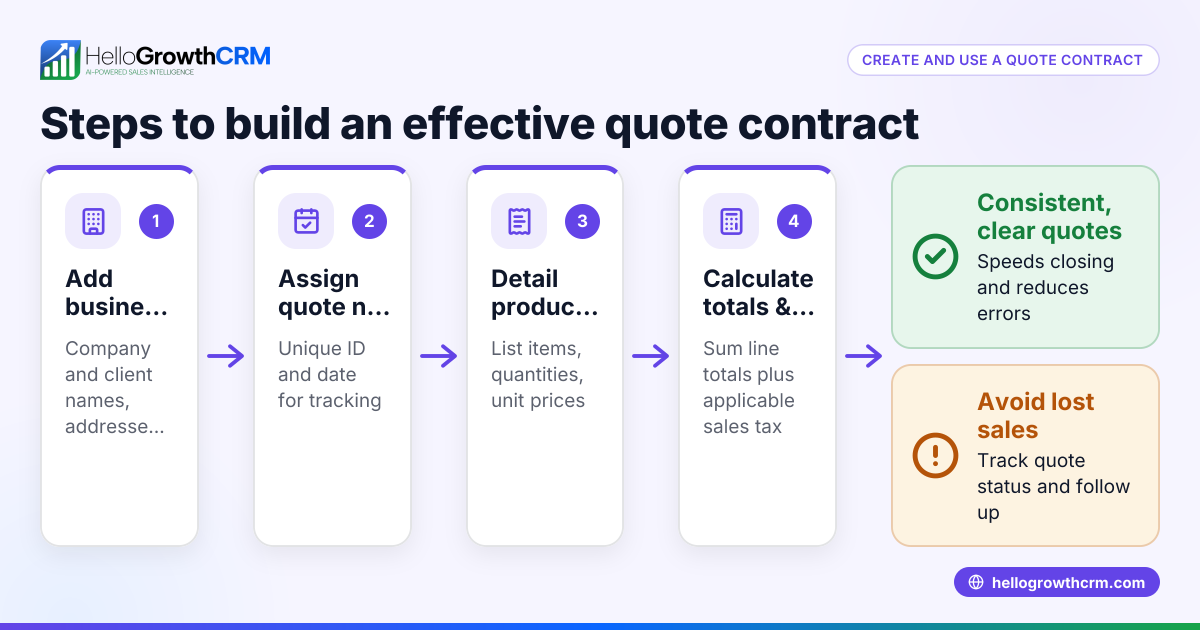
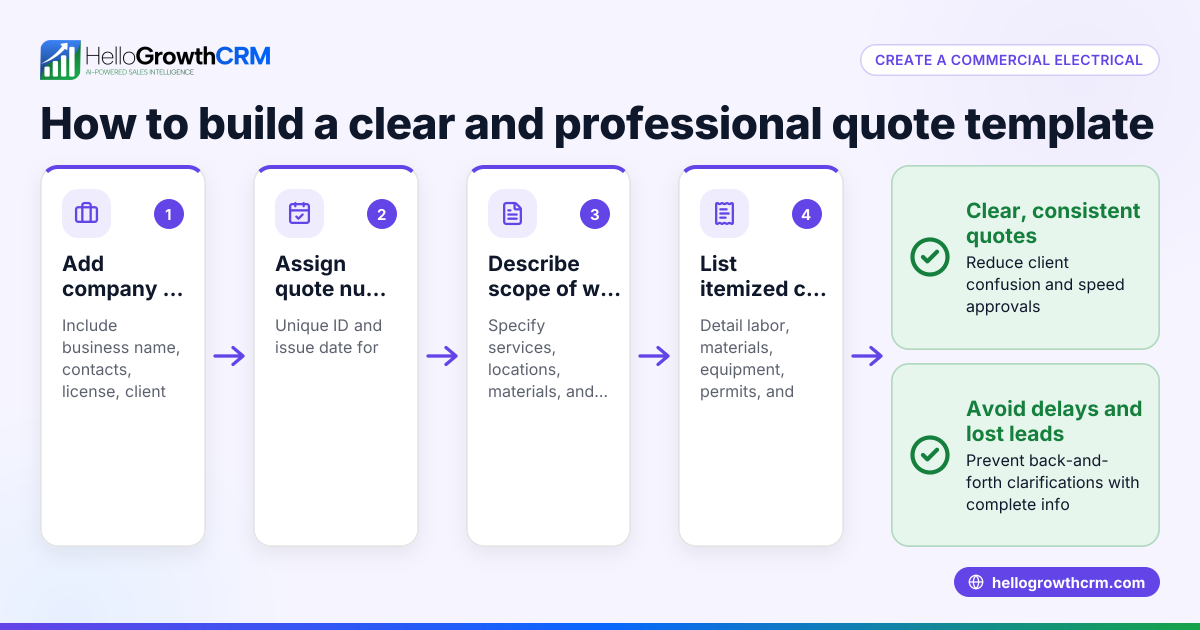
- Start with your business and client details. Include your company name, address, phone, email, and the client’s contact info. Check for spelling accuracy.
- Add a quote number and date. This helps track quotes over time and avoids confusion. Make sure the date is current.
- Describe the landscaping services offered. List each service separately (e.g., lawn mowing, tree trimming, planting). Be specific to avoid misunderstandings.
- Include materials and equipment costs. Specify types and quantities of plants, soil, mulch, or equipment rentals. Verify prices with suppliers.
- Calculate labor costs. Estimate hours needed per service and multiply by your hourly rate. Confirm your labor rates are up to date.
- Add any taxes or fees. Include applicable local sales tax or fees. Check local regulations for tax applicability.
- Provide a total cost summary. Sum all service, material, labor, and tax amounts clearly.
- State payment terms and validity. Specify deposit requirements, payment methods, due dates, and how long the quote is valid.
- Include terms and conditions. Cover cancellation policies, warranty info, and any disclaimers.
- Sign and date the quote. Provide space for your signature and the client’s acceptance.
- Review the entire quote for accuracy and completeness. Double-check calculations and details before sending.
For downloadable sales templates and tools to help with your quoting process, visit the sales templates and free sales tools and calculators pages.
Example (fictional figures)
A Charlotte, North Carolina landscaping contractor prepares a quote on 08/15/2025 for a client’s backyard renovation.
- Lawn mowing: 5 hours × $40/hour = $200
- Tree trimming: 3 hours × $50/hour = $150
- Plants and mulch: $350
- Equipment rental: $100
- Sales tax (assumed illustrative rate 7%): ($200 + $150 + $350 + $100) × 7% = $56.50
Total cost = $200 + $150 + $350 + $100 + $56.50 = $856.50
This quote clearly lists each service, labor, materials, and tax, with all calculations shown.
Common mistakes
- Omitting details about services or materials. Prevent by listing each item separately with descriptions.
- Using outdated pricing. Prevent by regularly updating labor rates and material costs.
- Forgetting taxes or fees. Prevent by checking local tax rules and including applicable charges.
- No payment terms or expiry date. Prevent by clearly stating deposit requirements and how long the quote is valid.
- Sending quotes without review. Prevent by double-checking all calculations and client info before sending.
- No tracking of quote status. Prevent by using a CRM or tool to monitor if quotes are sent, viewed, or accepted.
For a structured way to track quote status and follow-ups, explore features in HelloGrowthCRM.
Doing this in HelloGrowthCRM
HelloGrowthCRM offers a built-in quoting and proposal tool that lets you build, send, and track quotes directly from a deal record. You can see the quote’s status (sent, viewed, accepted) on the same screen as your follow-up tasks, helping you stay organized. Additionally, you can download free sales tools, templates, and calculators without an account from the free sales tools and calculators page to help create your landscaping quote template.
Frequently asked questions
What should be included in a landscaping quote template? A landscaping quote template should include your business and client details, quote number and date, a detailed list of services, materials and equipment costs, labor charges, taxes or fees if applicable, total cost, payment terms, validity period, and terms and conditions.
How do I calculate labor costs for landscaping quotes? Estimate the number of hours each service will take and multiply by your hourly labor rate. Make sure your labor rates are current and reflect your business expenses and desired profit margin.
Should I include taxes in my landscaping quotes? If local regulations require sales tax or fees on landscaping services or materials, include them in the quote. Confirm tax rules locally.
Can I track if a client has viewed my landscaping quote? Yes, using HelloGrowthCRM’s quoting tool, you can track the status of your quotes, including if they have been sent, viewed, or accepted, all from the same interface as your follow-up tasks.
Are there free templates I can use to create a landscaping quote? Yes, you can download free sales templates and tools, including pipeline and follow-up cadence templates, from HelloGrowthCRM’s sales templates and free sales tools and calculators pages without needing an account.
Key takeaways
- A landscaping quote template organizes services, materials, labor, taxes, and payment terms clearly.
- Number each quote and date it to track and avoid confusion.
- Double-check pricing, tax rules, and payment terms before sending.
- Avoid common mistakes like missing details or outdated prices by regular reviews.
- Use tools like HelloGrowthCRM to create, send, and track quotes efficiently.
- Download free sales templates and tools from HelloGrowthCRM to get started.
Start creating your landscaping quotes today and improve your sales process. To manage your quotes, deals, and follow-ups in one place, start on the Free Forever plan (200 leads, no credit card).
Ready to put this into practice?
Set up your pipeline, WhatsApp follow-ups, and AI lead scoring in minutes — free, no credit card.
Try HelloGrowthCRM freeGet CRM tips in your inbox
Join thousands of sales professionals who get weekly insights on CRM strategy, AI automation, and pipeline optimization.

The HelloGrowthCRM team publishes guides on CRM strategy, AI sales tools, and revenue operations for small business sales teams.