HelloGrowthCRM software
Built for real small-business sales teams
HelloGrowthCRM helps reps qualify faster, follow up on time, and close more deals—with practical automation in one place.
- AI lead scoring and pipeline visibility
- Built-in dialer, WhatsApp, and email automation
- Sales forecasting and RevOps-ready reporting
A reengagement email is a targeted message sent to inactive or unresponsive leads to renew their interest and prompt a reply or action. It aims to revive stalled conversations and move leads back into your sales pipeline. This article explains why reengagement emails matter, provides a step-by-step guide to creating effective ones, shares a practical example, highlights common mistakes, and shows how HelloGrowthCRM can help automate the process.
Why this comes up / what goes wrong
Small-business owners often face leads who initially showed interest but stopped responding. This can happen because the lead got busy, lost interest, or forgot about your offer. Without reengagement emails, these leads remain silent, causing lost sales opportunities and wasted marketing effort. For businesses running sales through email, text, or spreadsheets, keeping track of inactive leads and following up consistently can be difficult. A well-crafted reengagement email helps remind these prospects, rekindles their interest, and can turn cold leads back into active conversations.
Step-by-step
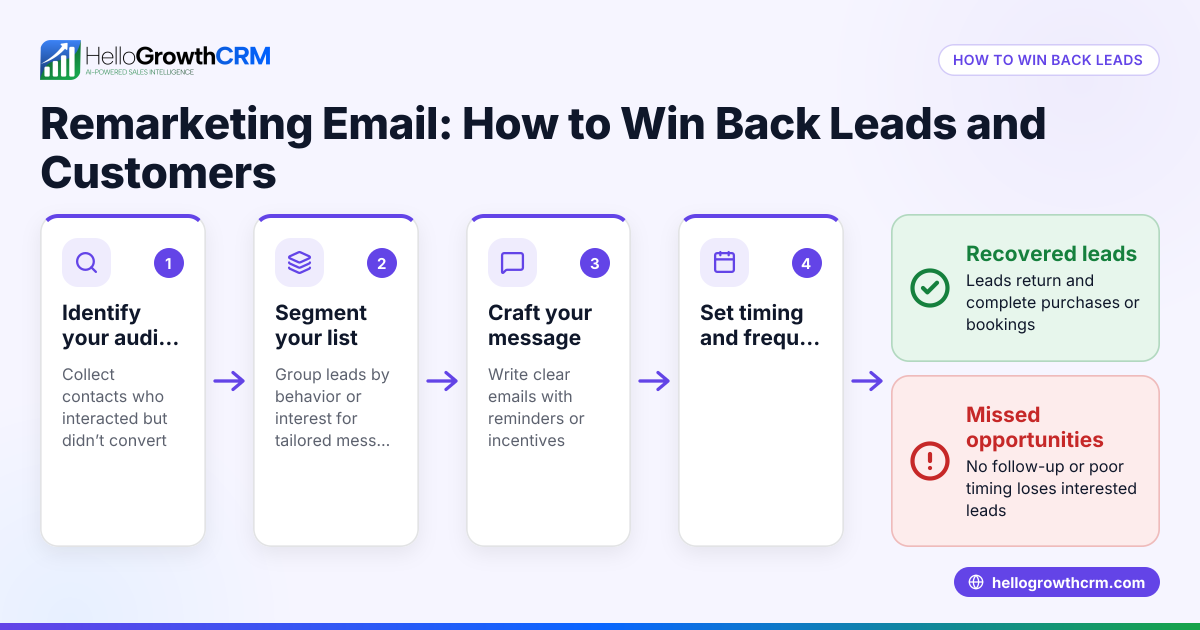
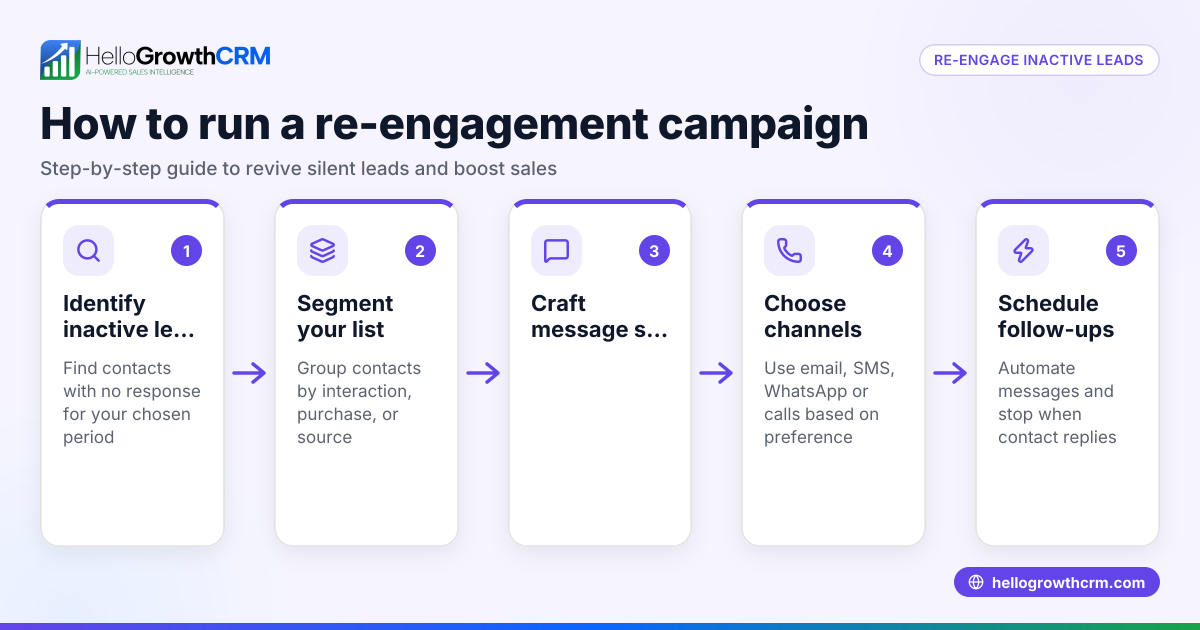
- Identify inactive leads: Check your CRM or sales records for leads who haven’t responded in 30 to 90 days. Make sure to exclude those who explicitly opted out or said no.
- Segment your list: Group leads by common traits like last contact date, product interest, or lead source to tailor your message.
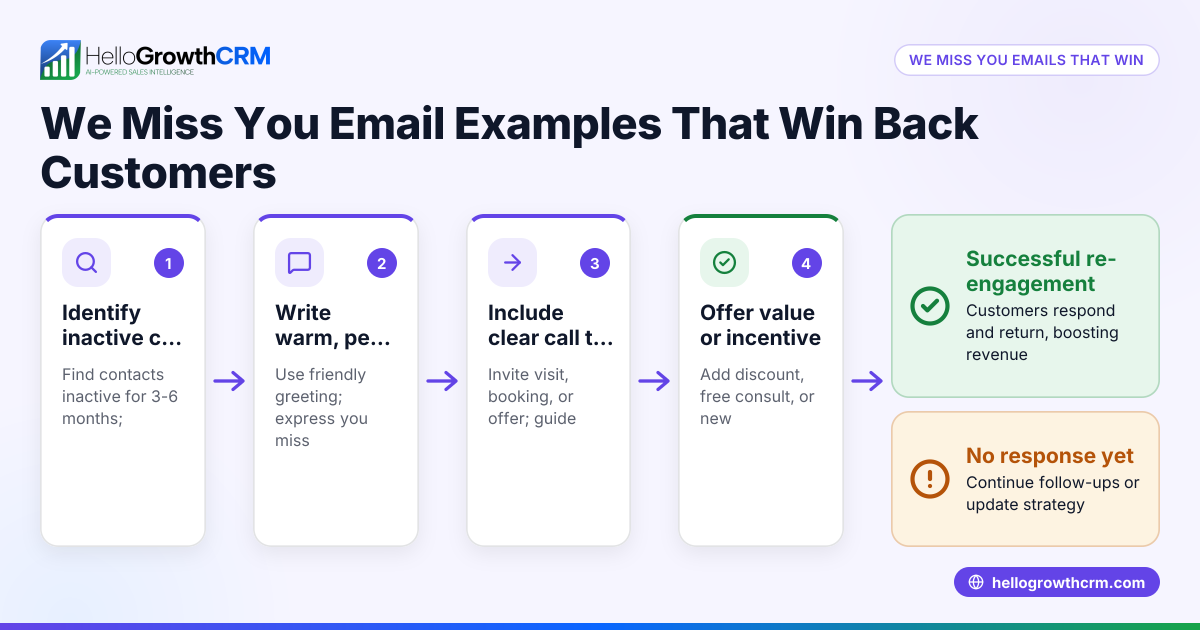
- Craft a clear, concise email: Write a friendly message that reminds the lead who you are, references previous contact, and offers value or a reason to reply. Include a clear call to action, such as scheduling a call or asking if they still need help.
- Add personalization: Use the lead’s name and any relevant details to make the email feel personal and relevant.
- Send the email: Use your email tool or CRM to send the message. Avoid sending too many reengagement emails in a short time.
- Track responses: Monitor who opens, clicks, or replies. This helps you know which leads are warming up again.
- Follow up accordingly: For those who respond, continue the conversation promptly. For those who don’t, consider a second reengagement email or removing them from active lists.
- Analyze results: Review open rates, reply rates, and conversions to improve future reengagement emails.
For automation and managing these steps efficiently, see email automation and sequences.
Example (fictional figures)
A B2B software reseller in Denver, Colorado, wants to reengage leads who haven’t replied in over 60 days. They have 500 such leads.
- They send a reengagement email with a clear call to action to schedule a demo.
- The open rate is 30%, so 500 × 30% = 150 opens.
- The reply rate from opens is 10%, so 150 × 10% = 15 replies.
- From those replies, 60% convert to demos, so 15 × 60% = 9 demos booked.
This shows how a reengagement email can revive interest and generate new sales conversations.
Common mistakes
- Sending generic emails: Prevent this by personalizing messages with the lead’s name and relevant details.
- Following up too aggressively: Space out emails and avoid more than two reengagement attempts.
- Ignoring unsubscribes or no responses: Respect preferences and remove uninterested leads to keep your list healthy.
- Not tracking results: Use analytics to see what works and adjust your approach.
- Failing to act on replies quickly: Respond promptly to keep momentum.
Learn how to avoid these pitfalls with email automation and sequences and improve follow-up efficiency.
Doing this in HelloGrowthCRM
HelloGrowthCRM offers HelloMail shared inbox so your team can see replies to reengagement emails together, avoiding missed responses. Its sequences and campaigns feature lets you set up automated follow-ups, like a five-step reengagement sequence over two weeks that stops as soon as the lead replies. This automation saves time and ensures consistent follow-up without manual effort.
Frequently asked questions
What is the best time to send a reengagement email? The best time depends on your sales cycle, but typically 30 to 90 days after the last contact is effective. This gives leads enough time to reconsider without feeling pressured.
How many reengagement emails should I send? Limit yourself to one or two well-timed reengagement emails. Sending too many can annoy leads and increase unsubscribes.
What should I include in a reengagement email? Include a friendly reminder of your previous contact, a clear call to action, and a reason for the lead to reply, such as a special offer, new info, or asking if they still need your help.
Can I automate reengagement emails? Yes, automation tools like HelloGrowthCRM’s sequences and campaigns let you schedule multi-step reengagement emails that pause when a lead replies, saving time and ensuring no lead is forgotten.
How do I measure the success of a reengagement email? Track open rates, reply rates, and conversions such as demos booked or deals advanced. This data helps refine your messaging and timing.
See more on managing multi-channel outreach with WhatsApp and SMS CRM.
Key takeaways
- A reengagement email targets inactive leads to renew interest and prompt replies.
- Identify and segment inactive leads before crafting personalized, clear messages.
- Limit follow-ups to avoid overwhelming prospects and respect opt-outs.
- Track responses and act promptly on replies to maximize conversions.
- Automate follow-ups with HelloGrowthCRM’s sequences and shared inbox for team visibility.
Reengagement emails can turn silent leads back into active opportunities. To start managing your leads and automating follow-ups easily, Start on the Free Forever plan (200 leads, no credit card).
Ready to put this into practice?
Set up your pipeline, WhatsApp follow-ups, and AI lead scoring in minutes — free, no credit card.
Try HelloGrowthCRM freeGet CRM tips in your inbox
Join thousands of sales professionals who get weekly insights on CRM strategy, AI automation, and pipeline optimization.

The HelloGrowthCRM team publishes guides on CRM strategy, AI sales tools, and revenue operations for small business sales teams.