HelloGrowthCRM software
Built for real small-business sales teams
HelloGrowthCRM helps reps qualify faster, follow up on time, and close more deals—with practical automation in one place.
- AI lead scoring and pipeline visibility
- Built-in dialer, WhatsApp, and email automation
- Sales forecasting and RevOps-ready reporting
A relationship coach CRM is software designed to help you manage client contacts, track sessions, and follow up efficiently. It centralises your communications and sales process to prevent leads from slipping through the cracks. This article covers why relationship coaches need a CRM, step-by-step guidance on choosing the right one, a worked example, common mistakes to avoid, and how HelloGrowthCRM supports coaching businesses.
Why this comes up / what goes wrong
Relationship coaches often start with simple tools like spreadsheets, email, or text messages to manage their clients. But as the client base grows, these methods become chaotic and inefficient. Important follow-ups are missed, session notes get lost, and scheduling overlaps happen. Without a dedicated CRM, coaches waste time hunting for client details instead of focusing on coaching. Slow follow-up leads to lost potential clients, especially when prospects expect quick replies via WhatsApp or SMS. Coaches need a system that organises leads, automates reminders, and keeps conversations in one place.
Step-by-step
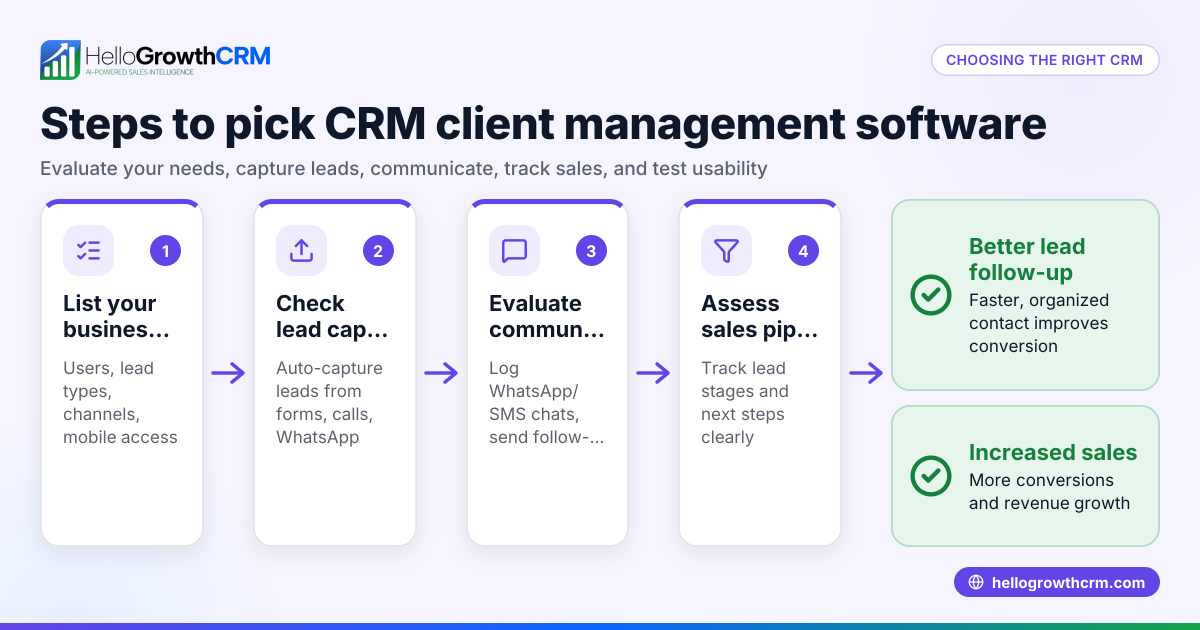
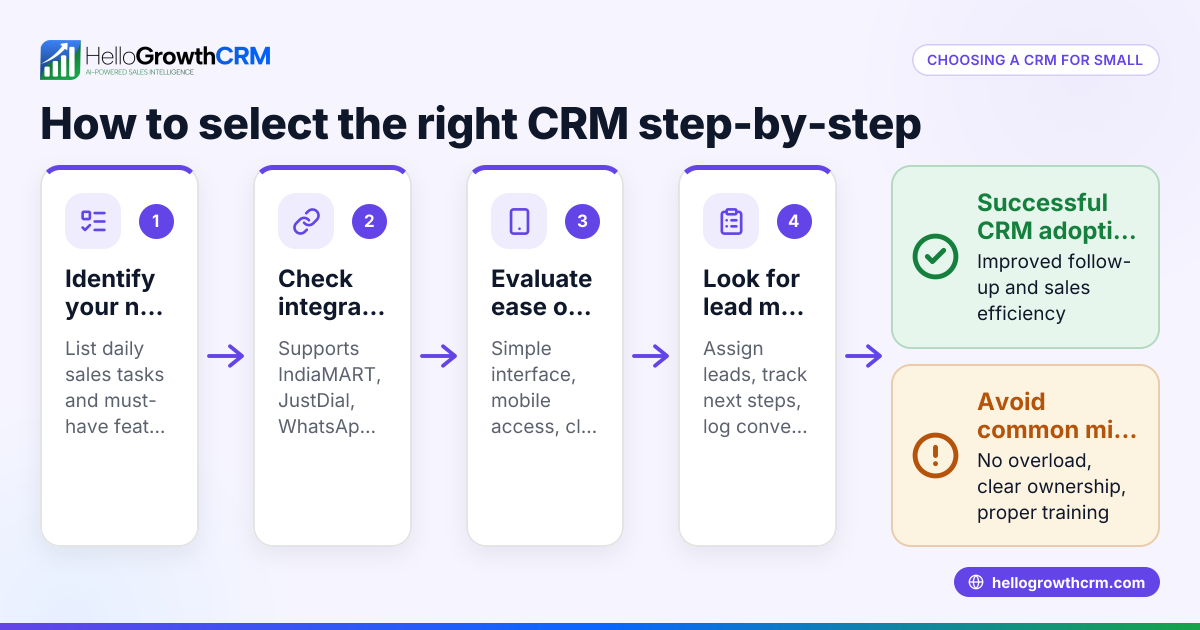
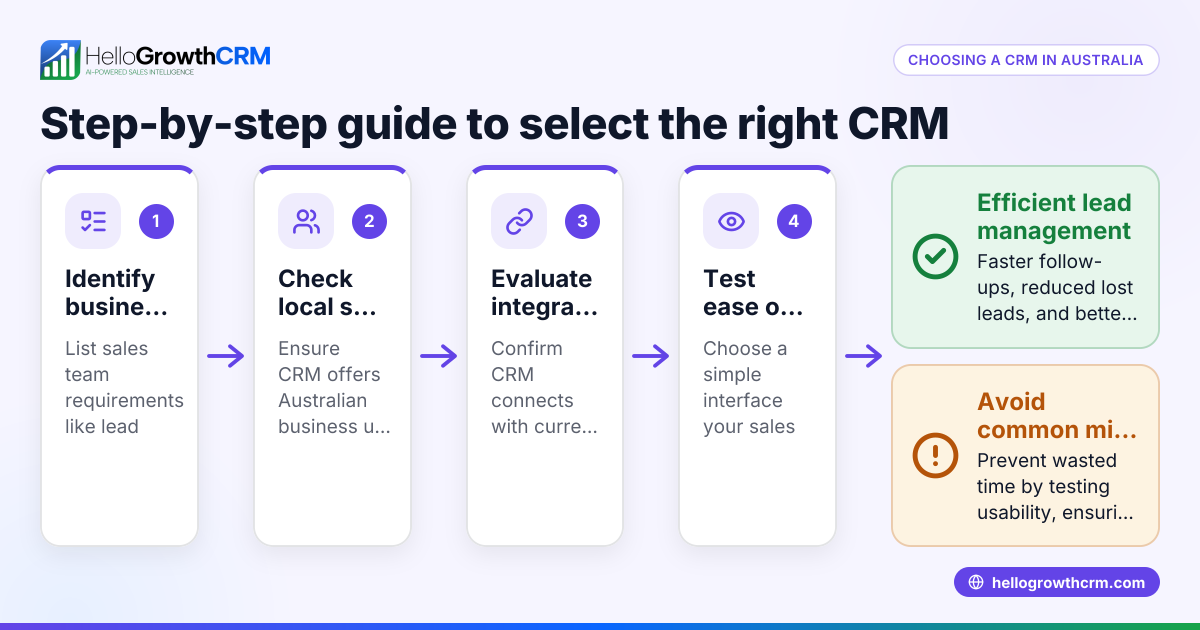
- Identify your key needs. List what features matter most: client contact management, session tracking, appointment reminders, messaging via WhatsApp or SMS, and follow-up automation.
- Check for messaging integration. Since many clients prefer WhatsApp or SMS, ensure the CRM logs these conversations on the client record and allows you to send follow-ups directly from the system. See WhatsApp and SMS CRM.
- Look for automation features. Automated follow-up messages save time and improve client engagement. Some CRMs offer AI agents that draft follow-ups after calls for quick review and send. This is useful for busy coaches. Learn more about AI agents.
- Consider your team size and budget. If you are a solo coach or a small team, a CRM with a free plan supporting basic pipeline management can be enough initially. For example, HelloGrowthCRM offers a Free Forever plan for two-person teams.
- Test the user interface. The CRM should be intuitive so you and any team members will actually use it daily.
- Check reporting and pipeline views. Visual pipelines and reports help track client progress and sales stages.
- Review integrations. Ensure the CRM can connect with your booking system, website forms, or email marketing tools.
- Ask about support and training. Reliable customer service and onboarding resources help you get started smoothly.
Example (fictional figures)
Sarah runs a relationship coaching practice in Brisbane with 1 full-time assistant. She wants to manage 150 leads and 50 active clients efficiently.
- Sarah chooses a CRM with WhatsApp and SMS messaging logged directly on client records.
- She automates follow-up messages using AI agents after sessions.
- The CRM’s free plan supports two users and 200 leads, so initial cost is zero.
Date: 15/06/2024
Leads managed = 150 (within free plan limit of 200 leads)
Active clients = 50
Cost = A$0 (Free Forever plan)
Session follow-ups automated = 50 × 1 message each = 50 messages
Time saved per follow-up (manual vs automated) = 5 minutes
Total time saved = 50 × 5 minutes = 250 minutes = approximately 4 hours
This example shows how a relationship coach can save time and money by using a CRM that supports messaging and automation.
Common mistakes
- Choosing a CRM without messaging features. Without WhatsApp or SMS integration, follow-ups become manual and slow. Prevent this by confirming messaging is built-in, such as in HelloGrowthCRM’s WhatsApp and SMS CRM.
- Ignoring automation options. Manually drafting every follow-up wastes time. Use AI agents that draft messages for review to speed up communication. See AI agents.
- Overcomplicating with too many features. A complex CRM can overwhelm a small coaching business. Start with a simple pipeline and only add features as needed.
- Not testing the CRM interface. If the team finds the CRM hard to use, adoption will fail. Try free trials or free plans to test usability.
- Neglecting team collaboration tools. If you have an assistant or team, pick a CRM that supports multiple users and shared pipelines. HelloGrowthCRM offers a Free Forever plan for two users.
- Failing to check integration with booking or form tools. Without integration, data entry doubles and errors increase. Confirm integrations before committing.
Doing this in HelloGrowthCRM
HelloGrowthCRM helps relationship coaches manage leads and clients with WhatsApp and SMS messaging logged on each lead’s record, making follow-ups easy and centralised. Its AI agents draft follow-up messages after calls so coaches save time reviewing and sending rather than starting from scratch. For small teams, the Free Forever plan supports up to two users managing pipelines at no cost until more advanced calling or automation is needed. Learn more about HelloGrowthCRM for Australia.
Frequently asked questions
What features should a relationship coach CRM have? A good CRM for relationship coaches should manage client contacts, track session history, automate follow-ups, and integrate messaging channels like WhatsApp and SMS. Scheduling and reporting tools are also helpful.
Can I use WhatsApp or SMS to communicate within my CRM? Yes, some CRMs, including HelloGrowthCRM, log WhatsApp and SMS conversations on the client record and let you send follow-ups directly. This keeps all communication in one place and improves response times.
Is there a free CRM suitable for small coaching businesses? Yes, HelloGrowthCRM offers a Free Forever plan for up to two users and 200 leads, which is ideal for solo coaches or small teams starting out.
How do AI agents help in a CRM? AI agents can draft follow-up messages after calls or meetings, reducing the time coaches spend writing emails or texts. Coaches only need to review and send, speeding up client engagement.
What should I avoid when choosing a CRM? Avoid CRMs without messaging integration, with overly complex features you won’t use, or poor usability. Also, check that the CRM supports your team size and integrates with your booking or marketing tools.
Key takeaways
- A relationship coach CRM centralises client contacts, sessions, and follow-ups.
- Messaging integration with WhatsApp and SMS is essential for timely communication.
- Automation like AI-drafted follow-ups saves time and improves client engagement.
- Start with a free or low-cost plan that fits your team size and lead volume.
- Test usability and integration with your existing tools before committing.
- Avoid CRMs that lack messaging or have unnecessary complexity.
To get started managing your coaching leads and clients efficiently, try the Free Forever plan with HelloGrowthCRM, which supports two users and 200 leads at no cost. Visit Start on the Free Forever plan (200 leads, no credit card).
Ready to put this into practice?
Set up your pipeline, WhatsApp follow-ups, and AI lead scoring in minutes — free, no credit card.
Try HelloGrowthCRM freeGet CRM tips in your inbox
Join thousands of sales professionals who get weekly insights on CRM strategy, AI automation, and pipeline optimization.

The HelloGrowthCRM team publishes guides on CRM strategy, AI sales tools, and revenue operations for small business sales teams.