HelloGrowthCRM software
Built for real small-business sales teams
HelloGrowthCRM helps reps qualify faster, follow up on time, and close more deals—with practical automation in one place.
- AI lead scoring and pipeline visibility
- Built-in dialer, WhatsApp, and email automation
- Sales forecasting and RevOps-ready reporting
Setting up effective RevOps dashboards and reporting helps small and mid-sized businesses track sales performance, pipeline health, and lead follow-up efficiently. This guide walks you through the essential steps to create dashboards that provide actionable insights and keep your revenue operations on track.
Why this comes up / what goes wrong
Many small business owners run sales processes across email, text messages, and spreadsheets, losing leads due to slow or inconsistent follow-up. Without clear dashboards, it’s hard to see which deals need attention, which sales reps are performing, or how the pipeline is trending. This leads to missed revenue opportunities and inefficient use of time. Setting up RevOps dashboards and reports helps centralise this data, automate tracking, and prioritise follow-ups.
Step-by-step
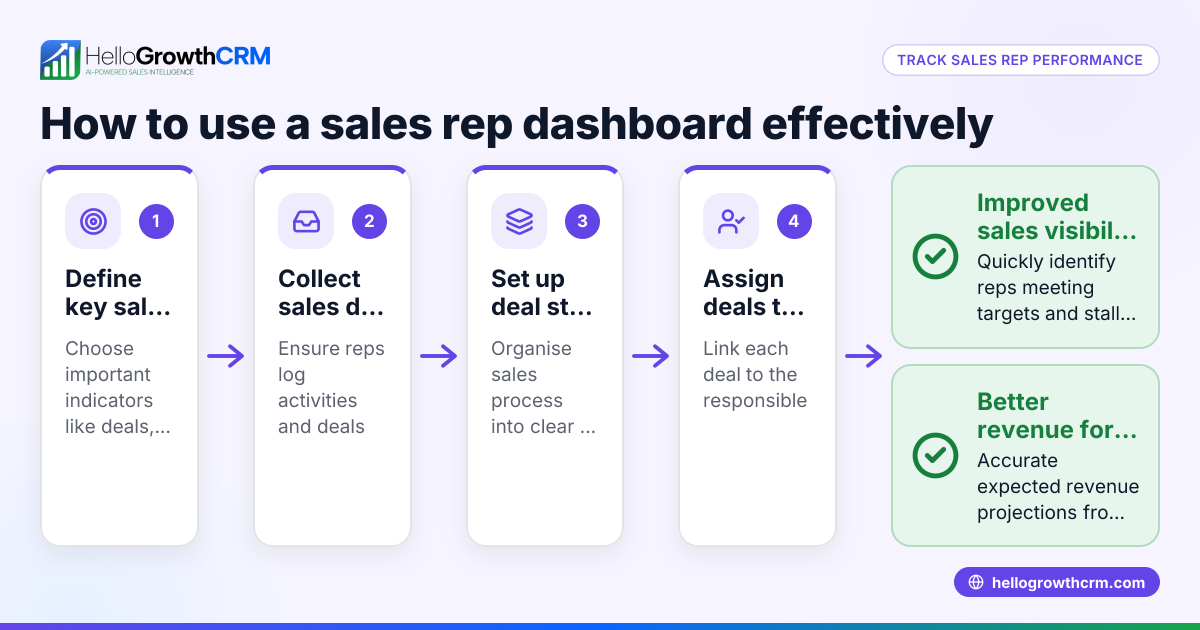
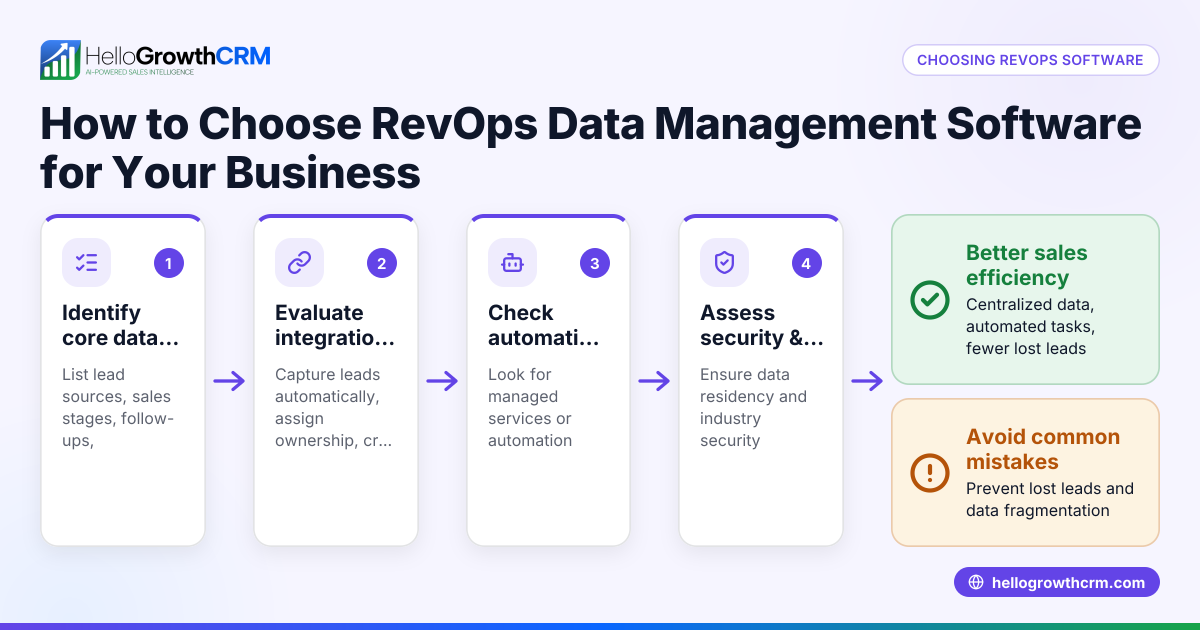
- Identify Key Metrics to Track
- Decide which revenue metrics matter most: e.g. lead response time, conversion rates, pipeline value, sales velocity, and follow-up task completion.
- Check these metrics align with your business goals.
- Gather Your Data Sources
- Collect data from sales emails, WhatsApp and SMS conversations, web form leads, and any spreadsheets or tools you currently use.
- Ensure data is clean and consistent.
- Choose a Dashboard Tool or CRM with Reporting
- Select software that can integrate your data sources and visualise KPIs.
- Confirm it supports task boards and activity logging to track follow-ups.
- Design Your Dashboards
- Create visual boards showing pipeline stages, lead follow-up status, and sales forecasts.
- Use charts, task lists, and tables for clarity.
- Include filters for date ranges, sales reps, and lead sources.
- Set Up Automated Reporting
- Schedule weekly or monthly reports summarising KPIs.
- Ensure reports highlight overdue tasks and pipeline gaps.
- Assign Responsibilities
- Designate who monitors dashboards and acts on reports.
- Use task boards so each follow-up is a scheduled task with a due date.
- Review and Adjust Regularly
- Hold weekly reviews of dashboards to identify bottlenecks.
- Update metrics and dashboard design as your business evolves.
Example (fictional figures)
A Melbourne-based buyer's agency wants to track sales pipeline and follow-ups. They define these KPIs:
- Total pipeline value
- Number of leads contacted within 24 hours
- Follow-up tasks completed weekly
On 01/05/2024, their pipeline includes three deals:
| Deal | Value (A$) | Stage | Follow-up Due Date |
|---|---|---|---|
| Deal A | A$120,000 | Proposal | 03/05/2024 |
| Deal B | A$80,000 | Negotiation | 05/05/2024 |
| Deal C | A$50,000 | Lead | 02/05/2024 |
Calculations:
Total pipeline value = A$120,000 + A$80,000 + A$50,000 = A$250,000
They set a task to contact all leads within 24 hours. On 01/05/2024, they contacted Deal C immediately.
Follow-up tasks completed this week = 1 (Deal C contact)
They schedule a weekly report every Monday showing:
- Pipeline value: A$250,000
- Leads contacted within 24 hours: 1/3 = 33%
- Follow-up tasks completed: 1
This helps them focus on Deal A and B follow-ups due soon.
Common mistakes
- Tracking too many metrics at once: Focus on 3-5 key KPIs to avoid confusion.
- Using disconnected data sources: Integrate leads, messages, and tasks into one system to prevent data gaps.
- Ignoring task follow-up scheduling: Without tasks and due dates, follow-ups slip through.
- Not reviewing dashboards regularly: Dashboards must be actively monitored and acted upon.
- Overcomplicating reports: Keep reports clear and focused on actionable insights.
Prevent these by starting simple, integrating data, and committing to weekly reviews. For detailed help, see the help center.
Doing this in HelloGrowthCRM
HelloGrowthCRM supports RevOps dashboards and reporting with features like Managed RevOps, where a revenue specialist manages your follow-up queue weekly, ensuring no lead is missed. Activities and task boards turn every follow-up into a scheduled task with due dates, so your team’s daily calls are organised and manageable. WhatsApp and SMS conversations with leads are logged on their records, and follow-ups can be sent as messages directly, keeping communication clear and recorded. Learn more about these features at HelloGrowthCRM for Australia and WhatsApp and SMS CRM.
Frequently asked questions
What is the best way to start a RevOps dashboard setup? Start by identifying the most important revenue metrics for your business and gathering all relevant sales and lead data in one place. Use a CRM or dashboard tool that supports task management and communication logging to keep everything organised.
How often should RevOps dashboards be reviewed? Weekly reviews are recommended to catch any follow-up delays or pipeline issues early. Regular reviews help adjust strategies and keep sales activities aligned with goals.
Can small businesses manage RevOps dashboards without a dedicated sales manager? Yes, tools like HelloGrowthCRM offer Managed RevOps services where a specialist handles follow-up queues and reporting, helping founders stay on top without a sales manager.
What are common pitfalls in RevOps reporting? Common mistakes include tracking too many metrics, poor data integration, neglecting task scheduling, and not reviewing dashboards regularly. Avoid these by starting simple and using integrated tools.
How do task boards improve RevOps follow-up? Task boards convert follow-ups into scheduled tasks with due dates, making daily calls a manageable list rather than relying on memory. This ensures timely engagement with leads.
Key takeaways
- Define and focus on 3-5 key revenue metrics relevant to your business.
- Integrate all sales and lead data into one system for accurate reporting.
- Use task boards to schedule and track follow-ups effectively.
- Review dashboards weekly to identify and fix pipeline issues.
- Avoid overcomplicating reports; keep insights actionable.
- Managed RevOps support can help founders without sales managers maintain follow-up discipline.
Start setting up your RevOps dashboards today to improve lead follow-up and pipeline visibility. To get started with a CRM that supports these features, Start on the Free Forever plan (200 leads, no credit card).
Ready to put this into practice?
Set up your pipeline, WhatsApp follow-ups, and AI lead scoring in minutes — free, no credit card.
Try HelloGrowthCRM freeGet CRM tips in your inbox
Join thousands of sales professionals who get weekly insights on CRM strategy, AI automation, and pipeline optimization.

The HelloGrowthCRM team publishes guides on CRM strategy, AI sales tools, and revenue operations for small business sales teams.