HelloGrowthCRM software
Built for real small-business sales teams
HelloGrowthCRM helps reps qualify faster, follow up on time, and close more deals—with practical automation in one place.
- AI lead scoring and pipeline visibility
- Built-in dialer, WhatsApp, and email automation
- Sales forecasting and RevOps-ready reporting
Custom RevOps tool integration means connecting your revenue operations software with your existing systems like lead sources, communication channels, and sales pipelines. This streamlines data flow and automates follow-up tasks to improve sales performance and reduce lost leads.
Why this comes up / what goes wrong
Small and mid-sized Australian businesses often run sales processes across emails, text messages, spreadsheets, and manual follow-up. This fragmented approach leads to slow lead response, missed opportunities, and inconsistent pipeline management. Without a unified RevOps tool integrated with existing lead sources and communication channels, sales teams struggle to prioritise leads and track progress efficiently. Founders or sales leaders looking to scale need a custom integration that fits their unique workflows and systems, avoiding one-size-fits-all software that doesn’t align with their business.
Step-by-step
- Identify your core systems and data sources: List all tools generating leads or customer data, such as web forms, marketplaces, WhatsApp, SMS, and email platforms. Check if your RevOps tool supports integration with these sources.
- Define your sales workflow and automation needs: Map how leads move from capture to follow-up, qualification, and closing. Decide which steps you want automated or tracked in the integrated system.
- Evaluate integration capabilities: Check if the RevOps tool offers APIs or pre-built connectors for your key systems. Look for custom integration options if off-the-shelf connectors don’t cover your needs.
- Assess data syncing and lead management features: Ensure the integration supports real-time or frequent syncing, lead scoring, pipeline visibility, and task assignments to avoid lost or stale leads.
- Plan for user adoption and training: Integration is only effective if your sales team uses it consistently. Prepare training and assign ownership for managing the integrated workflows.
- Test the integration thoroughly: Before full rollout, test lead capture, data accuracy, automation triggers, and reporting to catch issues early.
- Monitor and optimise regularly: Use reports and feedback to adjust lead scoring, pipeline stages, and automation rules to improve outcomes.
For more on connecting tools, see our integrations page.
Example (fictional figures)
A Perth-based plumbing and gas business wants to integrate its custom RevOps tool with web leads and WhatsApp enquiries to improve follow-up speed.
- Monthly leads from website forms: 200
- Average lead value: A$1,200
- Current lead response time: 48 hours
- Target response time with integration: 4 hours
Calculations:
Potential monthly revenue without integration = 200 leads × A$1,200 = A$240,000
Assuming 20% of leads are lost due to slow follow-up:
Lost revenue = A$240,000 × 20% = A$48,000
By reducing response time to 4 hours, lead loss drops to 5%:
New lost revenue = A$240,000 × 5% = A$12,000
Revenue retained by integration = A$48,000 - A$12,000 = A$36,000
This shows that custom integration can recover significant revenue by improving lead follow-up and pipeline hygiene.
Common mistakes
- Ignoring existing workflows: Integrating without mapping current sales steps leads to misaligned automation. Prevent this by documenting your process before choosing a tool.
- Choosing tools without proper API support: Lack of integration options causes manual work. Always check API availability and supported connectors.
- Neglecting user training and adoption: Even the best integration fails if the team doesn’t use it. Schedule training and assign a RevOps owner.
- Overcomplicating automation: Too many triggers or rules confuse users and cause errors. Start simple and build complexity gradually.
- Skipping testing phases: Launching without testing leads to lost leads or data errors. Always pilot integrations with a small group.
- Not monitoring results: Without ongoing review, issues go unnoticed. Use reporting tools to track lead flow and pipeline health.
See our free sales tools and calculators for templates to organise workflows and follow-up cadence.
Doing this in HelloGrowthCRM
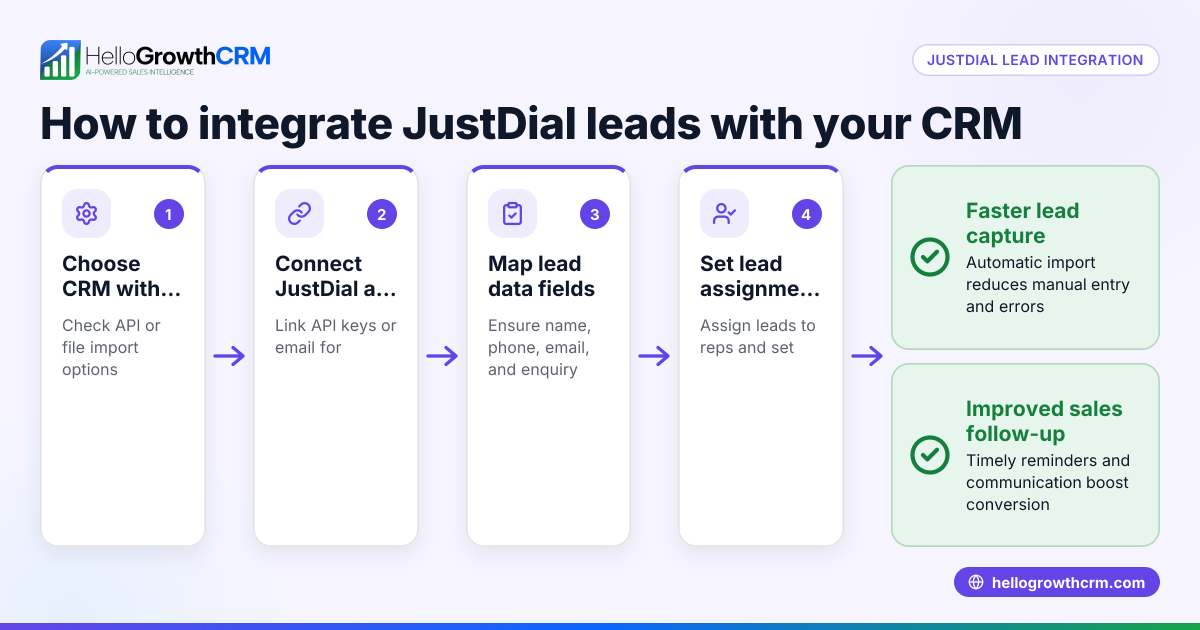
HelloGrowthCRM offers API and integrations that bring enquiries from IndiaMART and JustDial directly into the CRM as leads, connecting your sales sources seamlessly. For founders without a sales manager, the Managed RevOps service assigns a specialist to manage your follow-up queue weekly, ensuring leads don’t slip through. You can also access free sales tools, templates and calculators such as follow-up cadence and pipeline templates without needing an account. Learn more on our integrations page and explore HelloGrowthCRM for Australia.
Frequently asked questions
What is a custom RevOps tool integration? It’s connecting your revenue operations software with your existing sales and lead systems to automate workflows and centralise data. This helps improve lead response times and pipeline management.
How do I know if my RevOps tool supports custom integration? Check if the tool offers APIs or pre-built connectors for your lead sources and communication platforms. If not, ask about custom integration services or developer support.
Can I integrate WhatsApp and SMS with my RevOps tool? Yes, many modern CRMs support WhatsApp and SMS integration for lead capture and messaging sequences. Confirm with your provider which channels are supported.
What are common challenges in RevOps integration? Typical issues include data syncing errors, lack of user adoption, and overcomplicated automation. Testing and training help prevent these.
How can I improve my sales team’s adoption of a new integrated tool? Provide clear training, assign a RevOps owner, start with simple workflows, and regularly review performance to motivate use.
Key takeaways
- Custom RevOps integration connects your sales tools for streamlined lead management.
- Map your sales workflow and check API support before choosing a tool.
- Test integrations thoroughly and train your team for consistent use.
- Avoid overcomplicating automation; start simple and improve gradually.
- HelloGrowthCRM supports integrations with IndiaMART, JustDial, and offers Managed RevOps support.
- Free sales tools and templates help you organise follow-up and pipeline management.
Start improving your sales process today. Start on the Free Forever plan (200 leads, no credit card).
Ready to put this into practice?
Set up your pipeline, WhatsApp follow-ups, and AI lead scoring in minutes — free, no credit card.
Try HelloGrowthCRM freeGet CRM tips in your inbox
Join thousands of sales professionals who get weekly insights on CRM strategy, AI automation, and pipeline optimization.

The HelloGrowthCRM team publishes guides on CRM strategy, AI sales tools, and revenue operations for small business sales teams.