HelloGrowthCRM software
Built for real small-business sales teams
HelloGrowthCRM helps reps qualify faster, follow up on time, and close more deals—with practical automation in one place.
- AI lead scoring and pipeline visibility
- Built-in dialer, WhatsApp, and email automation
- Sales forecasting and RevOps-ready reporting
Sales automation uses software to automate sales tasks such as follow-ups, lead assignment, and pipeline management, reducing manual effort and errors. Spreadsheets are manual tables where sales data is tracked and updated by hand. Each option suits different business needs. This article compares sales automation and spreadsheets for New Zealand small businesses, helping you decide which fits your situation by examining key criteria, providing a worked example, highlighting common mistakes, and describing how HelloGrowthCRM supports automation.
Why this comes up / what goes wrong
Many New Zealand small-business owners start tracking sales with spreadsheets because they are familiar, inexpensive, and flexible. However, as sales teams grow or leads come from multiple sources, spreadsheets can become slow and error-prone. Manual entry leads to lost or delayed follow-ups, inconsistent data, and difficulty collaborating.
Sales automation tools promise to streamline these processes by automatically capturing leads, assigning them, and sending follow-ups. Yet they require setup, some training, and a subscription cost, which may be barriers for very small or simple operations. Choosing the wrong tool can waste time, money, or cause missed sales opportunities.
Step-by-step
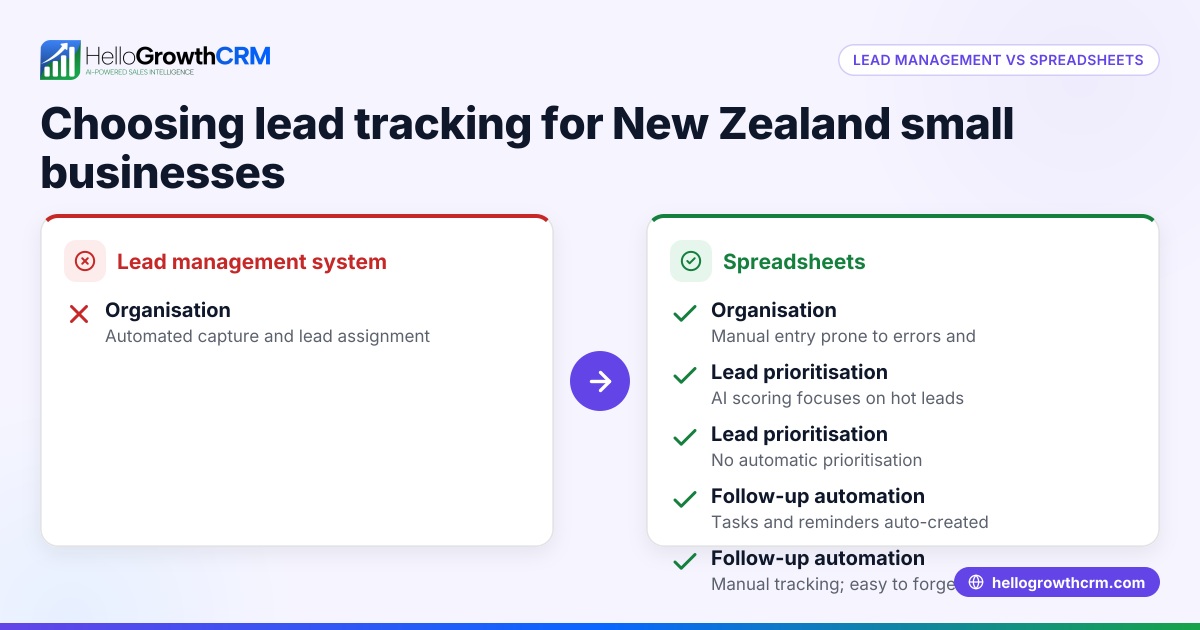
| Criteria | Sales Automation | Spreadsheets | Who it suits |
|---|---|---|---|
| Ease of setup | Requires initial setup and training | Very quick to start, minimal setup | Very small teams or solo sellers |
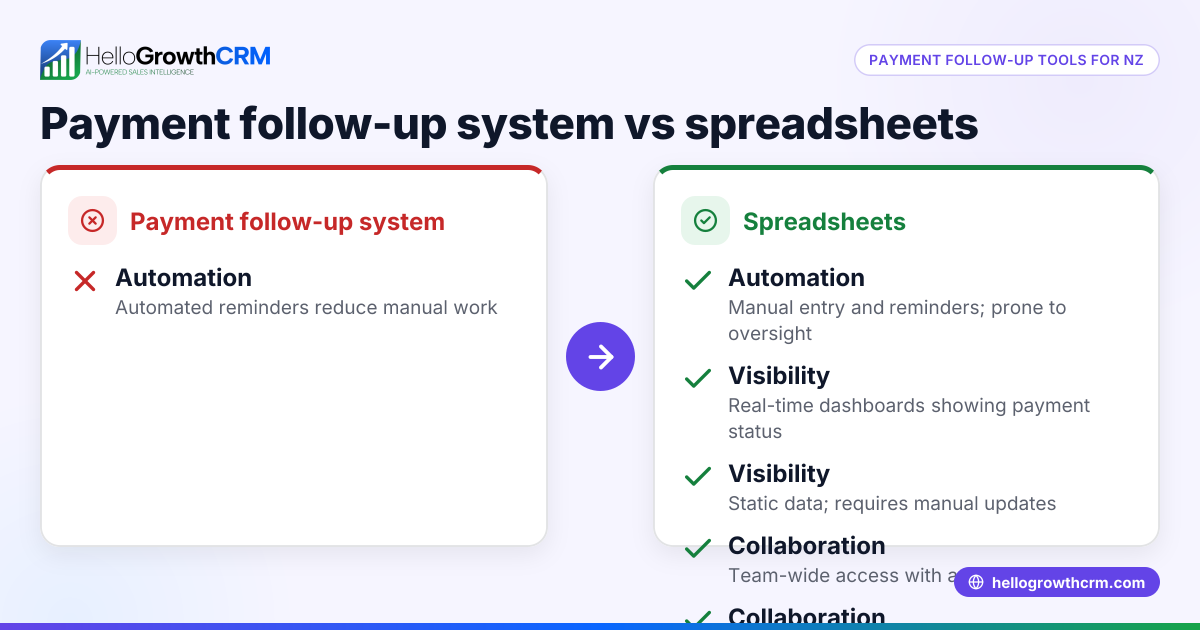
| Automation | Automates follow-ups, lead routing, task creation | Manual entry and follow-up | Growing teams needing consistent follow-up |
| Collaboration | Real-time updates, multiple users with roles | Can be shared but prone to version conflicts | Teams needing up-to-date info and accountability |
| Error risk | Lower, with validation rules and workflows | Higher, manual errors common | Businesses with complex processes or many leads |
| Reporting & insights | Built-in sales forecasting and pipeline views | Limited to manual charts and formulas | Teams wanting data-driven decisions |
| Cost | Subscription fee | Usually free with existing software | Budget-conscious or very simple sales processes |
| Scalability | Scales easily with business growth | Becomes unwieldy as data and users grow | Businesses planning growth beyond a handful of reps |
Who should pick which?
- Choose spreadsheets if your sales process is simple, you have few leads, and you want a no-cost, quick start.
- Choose sales automation if you have a growing team, multiple lead sources, or want to reduce manual work and errors.
For a detailed comparison of CRM options, see compare CRMs.
Example (fictional figures)
A small Auckland real-estate agency with 5 salespeople manages leads from website forms and walk-ins. They currently use spreadsheets but want to estimate the benefit of sales automation.
- Monthly leads: 200
- Average value per lead: NZ$1,500
- Estimated lost leads due to slow follow-up: 20
- Lost revenue: 20 × NZ$1,500 = NZ$30,000
With sales automation, assume lost leads reduce to 4:
- Lost leads: 4
- Lost revenue: 4 × NZ$1,500 = NZ$6,000
Revenue saved by switching to sales automation:
NZ$30,000 - NZ$6,000 = NZ$24,000
If the monthly cost of sales automation software is NZ$500, then the net benefit is:
NZ$24,000 - NZ$500 = NZ$23,500 per month
This example shows that even a modest reduction in lost leads can justify sales automation for a growing NZ business.
Common mistakes
- Overcomplicating spreadsheets: Adding too many tabs, formulas, or macros can make spreadsheets fragile and hard to maintain. Prevent this by keeping spreadsheets simple or moving to automation early.
- Ignoring data hygiene: Both options suffer if contact details and lead statuses are outdated or inconsistent. Regularly review and clean your data.
- Delaying follow-up: Manual follow-up is prone to delays. Use reminders or automation sequences to keep leads engaged.
- Not training the team: Sales automation tools need some training. Plan onboarding to ensure everyone uses the system correctly.
- Neglecting integration: Leads come from many sources. Without integration, data entry doubles. Choose tools that capture leads automatically.
For more on avoiding these pitfalls, see HelloGrowthCRM for New Zealand.
Doing this in HelloGrowthCRM
HelloGrowthCRM offers features that automate sales tasks for New Zealand small businesses:
- Sequences and campaigns: A five-step follow-up over two weeks runs on its own and stops the moment the prospect replies, ensuring timely engagement without manual effort.
- AI agents: After a call, an AI agent drafts the follow-up message so the sales rep only reviews and sends it, saving time and standardising communication.
- Workflows, lead routing and validation rules: New enquiries from sources like IndiaMART are assigned round-robin automatically, and a first-call task is created, so no lead is missed.
Learn more about these features on the AI CRM page.
Frequently asked questions
Which is better for a small New Zealand business: sales automation or spreadsheets? It depends on your sales volume, team size, and complexity. Spreadsheets work for very small teams with simple processes, but sales automation reduces errors and saves time as you grow.
Can I switch from spreadsheets to sales automation later? Yes. Many businesses start with spreadsheets and move to automation when manual work becomes too much. Plan your data structure carefully to ease migration.
How does sales automation improve follow-up speed? Automation tools send scheduled follow-ups automatically and create tasks for reps, reducing delays caused by manual tracking and forgotten leads.
Is sales automation expensive for New Zealand small businesses? There is a subscription cost, but it often pays for itself by reducing lost leads and improving sales efficiency. Consider your lead value and lost revenue to evaluate ROI.
Can sales automation handle leads from multiple sources? Yes. Tools like HelloGrowthCRM capture leads from web forms, email, and integrations automatically, routing them to the right rep without manual entry.
For more details on CRM options, see compare CRMs.
Key takeaways
- Spreadsheets are simple and low-cost but become error-prone and slow as sales grow.
- Sales automation automates follow-ups, lead routing, and reporting, improving consistency and speed.
- Choose spreadsheets for very small, simple sales; choose automation for growing teams and complex pipelines.
- Avoid common mistakes like overcomplicating spreadsheets and neglecting data hygiene.
- HelloGrowthCRM offers sequences, AI agents, and workflows that automate sales tasks for NZ businesses.
Start improving your sales process today by trying HelloGrowthCRM. Start on the Free Forever plan (200 leads, no credit card).
Ready to put this into practice?
Set up your pipeline, WhatsApp follow-ups, and AI lead scoring in minutes — free, no credit card.
Try HelloGrowthCRM freeGet CRM tips in your inbox
Join thousands of sales professionals who get weekly insights on CRM strategy, AI automation, and pipeline optimization.

The HelloGrowthCRM team publishes guides on CRM strategy, AI sales tools, and revenue operations for small business sales teams.