HelloGrowthCRM software
Built for real small-business sales teams
HelloGrowthCRM helps reps qualify faster, follow up on time, and close more deals—with practical automation in one place.
- AI lead scoring and pipeline visibility
- Built-in dialer, WhatsApp, and email automation
- Sales forecasting and RevOps-ready reporting
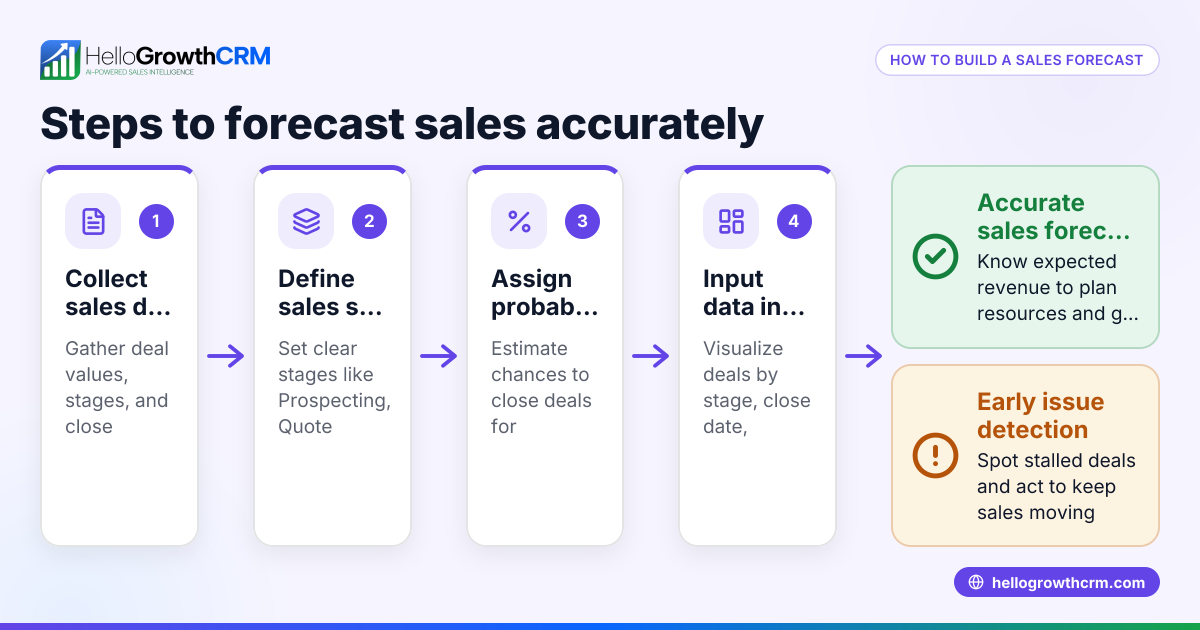
A sales forecast spreadsheet template is a practical tool for Canadian small businesses to predict their expected sales revenue over a specific period, such as monthly or quarterly. It usually includes rows for products or services and columns for forecast periods, sales volume, price, and total revenue. Using a template saves time and reduces errors compared to creating a forecast from scratch.
Why this comes up / what goes wrong
Many small-business owners in Canada search for a sales forecast spreadsheet template because they need an easy-to-use, structured format to plan sales without relying on complex software. Often, these businesses manage sales through text messages, email, or basic spreadsheets, which can lead to slow follow-up and lost leads. Without a clear sales forecast, owners struggle to set realistic targets, allocate resources effectively, and identify bottlenecks in their sales process. A downloadable template provides a reliable way to input sales assumptions and calculate expected revenue, helping owners make informed decisions and improve sales follow-up.
Step-by-step
- Download a sales forecast spreadsheet template from a trusted source offering free sales templates, such as HelloGrowthCRM’s free sales tools and calculators.
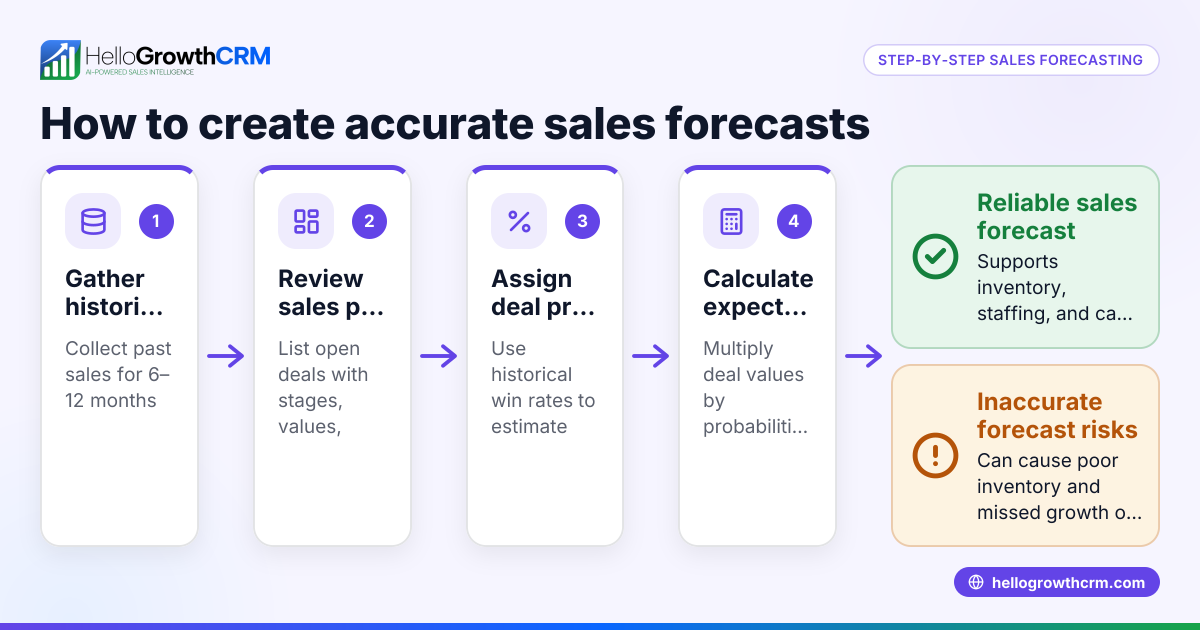
- Define the forecast period: Select monthly or quarterly columns covering the next 6 to 12 months, depending on your planning needs.
- List your products, services, or sales categories in rows. You can also group sales by sales rep or region if needed.
- Enter expected sales volume for each product or category per period. Use historical sales data, market research, or reasonable estimates.
- Input the average selling price per unit or service for each product or category.
- Calculate total revenue by multiplying sales volume by price for each item and period.
- Sum total revenues across all products for each period to get your overall sales forecast.
- Add columns for notes or assumptions to explain any unusual figures or seasonal trends.
- Review and adjust your forecast regularly as actual sales data becomes available.
- Double-check all formulas and totals to ensure accuracy and prevent errors.
Example (fictional figures)
A staffing agency in Halifax, Nova Scotia forecasts sales for the first quarter of 2024:
| Month | Jan 2024 | Feb 2024 | Mar 2024 |
|---|---|---|---|
| Temp placements (units) | 100 | 120 | 150 |
| Average fee per placement (C$) | 1,200 | 1,200 | 1,200 |
| Total revenue (C$) |
Calculations:
Jan total revenue = 100 × C$1,200 = C$120,000
Feb total revenue = 120 × C$1,200 = C$144,000
Mar total revenue = 150 × C$1,200 = C$180,000
Total Q1 revenue = C$120,000 + C$144,000 + C$180,000 = C$444,000
This example illustrates how multiplying expected sales volume by price and summing monthly totals produces a clear sales forecast.
Common mistakes
- Overestimating sales volumes: Base your volume estimates on past sales or realistic growth assumptions. Adjust regularly as you gather actual data.
- Ignoring seasonality: Account for months with historically higher or lower sales to avoid skewed forecasts.
- Not verifying formulas: Always double-check multiplication and sum formulas to prevent calculation errors.
- Mixing currencies or units: Use consistent currency (C$) and units throughout your spreadsheet.
- Failing to update forecasts: Regularly revise your forecast to reflect actual sales and market changes.
- Lacking notes or assumptions: Document reasons for unusual figures or changes to maintain clarity.
For more detailed pipeline and forecasting templates, visit the sales templates section.
Doing this in HelloGrowthCRM
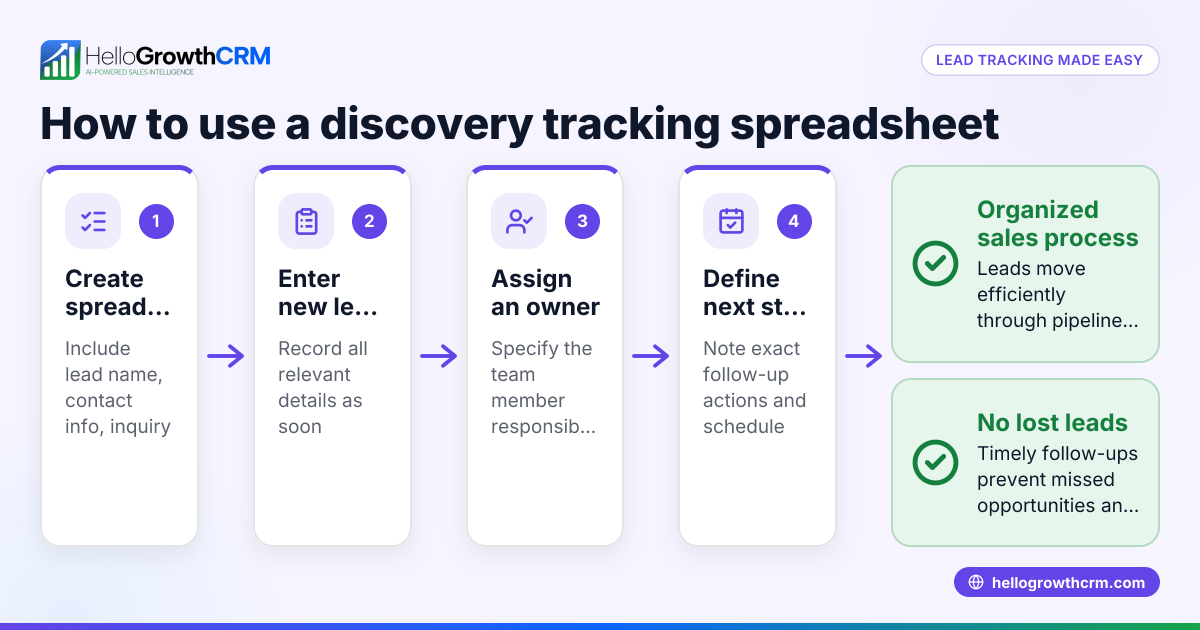
HelloGrowthCRM offers free sales tools, templates and calculators that include pipeline templates available for download without creating an account. Its pipeline forecast and AI insights feature helps owners identify which stage deals are stalling in without building a spreadsheet. The deals (pipeline) feature tracks open opportunities from first contact through close, showing quotations at the 'quote sent' stage with follow-up dates to ensure no leads are forgotten. Learn more about these features on the AI CRM and sales forecasting pages.
Frequently asked questions
Can I customize the sales forecast spreadsheet template for my business? Yes. Most templates allow you to add or remove rows for products or services, adjust time periods, and modify prices or volumes to fit your specific business needs.
How often should I update my sales forecast? It’s best to update your forecast monthly or quarterly as actual sales data becomes available. This keeps your projections accurate and actionable.
What if I don’t have historical sales data? Use market research, competitor analysis, or conservative estimates to set initial sales volumes. Then adjust the forecast as you collect real sales data.
Can I track sales by rep or region using the template? Yes. You can add columns or rows to segment sales by sales rep, region, or product category for more detailed forecasting.
Are there tools to automate sales forecasting? Yes. HelloGrowthCRM offers AI-assisted sales forecasting that analyses your pipeline stages, velocity, and historical patterns to project expected revenue without manual spreadsheets.
Key takeaways
- Download a free sales forecast spreadsheet template tailored for Canadian small businesses.
- Enter realistic sales volume and price assumptions per product and period.
- Check formulas carefully and update forecasts regularly.
- Avoid common errors like overestimating sales or ignoring seasonality.
- Use HelloGrowthCRM’s free tools and AI forecasting features to simplify pipeline management and forecasting.
Start planning your sales confidently with a practical spreadsheet or explore automated forecasting in HelloGrowthCRM. To get started, Start on the Free Forever plan (200 leads, no credit card).
Ready to put this into practice?
Set up your pipeline, WhatsApp follow-ups, and AI lead scoring in minutes — free, no credit card.
Try HelloGrowthCRM freeGet CRM tips in your inbox
Join thousands of sales professionals who get weekly insights on CRM strategy, AI automation, and pipeline optimization.

The HelloGrowthCRM team publishes guides on CRM strategy, AI sales tools, and revenue operations for small business sales teams.