HelloGrowthCRM software
Built for real small-business sales teams
HelloGrowthCRM helps reps qualify faster, follow up on time, and close more deals—with practical automation in one place.
- AI lead scoring and pipeline visibility
- Built-in dialer, WhatsApp, and email automation
- Sales forecasting and RevOps-ready reporting
Scaling customer support means expanding your support capacity to handle more customers without losing quality or speed. It involves organizing processes, using the right tools, and training your team to maintain satisfaction as your business grows. This article covers why businesses need to scale support, step-by-step actions, a practical example, common mistakes, and how HelloGrowthCRM can assist.
Why this comes up / what goes wrong
Small and mid-sized business owners often start with a small support team or even handle customer support themselves. As sales grow, support requests increase in volume and complexity. Without a plan, this leads to slow responses, missed tickets, and unhappy customers. Many businesses lose leads and repeat sales because follow-up and issue resolution slow down. Relying on scattered tools like email, text messages, or spreadsheets makes it hard to track issues or measure team performance.
Step-by-step
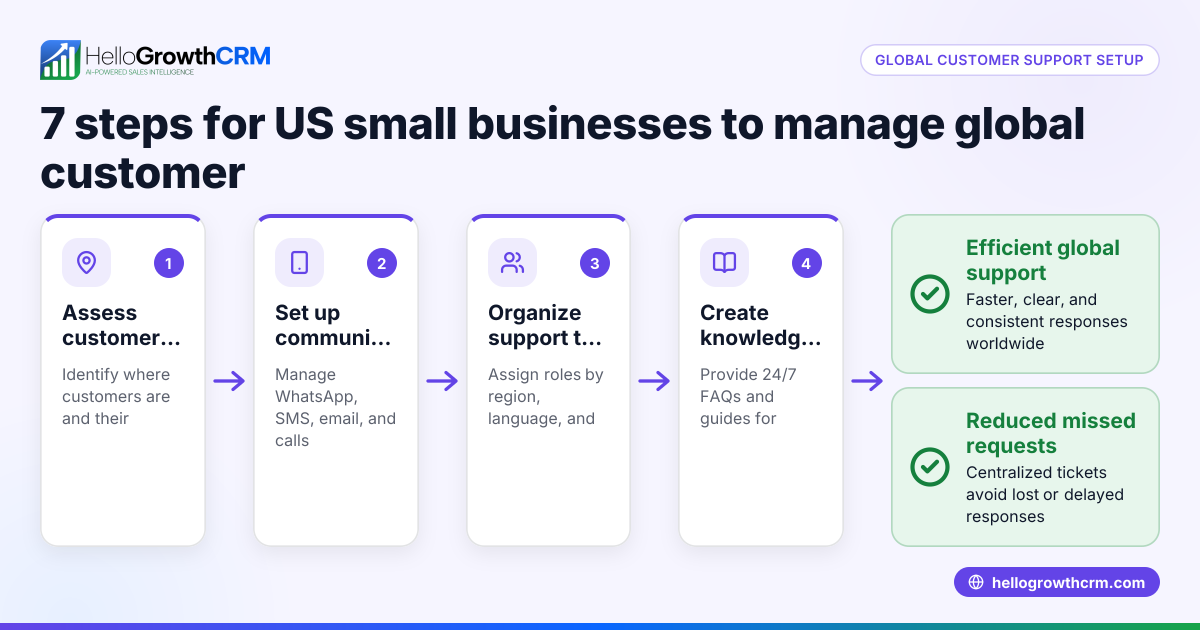
- Assess your current support workload and channels. Check how many tickets, calls, and messages your team handles daily and through which platforms (email, WhatsApp, SMS, phone).
- Define support goals and service levels. Decide target response times and resolution rates to keep customers satisfied.
- Organize support requests into a unified system. Use a ticketing system that consolidates requests from all channels to avoid losing or duplicating tickets.
- Train your team on processes and tools. Ensure everyone knows how to use the system and follows standard procedures.
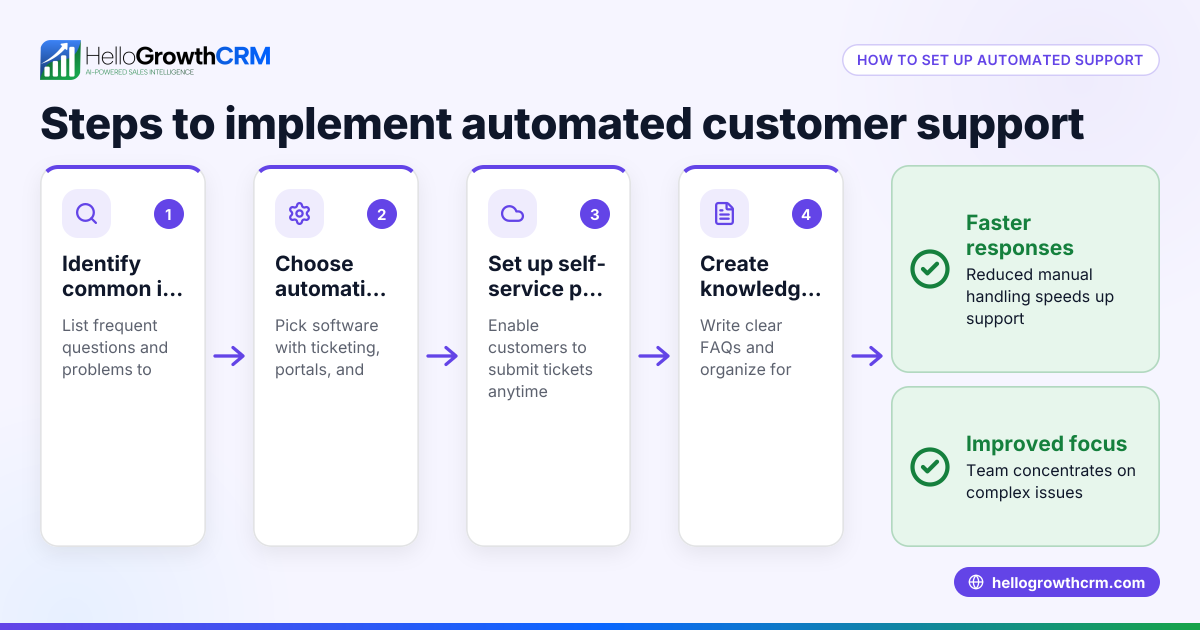
- Implement self-service options like a knowledge base or customer portal. This reduces repetitive queries and empowers customers to find answers quickly.
- Track support metrics regularly. Monitor ticket volumes, response times, and customer satisfaction to identify bottlenecks.
- Scale your team and tools based on data. Hire more agents or upgrade systems when workload exceeds capacity.
- Use customer health scores to prioritize support. Focus on high-value customers or urgent issues first. See customer health score for more.
Example (fictional figures)
A residential real-estate team in Phoenix, Arizona, closed $2,000,000 in sales in 2025 and handled about 300 support tickets annually. They want to scale support for a projected 50% growth in 2026.
- Current tickets: 300
- Projected tickets: 300 × 1.5 = 450
- Current team: 2 support agents handling 150 tickets each
- Target max tickets per agent: 200
Step 1: Calculate needed agents
450 tickets ÷ 200 tickets per agent = 2.25 agents
Step 2: Round up to 3 agents to handle growth comfortably.
Step 3: Invest in a ticketing system and knowledge base to improve efficiency.
Step 4: Train agents on new tools and processes by 01/15/2026.
This plan helps the team keep response times under 24 hours and customer satisfaction high.
Common mistakes
- Ignoring data on support volume growth. Prevent by regularly reviewing ticket numbers and customer feedback.
- Using multiple unconnected tools. Prevent by consolidating support channels into one system to avoid lost or duplicated tickets.
- Neglecting self-service options. Prevent by creating a knowledge base and customer portal to reduce repetitive requests.
- Undertraining support staff. Prevent by providing ongoing training and clear procedures.
- Failing to prioritize tickets. Prevent by implementing customer health scores and SLA policies to focus on urgent and high-value cases (see customer health score).
Doing this in HelloGrowthCRM
HelloGrowthCRM helps scale customer support by keeping service requests on the same customer record as the deal, ensuring seamless follow-up. It offers a branded self-service customer portal where customers can find answers and submit tickets. The system includes support tickets and a knowledge base to reduce repetitive queries. Referral program tracking and business listings management help maintain customer relationships after the sale. Learn more about WhatsApp and SMS CRM and how HelloGrowthCRM supports US businesses at HelloGrowthCRM for the United States.
Frequently asked questions
How do I know when to scale my customer support? You should consider scaling when your current team struggles to respond within your target times or when customer satisfaction drops. Tracking ticket volume and response times helps identify this need.
What tools are best for scaling support in small businesses? Unified ticketing systems that integrate email, WhatsApp, SMS, and phone calls work best. Adding a knowledge base and customer portal reduces workload by enabling self-service.
Can self-service options replace live support? Self-service reduces simple and repetitive queries but does not replace live support. It frees your team to focus on complex issues.
How does prioritizing tickets improve support? Prioritizing tickets based on customer value or urgency ensures that critical issues get faster attention, improving satisfaction and retention.
What role does training play in scaling support? Training ensures your team uses tools effectively and follows consistent processes, which maintains service quality as volume grows.
Key takeaways
- Scaling customer support means expanding capacity without losing quality.
- Organize support requests in one system and set clear service goals.
- Use self-service portals and knowledge bases to reduce workload.
- Track support metrics and customer health scores to prioritize effectively.
- Train your team and plan hires based on data.
- HelloGrowthCRM offers integrated tickets, customer portal, and knowledge base to support scaling.
Scaling your customer support is essential to keep your customers happy as your business grows. Start by assessing your current workload, organizing requests, and adding self-service options. Use metrics to guide hiring and training decisions. HelloGrowthCRM can help manage tickets and customer records seamlessly. Start on the Free Forever plan (200 leads, no credit card) today to see how it fits your business needs.
Ready to put this into practice?
Set up your pipeline, WhatsApp follow-ups, and AI lead scoring in minutes — free, no credit card.
Try HelloGrowthCRM freeGet CRM tips in your inbox
Join thousands of sales professionals who get weekly insights on CRM strategy, AI automation, and pipeline optimization.

The HelloGrowthCRM team publishes guides on CRM strategy, AI sales tools, and revenue operations for small business sales teams.