HelloGrowthCRM software
Built for real small-business sales teams
HelloGrowthCRM helps reps qualify faster, follow up on time, and close more deals—with practical automation in one place.
- AI lead scoring and pipeline visibility
- Built-in dialer, WhatsApp, and email automation
- Sales forecasting and RevOps-ready reporting
A scheduling meeting email template is essential for small business owners to efficiently set appointments without confusion or endless back-and-forth. It should clearly state the purpose of the meeting, propose specific dates and times, and politely ask the recipient to confirm or suggest alternatives. This article covers why scheduling emails matter, a step-by-step guide to writing one, a realistic example with US dollar figures, common mistakes to avoid, and how HelloGrowthCRM can help you automate scheduling.
Why this comes up / what goes wrong
Small business owners often lose leads or waste time when scheduling meetings by sending vague or overly long emails. Without a clear template, emails can be unclear about the meeting’s purpose or timing, leading to delays or no-shows. Busy recipients might ignore emails that require too much effort to respond to or that don't offer convenient options. Many businesses still use email, text, and spreadsheets for scheduling, which causes miscommunication and missed opportunities.
Step-by-step
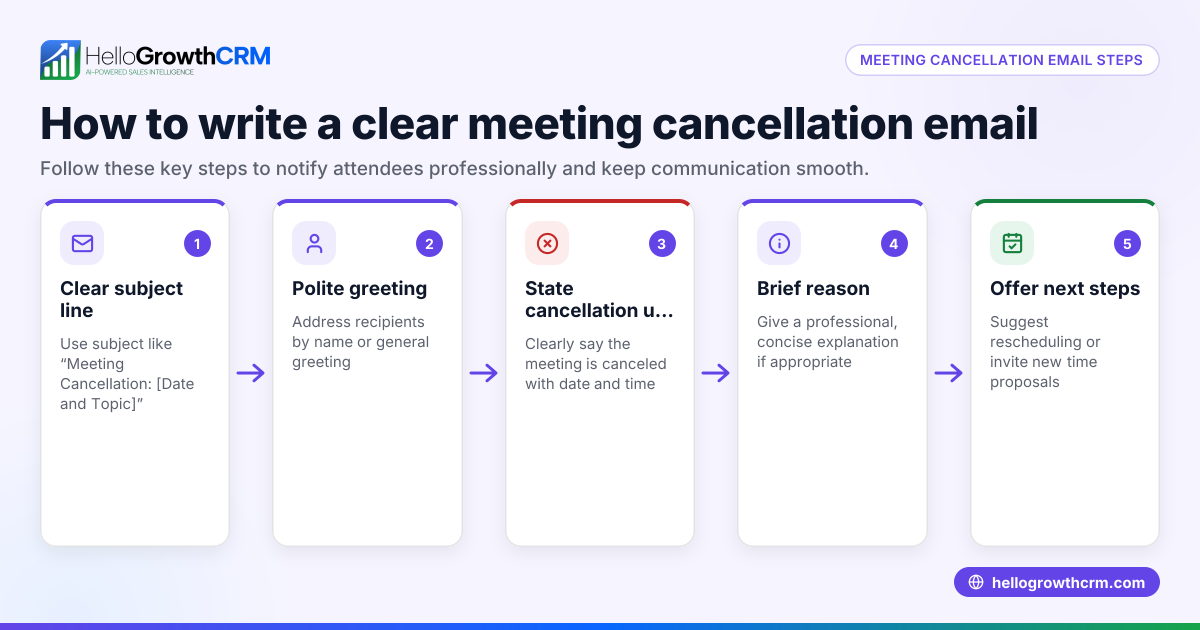
- Start with a clear subject line. Use something like “Meeting Request: Discuss Your Project” to catch attention.
- Greet the recipient by name. Personalization shows respect and increases response rates.
- State the purpose of the meeting briefly. For example, “I’d like to discuss your recent inquiry about our plumbing services.”
- Propose 2-3 specific dates and times. Offer options to make it easier for them to pick a slot.
- Ask for confirmation or alternative suggestions. For example, “Please let me know which time works best or suggest another.”
- Include a polite closing and your contact details. This encourages replies and shows professionalism.
- Proofread before sending. Check for typos, clarity, and tone.
Check that your proposed times consider the recipient’s time zone and typical business hours. Avoid vague phrases like “sometime next week” that require extra effort to clarify. If you use email automation and sequences, integrate scheduling links to reduce back-and-forth; see email automation and sequences.
Example (fictional figures)
Subject: Meeting Request: Plumbing Service Estimate
Hi Sarah,
I hope you’re well. I’d like to schedule a meeting to discuss your request for a plumbing service estimate.
Would any of these times work for you?
- Tuesday, 07/09/2026 at 10:00 AM
- Wednesday, 07/10/2026 at 2:00 PM
- Thursday, 07/11/2026 at 11:00 AM
Please reply with your preferred time or suggest another that fits your schedule.
Thank you,
John Smith Austin Plumbing Co. Phone: (512) 555-1234 Email: john@austinplumbing.com
This example clearly states the purpose, offers three specific time slots, and invites the recipient to confirm or suggest alternatives.
To illustrate the value of this meeting, suppose Austin Plumbing Co. estimates a $4,800 plumbing repair job. They expect a 20% chance that the meeting leads to a sale.
Expected revenue = $4,800 × 20% = $960
If the meeting is scheduled promptly, the chance of closing the sale rises to 35%.
New expected revenue = $4,800 × 35% = $1,680
Increase in expected revenue = $1,680 - $960 = $720
This shows how timely scheduling can increase potential revenue by $720.
Common mistakes
- Vague timing: Saying “let me know when you’re free” forces extra emails. Prevent this by proposing specific slots.
- No clear purpose: If the recipient doesn’t know why you want to meet, they may ignore the email. Always state the reason upfront.
- Long, complicated emails: Keep it short and to the point to respect the recipient’s time.
- No call to action: Always ask for confirmation or alternatives to prompt a reply.
- Ignoring time zones: Schedule meetings considering the recipient’s local time to avoid confusion.
Avoid these mistakes to improve your response rate and reduce scheduling delays. For templates to improve your sales emails, visit sales templates.
Doing this in HelloGrowthCRM
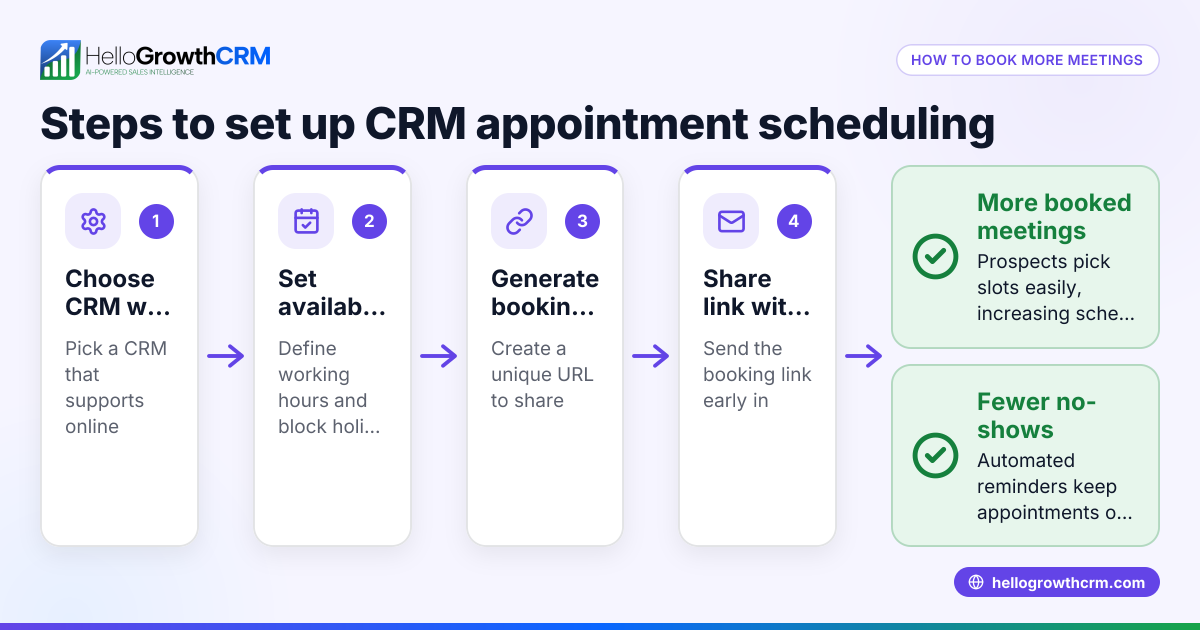
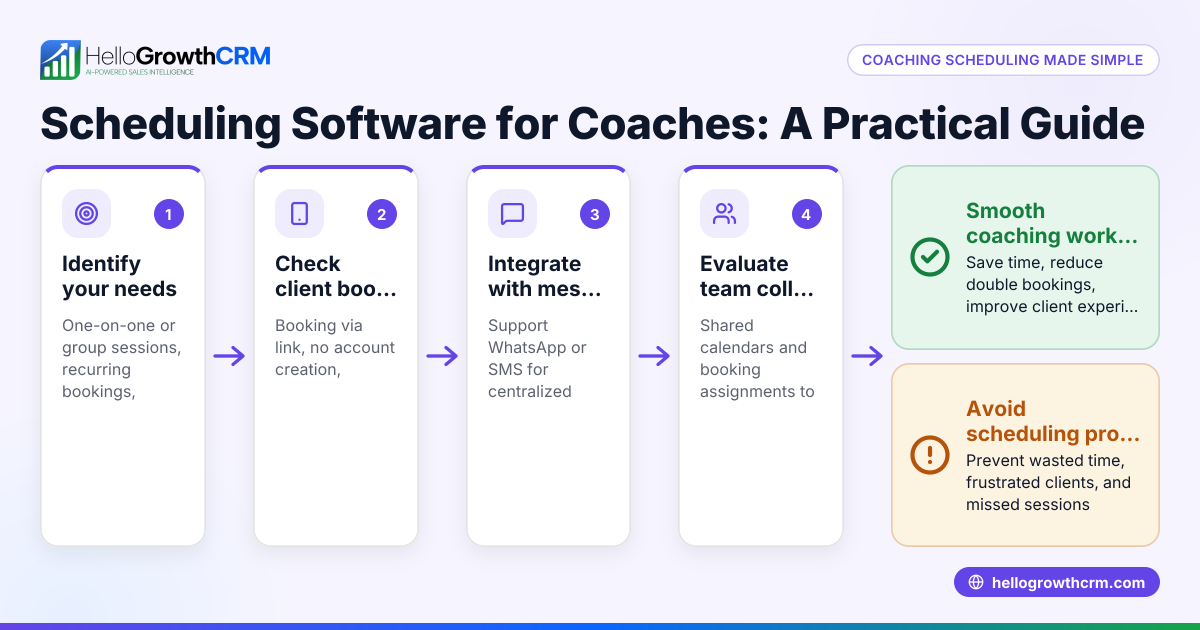
HelloGrowthCRM offers a meeting scheduler feature that lets prospects pick a meeting slot directly from a link, eliminating the back-and-forth emails. This scheduling and booking tool is available even on the Free plan, helping small businesses shorten the path from interest to conversation. Additionally, HelloMail shared inbox lets your team manage email replies together, ensuring no message is missed. You can also download free sales tools and templates like follow-up cadences and pipeline templates without signing up at free sales tools and calculators.
Frequently asked questions
What should I include in a meeting scheduling email? Include a clear subject, a polite greeting, the purpose of the meeting, 2-3 proposed dates and times, a request for confirmation or alternatives, and your contact details.
How many date options should I offer? Offering 2-3 options strikes a good balance between flexibility and simplicity, making it easier for the recipient to choose without feeling overwhelmed.
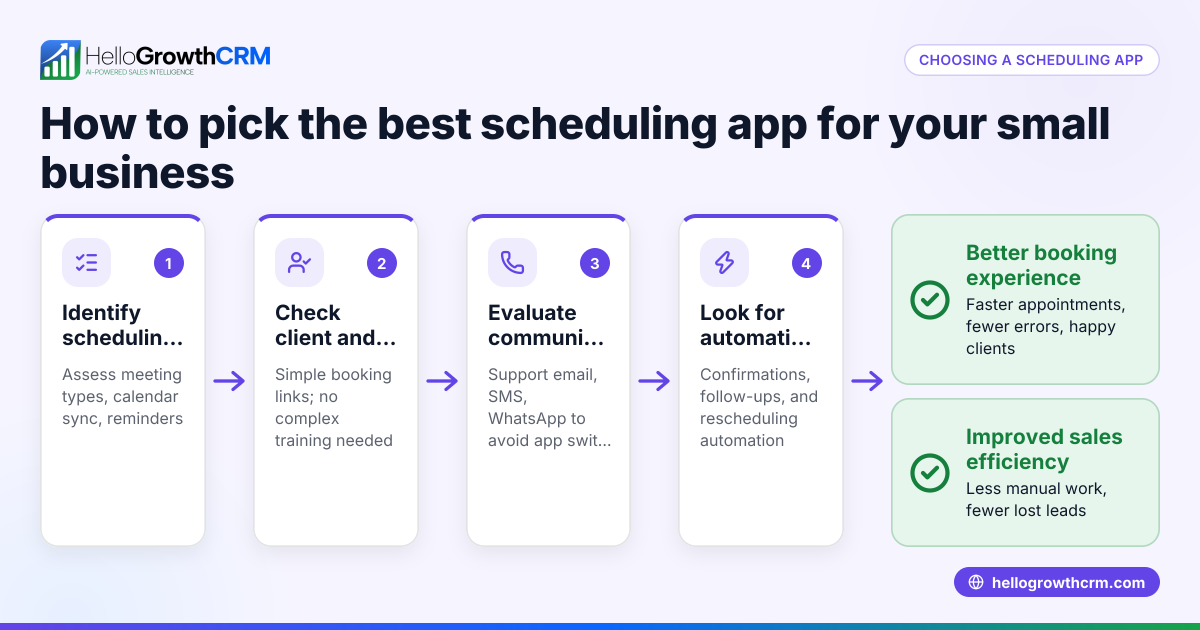
Can I automate scheduling emails? Yes, tools like HelloGrowthCRM’s email automation and meeting scheduler help you send scheduling emails with booking links, reducing manual follow-ups and speeding up the process.
How do I handle time zone differences? Always specify the time zone when proposing meeting times or use scheduling tools that automatically adjust for the recipient’s time zone.
What if the recipient doesn’t respond? Send a polite follow-up after 2-3 days, restating the purpose and offering to accommodate their schedule.
Key takeaways
- Use a clear, polite template offering specific meeting times.
- State the meeting purpose upfront to encourage replies.
- Avoid vague timing and long emails.
- Offer 2-3 time slots considering the recipient’s time zone.
- Use scheduling tools like HelloGrowthCRM to simplify booking.
- Always include a clear call to action for confirmation or alternatives.
Start scheduling your meetings efficiently today. Start on the Free Forever plan (200 leads, no credit card) with HelloGrowthCRM to simplify your sales process and reduce scheduling delays.
Ready to put this into practice?
Set up your pipeline, WhatsApp follow-ups, and AI lead scoring in minutes — free, no credit card.
Try HelloGrowthCRM freeGet CRM tips in your inbox
Join thousands of sales professionals who get weekly insights on CRM strategy, AI automation, and pipeline optimization.

The HelloGrowthCRM team publishes guides on CRM strategy, AI sales tools, and revenue operations for small business sales teams.