HelloGrowthCRM software
Built for real small-business sales teams
HelloGrowthCRM helps reps qualify faster, follow up on time, and close more deals—with practical automation in one place.
- AI lead scoring and pipeline visibility
- Built-in dialer, WhatsApp, and email automation
- Sales forecasting and RevOps-ready reporting
Searching contacts is the process of looking up individual or business contact records within your database or list. This can be by name, phone number, email address, company, or other identifying information. For small business owners, sales leaders, and inside sales teams, knowing how to search contacts efficiently saves time and prevents lost leads or missed follow-ups.
Why this comes up / what goes wrong
Small business owners often accumulate contacts from many sources: web inquiries, phone calls, emails, and networking events. Over time, these contacts grow in number and are stored in spreadsheets, text messages, emails, or basic address books. When you need to find a particular contact quickly, searching becomes difficult if the information is scattered or not organized.
Common problems include:
- Multiple versions of the same contact with different details
- Searching manually through long lists or emails
- Losing track of recent communication
- Mixing personal and business contacts without clear labels
These issues slow down your sales follow-up and can cause leads to slip away. Learning a clear method to search contacts helps you stay organized and responsive.
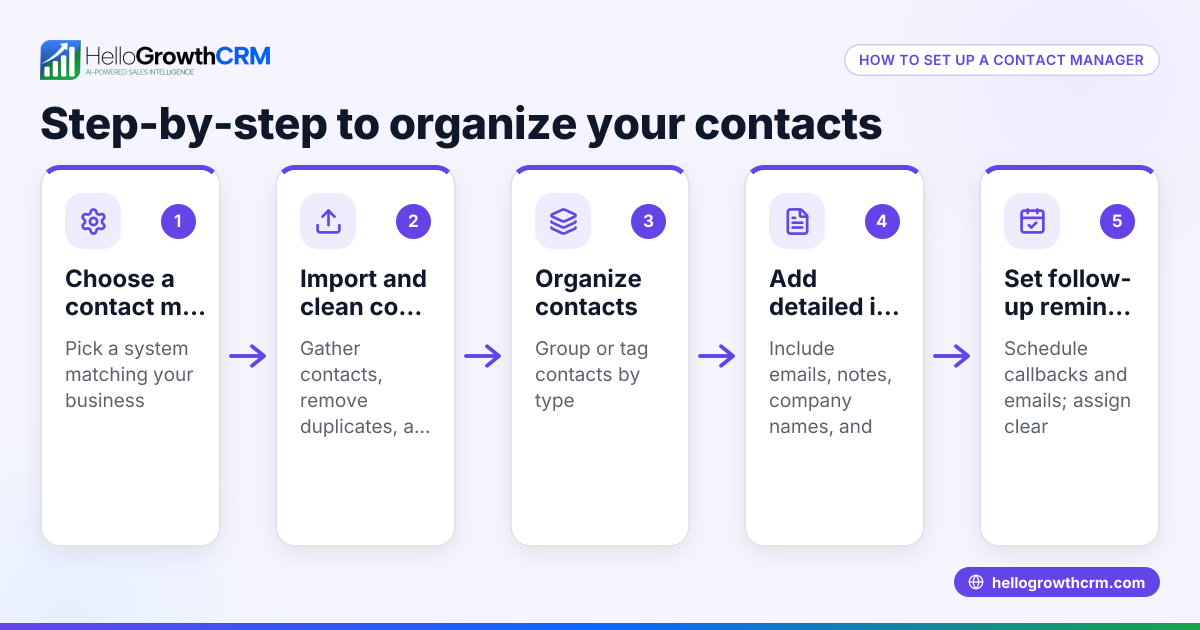
Step-by-step
- Identify the key information you have about the contact. This could be their full name, phone number, email address, company name, or location. Knowing what you have helps you decide the best search term.
- Choose the place where your contacts are stored. This might be a spreadsheet, email inbox, text messages, or a CRM system. Stick to one main place if possible to avoid confusion.
- Use the search or filter function. In spreadsheets, use the filter or find tool (Ctrl+F or Command+F). In email or messaging apps, use the search bar and enter the contact’s name or number.
- Check for multiple matches. Sometimes several contacts have similar names. Look for additional details like company, email, or last contacted date to pick the right one.
- Update or merge duplicate contacts. If you find multiple entries for the same person, combine their information into one record to keep your list clean.
- Save or tag the contact for easy future access. Use categories, labels, or folders if your system allows.
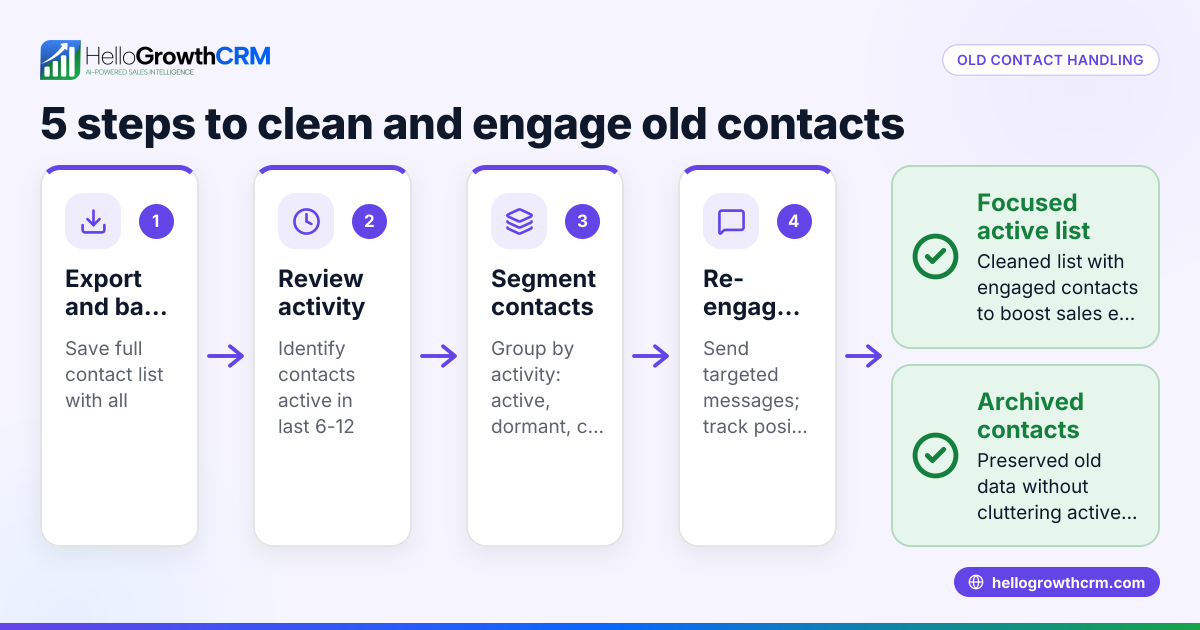
- Review your contact list regularly. Remove outdated contacts and add new ones promptly to keep your search effective.
Using a CRM system designed for your business can simplify these steps and keep your contacts organized and searchable.
Example (fictional figures)
A residential real-estate team in Phoenix, Arizona, has a list of 1,200 contacts stored in a spreadsheet. They want to find the contact details for "John Smith," a potential home buyer who called last month.
Step 1: They open their spreadsheet and press Ctrl+F to open the search box.
Step 2: They type "John Smith" into the search box.
Step 3: The search returns three entries named John Smith.
Step 4: They check the company and last contact date columns:
- John Smith, Acme Corp, last contacted 03/15/2026
- John Smith, Self-employed, last contacted 02/20/2026
- John Smith, no company listed, last contacted 04/01/2026
Step 5: Remembering the caller mentioned he was self-employed, they select the second entry.
Step 6: They update the contact with notes about the call and tag it as "hot lead."
Step 7: They save the spreadsheet and set a reminder to follow up.
This simple search helped the team find the right contact quickly and keep their data organized.
Common mistakes
- Not standardizing contact information. Prevent this by always entering contacts in a consistent format (e.g., full names, standardized phone numbers).
- Keeping contacts in multiple places. Consolidate contacts into one system to avoid confusion.
- Ignoring duplicate entries. Regularly review and merge duplicates to keep your list clean.
- Relying only on partial information. When searching, use as much detail as you have to narrow results.
- Failing to update contact details. Update contacts after every interaction to keep information current.
- Not backing up your contact list. Regularly save a backup to prevent data loss.
Using a CRM can help avoid many of these mistakes by providing a centralized, searchable database with tools to manage duplicates and updates. For example, a WhatsApp and SMS CRM or a built-in CRM dialer can integrate communication and contacts.
Frequently asked questions
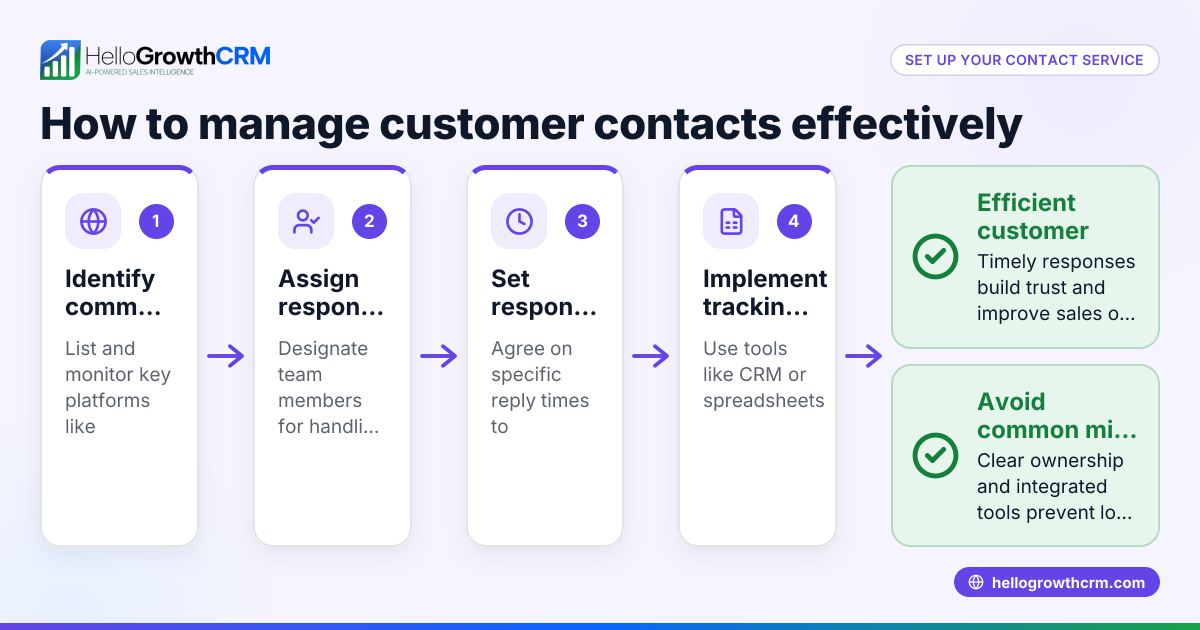
How can I search contacts if I have them scattered across emails, texts, and spreadsheets? It’s best to centralize your contacts into one location, like a CRM or a master spreadsheet. Export contacts from emails and texts if possible, then import them into your main system. This makes searching faster and more reliable.
What is the best way to search contacts by phone number? Use the search or find function in your contact list or CRM and enter the full phone number or part of it. Make sure phone numbers are stored in a consistent format to improve search accuracy.
How do I handle duplicates when searching contacts? When duplicates appear, compare details like email, company, or last contacted date to decide which record to keep. Merge or delete duplicates to prevent confusion in future searches.
Can I search contacts by notes or tags? If your system supports notes or tags, yes. Use keywords or tags in your search to find contacts with specific attributes or statuses.
Is it better to search contacts manually or use software? Manual searching works for very small lists but becomes inefficient as your contacts grow. Using software like a CRM designed for sales teams improves speed, accuracy, and organization.
How often should I review and update my contact list? Regular reviews—monthly or quarterly—help keep your contacts accurate and reduce duplicates. Update details after every interaction to maintain current information.
For US businesses, a CRM tailored for your sales process can help you manage contacts effectively. Learn more about HelloGrowthCRM for the United States.
Key takeaways
- Searching contacts means locating specific people or companies by key details like name or phone.
- Use a consistent, centralized system to store contacts for easier searching.
- Follow clear steps: identify info, choose storage, search, verify, update, and tag.
- Avoid common mistakes like duplicates, scattered data, and outdated info.
- Regularly review your contacts to keep your list clean and useful.
- Consider CRM tools that integrate communication channels for better contact management.
Start organizing and searching your contacts more efficiently today. Start on the Free Forever plan (200 leads, no credit card).
Ready to put this into practice?
Set up your pipeline, WhatsApp follow-ups, and AI lead scoring in minutes — free, no credit card.
Try HelloGrowthCRM freeGet CRM tips in your inbox
Join thousands of sales professionals who get weekly insights on CRM strategy, AI automation, and pipeline optimization.

The HelloGrowthCRM team publishes guides on CRM strategy, AI sales tools, and revenue operations for small business sales teams.