HelloGrowthCRM software
Built for real small-business sales teams
HelloGrowthCRM helps reps qualify faster, follow up on time, and close more deals—with practical automation in one place.
- AI lead scoring and pipeline visibility
- Built-in dialer, WhatsApp, and email automation
- Sales forecasting and RevOps-ready reporting
Contact center email management means handling all incoming customer and prospect emails in a way that keeps your team organized and responsive. It’s about making sure every email gets noticed, assigned, and replied to without delays or confusion. This is crucial for small businesses where missing an email can mean losing a sale or damaging customer trust.
Why this comes up / what goes wrong
Small-business owners often face challenges managing emails because inquiries come from various sources—website forms, direct email addresses, or follow-ups—and end up scattered across personal inboxes or spreadsheets. This fragmentation leads to slow responses, duplicated effort, or lost messages. When sales teams rely on separate tools like text messages, email threads, and spreadsheets, it’s difficult to track who is responsible for each lead or customer query. Without a clear system, follow-ups slip through the cracks and sales opportunities are lost.
Step-by-step
- Centralize all incoming emails: Collect emails from all contact points such as website forms and direct addresses into a single shared inbox or system. Check that no emails are missed or remain in personal inboxes.
- Assign ownership to each email: Ensure every email or lead has a clear owner responsible for follow-up. Confirm the owner is notified immediately.
- Set next steps for each email: Define the next action—whether a phone call, reply email, or meeting—and track it visibly.
- Use email sequences for follow-up: Automate multi-step follow-ups with timed emails or messages to keep prospects engaged without manual effort. Verify sequences stop as soon as the prospect replies.
- Track email replies in context: Make sure replies to important emails like quotations or proposals are visible to the whole team so anyone can continue the conversation if needed.
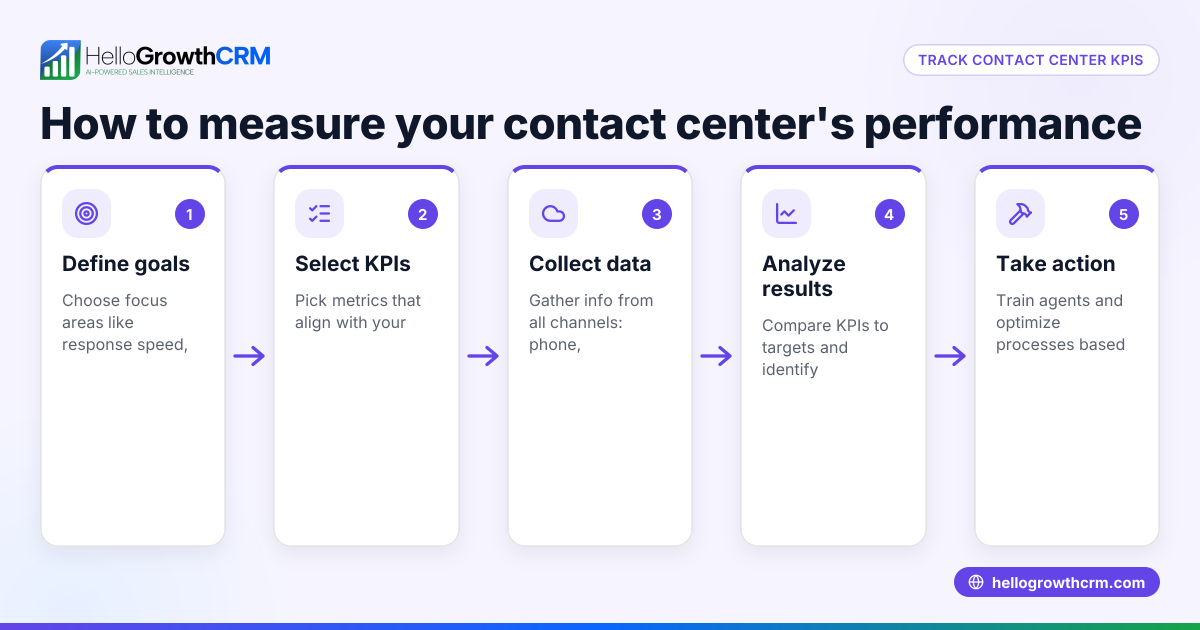
- Review and report regularly: Monitor response times, open rates, and follow-up completion to identify bottlenecks or missed emails.
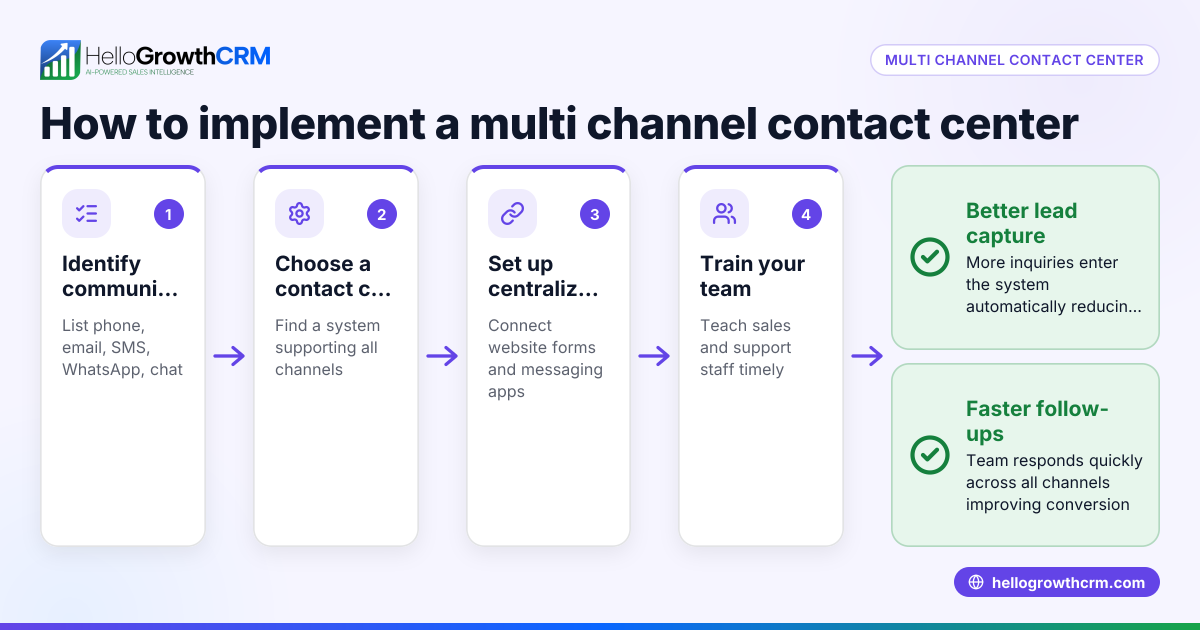
- Integrate with other channels: Combine email management with phone calls and messaging apps like WhatsApp and SMS to cover all communication channels effectively.
For more details on automating follow-ups, see email automation and sequences. To unify messaging channels, explore WhatsApp and SMS CRM.
Example (fictional figures)
A B2B software reseller in Denver, Colorado, receives 150 email inquiries monthly from its website and direct contacts. Without a system, 30 emails go unanswered or delayed.
Step 1: Centralize emails into a shared inbox.
Step 2: Assign an owner to each lead immediately.
Step 3: Use a 5-step email sequence over two weeks for follow-up.
Calculations for improved response:
150 emails − 30 missed emails = 120 emails responded to
With management, missed emails reduce to 8:
150 emails − 8 missed emails = 142 emails responded to
Improved follow-up recovers 22 additional leads monthly:
142 emails − 120 emails = 22 more leads
Assuming each lead is worth $1,000 in sales:
22 leads × $1,000 = $22,000 in recovered sales monthly
This shows how proper email management can directly increase revenue by reducing lost opportunities.
Common mistakes
- Ignoring shared visibility: Keeping replies to quotes or proposals in one inbox prevents team collaboration. Prevent this by using a shared inbox where all replies are visible.
- No clear ownership: Emails without assigned owners get delayed. Prevent by assigning leads immediately when they arrive.
- Manual follow-up only: Relying solely on manual reminders leads to missed or late follow-ups. Use automated sequences to maintain consistent contact.
- Separating communication channels: Managing email, WhatsApp, and calls in silos causes information loss. Integrate channels to keep the full conversation history.
- Not tracking next steps: Without tracking, tasks fall through the cracks. Always log the next action for each lead or email.
- Overloading inboxes: Allowing inboxes to fill without regular review causes slow responses. Schedule daily checks and clear backlog promptly.
Doing this in HelloGrowthCRM
HelloGrowthCRM offers a HelloMail shared inbox where replies to quotation emails are visible to the whole team on the deal, eliminating lost messages. Every inquiry from your forms, calls, or WhatsApp lands as a lead with an owner and a next step, avoiding lost notes or missed follow-ups. You can also set up sequences and campaigns that run a five-step follow-up over two weeks automatically, stopping as soon as the prospect replies. This helps your team stay organized and responsive without switching between apps. Learn more about email automation and sequences and WhatsApp and SMS CRM.
Frequently asked questions
What is contact center email management? It’s the process of organizing and handling all customer and prospect emails to ensure timely responses and clear ownership. This prevents lost emails and delays that can harm sales and customer satisfaction.
How can small businesses improve email response times? Centralizing emails in a shared inbox, assigning owners, and using automated follow-up sequences help ensure emails are replied to quickly and consistently.
Why is assigning ownership important? Without a clear owner, emails can be ignored or forgotten. Assigning ownership makes someone accountable for follow-up, improving response rates.
Can email management be automated? Yes, automated sequences send follow-up messages over time and stop when the prospect replies, saving manual effort and improving engagement.
How does integrating email with other channels help? Combining email with phone, WhatsApp, and SMS communications keeps all conversations in one place, making it easier to track and respond effectively.
Key takeaways
- Centralize all customer emails into a shared inbox to avoid missed messages.
- Assign a clear owner and next step for every incoming email.
- Use automated sequences to follow up consistently without manual reminders.
- Make email replies visible to the whole team to enable collaboration.
- Integrate email with WhatsApp and SMS for complete communication tracking.
- Regularly review email response metrics to improve your process.
Start managing your contact center emails efficiently today. Start on the Free Forever plan (200 leads, no credit card).
Ready to put this into practice?
Set up your pipeline, WhatsApp follow-ups, and AI lead scoring in minutes — free, no credit card.
Try HelloGrowthCRM freeGet CRM tips in your inbox
Join thousands of sales professionals who get weekly insights on CRM strategy, AI automation, and pipeline optimization.

The HelloGrowthCRM team publishes guides on CRM strategy, AI sales tools, and revenue operations for small business sales teams.