HelloGrowthCRM software
Built for real small-business sales teams
HelloGrowthCRM helps reps qualify faster, follow up on time, and close more deals—with practical automation in one place.
- AI lead scoring and pipeline visibility
- Built-in dialer, WhatsApp, and email automation
- Sales forecasting and RevOps-ready reporting
An SMS auto reply is an automatic text message sent in response to incoming SMS messages without manual intervention. It helps businesses respond quickly to customers, confirm receipt, or provide basic information instantly. This article explains why SMS auto reply matters, how to set it up step-by-step, common pitfalls to avoid, and how HelloGrowthCRM supports SMS messaging for small businesses.
Why this comes up / what goes wrong
Many small-business owners rely heavily on text messaging to communicate with leads and customers but often struggle to respond promptly. Slow replies can cause lost sales opportunities and customer frustration. Manually replying to every SMS can be time-consuming and inefficient, especially when the sales team handles multiple leads or works remotely. An SMS auto reply ensures customers receive immediate acknowledgment or answers to common questions, improving engagement and freeing up staff time for more complex tasks.
This need becomes more urgent when businesses receive high volumes of inquiries outside normal business hours or when sales reps are occupied with other priorities. Without automation, customers may feel ignored or uncertain if their message was received, which can harm reputation and sales.
Step-by-step
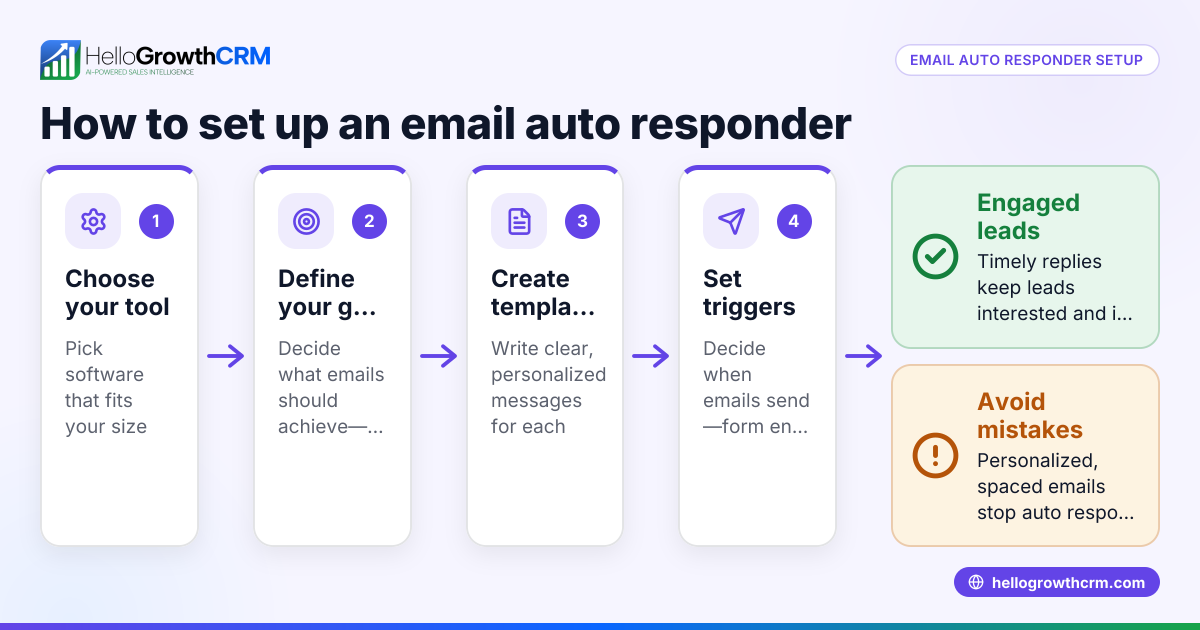
- Choose your SMS platform or CRM that supports auto replies. Confirm it can send automatic messages triggered by incoming SMS. Popular CRMs may offer built-in SMS auto reply features.
- Define the purpose of your auto reply. Decide if it will confirm message receipt, provide business hours, answer FAQs, or direct customers to further resources.
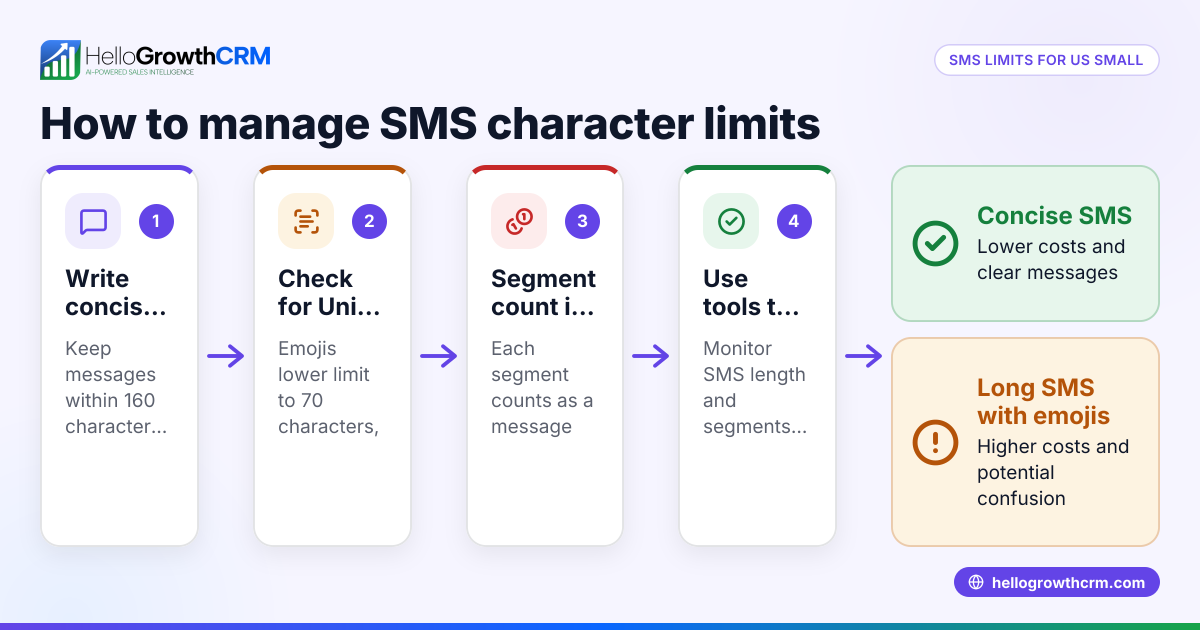
- Write clear, concise auto reply messages. Use professional language and keep the message relevant to the customer's inquiry. Include instructions if needed, such as when to expect a personal response.
- Set triggers for the auto reply. This could be any incoming SMS or specific keywords that indicate a particular customer need.
- Test the auto reply. Send test SMS messages to your business number to confirm the correct message is sent promptly and looks professional.
- Monitor responses and adjust messages as needed. Regularly check if auto replies are effective or causing confusion. Update messages to improve clarity and usefulness.
- Train your team on how auto replies fit into your overall communication process. Ensure follow-ups happen promptly after the auto reply to maintain engagement and close leads.
Example (fictional figures)
A B2B software reseller in Denver, Colorado, receives an average of 50 SMS inquiries daily. They want to set up an SMS auto reply to confirm receipt and share business hours to improve customer experience and save staff time.
- Monthly SMS inquiries = 50 inquiries/day × 22 business days = 1,100 inquiries/month
- Time saved per inquiry by auto reply = 2 minutes
- Total time saved = 1,100 × 2 minutes = 2,200 minutes
- Convert minutes to hours: 2,200 minutes ÷ 60 = 36.67 hours/month
- Average hourly wage of sales rep = $25
- Monthly cost saved = 36.67 hours × $25/hour = $916.75
By setting up an SMS auto reply on 07/01/2026, the reseller saves approximately $916.75 monthly in labor time, allowing sales reps to focus on closing deals rather than initial replies.
Common mistakes
- Sending generic or unclear auto replies. Prevent this by tailoring messages to common customer needs and including clear next steps or contact options.
- Not monitoring auto reply effectiveness. Regularly review customer responses to ensure auto replies help rather than frustrate or confuse customers.
- Overusing auto replies, causing customers to feel ignored. Use auto replies only for initial contact and follow up personally soon after to maintain engagement.
- Ignoring compliance and opt-out requirements. Check US legal rules for SMS marketing and communication to avoid penalties.
- Failing to integrate SMS auto replies with your CRM. This can cause scattered information and missed follow-ups. Use a CRM that logs SMS conversations for full visibility and easy follow-up.
Doing this in HelloGrowthCRM
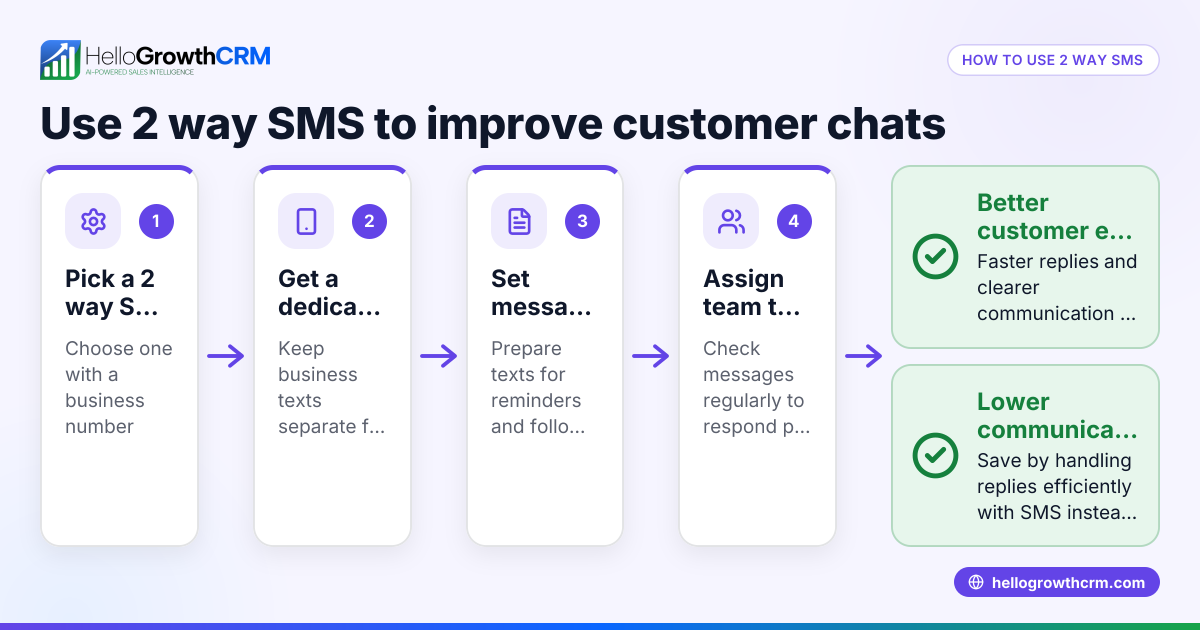
HelloGrowthCRM supports WhatsApp and SMS messaging by logging conversations on each lead record, allowing follow-ups to go out as messages. This helps your team manage SMS communication efficiently and ensures no lead is overlooked. Additionally, the built-in dialer lets reps work through lead lists inside the CRM, logging call outcomes directly on the lead record. Learn more about WhatsApp and SMS CRM and the built-in CRM dialer features.
Frequently asked questions
What is an SMS auto reply? An SMS auto reply is an automated text message sent in response to an incoming SMS. It acknowledges receipt, provides information, or directs the customer to next steps without manual intervention.
Can SMS auto replies handle customer questions? Auto replies can respond to common questions with preset messages but cannot replace personalized support. They work best for initial contact and simple information.
How do I avoid annoying customers with auto replies? Keep auto replies relevant, concise, and include clear instructions for getting personal help. Follow up manually after sending auto replies to maintain engagement.
Is SMS auto reply legal for marketing? SMS marketing and auto replies must comply with US laws like the Telephone Consumer Protection Act (TCPA). (docs.fcc.gov) Always get customer consent and provide opt-out options.
How does HelloGrowthCRM help with SMS auto reply? HelloGrowthCRM logs SMS and WhatsApp conversations on lead records, enabling automated and manual follow-ups from the same platform. This keeps your communication organized and timely.
Can I integrate SMS auto replies with my sales process? Yes, integrating SMS auto replies into your CRM helps track leads, schedule follow-ups, and maintain a clear sales pipeline. Using a CRM with these features improves response speed and lead management.
Learn more about HelloGrowthCRM for the United States to see how it fits your business.
Key takeaways
- SMS auto reply sends instant automated messages to incoming texts, improving response times.
- Setting up requires choosing a platform, writing clear messages, and testing triggers.
- Avoid generic replies, overuse, and legal compliance issues.
- Integrate SMS auto replies with your CRM to keep lead communication organized and ensure timely follow-ups.
- HelloGrowthCRM supports SMS and WhatsApp messaging with conversation logging and follow-ups.
Start improving your customer communication today. Start on the Free Forever plan (200 leads, no credit card) and try SMS messaging with HelloGrowthCRM.
Ready to put this into practice?
Set up your pipeline, WhatsApp follow-ups, and AI lead scoring in minutes — free, no credit card.
Try HelloGrowthCRM freeGet CRM tips in your inbox
Join thousands of sales professionals who get weekly insights on CRM strategy, AI automation, and pipeline optimization.

The HelloGrowthCRM team publishes guides on CRM strategy, AI sales tools, and revenue operations for small business sales teams.