HelloGrowthCRM software
Built for real small-business sales teams
HelloGrowthCRM helps reps qualify faster, follow up on time, and close more deals—with practical automation in one place.
- AI lead scoring and pipeline visibility
- Built-in dialer, WhatsApp, and email automation
- Sales forecasting and RevOps-ready reporting
An SMS sender ID is the identifier that shows up on your customer's phone when you send a text message. It can be a phone number or a custom alphanumeric name representing your business. Using a clear sender ID helps your customers know who is messaging them, which increases the chances they will read and respond to your texts.
Why this comes up / what goes wrong
Small business owners often want to send promotional or transactional texts to customers but find that messages come from unknown numbers or generic phone numbers. This causes confusion and lowers response rates. Without a proper SMS sender ID, your texts may look like spam or get blocked by carriers. Business owners may also struggle to set up a sender ID that complies with US regulations and works across carriers.
Step-by-step
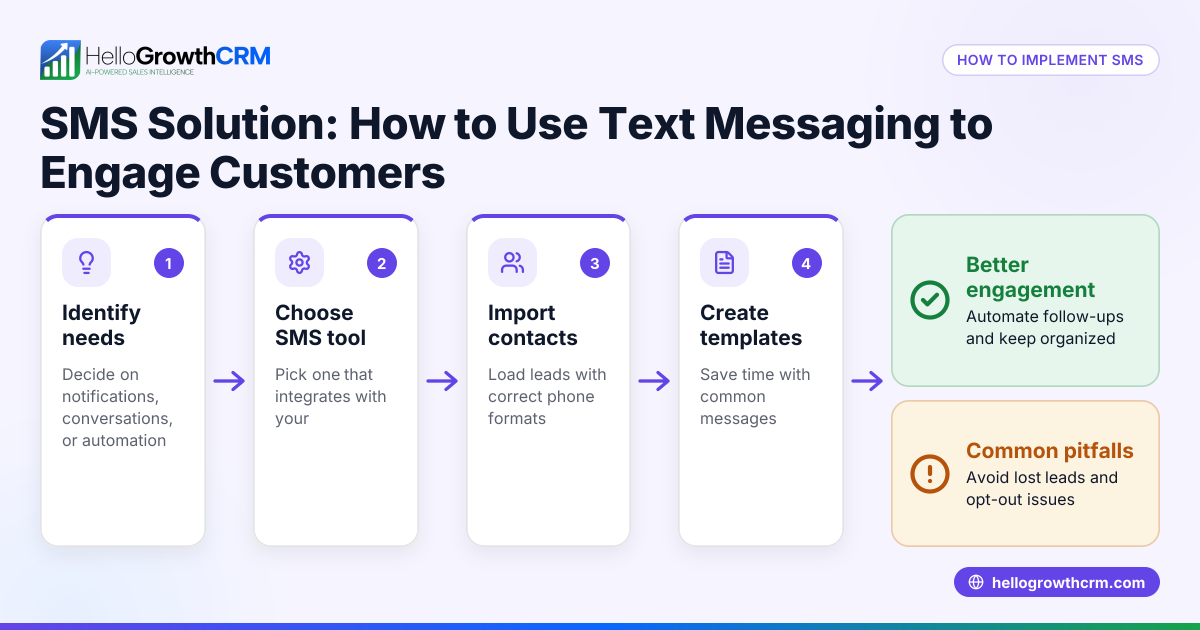
- Choose your SMS sender ID type: Decide if you want to use a dedicated phone number (long code or short code) or an alphanumeric sender ID (letters and numbers). In the US, most businesses use dedicated phone numbers because alphanumeric IDs are limited or unsupported by some carriers. Check the carriers your customers use.
- Register your phone number: If using a dedicated number, acquire a phone number from your SMS service provider or telecom carrier. Make sure it is registered and approved for business messaging to avoid filtering.
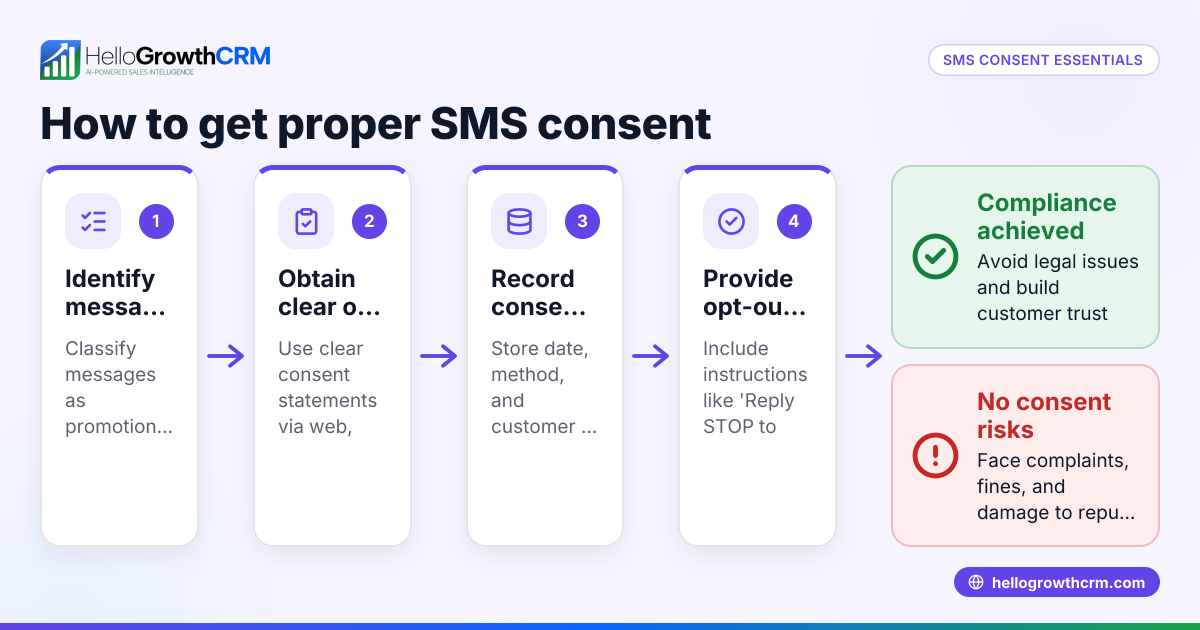
- Verify compliance with regulations: Ensure your SMS campaigns comply with US laws like the Telephone Consumer Protection Act (TCPA). Obtain customer consent before sending texts.
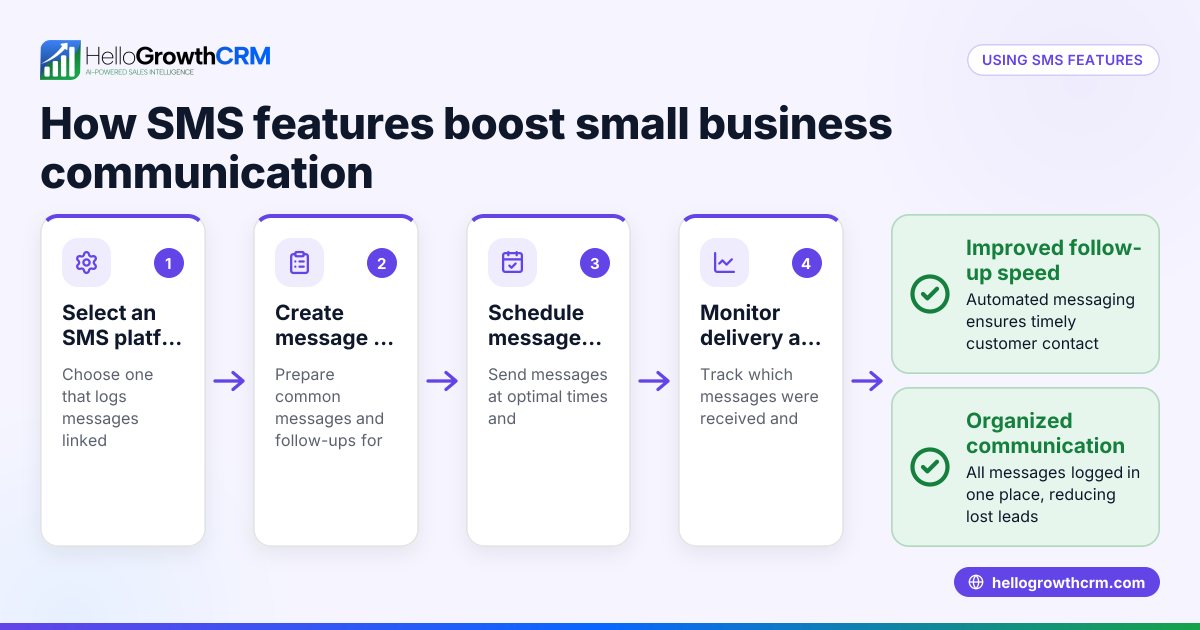
- Configure your SMS platform: Set the sender ID in your SMS software or CRM. This is the number or name that will appear on outgoing messages. Test sending messages to confirm the sender ID appears correctly.
- Monitor delivery and response: Track if messages are delivered and read. Adjust your sender ID or messaging approach if customers report issues or messages are blocked.
Example (fictional figures)
GreenLeaf Landscaping in Charlotte, North Carolina wants to send appointment reminders via SMS. They purchase a dedicated phone number for $50/month from their SMS provider and pay $0.007 per message.
- Monthly phone number cost = $50
- Messages sent per month = 1,000
- Cost per message = $0.007
- Total message cost = 1,000 × $0.007 = $7
- Total monthly SMS cost = $50 + $7 = $57
GreenLeaf configures this number as their SMS sender ID so customers see a consistent, recognizable number when receiving texts.
Common mistakes
- Using random or personal phone numbers: This confuses customers and risks messages being marked spam. Use a dedicated business number instead.
- Not obtaining customer consent: Sending unsolicited texts can lead to legal penalties. Always get clear opt-in.
- Ignoring carrier restrictions: Some carriers block certain sender IDs. Test across carriers before full rollout.
- Failing to monitor message delivery: Without tracking, you won’t know if messages reach customers. Use SMS platforms with reporting.
- Mixing sender IDs: Changing sender IDs frequently confuses customers. Use one consistent sender ID.
Doing this in HelloGrowthCRM
HelloGrowthCRM supports WhatsApp and SMS messaging workflows that help your team engage leads and customers on channels they already use. WhatsApp conversations with a lead are logged on the lead record, and follow-ups can go out as messages. This lets you manage your SMS sender ID and messaging directly within the CRM for better tracking and response. Learn more about our WhatsApp and SMS CRM.
Frequently asked questions
What is the difference between a sender ID and a phone number? A sender ID can be a phone number or a custom alphanumeric name that shows who sent the SMS. In the US, most businesses use phone numbers as sender IDs because alphanumeric IDs are limited or unsupported by carriers.
Can I use any phone number as my SMS sender ID? You should use a dedicated business phone number registered with your SMS provider. Personal or random numbers can cause messages to be filtered or marked as spam.
Do I need customer permission to send SMS messages? Yes. US laws require businesses to get explicit consent from customers before sending marketing or transactional texts to avoid legal issues.
How do I know if my SMS messages are delivered? Use an SMS platform or CRM that provides delivery reports and message status tracking to monitor if your messages reach customers.
Can I change my SMS sender ID later? Changing sender IDs frequently can confuse customers and reduce trust. It's best to choose a consistent sender ID and stick with it.
Does HelloGrowthCRM support SMS sender ID management? HelloGrowthCRM supports SMS messaging workflows where you can manage your messages and follow-ups. WhatsApp and SMS conversations are logged on the lead record for easy tracking. See details at HelloGrowthCRM for the United States.
Key takeaways
- An SMS sender ID is the name or number shown to recipients when you send a text.
- In the US, dedicated phone numbers are the most common and reliable sender IDs.
- Always get customer consent before sending SMS messages.
- Use an SMS platform that supports sender ID setup and delivery tracking.
- Avoid using personal or random numbers to prevent messages being marked as spam.
- HelloGrowthCRM integrates SMS and WhatsApp messaging, logging conversations and follow-ups on lead records.
Start managing your SMS sender ID and customer messaging effectively with HelloGrowthCRM. Start on the Free Forever plan (200 leads, no credit card).
Ready to put this into practice?
Set up your pipeline, WhatsApp follow-ups, and AI lead scoring in minutes — free, no credit card.
Try HelloGrowthCRM freeGet CRM tips in your inbox
Join thousands of sales professionals who get weekly insights on CRM strategy, AI automation, and pipeline optimization.

The HelloGrowthCRM team publishes guides on CRM strategy, AI sales tools, and revenue operations for small business sales teams.