HelloGrowthCRM software
Built for real small-business sales teams
HelloGrowthCRM helps reps qualify faster, follow up on time, and close more deals—with practical automation in one place.
- AI lead scoring and pipeline visibility
- Built-in dialer, WhatsApp, and email automation
- Sales forecasting and RevOps-ready reporting
A sender email address is the email address that appears in the "From" field of an email you send. It tells your recipient who the message is from and is essential for receiving replies and for your emails to be recognized as legitimate. For small and mid-sized business owners, managing this correctly helps maintain professional communication and ensures leads and customers can respond easily.
Why this comes up / what goes wrong
Small business owners often send emails from personal or generic email addresses without realizing the impact on their sales and customer relationships. If the sender email address is unclear, inconsistent, or unmonitored, replies can get lost or ignored, causing missed opportunities. For example, sending a sales quotation from a personal email but expecting replies to a different address can confuse prospects. Also, some email systems might flag messages as spam if the sender email address does not align with your domain or sending service, reducing deliverability.
Step-by-step
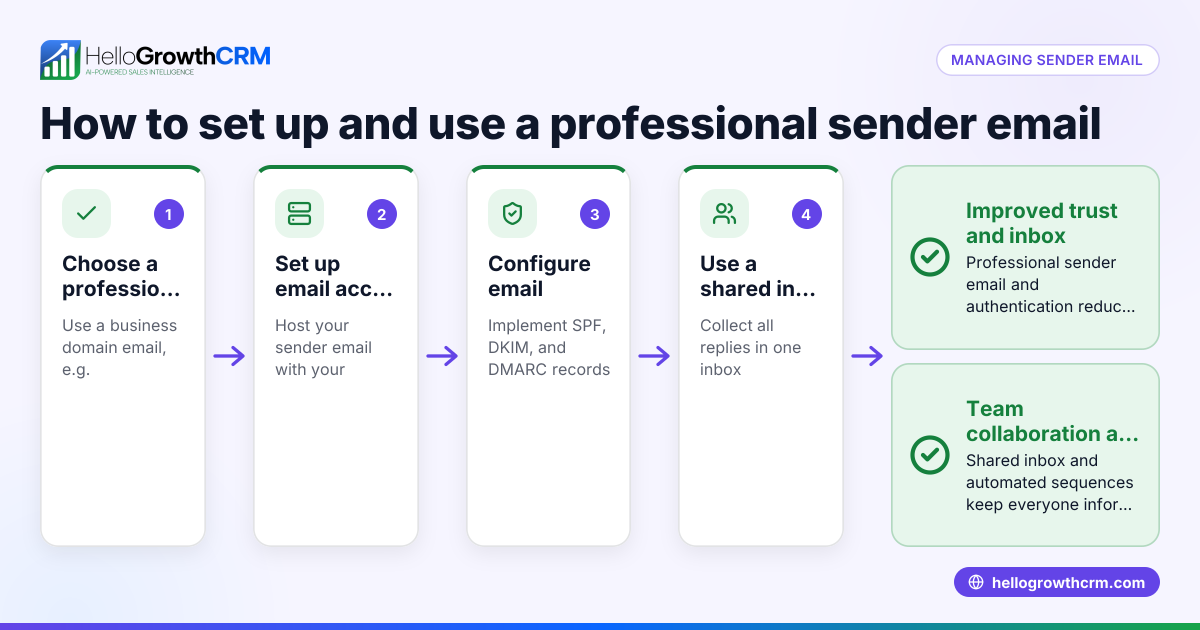
- Choose the right sender email address: Use a professional email address that matches your business domain (e.g., sales@yourcompany.com). This builds trust and brand recognition.
- Configure your email client or CRM: Set this address as the default sender in your email software or CRM system to ensure consistency.
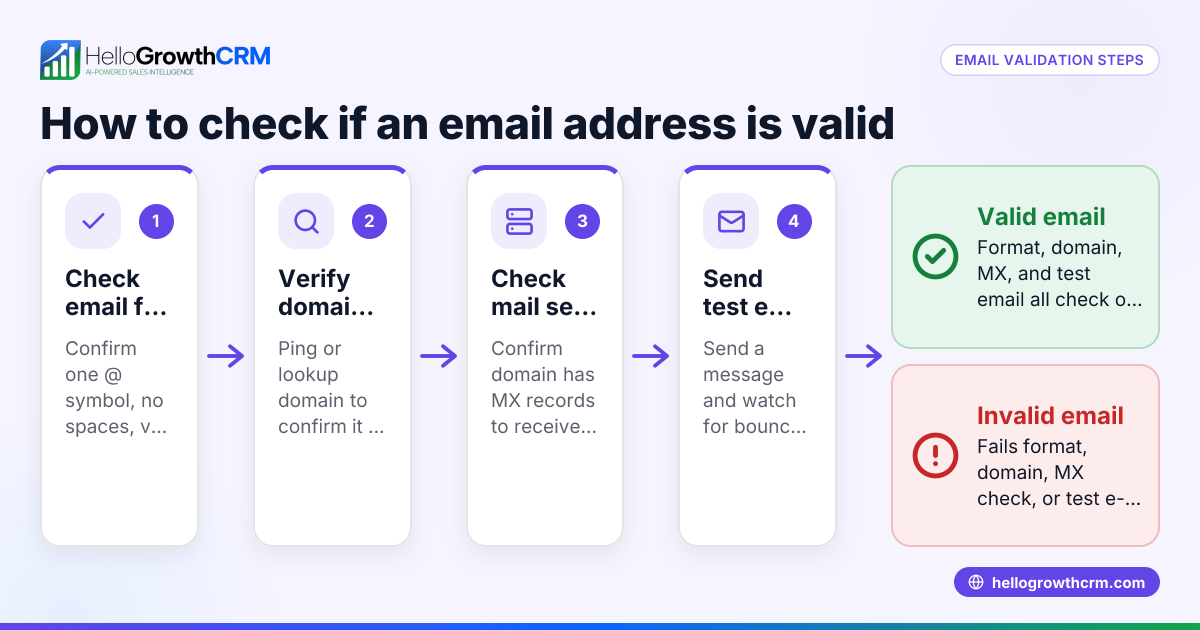
- Verify the sender address settings: Ensure your domain’s email authentication records like SPF and DKIM are set up correctly to help avoid your emails being marked as spam.
- Test sending an email: Send a test email to yourself or a colleague. Confirm the "From" address displays correctly and that replies go to the expected inbox.
- Monitor replies: Ensure the inbox linked to the sender email address is regularly checked so no customer or lead response is missed.
- Adjust as needed: If you use multiple sender addresses (e.g., support@, sales@), clearly define their purpose and monitor them accordingly.
- Use automation tools wisely: When running email sequences or campaigns, make sure the sender email address is consistent and monitored to maintain engagement.
Example (fictional figures)
A Denver-based B2B software reseller, TechSolutions Inc., uses sales@techsolutions.com as its sender email address for all customer outreach.
- On 03/15/2026, they send a quotation email to a prospect.
- The prospect replies the same day.
- The sales team checks the sales@techsolutions.com inbox and sees the reply immediately.
This timely response helps close a deal worth $48,000.
Calculation of revenue impact:
$48,000 × 1 (deal closed) = $48,000
If replies went to an unmonitored email, the deal might have been lost.
Common mistakes
- Using a personal email address (e.g., Gmail, Yahoo) for business: Prevent by setting up a domain-based email.
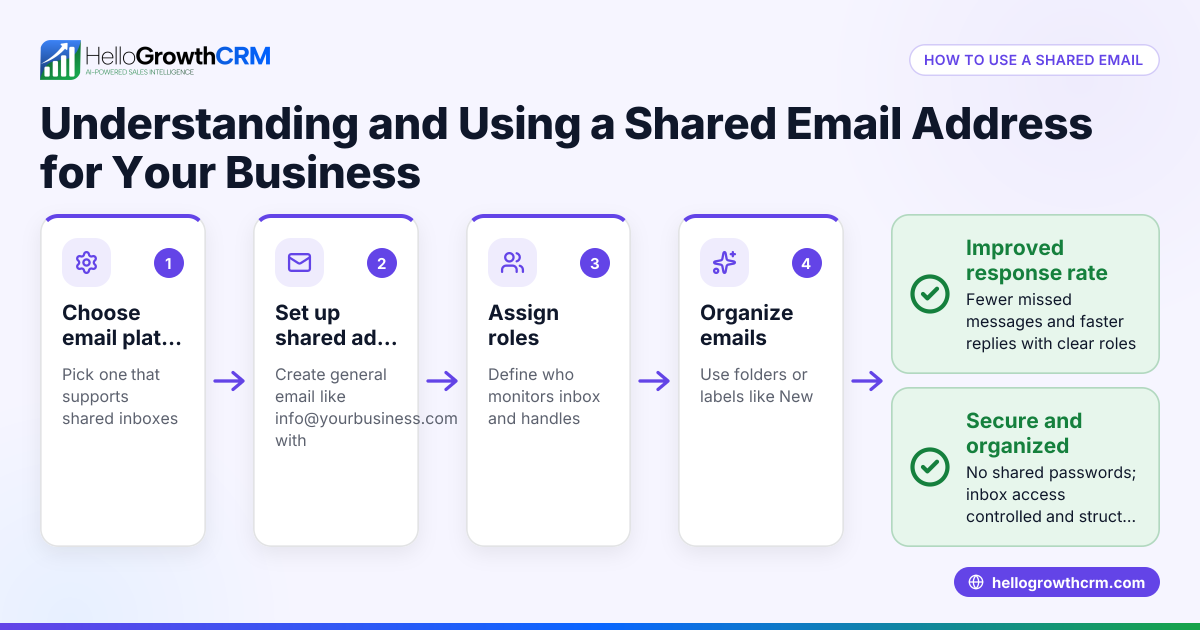
- Not checking the inbox linked to the sender email: Prevent by assigning team members to monitor shared inboxes.
- Inconsistent sender addresses across campaigns: Prevent by standardizing the sender email in your CRM or email tools.
- Ignoring email authentication setup: Prevent this by working with your IT or email provider to configure SPF and DKIM records correctly.
- Failing to test emails before sending to prospects: Prevent by always sending test emails to verify sender address and reply routing.
- Not using automation tools that respect sender email settings: Prevent by using CRM features like sequences that manage sender addresses properly.
Doing this in HelloGrowthCRM
HelloGrowthCRM offers a HelloMail shared inbox inside the CRM, so replies to quotation emails are visible to the whole sales team on the deal, preventing missed responses. Additionally, its sequences and campaigns feature lets you run automated five-step follow-ups over two weeks that stop as soon as the prospect replies, ensuring timely and consistent communication from the correct sender email address. Learn more about email automation and sequences and how HelloGrowthCRM supports US businesses at HelloGrowthCRM for the United States.
Frequently asked questions
What is the difference between the sender email address and the reply-to address? The sender email address appears in the "From" field and shows who sent the email. The reply-to address is where replies are directed if different from the sender. Using the same address for both avoids confusion.
Can I use any email address as the sender? Technically yes, but using a professional, domain-based email address improves deliverability and trust. Avoid free email services for business communication.
How do I check if my sender email is set up correctly? Send test emails to yourself and colleagues, verify the "From" address shows as intended, and confirm replies arrive in the right inbox. You can also use online tools to check email authentication records.
Why do some emails from my sender address go to spam? This often happens if your domain lacks proper authentication like SPF and DKIM or if your sending reputation is low. Setting these up helps prevent spam filtering.
How does HelloGrowthCRM help with managing sender email addresses? HelloGrowthCRM’s HelloMail shared inbox ensures your team sees all replies to emails sent from the CRM, avoiding lost leads. Its sequences automate follow-ups from a consistent sender address, improving response rates.
Key takeaways
- The sender email address is the "From" email seen by recipients and must be professional and monitored.
- Consistency and proper configuration prevent lost replies and improve email deliverability.
- Testing and verifying your sender email setup before outreach avoids common pitfalls.
- Using tools like HelloGrowthCRM’s shared inbox and automated sequences helps manage sender emails efficiently.
- Email authentication records like SPF and DKIM are important to reduce spam filtering.
Start managing your sender email address effectively and never miss a lead reply. Start on the Free Forever plan (200 leads, no credit card).
Ready to put this into practice?
Set up your pipeline, WhatsApp follow-ups, and AI lead scoring in minutes — free, no credit card.
Try HelloGrowthCRM freeGet CRM tips in your inbox
Join thousands of sales professionals who get weekly insights on CRM strategy, AI automation, and pipeline optimization.

The HelloGrowthCRM team publishes guides on CRM strategy, AI sales tools, and revenue operations for small business sales teams.