HelloGrowthCRM software
Built for real small-business sales teams
HelloGrowthCRM helps reps qualify faster, follow up on time, and close more deals—with practical automation in one place.
- AI lead scoring and pipeline visibility
- Built-in dialer, WhatsApp, and email automation
- Sales forecasting and RevOps-ready reporting
A "sorry for the mistake email" is a message you send when you realize you made an error that affects a customer, client, or partner. The goal is to acknowledge the mistake promptly, apologize sincerely, and offer a clear path to fix the issue. Doing this right helps maintain trust and keeps your business relationships healthy.
Why this comes up / what goes wrong
Small-business owners often face situations where mistakes happen in quotes, orders, emails, or scheduling. For example, you might send a wrong price in a quotation email, miss a deadline, or give incorrect product information. These errors can confuse or upset customers and risk losing their business if not addressed quickly and clearly.
The challenge is that many small teams run sales and customer communication using email, text messages, and spreadsheets without a central system to track conversations and corrections. This can lead to delays in sending correction emails or inconsistent messages from different team members.
Step-by-step
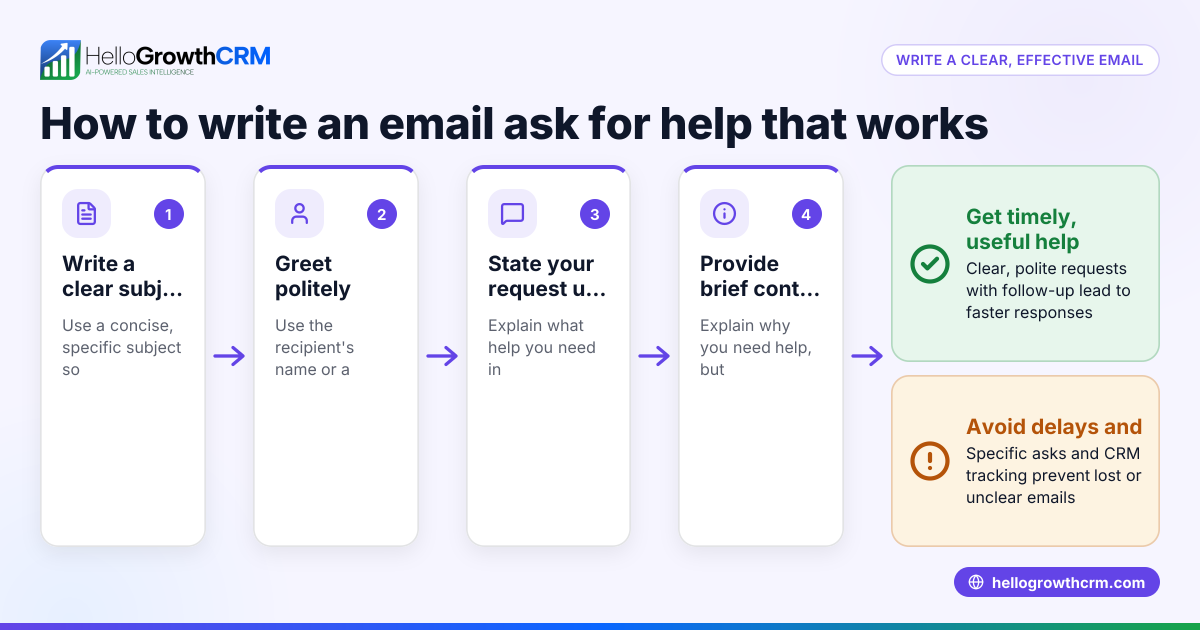
- Identify the mistake clearly: Review the original communication and pinpoint exactly what was wrong. Check dates, numbers, names, or details.
- Write a concise apology: Start your email with a straightforward apology using words like "sorry" or "apologize".
- Explain the mistake briefly: State what the error was without making excuses.
- Offer a correction or solution: Provide the correct information or next steps to fix the problem.
- Commit to preventing it again: Reassure the recipient that you are taking steps to avoid similar errors.
- Invite further questions: Encourage the recipient to reach out if they need more help.
- Review before sending: Check the email for tone, clarity, and accuracy.
- Send promptly: The sooner you correct the mistake, the better.
Using tools like email automation and sequences can help schedule follow-ups automatically after sending your apology email to ensure the issue is resolved.
Example (fictional figures)
A residential real-estate team in Phoenix, Arizona, sent a quotation email on 05/01/2026 with an incorrect price for home staging services.
- Original quoted price: $3,500
- Correct price: $2,800
The team drafts the apology email:
"Dear Mr. Smith,
I am sorry for the mistake in our previous quotation email dated 05/01/2026. The correct price for our home staging services is $2,800, not $3,500 as stated earlier. We apologize for any confusion this may have caused.
Please let us know if you have any questions or would like to proceed with the updated quote.
Thank you for your understanding.
Best regards, Phoenix Home Staging Team"
The arithmetic shown:
$3,500 - $2,800 = $700 (amount overstated)
The team sends the corrected quote immediately and sets a follow-up sequence to check if the client received the update.
Common mistakes
- Delaying the apology: Fix this by sending the email as soon as you discover the mistake.
- Being vague about the error: Always specify what the mistake was to avoid confusion.
- Making excuses: Focus on taking responsibility rather than justifying the error.
- Not offering a solution: Provide clear next steps or corrections.
- Ignoring follow-up: Use tools like WhatsApp and SMS CRM to automate reminders and responses.
- Failing to coordinate internally: Avoid mixed messages by using a shared inbox like HelloMail so the whole team sees replies and can stay aligned.
Doing this in HelloGrowthCRM
HelloGrowthCRM offers features that help your team handle mistake emails efficiently. The HelloMail shared inbox lets everyone on your team see replies to quotation emails, so no message gets missed or duplicated. You can set up sequences and campaigns to automate a five-step follow-up over two weeks that stops as soon as the prospect replies, ensuring timely resolution without manual tracking. If you don’t have a dedicated sales manager, Managed RevOps can assign a specialist to work your follow-up queue weekly, keeping your pipeline clean and your customers informed. Learn more about email automation and sequences.
Frequently asked questions
How soon should I send a sorry for the mistake email? Send it as soon as you discover the error to maintain trust and reduce confusion.
What tone should I use in the apology email? Use a polite, professional, and sincere tone—avoid sounding defensive or overly formal.
Should I offer compensation in the apology email? Only if appropriate for the mistake and your business policy; otherwise, focus on correction and reassurance.
Can I automate follow-ups after sending the apology? Yes, tools like HelloGrowthCRM’s sequences can automate follow-ups until the client responds, saving time and ensuring no lead is lost.
What if the recipient doesn’t reply after I apologize? Set automated reminders and consider a personal follow-up call or message to confirm resolution.
How do I keep my team aligned on these mistake emails? Use a shared inbox like HelloMail so all team members can see email threads and coordinate responses.
Key takeaways
- Quickly acknowledge and apologize for mistakes in your emails.
- Clearly explain the error and provide corrected information.
- Use polite, sincere language without excuses.
- Automate follow-ups to ensure the issue is resolved.
- Coordinate your team with shared inboxes to avoid mixed messages.
- Managed RevOps can support founders without sales managers in follow-up.
Sending a clear sorry for the mistake email can save relationships and protect your business reputation. To make follow-ups easier and more consistent, consider using HelloGrowthCRM’s features. Start on the Free Forever plan (200 leads, no credit card) and see how automated sequences and shared inboxes keep your team aligned and your customers happy.
Ready to put this into practice?
Set up your pipeline, WhatsApp follow-ups, and AI lead scoring in minutes — free, no credit card.
Try HelloGrowthCRM freeGet CRM tips in your inbox
Join thousands of sales professionals who get weekly insights on CRM strategy, AI automation, and pipeline optimization.

The HelloGrowthCRM team publishes guides on CRM strategy, AI sales tools, and revenue operations for small business sales teams.