HelloGrowthCRM software
Built for real small-business sales teams
HelloGrowthCRM helps reps qualify faster, follow up on time, and close more deals—with practical automation in one place.
- AI lead scoring and pipeline visibility
- Built-in dialer, WhatsApp, and email automation
- Sales forecasting and RevOps-ready reporting
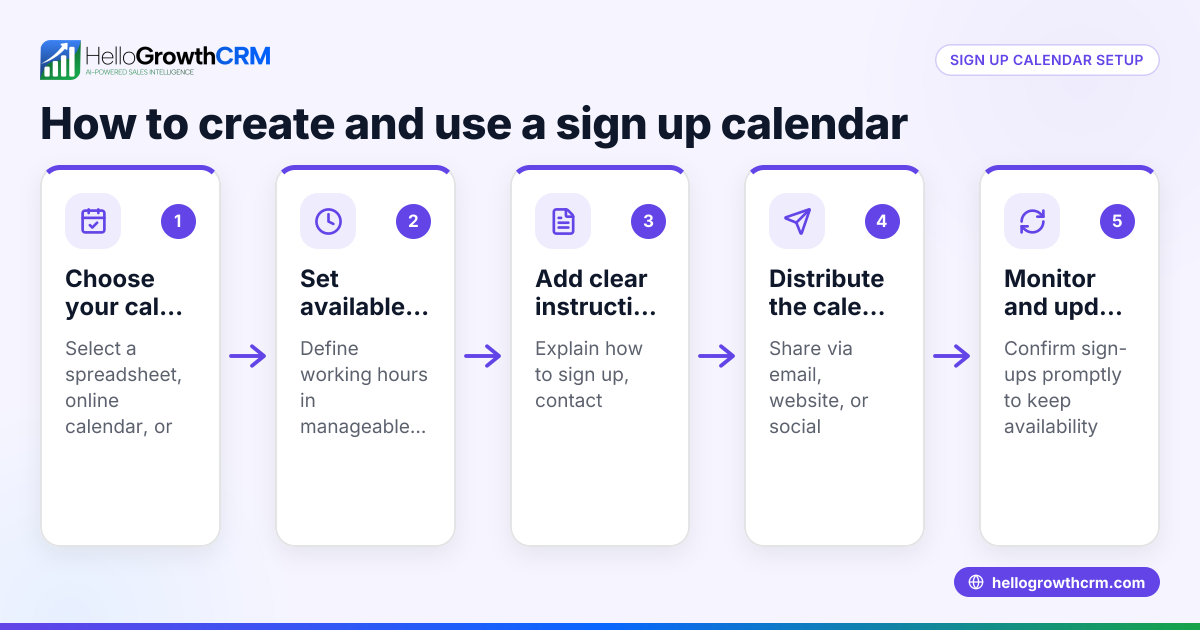
A subscription sign up form is essential for businesses that offer recurring products or services. It captures the customer's contact details, payment preferences, and agreement to terms, enabling smooth recurring billing and communication. This article covers why subscription sign ups matter, how to create one step-by-step, a realistic example with US figures, common pitfalls to avoid, and how HelloGrowthCRM supports managing your subscription leads and follow-ups.
Why this comes up / what goes wrong
Small and mid-sized US businesses often need subscription sign ups to sell memberships, service plans, or product deliveries. Without a clear, easy-to-use sign up form, customers may abandon the process or enter incorrect details. Many businesses lose leads because follow-up is slow or disorganized, especially if sales run on text messages, email, and spreadsheets. A well-designed subscription sign up form with automated follow-up can prevent lost revenue and reduce manual errors.
Step-by-step
- Define your subscription offering clearly: State what the customer is signing up for, including billing frequency, price, and any trial period.
- Collect essential customer information: Include fields for full name, email, phone number, and billing address. Check that required fields are marked and validated.
- Add payment details securely: Use a trusted payment gateway to capture credit card or bank info. Ensure PCI compliance and data security. (search.ftc.gov)
- Include terms and conditions: Provide a checkbox for customers to agree to your subscription terms, cancellation policy, and privacy statement.
- Provide confirmation and next steps: After sign up, send an email or SMS confirmation with subscription details and contact info for support.
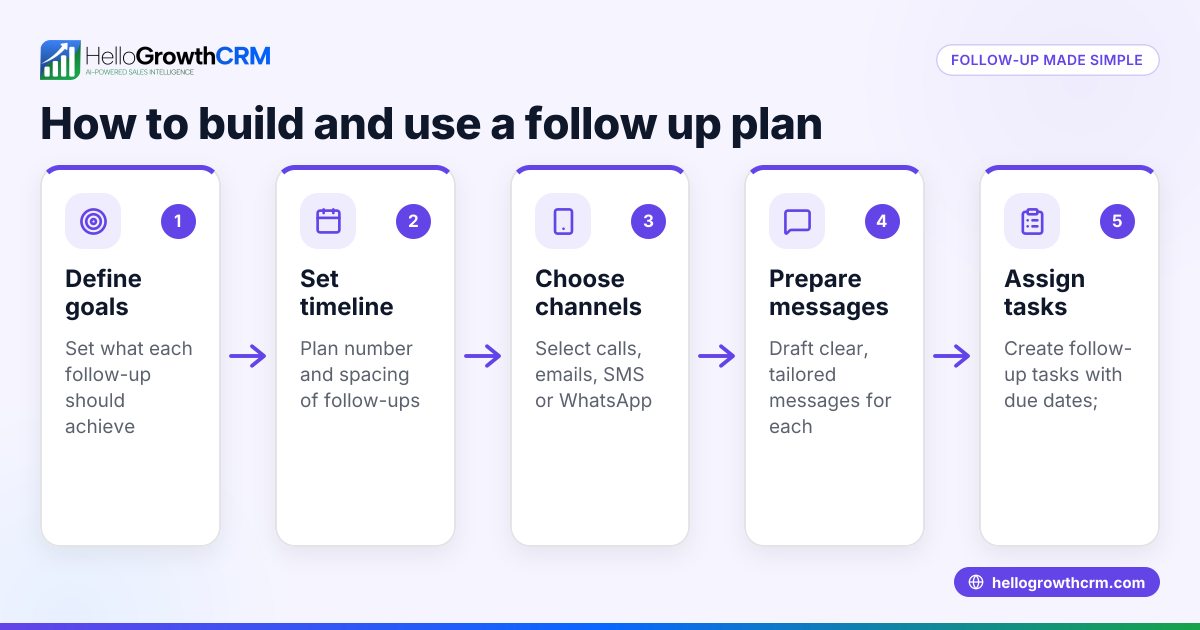
- Set up automated follow-up tasks: Assign follow-ups to your sales or support team to check in with new subscribers, confirm satisfaction, or upsell.
- Test the form thoroughly: Submit test entries to verify data capture, payment processing, and confirmation messages work smoothly.
- Monitor and optimize: Track sign up rates and drop-off points; adjust form fields or messaging to improve conversions.
For templates and examples of sales communication sequences, see our sales templates.
Example (fictional figures)
GreenThumb Landscaping in Charlotte, North Carolina offers a monthly lawn care subscription at $120 per month.
- Customer: Sarah Lee signs up on 06/15/2026.
- Price: $120 per month.
- Trial: 1 month free trial.
- Billing starts: 07/15/2026.
Calculations:
$120 × 1 month (trial) = $0 (trial period free)
$120 × 11 months = $1,320 (paid months)
Total annual subscription value = $0 + $1,320 = $1,320
Sarah receives a confirmation email on 06/15/2026 with billing start date and customer support contacts.
GreenThumb sets a follow-up task for 06/20/2026 to check in and answer any questions.
Common mistakes
- Forgetting to validate required fields: Always mark mandatory fields and validate input to avoid incomplete sign ups. Prevent by testing the form.
- Not securing payment information: Use a PCI-compliant payment gateway to protect customer data.
- Omitting terms and conditions checkbox: Customers must explicitly agree to subscription terms to avoid disputes.
- No confirmation or follow-up: Always send confirmation messages and schedule follow-ups to reduce cancellations and build trust.
- Relying on manual follow-up reminders: Use task boards or automated sequences to manage follow-ups and avoid missed leads. See how HelloGrowthCRM for the United States helps with this.
- Making the form too long or complicated: Keep it simple to reduce abandonment.
Doing this in HelloGrowthCRM
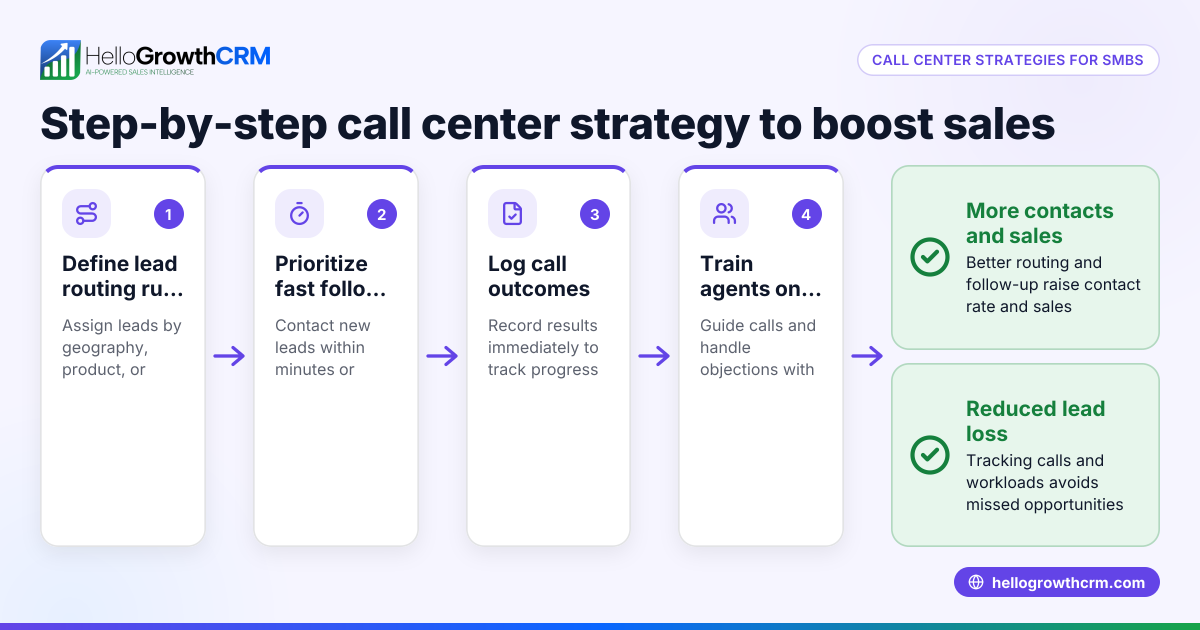
HelloGrowthCRM helps you manage subscription sign ups by turning each follow-up into a task with a due date on your activity and task boards. This means your sales team sees the day’s calls and tasks clearly, not relying on memory. You can set up automated five-step follow-up sequences over two weeks that run on email, WhatsApp, and SMS, stopping as soon as the prospect replies. Additionally, AI agents can draft follow-up messages after calls, so your reps only need to review and send, saving time and reducing errors. Learn more about these features on our WhatsApp and SMS CRM page.
Frequently asked questions
What information should a subscription sign up form collect? A subscription sign up should collect the customer's full name, email, phone number, billing address, and payment details. It should also include a checkbox for agreeing to terms and conditions. This ensures you have everything needed to set up recurring billing and communicate effectively.
How can I make sure customers complete the subscription sign up? Keep the form simple and only ask for essential information. Use field validation to prevent errors and provide clear instructions. Offering a confirmation message and easy contact options can also reassure customers.
What follow-up is recommended after a subscription sign up? Follow-ups should confirm the subscription, answer questions, and check satisfaction. Automated sequences running over two weeks can help maintain contact without manual effort. Tools like HelloGrowthCRM automate these tasks efficiently.
Can I integrate subscription sign ups with my CRM? Yes. Integrating sign-ups with your CRM lets you track leads, automate follow-ups, and manage tasks. HelloGrowthCRM supports this with task boards, sequences, and AI agents to streamline your sales process.
How do I handle cancellations or changes in subscription? Include clear cancellation policies in your terms and provide easy contact methods. Use your CRM to track subscription status changes and schedule follow-ups to retain customers or win them back.
Key takeaways
- A subscription sign up form must clearly collect customer info, payment details, and terms agreement.
- Automated follow-ups reduce lost leads and improve customer experience.
- Testing the form for errors and ease of use prevents drop-offs.
- Use task boards and sequences to organize follow-ups and calls.
- AI agents can draft follow-up messages, saving time and reducing errors.
Start simplifying your subscription sign up and follow-up process today. You can Start on the Free Forever plan (200 leads, no credit card) at HelloGrowthCRM to manage your leads, automate follow-ups, and grow your subscription business.
Ready to put this into practice?
Set up your pipeline, WhatsApp follow-ups, and AI lead scoring in minutes — free, no credit card.
Try HelloGrowthCRM freeGet CRM tips in your inbox
Join thousands of sales professionals who get weekly insights on CRM strategy, AI automation, and pipeline optimization.

The HelloGrowthCRM team publishes guides on CRM strategy, AI sales tools, and revenue operations for small business sales teams.