HelloGrowthCRM software
Built for real small-business sales teams
HelloGrowthCRM helps reps qualify faster, follow up on time, and close more deals—with practical automation in one place.
- AI lead scoring and pipeline visibility
- Built-in dialer, WhatsApp, and email automation
- Sales forecasting and RevOps-ready reporting
A "thank you for booking with us" message is a brief, courteous communication sent right after a customer completes a booking or appointment with your business. It confirms the booking, shows appreciation, and helps build trust by setting clear next steps or expectations. This message can be sent by email, SMS, WhatsApp, or other channels your customers use.
Why this comes up / what goes wrong
Small-business owners often need to send a thank you for booking message but face common challenges:
- Customers are unsure if their booking was received or confirmed, leading to confusion or double bookings.
- Losing leads or appointments because unclear communication causes customers to book elsewhere or forget.
- Spending too much time manually confirming bookings through phone calls or text messages, reducing efficiency.
- Missing the chance to engage customers immediately after booking, which can increase no-shows or cancellations.
For example, a two-location dental practice might get appointment requests via phone, email, or text. Without a prompt thank you message confirming the appointment, patients may forget or call to reconfirm, increasing staff workload.
Step-by-step
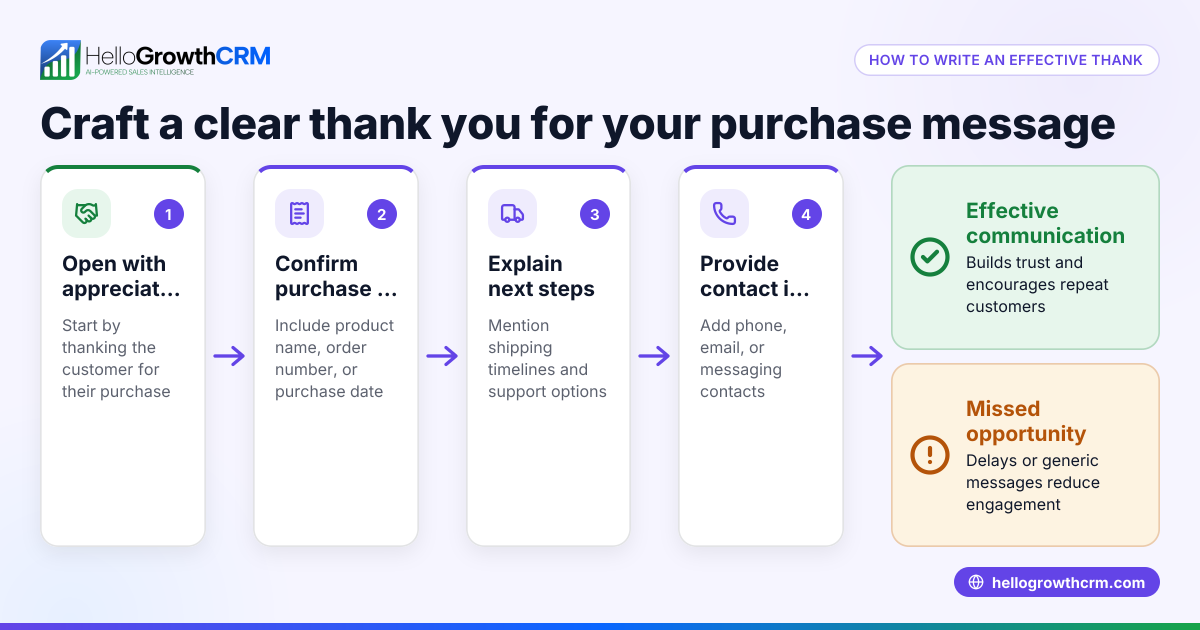
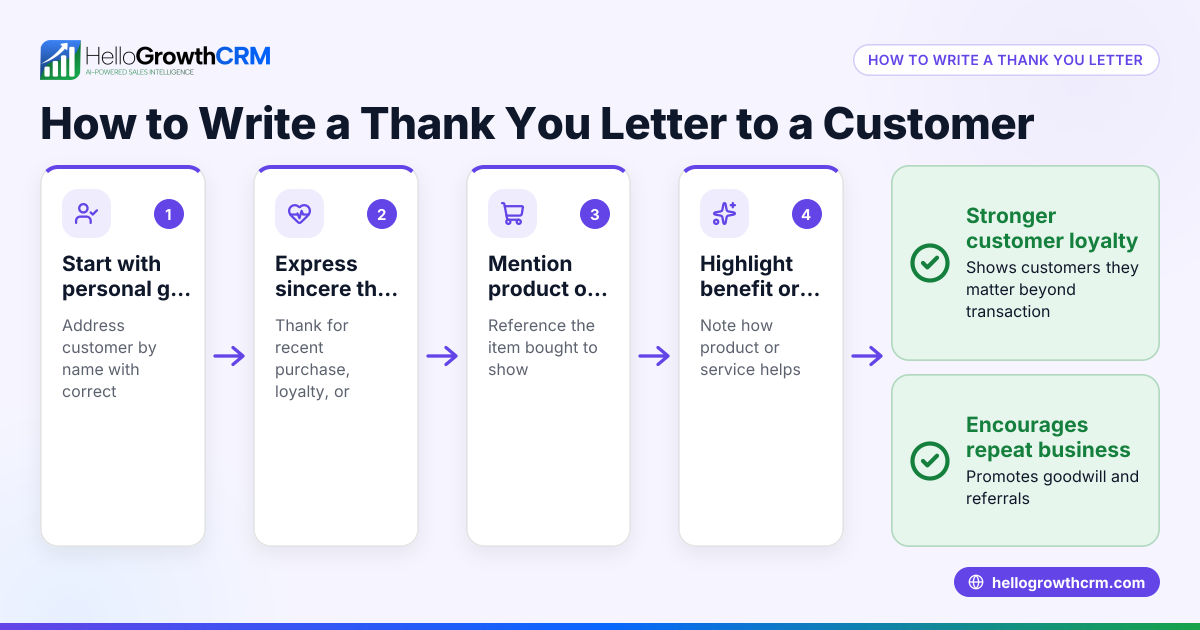
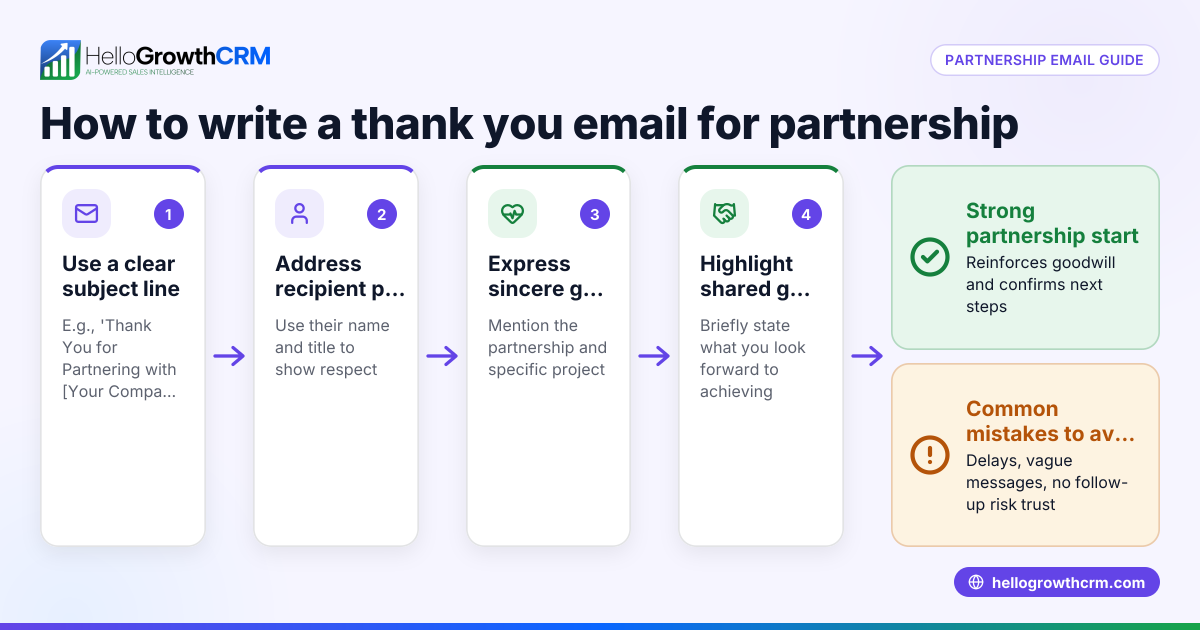
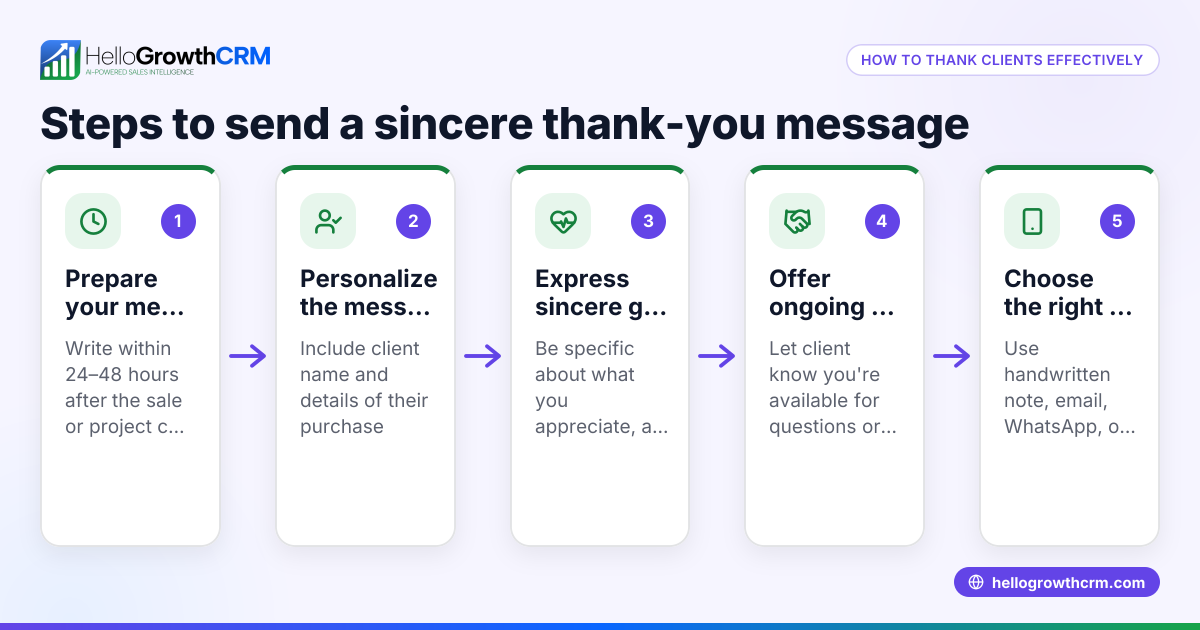
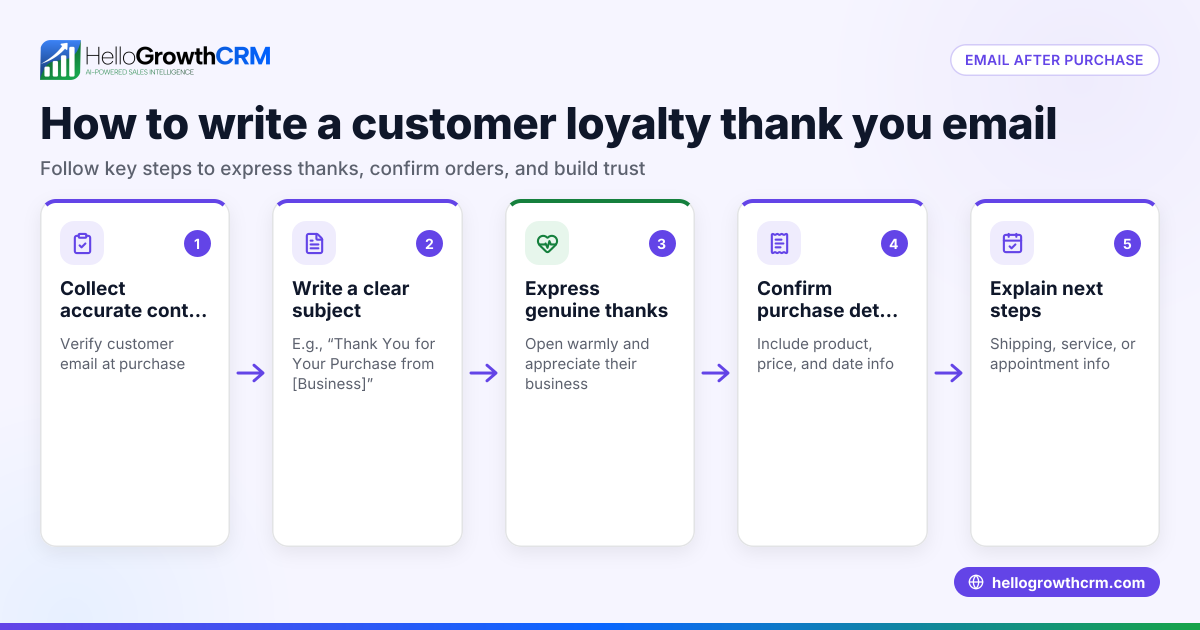
- Write a clear, polite thank you message
- Start by thanking the customer for booking.
- Confirm the date, time, and service booked.
- Include any important instructions (e.g., bring ID, arrive early).
- Provide contact information for questions or changes.
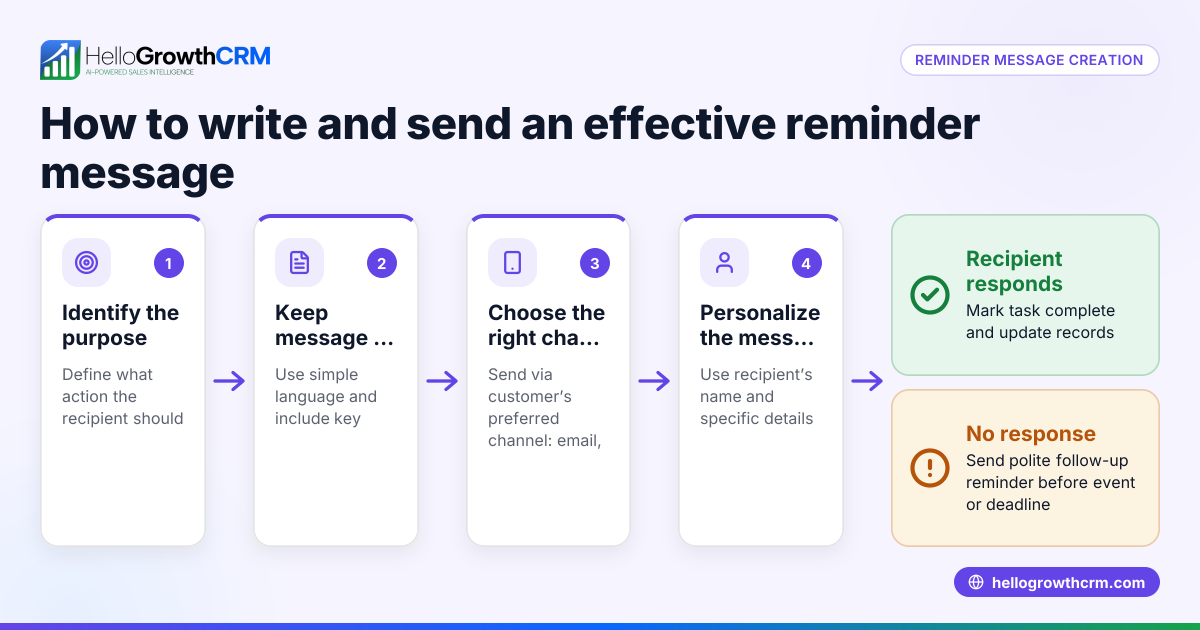
- Choose the right communication channel
- Use the channel your customer prefers, such as email, SMS, or WhatsApp.
- Adapt the message length and detail to fit the channel (shorter for SMS, more detailed for email).
- Automate sending the message
- Use scheduling or CRM tools to send the thank you message immediately after booking.
- Avoid delays that reduce the message’s effectiveness.
- Include a call to action or next step
- For example, "Reply to this message if you need to reschedule."
- Log the message and booking details
- Keep a record of sent messages linked to the customer for easy follow-up.
- Review and update your message regularly
- Adjust wording based on customer feedback or changes in your booking process.
- Check for compliance
- Ensure your message respects privacy and US communication laws, including opt-out requirements.
Using tools like a meeting scheduler helps customers pick appointment slots from a link, which can trigger automated thank you messages without back-and-forth.
Example (fictional figures)
BrightSmile Dentistry is a two-location dental practice in Columbus, Ohio. They use an automated thank you message after online booking.
- On 08/10/2026, a patient books a cleaning appointment for 09/15/2026 at 10:00 AM.
- The cleaning service costs $150.
- The system sends this message immediately: "Thank you for booking your cleaning appointment with BrightSmile Dentistry on 09/15/2026 at 10:00 AM. Please arrive 10 minutes early and bring your insurance card. Reply to reschedule."
This message reduces no-shows and unnecessary phone calls.
The financial impact example:
- Average no-show rate before message: 10% of 1,000 appointments per year = 100 no-shows.
- Each no-show loses $150.
- Annual lost revenue = 100 × $150 = $15,000.
After sending automated thank you messages:
- No-show rate drops to 5% = 50 no-shows.
- Lost revenue = 50 × $150 = $7,500.
Revenue saved = $15,000 - $7,500 = $7,500 annually.
Common mistakes
- Sending messages too late
- Prevent by automating immediate confirmation to reassure customers.
- Vague or missing booking details
- Always include date, time, and service to avoid confusion.
- Ignoring customer communication preferences
- Ask customers how they prefer to receive messages (email, SMS, WhatsApp).
- No clear next step or contact info
- Include instructions and a way to reach you for questions or rescheduling.
- Manual follow-up overload
- Use tools like WhatsApp and SMS CRM to log conversations and automate follow-ups.
- Not updating message content
- Review messages periodically to keep them clear and relevant.
Doing this in HelloGrowthCRM
HelloGrowthCRM supports thank you for booking messages with these features:
- WhatsApp and SMS: Conversations with leads are logged on the lead record, and follow-ups can be sent as messages, ensuring timely communication.
- Scheduling and booking: Customers pick appointment slots from a link, eliminating back-and-forth and triggering automated thank you messages.
- Managed RevOps: For founders without a sales manager, HelloGrowthCRM offers weekly follow-up queue management to keep bookings and communications on track.
Learn more about these features at WhatsApp and SMS CRM and meeting scheduler.
Frequently asked questions
What should a thank you for booking message include? It should thank the customer, confirm the booking details (date, time, service), provide any instructions, and offer contact info for questions or changes.
Is it better to send the message by email or SMS? Choose the channel your customers prefer. SMS and WhatsApp are faster and often read immediately, while email can hold more detailed information.
How soon should I send the thank you message? Send it immediately after the booking is confirmed to reassure the customer and reduce no-shows.
Can I automate thank you messages? Yes, using scheduling tools or a CRM like HelloGrowthCRM, you can automate sending messages right after booking.
How do I handle rescheduling requests? Include clear instructions or a contact method in the thank you message so customers can easily reschedule if needed.
How can HelloGrowthCRM help with booking messages? HelloGrowthCRM logs WhatsApp conversations, automates follow-ups, and lets customers pick appointment slots via links, simplifying booking confirmations and reducing manual work.
Key takeaways
- A thank you for booking message confirms appointments and builds customer trust.
- Include clear booking details, instructions, and contact information.
- Send the message promptly using the customer's preferred channel.
- Automate sending with scheduling tools or a CRM to save time and reduce errors.
- Avoid vague messages and manual follow-up overload by using CRM features.
- HelloGrowthCRM helps automate and manage booking communications with scheduling and messaging tools.
Start improving your booking confirmations today. Start on the Free Forever plan (200 leads, no credit card) with HelloGrowthCRM.
Ready to put this into practice?
Set up your pipeline, WhatsApp follow-ups, and AI lead scoring in minutes — free, no credit card.
Try HelloGrowthCRM freeGet CRM tips in your inbox
Join thousands of sales professionals who get weekly insights on CRM strategy, AI automation, and pipeline optimization.

The HelloGrowthCRM team publishes guides on CRM strategy, AI sales tools, and revenue operations for small business sales teams.