HelloGrowthCRM software
Built for real small-business sales teams
HelloGrowthCRM helps reps qualify faster, follow up on time, and close more deals—with practical automation in one place.
- AI lead scoring and pipeline visibility
- Built-in dialer, WhatsApp, and email automation
- Sales forecasting and RevOps-ready reporting
User onboarding best practices involve guiding new users through a clear, simple process that helps them understand and use your product or service quickly and effectively. This article covers why onboarding matters, detailed steps to create an effective process, common mistakes to avoid, a practical example for a US small business, and answers to frequently asked questions.
Why this comes up / what goes wrong
Small-business owners often face challenges with user onboarding because they want to convert new customers or clients quickly without overwhelming them. Many run sales and customer communications on fragmented tools like text messages, email, and spreadsheets. This can cause slow follow-up, confusion, or lost leads. Without a structured onboarding process, users may not fully understand the value of your product or service, leading to lower retention and missed revenue. Owners evaluating software or services look for onboarding practices that keep users engaged and reduce drop-off.
Step-by-step
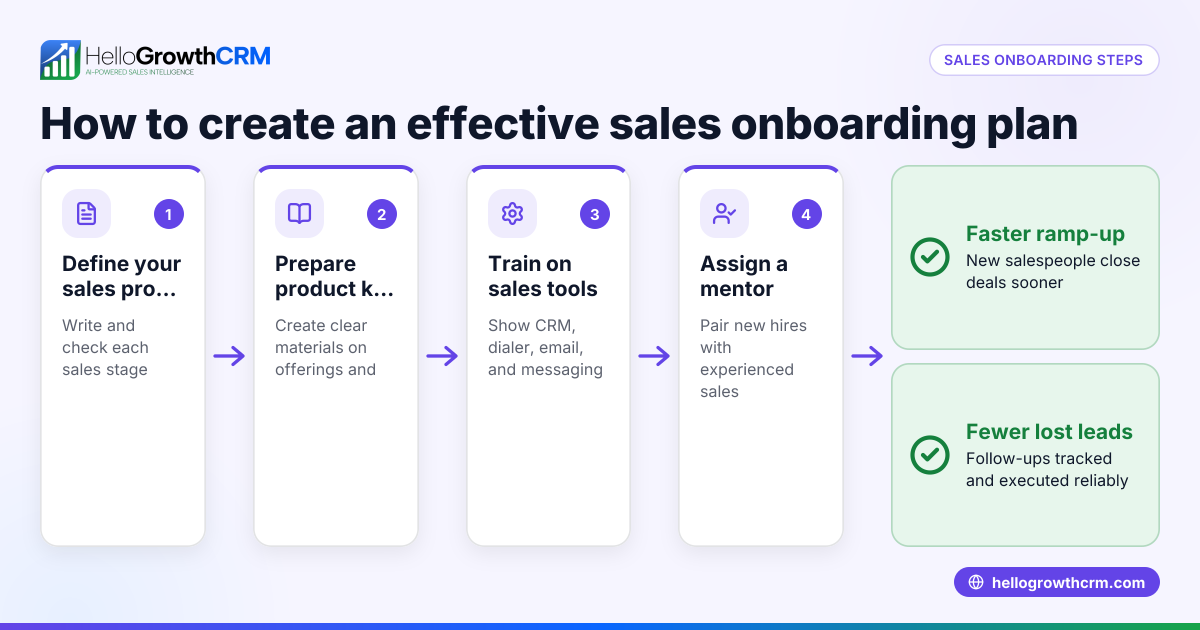
- Define clear onboarding goals. Decide what success looks like for new users, such as completing setup, making a first purchase, or scheduling a consultation. Check that these goals align with your business outcomes.
- Map the user journey. Outline each step a new user takes from sign-up to active use. Identify potential friction points where users might get stuck or confused.
- Create simple, engaging content. Use short videos, checklists, or interactive guides that explain key features or next steps. Check that content is easy to access on mobile and desktop.
- Automate communication. Set up timely email or SMS sequences that remind users about important actions. Ensure messages are spaced well and personalized to user behavior.
- Provide easy access to support. Offer quick links to FAQs, live chat, or phone support. Check that users can reach help without leaving the onboarding flow.
- Collect feedback early and often. Use surveys or quick polls during onboarding to learn what users find confusing or helpful. Adjust the process based on this input.
- Track onboarding metrics. Monitor completion rates, time to first key action, and drop-off points. Use this data to refine your steps continuously.
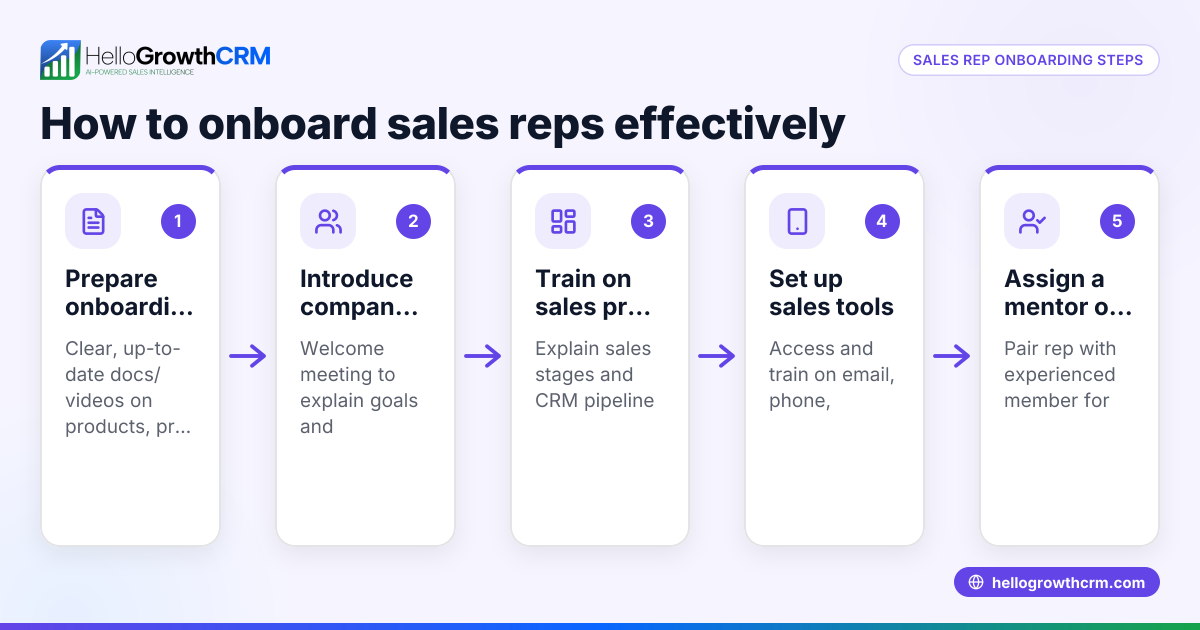
- Train your team on the onboarding process. Make sure sales and support staff understand the onboarding goals and tools to assist users effectively.
- Integrate onboarding with your CRM. Using a CRM that supports multi-channel communication like WhatsApp and SMS can streamline follow-up and task management. See WhatsApp and SMS CRM and the built-in CRM dialer for options that help keep onboarding organized.
- Review and update regularly. Onboarding needs evolve as your product and customers change. Schedule periodic reviews to keep it relevant.
Example (fictional figures)
A landscaping contractor in Charlotte, North Carolina, called GreenScape, wants to improve onboarding for new residential customers signing up for seasonal lawn care.
- GreenScape defines the onboarding goal as scheduling the first lawn treatment within 10 days of sign-up.
- They map the journey: sign-up → welcome email → phone call to schedule → confirmation message → first service.
- They create a welcome email with a checklist of what to expect and a link to schedule online.
- They automate an SMS reminder 3 days after sign-up if no appointment is booked.
- They provide phone support for scheduling questions.
- They collect feedback via a short survey after the first service.
- Tracking shows many customers schedule within 10 days; they want to increase this number.
If 100 customers sign up monthly:
Currently scheduled within 10 days = 60 customers (estimate)
If they increase this to 70 customers:
Additional customers scheduled = 70 - 60 = 10 customers
Assuming each customer pays $500 for the season:
Additional revenue = 10 × $500 = $5,000
This example shows how improving onboarding steps can increase revenue by converting more leads efficiently.
Common mistakes
- Overloading users with information. Prevent this by breaking content into small, manageable pieces and focusing on immediate next steps.
- Ignoring mobile users. Ensure onboarding materials and communication work well on smartphones since many users rely on mobile devices.
- Not personalizing communication. Use user data to tailor messages and avoid generic, irrelevant outreach.
- Failing to follow up promptly. Automate reminders and task assignments to avoid slow responses that lose leads.
- Lack of team alignment. Train sales and support staff on the onboarding process to provide consistent user experiences.
- Not using a CRM to track onboarding. A CRM that integrates lead capture and communication channels like WhatsApp and SMS can prevent leads from slipping through. Learn more about HelloGrowthCRM for the United States.
Frequently asked questions
What is the ideal length for a user onboarding process? The ideal length depends on your product and user needs but aim to complete onboarding quickly enough to keep users engaged while ensuring they understand essential features. Typically, a few days to two weeks works for many small businesses.
How can I measure if my onboarding is successful? Track metrics like onboarding completion rate, time to first key action (e.g., purchase or booking), user satisfaction scores, and retention rates. These indicators show how well users are adapting.
Should onboarding be automated or manual? A combination works best. Automate routine communications and reminders but keep manual support available for personalized help. Automation ensures timely follow-up, while human interaction builds trust.
How important is mobile optimization for onboarding? Very important. Many users access services via mobile devices, so onboarding content and communication must be mobile-friendly to avoid frustration and drop-off.
Can onboarding improve sales team productivity? Yes. A clear onboarding process reduces repetitive questions and clarifies next steps, allowing sales teams to focus on closing deals. Using a CRM with integrated communication tools helps manage leads efficiently. See WhatsApp and SMS CRM and the built-in CRM dialer for tools that support this.
Key takeaways
- Define clear, measurable onboarding goals aligned with business outcomes.
- Break onboarding into simple, actionable steps with engaging content.
- Automate personalized communication while providing easy access to support.
- Track onboarding metrics and gather user feedback to improve continuously.
- Avoid common pitfalls like information overload and poor mobile experience.
- Use a CRM that integrates multi-channel communication to streamline follow-up and task management.
Start improving your user onboarding today. Start on the Free Forever plan (200 leads, no credit card).
Ready to put this into practice?
Set up your pipeline, WhatsApp follow-ups, and AI lead scoring in minutes — free, no credit card.
Try HelloGrowthCRM freeGet CRM tips in your inbox
Join thousands of sales professionals who get weekly insights on CRM strategy, AI automation, and pipeline optimization.

The HelloGrowthCRM team publishes guides on CRM strategy, AI sales tools, and revenue operations for small business sales teams.