HelloGrowthCRM software
Built for real small-business sales teams
HelloGrowthCRM helps reps qualify faster, follow up on time, and close more deals—with practical automation in one place.
- AI lead scoring and pipeline visibility
- Built-in dialer, WhatsApp, and email automation
- Sales forecasting and RevOps-ready reporting
A virtual phone call is a phone call made using internet technology or software rather than traditional phone lines. This means you can make and receive calls on your computer, smartphone, or tablet without needing a physical phone line. Virtual calls use VoIP (Voice over Internet Protocol) or integrated CRM dialers to connect calls through the internet.
Why this comes up / what goes wrong
Small-business owners often hear about virtual phone calls when looking for flexible, cost-effective ways to manage sales calls and customer communication. Traditional phone systems can be costly, limit where calls can be made, and make it hard to track call outcomes. Running sales on text messages, email, and spreadsheets often leads to slow follow-up and lost leads. Without a virtual calling system, teams may waste time switching between apps or miss logging call results, hurting sales efficiency.
Step-by-step
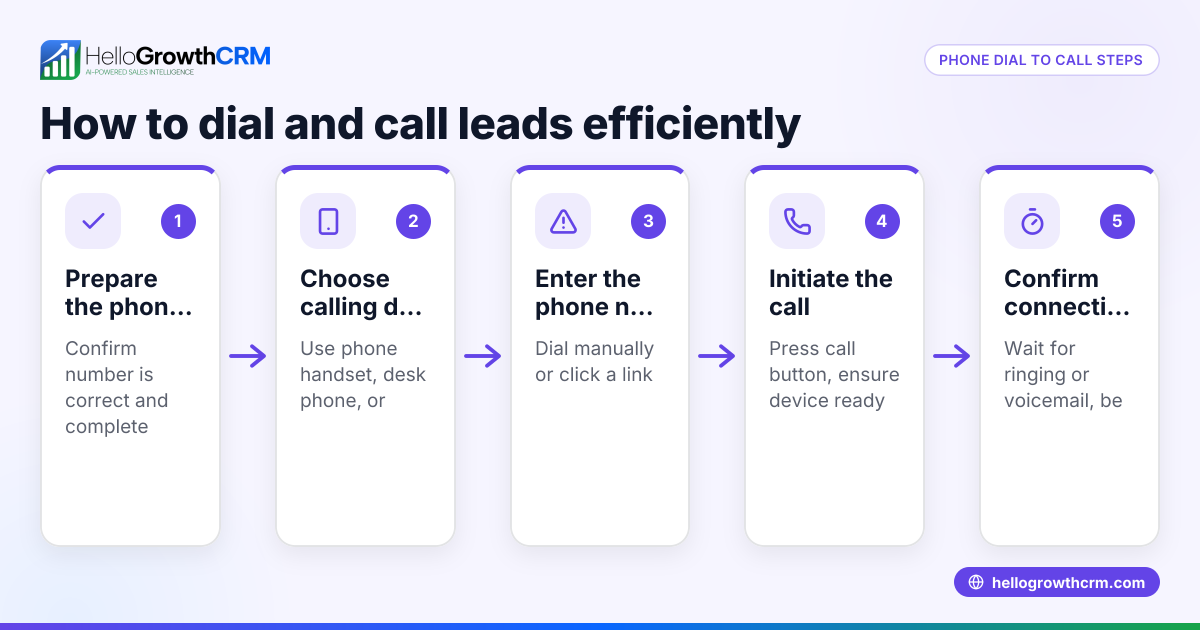
- Choose a virtual phone system: Decide whether to use a standalone VoIP service or a CRM with a built-in dialer. Check that it supports your devices (desktop, smartphone) and fits your budget.
- Get a virtual phone number: Select a number that represents your business locally or nationally. Verify the number works with your chosen system.
- Set up the software or app: Install the virtual phone app on your devices. Configure settings like voicemail, call forwarding, and caller ID.
- Train your team: Make sure sales reps know how to make and receive calls, log outcomes, and use any call scripts or sequences.
- Integrate with your CRM: Connect your virtual phone system to your CRM to capture call data automatically. This helps track leads and follow-up tasks.
- Test calls: Make test calls to ensure call quality is clear and outcomes are logged correctly.
- Monitor and optimize: Review call reports regularly to identify bottlenecks or missed leads and improve your calling process. Learn more about the built-in CRM dialer.
Example (fictional figures)
A residential real-estate team in Phoenix, Arizona, wants to switch to virtual phone calls to speed up lead follow-up. They buy a virtual number for $50/month and subscribe to a CRM with a built-in dialer for $200/month.
They make 500 calls a month, each call generating about $1,000 in potential commissions.
Monthly cost = $50 + $200 = $250 Potential revenue = 500 calls × $1,000 = $500,000
If virtual calling improves follow-up speed and increases conversion by 2%, their additional revenue = $500,000 × 2% = $10,000
Return on investment = $10,000 - $250 = $9,750 extra per month
This shows how virtual phone calls can boost sales and justify the cost.
Common mistakes
- Not choosing the right system: Avoid systems that don’t integrate with your CRM or lack essential features. Check compatibility before buying.
- Ignoring training: Without proper training, reps may not use the dialer effectively or log calls properly. Schedule training sessions.
- Failing to log call outcomes: Manual logging leads to lost data and poor follow-up. Use a system that logs calls automatically.
- Poor call quality: Test call quality on your internet connection before rolling out. Upgrade bandwidth if needed.
- Not monitoring performance: Without reviewing call reports, you miss chances to improve. Set regular review meetings.
- Using multiple disconnected tools: Running calls on one app and tracking leads on another causes errors and delays. Use integrated tools to keep everything in one place. See more about the built-in CRM dialer.
Doing this in HelloGrowthCRM
HelloGrowthCRM offers a built-in dialer that lets your reps work a list directly inside the CRM. Each call’s outcome is logged automatically on the lead record, keeping your call history tied to contacts and deals. This helps your team stay organized and follow up faster without switching apps. Learn more about HelloGrowthCRM’s WhatsApp and SMS CRM features and how they support US businesses at HelloGrowthCRM for the United States.
Frequently asked questions
What devices can I use for virtual phone calls? You can use smartphones, tablets, and computers with internet access. Most virtual phone systems provide apps or browser access to make calls.
Do virtual phone calls cost less than traditional calls? Often yes, because they use internet data instead of phone lines. Costs depend on your provider and plan.
Can virtual phone calls integrate with my CRM? Many virtual phone systems integrate with CRMs to log call data and track leads automatically. This improves sales efficiency.
Is call quality reliable with virtual phone calls? Call quality depends on your internet connection. A strong, stable connection usually means clear calls.
Do I need special training for my team? Yes, training helps reps use the dialer and CRM features effectively. Most providers offer tutorials or support.
Key takeaways
- A virtual phone call uses internet technology to make calls without traditional phone lines.
- It offers flexibility, cost savings, and better call tracking for small businesses.
- Set up involves choosing a system, getting a number, installing software, training, and testing.
- Avoid common mistakes like poor training, ignoring call logging, and using disconnected tools.
- HelloGrowthCRM’s built-in dialer lets your team call and log outcomes inside the CRM for better sales follow-up.
Start making virtual phone calls today by trying HelloGrowthCRM’s built-in dialer. Start on the Free Forever plan (200 leads, no credit card) to see how it fits your sales process.
Ready to put this into practice?
Set up your pipeline, WhatsApp follow-ups, and AI lead scoring in minutes — free, no credit card.
Try HelloGrowthCRM freeGet CRM tips in your inbox
Join thousands of sales professionals who get weekly insights on CRM strategy, AI automation, and pipeline optimization.

The HelloGrowthCRM team publishes guides on CRM strategy, AI sales tools, and revenue operations for small business sales teams.