HelloGrowthCRM software
Built for real small-business sales teams
HelloGrowthCRM helps reps qualify faster, follow up on time, and close more deals—with practical automation in one place.
- AI lead scoring and pipeline visibility
- Built-in dialer, WhatsApp, and email automation
- Sales forecasting and RevOps-ready reporting
A phone call API is a tool that connects your software to phone networks, allowing your business to make and receive calls automatically or with minimal manual effort. It enables features like click-to-call, automatic call logging, and integration of call data with your CRM. This improves follow-up speed, reduces errors, and keeps your sales process organized.
Why this comes up / what goes wrong
Small-business owners often juggle separate tools for phone calls, texts, emails, and spreadsheets. This separation causes slow follow-up, lost leads, and poor tracking of call results. Searching for "phone call API" usually means they want to integrate calling into their digital workflow—making calls directly from their software, automatically logging outcomes, and improving sales efficiency.
Without a phone call API, sales reps manually dial numbers and log call notes, wasting time and risking lost information or missed follow-ups.
Step-by-step
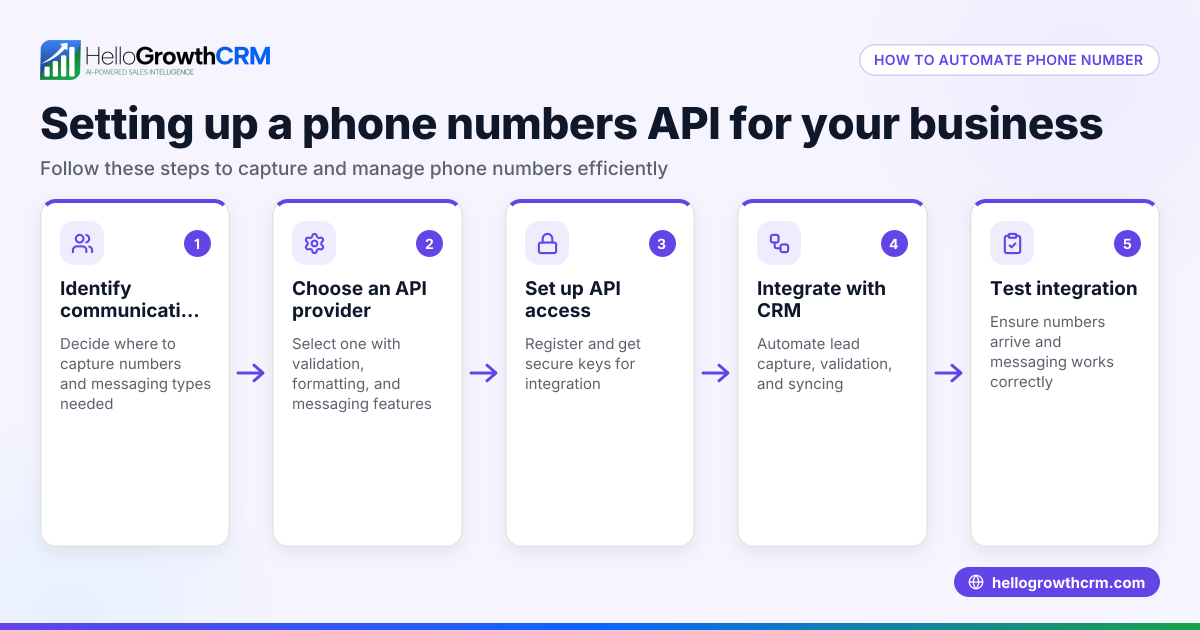
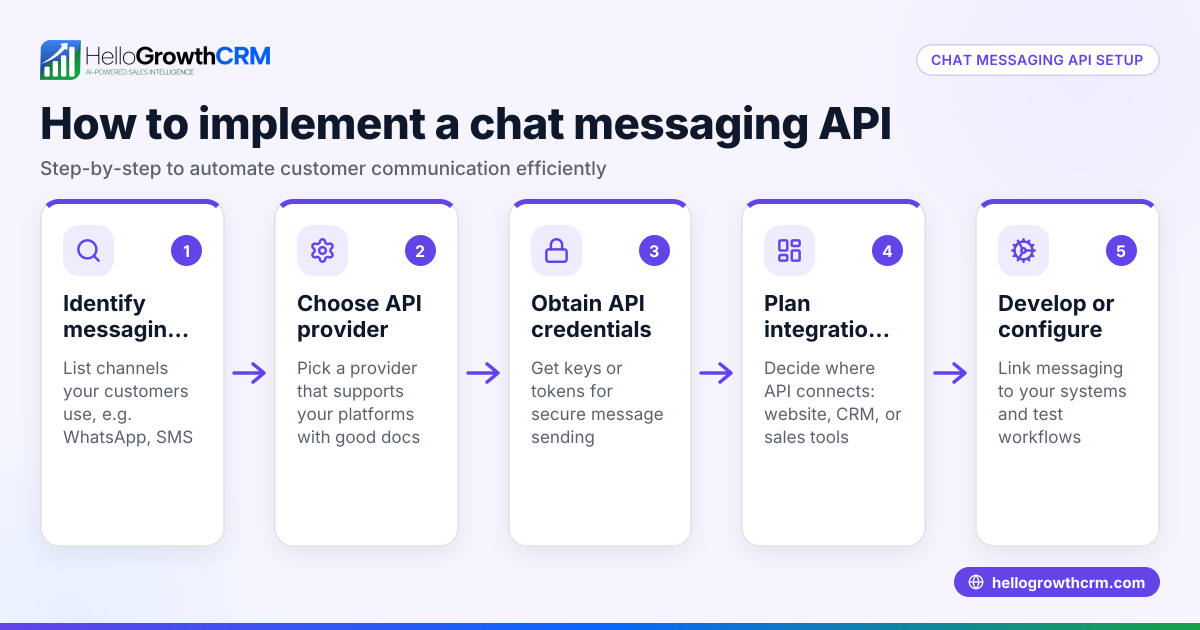
- Identify your calling needs: Determine if you want to make outbound calls, receive inbound calls, or both. Check if you need call outcome logging or automated workflows.
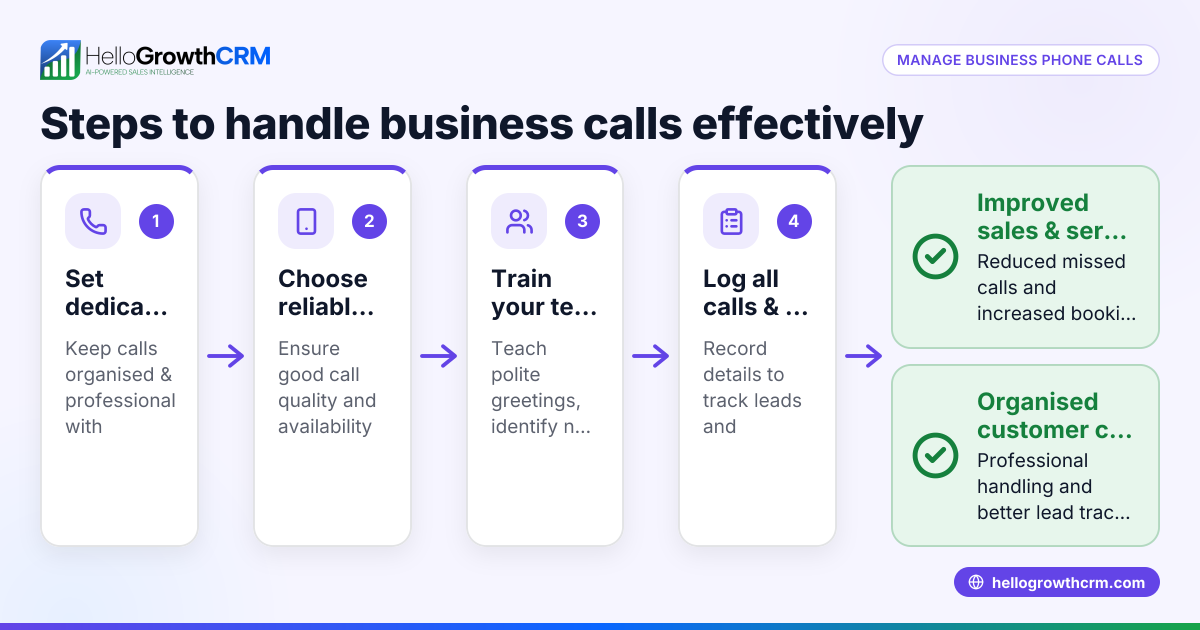
- Choose a phone call API provider: Research providers that fit your needs considering ease of integration, pricing, and support.
- Obtain API credentials: Sign up with your chosen provider and get the API keys or tokens needed to authenticate your software.
- Integrate the API into your software: If you use a CRM or sales tool, check if it supports direct API integration or if you need a developer to connect it.
- Test the calling functions: Make test calls to ensure calls connect, call outcomes log correctly, and any automated workflows trigger as planned.
- Train your team: Teach staff how to use the new calling features, including making calls from the software and accessing call histories.
- Monitor and optimize: Track call data and feedback to improve scripts, workflows, and follow-up timing.
For example, using a built-in CRM dialer can simplify calling and logging. Leads arriving from integrations such as web forms and other connected lead sources appear ready for calling inside the CRM, streamlining your sales process. Learn more about WhatsApp and SMS CRM for managing multiple communication channels.
Example (fictional figures)
A B2B software reseller in Denver, Colorado handles 1,000 new leads monthly and currently dials numbers manually, logging results in spreadsheets.
- They subscribe to a phone call API charging $0.02 per minute.
- Average call length is 3 minutes.
- They make 1,200 calls per month.
Calculate monthly call minutes:
1,200 calls × 3 minutes = 3,600 minutes
Calculate monthly cost:
3,600 minutes × $0.02 = $72
They estimate saving 15 minutes daily by automating dialing and logging.
Calculate monthly time saved (20 working days):
15 minutes × 20 days = 300 minutes
Convert minutes to hours:
300 minutes ÷ 60 = 5 hours saved
The reseller can redirect these 5 hours monthly to closing deals or handling more leads.
Common mistakes
- Not defining clear calling goals: Choosing an API without knowing if you need outbound, inbound, or both can lead to wrong decisions. Prevent by listing precise needs.
- Ignoring integration compatibility: Picking an API that doesn’t work with your CRM or sales tools causes extra manual work. Verify integration options first.
- Skipping testing: Deploying without testing may cause missed calls or logging errors. Always test calls and workflows fully.
- Neglecting team training: Without training, reps may not use the API features properly. Provide clear instructions and support.
- Overlooking call outcome tracking: Failing to log call results loses insights into sales effectiveness. Use a system that logs outcomes automatically.
Doing this in HelloGrowthCRM
HelloGrowthCRM offers a built-in dialer that lets reps work from inside the CRM. Each call’s outcome is automatically logged on the lead, keeping your sales organized and efficient. Leads from integrations such as web forms and other connected lead sources arrive directly in the CRM, ready for calling. This reduces manual steps and helps your team focus on closing deals. Learn more about the built-in CRM dialer and HelloGrowthCRM for the United States.
Frequently asked questions
What is a phone call API used for? A phone call API automates making and receiving phone calls from your software. It helps integrate calling with customer data and logs call outcomes to improve sales workflows.
Can I use a phone call API without technical skills? Some APIs require developer help to integrate. However, CRMs with built-in dialers simplify calling without coding, letting your team call directly from the CRM.
How does a phone call API improve sales efficiency? It eliminates manual dialing and logging, speeds up follow-up, and provides data on call outcomes, allowing sales teams to focus on closing deals.
Is call recording included in phone call APIs? Call recording depends on the provider and plan. The built-in dialer logs call outcomes but does not include call recording features.
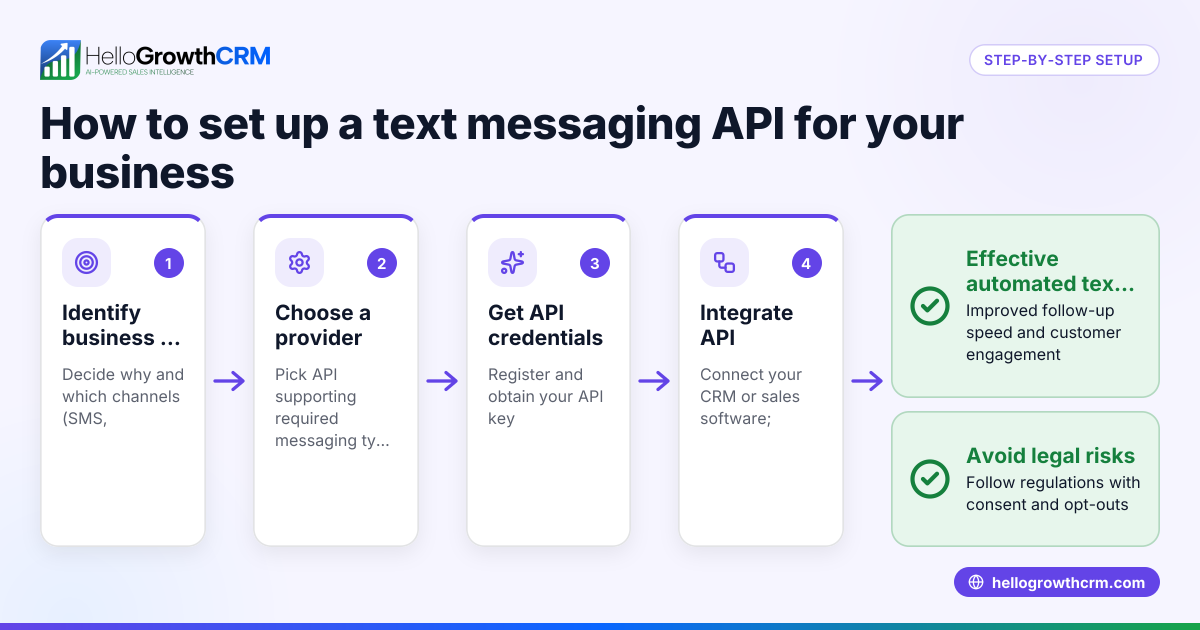
Can phone call APIs integrate with WhatsApp and SMS? Many CRMs support WhatsApp and SMS alongside phone calls to manage all communication channels in one place. See WhatsApp and SMS CRM for details.
Key takeaways
- A phone call API lets your software make and receive calls automatically.
- It helps small businesses reduce manual dialing and improve follow-up speed.
- Choose an API that matches your calling needs and integrates with your CRM.
- Test thoroughly and train your team to use the new tools effectively.
- Using a built-in dialer and integrations can streamline calling and lead management.
Start improving your calling workflow today. Start on the Free Forever plan (200 leads, no credit card) to try the built-in dialer and integrations.
Ready to put this into practice?
Set up your pipeline, WhatsApp follow-ups, and AI lead scoring in minutes — free, no credit card.
Try HelloGrowthCRM freeGet CRM tips in your inbox
Join thousands of sales professionals who get weekly insights on CRM strategy, AI automation, and pipeline optimization.

The HelloGrowthCRM team publishes guides on CRM strategy, AI sales tools, and revenue operations for small business sales teams.