HelloGrowthCRM software
Built for real small-business sales teams
HelloGrowthCRM helps reps qualify faster, follow up on time, and close more deals—with practical automation in one place.
- AI lead scoring and pipeline visibility
- Built-in dialer, WhatsApp, and email automation
- Sales forecasting and RevOps-ready reporting
A wedding planner CRM is software designed to help wedding planners organize leads, manage client communication, schedule tasks, and track sales pipelines efficiently. This article covers why wedding planners need a CRM, step-by-step guidance on selecting the right CRM, common mistakes to avoid, a practical example, and how HelloGrowthCRM’s features can support your wedding planning business.
Why this comes up / what goes wrong
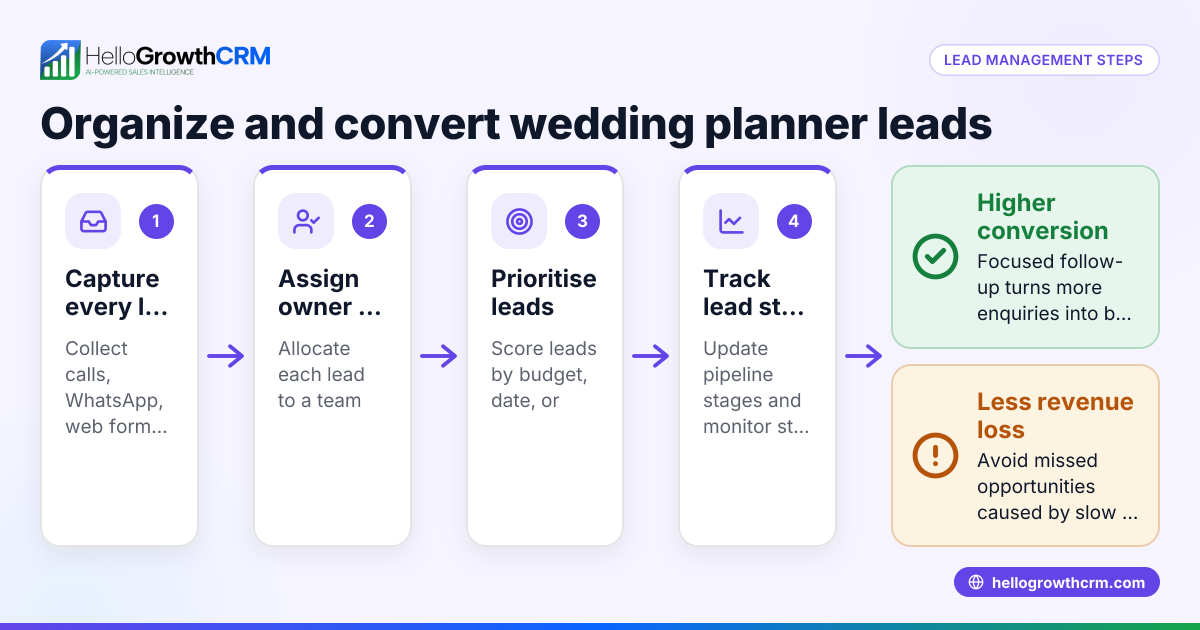
Small wedding planning businesses in the US often juggle multiple clients, vendors, and deadlines without a centralized system. They might track leads and client details using spreadsheets, text messages, or email threads. This scattered approach leads to lost leads, slow follow-up, and missed opportunities. As the business grows, the complexity of managing contacts, appointments, and communications increases, making a dedicated wedding planner CRM essential for staying organized and responsive.
Step-by-step
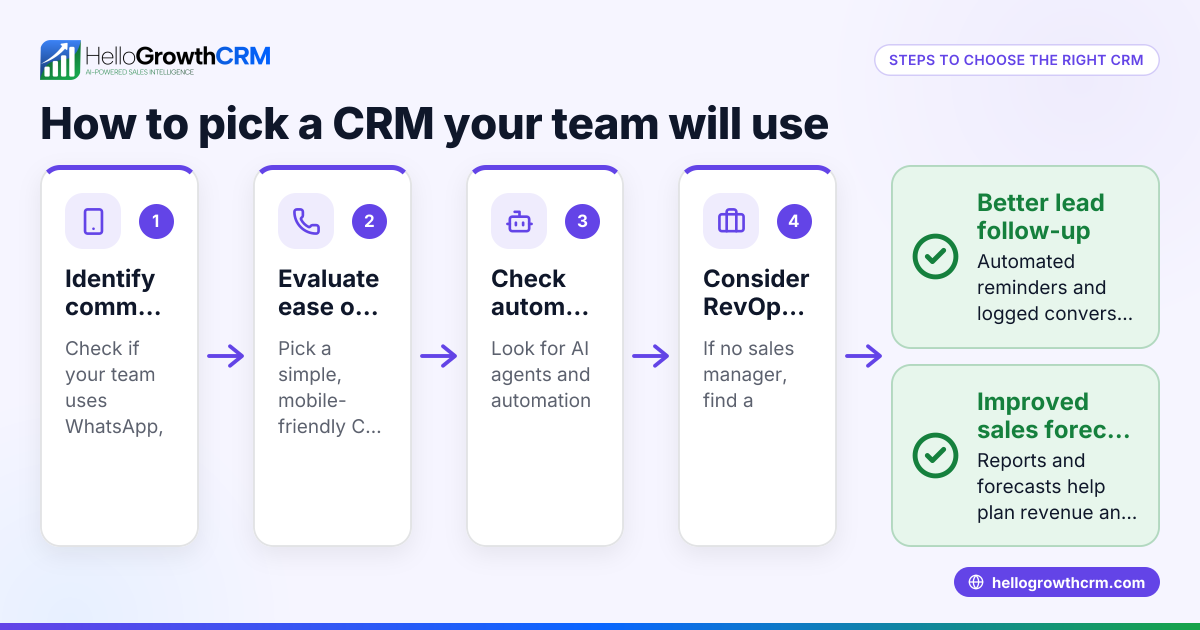
- Identify your core needs: List what matters most—lead capture, client communication channels (email, text, WhatsApp), task and deadline tracking, and sales pipeline visibility.
- Check communication features: Ensure the CRM supports the channels your clients use. Many wedding planners rely on WhatsApp and SMS for quick updates. A CRM with integrated WhatsApp and SMS messaging helps keep conversations logged and follow-ups timely.
- Evaluate ease of use: Your team should adopt the CRM quickly without extensive training. Look for intuitive interfaces and mobile-friendly options since wedding planners often work on the go.
- Assess automation capabilities: Automated follow-ups, reminders, and lead scoring save time and reduce manual errors. Some CRMs offer AI agents that draft messages after calls for quick review.
- Consider pricing and scalability: Start with a free or low-cost plan that fits your current team size and leads volume. Confirm the CRM can scale as your business grows.
- Test integrations: Verify the CRM can connect with your existing tools like web forms, calendars, or accounting software to streamline workflows.
- Request demos or trials: Hands-on experience helps you see if the CRM fits your workflow and team preferences.
Example (fictional figures)
A wedding planning company in Phoenix, Arizona, called "Desert Dreams Weddings," manages 150 leads annually. They want to improve follow-up speed and client communication.
- Current revenue per wedding: $6,000
- Leads converted last year: 30 (20% conversion rate)
- Goal: Increase conversion to 25%
Calculations:
Leads needed to convert 25%: 150 × 25% = 37.5 leads (rounded to 38)
Additional weddings: 38 - 30 = 8 weddings
Additional revenue: 8 × $6,000 = $48,000
By using a CRM that automates follow-ups and logs WhatsApp conversations, Desert Dreams Weddings aims to convert 8 more leads, adding $48,000 in revenue annually.
Common mistakes
- Choosing a CRM without relevant communication channels: Avoid CRMs that don’t support WhatsApp or SMS if your clients prefer those. Prevent this by confirming channel support early.
- Overlooking user adoption challenges: A complex CRM can lead to low team usage. Prevent this by selecting a user-friendly system and involving your team in the trial phase.
- Ignoring automation features: Manually managing follow-ups wastes time and risks missed leads. Prevent this by choosing a CRM with AI or workflow automation.
- Not testing integrations: Failing to connect your CRM with web forms or calendars causes duplicate work. Prevent this by verifying integration options before purchase.
- Picking a CRM that doesn’t scale: Starting with a CRM that can’t grow with you means switching later. Prevent this by reviewing upgrade paths and limits.
Doing this in HelloGrowthCRM
HelloGrowthCRM offers a WhatsApp-native CRM experience with WhatsApp and SMS messaging logged directly on lead records, so all your client conversations stay organized. Its AI agents (currently in Beta on the Growth plan) draft follow-up messages after calls for quick review and sending, saving you time. For small teams, the Free Forever plan lets two users manage a full Kanban pipeline at no cost until you need calling or WhatsApp automation. Learn more about WhatsApp and SMS CRM and the built-in CRM dialer to see how HelloGrowthCRM fits your wedding planning business.
Frequently asked questions
What is a wedding planner CRM? A wedding planner CRM is software tailored to help wedding planners manage leads, client communication, scheduling, and sales pipelines all in one place. It streamlines tasks to improve responsiveness and organization.
How does a CRM help with wedding planning communication? It centralizes messages from email, WhatsApp, SMS, and phone calls, logging them on client records for easy reference. This ensures no message is missed and follow-ups are timely.
Can I use WhatsApp with a wedding planner CRM? Yes, some CRMs, like HelloGrowthCRM, are WhatsApp-native, meaning WhatsApp conversations are logged and you can send follow-up messages directly from the CRM.
Do wedding planner CRMs support task and deadline management? Most include task boards or calendar integration to track appointments, deadlines, and to-dos, helping planners stay on schedule.
Is there a free wedding planner CRM option? Some CRMs offer free plans suitable for small teams. For example, HelloGrowthCRM’s Free Forever plan supports two users managing pipelines without cost, which is ideal for small wedding planning businesses.
What should I ask when choosing a wedding planner CRM? Ask about communication channel support, ease of use, automation features, integration capabilities, scalability, and pricing. Testing demos or trials helps evaluate fit.
Key takeaways
- A wedding planner CRM organizes leads, client communication, and tasks in one system.
- Support for WhatsApp and SMS is important for quick, logged client messaging.
- Automation and AI features save time and improve follow-up consistency.
- Choose a CRM that is easy to use and scales with your business.
- Test integrations and user adoption before committing.
- Free plans like HelloGrowthCRM’s Free Forever plan can support small teams starting out.
Start managing your wedding planning leads and communications more efficiently. Start on the Free Forever plan (200 leads, no credit card).
Ready to put this into practice?
Set up your pipeline, WhatsApp follow-ups, and AI lead scoring in minutes — free, no credit card.
Try HelloGrowthCRM freeGet CRM tips in your inbox
Join thousands of sales professionals who get weekly insights on CRM strategy, AI automation, and pipeline optimization.

The HelloGrowthCRM team publishes guides on CRM strategy, AI sales tools, and revenue operations for small business sales teams.