HelloGrowthCRM software
Built for real small-business sales teams
HelloGrowthCRM helps reps qualify faster, follow up on time, and close more deals—with practical automation in one place.
- AI lead scoring and pipeline visibility
- Built-in dialer, WhatsApp, and email automation
- Sales forecasting and RevOps-ready reporting
A WhatsApp Business API CRM links your WhatsApp Business API with a customer relationship management system to help your business handle customer conversations, leads, and sales pipelines efficiently. This integration enables faster follow-up, better lead tracking, and automation of messaging workflows on WhatsApp.
Why this comes up / what goes wrong
Many small and mid-sized Indian businesses rely heavily on WhatsApp for sales communication because customers prefer quick, informal chats. However, managing sales solely on WhatsApp or spreadsheets often leads to lost leads, delayed follow-ups, and poor coordination among sales teams. Without a CRM integrated with WhatsApp Business API, it is difficult to track conversations, assign follow-ups, and measure sales performance effectively. Business owners searching for "WhatsApp Business API CRM" want a solution that combines WhatsApp messaging with lead management, automation, and reporting to improve sales efficiency.
Step-by-step
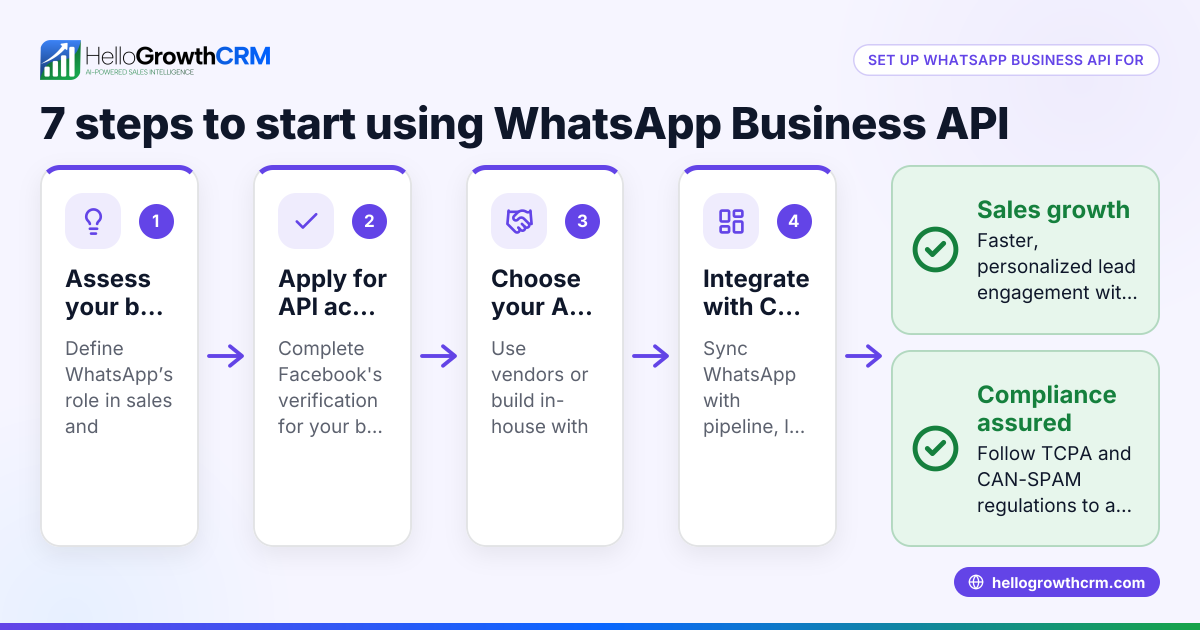
- Identify your business needs: Determine how your sales team currently uses WhatsApp and what CRM features you require, such as lead capture, follow-up reminders, or AI assistance.
- Confirm WhatsApp Business API support: Ensure the CRM supports official WhatsApp Business API integration to enable features like automated messaging and centralized chat management.
- Check lead source integrations: Look for CRMs that can automatically import leads from platforms like IndiaMART, JustDial, and your website forms to avoid manual entry.
- Evaluate messaging workflows: Verify the CRM allows sending WhatsApp messages and SMS sequences for follow-ups and logs all conversations on lead records for full visibility.
- Consider AI capabilities: Some CRMs offer AI agents that draft follow-up messages after calls, saving time and improving response speed.
- Assess user experience: Choose a CRM that your sales reps and telecalling teams can adopt easily without complex training.
- Review pricing and plans: Understand the CRM’s pricing structure and what WhatsApp Business API features are included or require additional costs.
- Test customer support and compliance: Confirm the CRM provider offers good support and adheres to WhatsApp’s messaging policies.
- Pilot with a small team: Start using the CRM with a small group to test integration and workflows before full rollout.
- Train your team: Provide clear instructions on using WhatsApp within the CRM, including message templates and response time expectations.
Example (fictional figures)
Suman runs a mid-sized textile business in Surat. She receives about 250 leads monthly from IndiaMART and JustDial. Currently, her sales team uses WhatsApp and Excel to track leads but often misses timely follow-ups.
Suman decides to implement a WhatsApp Business API CRM to improve lead management.
- Monthly leads: 250
- Estimated leads lost due to slow follow-up: 50 (assumed for illustration)
After CRM integration, she expects to reduce lost leads by half.
- Leads retained = 250 - (50 ÷ 2) = 225 leads
Assuming each lead has an average value of ₹4,000:
- Additional revenue from recovered leads = 25 leads × ₹4,000 = ₹1,00,000
Suman invests ₹15,000 monthly in the CRM subscription.
- Net gain = ₹1,00,000 - ₹15,000 = ₹85,000
This example demonstrates how integrating WhatsApp Business API with a CRM can help recover lost leads and increase revenue.
Common mistakes
- Ignoring WhatsApp Business API messaging rules: Not complying with opt-in and template policies may lead to account suspension. Prevent this by understanding WhatsApp’s official guidelines and using approved message templates.
- Selecting a CRM without native WhatsApp support: Some CRMs require complex workarounds or third-party apps. Choose a WhatsApp-native CRM to avoid integration difficulties.
- Overlooking automatic lead imports: Manually entering leads wastes time and risks errors. Use a CRM that imports leads automatically from IndiaMART, JustDial, and web forms.
- Neglecting team training: Without proper training, sales reps may not use the CRM effectively. Conduct regular training and provide clear workflows.
- Failing to log WhatsApp conversations: Without storing chats on lead records, follow-ups can become inconsistent. Ensure the CRM logs all WhatsApp messages.
- Underutilizing AI features: Not using AI agents for drafting follow-ups can slow down responses. Consider CRMs with AI to improve productivity.
Doing this in HelloGrowthCRM
HelloGrowthCRM offers WhatsApp and SMS messaging workflows where WhatsApp conversations with a lead are logged on the lead record, and follow-ups can be sent as messages. It integrates with IndiaMART and JustDial to automatically capture enquiries as leads. Additionally, its AI agents (in beta on Growth plans) draft follow-up messages after calls, allowing sales reps to review and send quickly. Learn more about WhatsApp and SMS CRM and integrations (WhatsApp, Tally, IndiaMART). For Indian businesses, see HelloGrowthCRM for India.
Frequently asked questions
What is WhatsApp Business API CRM integration? It is linking your WhatsApp Business API account with a CRM system so that messages, leads, and customer data sync automatically. This helps manage sales conversations and follow-ups efficiently.
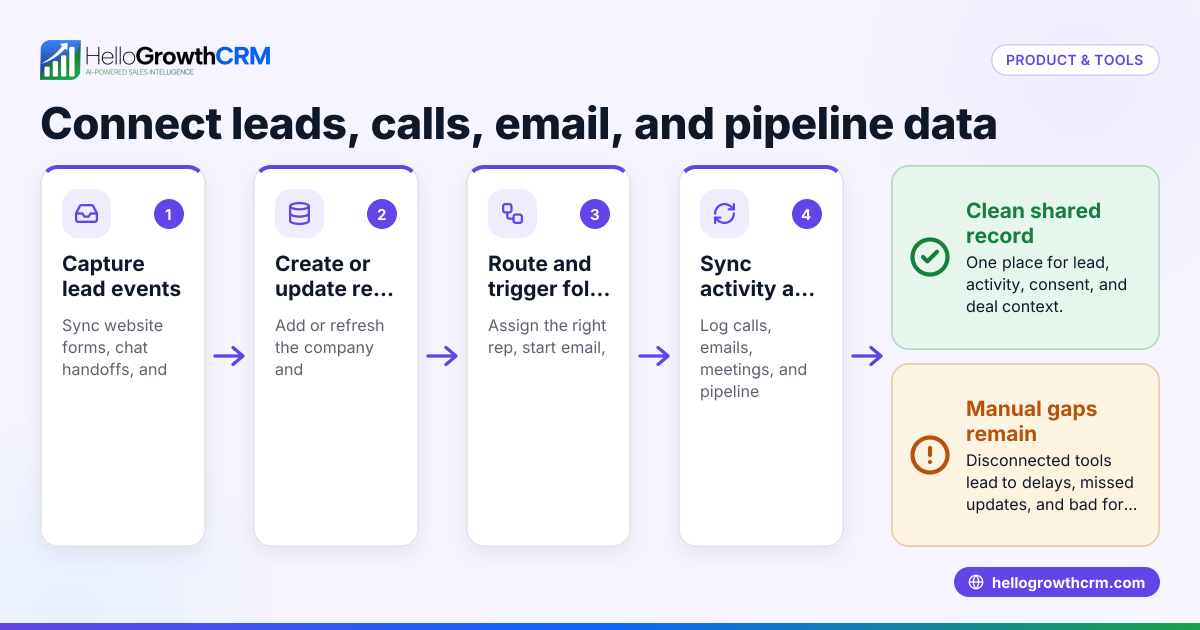
How does WhatsApp Business API integrate with a CRM? Integration allows incoming WhatsApp messages to appear inside the CRM, links chats to lead records, and enables sending messages or sequences directly from the CRM interface.
Which is the best CRM for WhatsApp Business? The best CRM depends on your business size, lead sources, and needed features. Look for a CRM that is WhatsApp-native, supports lead imports from platforms like IndiaMART, and offers messaging automation.
Can I use WhatsApp Business CRM without API? Using the WhatsApp Business app alone lacks automation and multi-user support. The API integration allows official business messaging features and better CRM workflows.
How do I get WhatsApp Business API for my CRM? You typically apply through a WhatsApp Business Solution Provider or a CRM vendor offering API integration. Approval involves business verification and compliance with WhatsApp policies.
Key takeaways
- WhatsApp Business API CRM combines WhatsApp messaging with lead and sales management.
- Integration improves lead capture, follow-up speed, and conversation tracking.
- Choose a CRM with native WhatsApp support and lead source integrations like IndiaMART and JustDial.
- Avoid common mistakes by following WhatsApp policies and training your team.
- AI agents in some CRMs can draft follow-ups to save time.
To explore pricing options suited for Indian businesses, See India pricing.
Ready to put this into practice?
Set up your pipeline, WhatsApp follow-ups, and AI lead scoring in minutes — free, no credit card.
Try HelloGrowthCRM freeGet CRM tips in your inbox
Join thousands of sales professionals who get weekly insights on CRM strategy, AI automation, and pipeline optimization.

The HelloGrowthCRM team publishes guides on CRM strategy, AI sales tools, and revenue operations for small business sales teams.