HelloGrowthCRM software
Built for real small-business sales teams
HelloGrowthCRM helps reps qualify faster, follow up on time, and close more deals—with practical automation in one place.
- AI lead scoring and pipeline visibility
- Built-in dialer, WhatsApp, and email automation
- Sales forecasting and RevOps-ready reporting
A WhatsApp Business API CRM combines WhatsApp messaging capabilities with CRM functions, allowing businesses to capture, track, and follow up on leads directly through WhatsApp. This integration helps sales teams avoid losing leads due to slow response times or scattered communication channels.
Why this comes up / what goes wrong
Many Canadian small and mid-sized businesses rely on text messages, email, and spreadsheets to manage sales leads. This approach often leads to slow follow-up, lost leads, and inefficient communication. WhatsApp is a widely used channel in Canada for quick customer contact, but without a CRM integration, conversations can be disorganized and hard to track. Business owners searching for "WhatsApp Business API CRM" want a solution that centralizes WhatsApp messaging within a CRM to improve lead management and sales follow-up.
Step-by-step
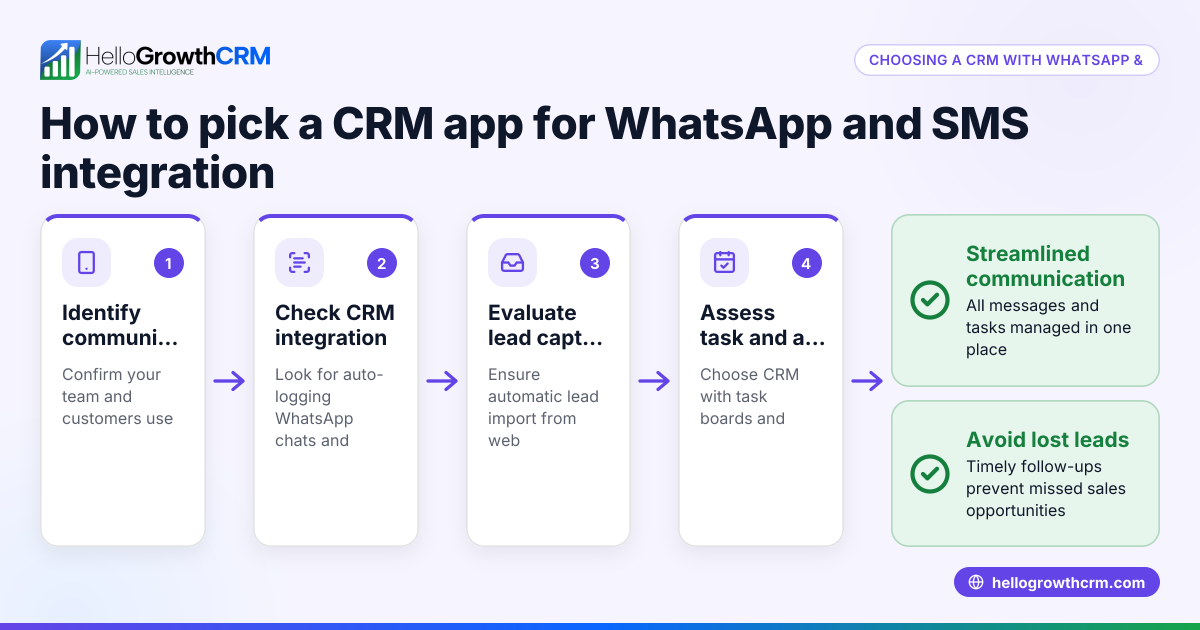
- Identify your business needs: Determine how your sales team currently uses WhatsApp and other channels. Check if you need multi-user access, automated follow-ups, or integration with other tools.
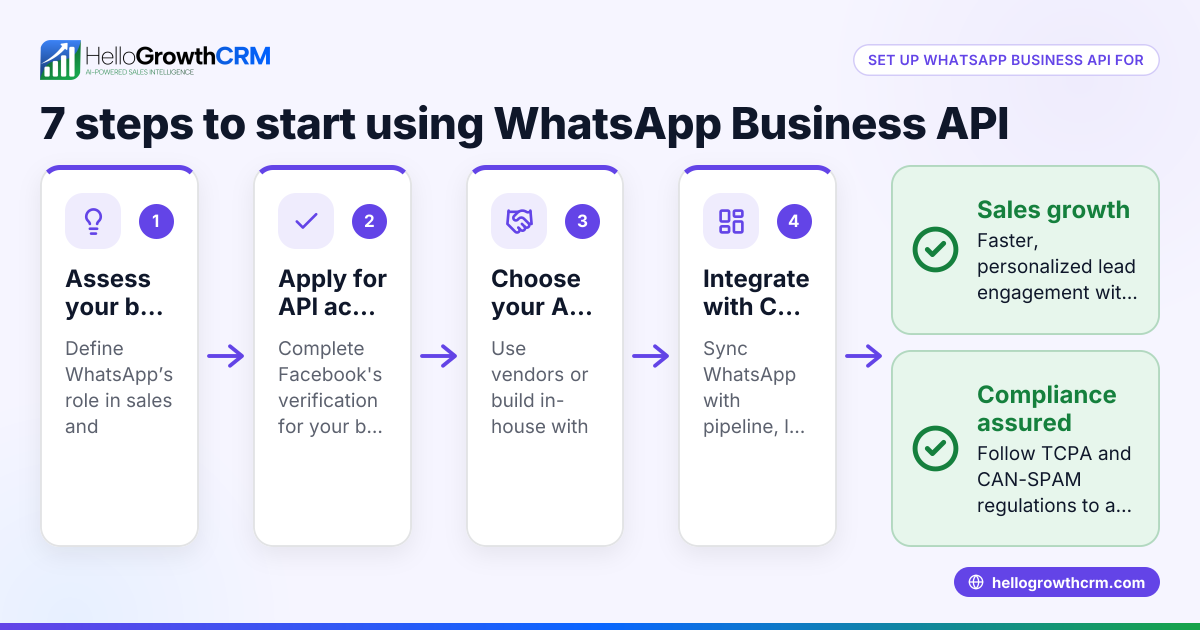
- Check WhatsApp Business API availability: Confirm that the CRM supports the WhatsApp Business API, which enables automated messaging and multiple agent access, unlike the standard WhatsApp Business app.
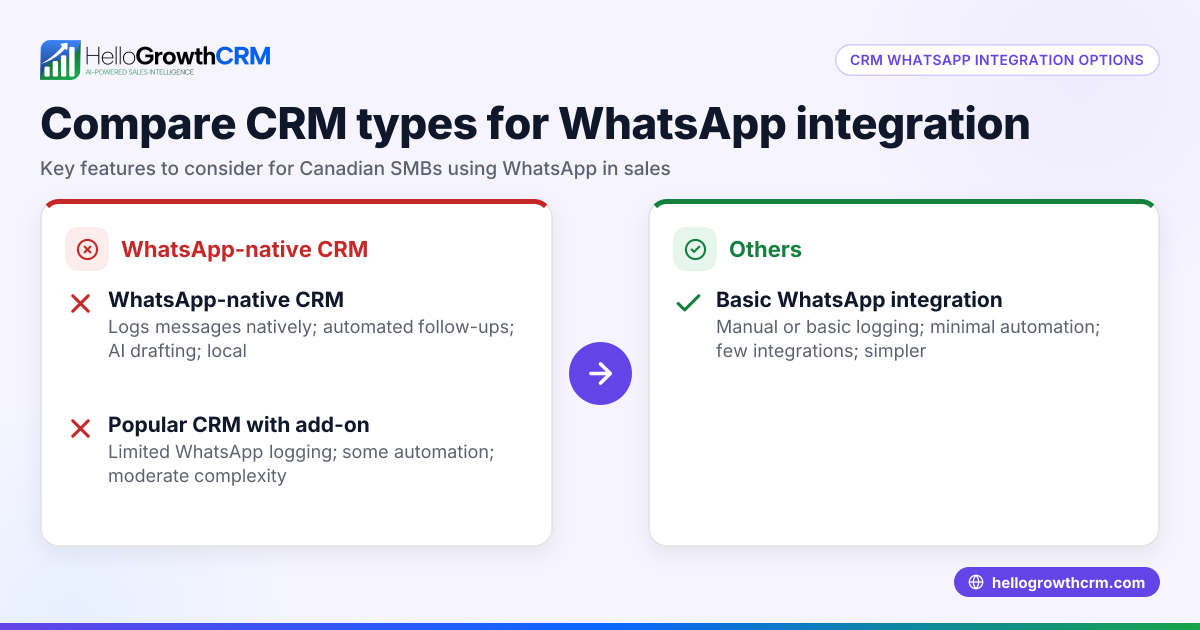
- Evaluate CRM features: Look for features such as lead capture from web forms, message logging, task boards, and AI-assisted messaging to improve follow-up efficiency.
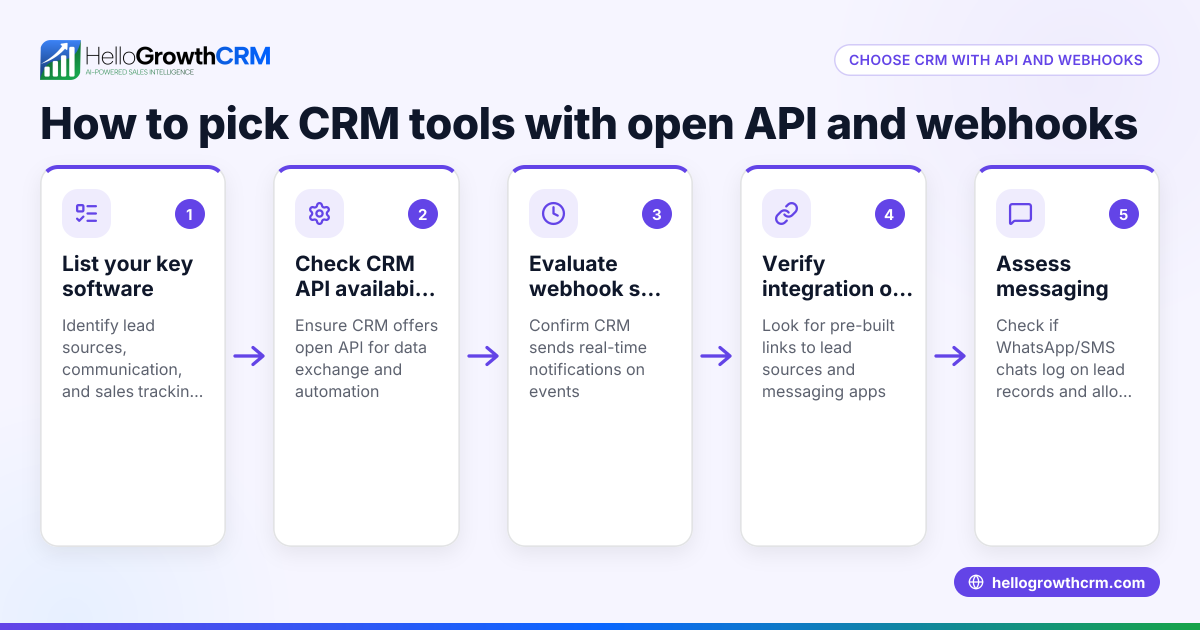
- Assess integration options: Verify that the CRM can integrate with your existing tools, such as web forms or enquiry platforms. For example, some CRMs support IndiaMART and JustDial enquiries arriving directly as leads.
- Review compliance and data security: Ensure the CRM complies with Canadian data privacy laws and WhatsApp's policies.
- Test user experience: Try a demo or free plan to see how easy it is for your sales team to manage WhatsApp conversations and leads within the CRM.
- Consider pricing and scalability: Choose a CRM that fits your current budget but can scale as your business grows.
Example (fictional figures)
A home-renovation contractor in Calgary, Alberta, wants to improve lead follow-up using a WhatsApp Business API CRM. They receive about 50 new leads monthly from their website and WhatsApp inquiries.
- Monthly leads: 50
- Average deal value: C$7,500
- Current conversion rate: 10% (5 deals)
- Goal: Increase conversion to 15% (7.5 deals, rounded to 8)
Calculations:
Current monthly revenue = 5 deals × C$7,500 = C$37,500
Target monthly revenue = 8 deals × C$7,500 = C$60,000
Revenue increase = C$60,000 - C$37,500 = C$22,500
By using a WhatsApp Business API CRM, the contractor aims to respond faster and track conversations better, potentially converting 3 more deals monthly and increasing revenue by C$22,500.
Common mistakes
- Using the standard WhatsApp Business app instead of the API: The standard app limits multi-user access and automation. Prevent this by confirming API support.
- Ignoring integration capabilities: Not checking if the CRM integrates with enquiry sources can cause manual lead entry. Prevent by reviewing integration options like IndiaMART and JustDial support.
- Overlooking team adoption: Choosing a CRM that is too complex can reduce usage. Prevent by selecting user-friendly interfaces and testing with your team.
- Neglecting message logging: Without logging WhatsApp conversations on lead records, follow-up can be inconsistent. Prevent by ensuring the CRM logs all WhatsApp messages.
- Not planning for scalability: Picking a CRM that doesn’t scale with your business can cause future migration headaches. Prevent by evaluating growth plans.
Doing this in HelloGrowthCRM
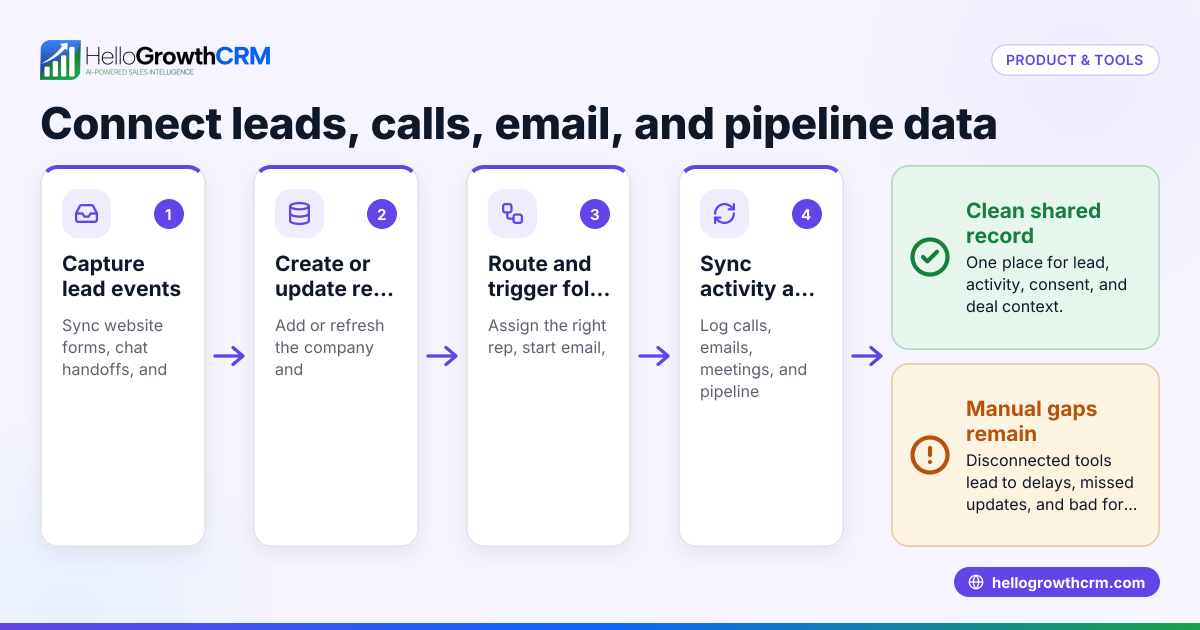
HelloGrowthCRM offers WhatsApp and SMS workflows where WhatsApp conversations with a lead are logged on the lead record and follow-ups can be sent as messages. It supports integrations including IndiaMART and JustDial, allowing enquiries from these platforms to arrive in the CRM as leads. Additionally, HelloGrowthCRM's AI agents (in beta on Growth plans) draft follow-up messages after calls, so sales reps only need to review and send them. Learn more about these features on the WhatsApp and SMS CRM page and explore integrations suitable for Canadian businesses on the HelloGrowthCRM for Canada page.
Frequently asked questions
What is the difference between WhatsApp Business API and the WhatsApp Business app? The WhatsApp Business API allows businesses to automate messages, support multiple agents, and integrate with CRM systems. The standard WhatsApp Business app is designed for single users without automation or API access.
Can I integrate my existing enquiry platforms with a WhatsApp Business API CRM? Yes, many CRMs support integrations with enquiry platforms like IndiaMART and JustDial, enabling leads from these sources to appear directly in your CRM.
How does AI improve WhatsApp CRM follow-ups? AI agents can draft follow-up messages based on call outcomes or lead status, saving time for sales reps who then only review and send the messages. This helps maintain quick and consistent communication.
Is HelloGrowthCRM suitable for Canadian small businesses? Yes, HelloGrowthCRM supports WhatsApp and SMS messaging workflows, integrates with popular lead sources, and includes AI features designed for small and mid-sized businesses in Canada.
Do I need technical knowledge to use a WhatsApp Business API CRM? Most CRMs aim to be user-friendly, but setting up API access and integrations may require some initial configuration. Look for CRMs offering support and clear documentation.
Key takeaways
- WhatsApp Business API CRM integrates WhatsApp messaging with lead management to improve follow-up.
- Confirm API support, integration options, and ease of use when evaluating CRMs.
- Avoid using the standard WhatsApp Business app for multi-agent or automated workflows.
- Logging WhatsApp conversations on lead records prevents lost or inconsistent follow-ups.
- HelloGrowthCRM offers WhatsApp workflows, integrations, and AI-assisted messaging for Canadian SMBs.
To try managing your leads and WhatsApp conversations in one place, start on the Free Forever plan (200 leads, no credit card).
Ready to put this into practice?
Set up your pipeline, WhatsApp follow-ups, and AI lead scoring in minutes — free, no credit card.
Try HelloGrowthCRM freeGet CRM tips in your inbox
Join thousands of sales professionals who get weekly insights on CRM strategy, AI automation, and pipeline optimization.

The HelloGrowthCRM team publishes guides on CRM strategy, AI sales tools, and revenue operations for small business sales teams.