HelloGrowthCRM software
Built for real small-business sales teams
HelloGrowthCRM helps reps qualify faster, follow up on time, and close more deals—with practical automation in one place.
- AI lead scoring and pipeline visibility
- Built-in dialer, WhatsApp, and email automation
- Sales forecasting and RevOps-ready reporting
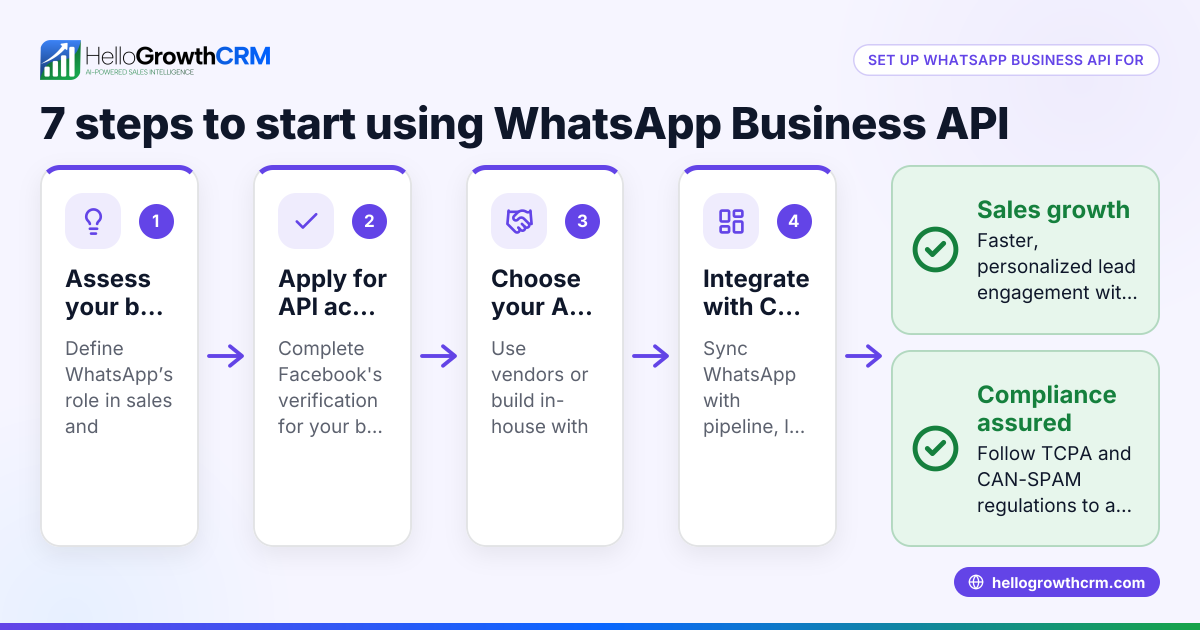
A WhatsApp Business API CRM allows your business to integrate WhatsApp messaging with your sales and customer management workflows. This means messages and conversations with leads are logged automatically, follow-ups can be scheduled and sent through WhatsApp, and your team can work more efficiently without losing leads due to slow responses.
Why this comes up / what goes wrong
Many UAE small businesses rely on WhatsApp for sales communication because it is widely used by customers. However, running sales on WhatsApp alone or combined with calls and spreadsheets often leads to lost leads, missed follow-ups, and poor visibility into sales progress. Business owners search for a WhatsApp Business API CRM to centralise conversations, automate follow-ups, and track their sales pipeline without switching between apps.
Step-by-step
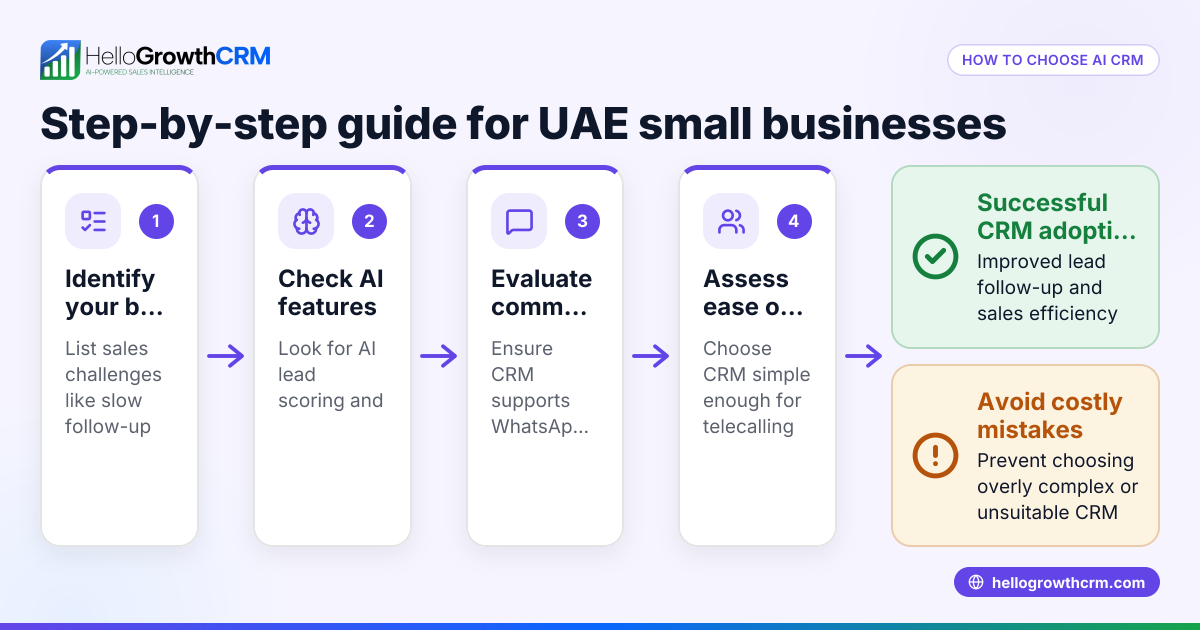
- Identify your sales communication channels: Confirm if WhatsApp is your primary channel and whether you also use SMS, calls, or email.
- Check WhatsApp Business API access requirements: Understand that WhatsApp Business API is designed for medium and larger businesses and requires approval from Meta. Confirm if the CRM provider supports the API and handles template message approvals.
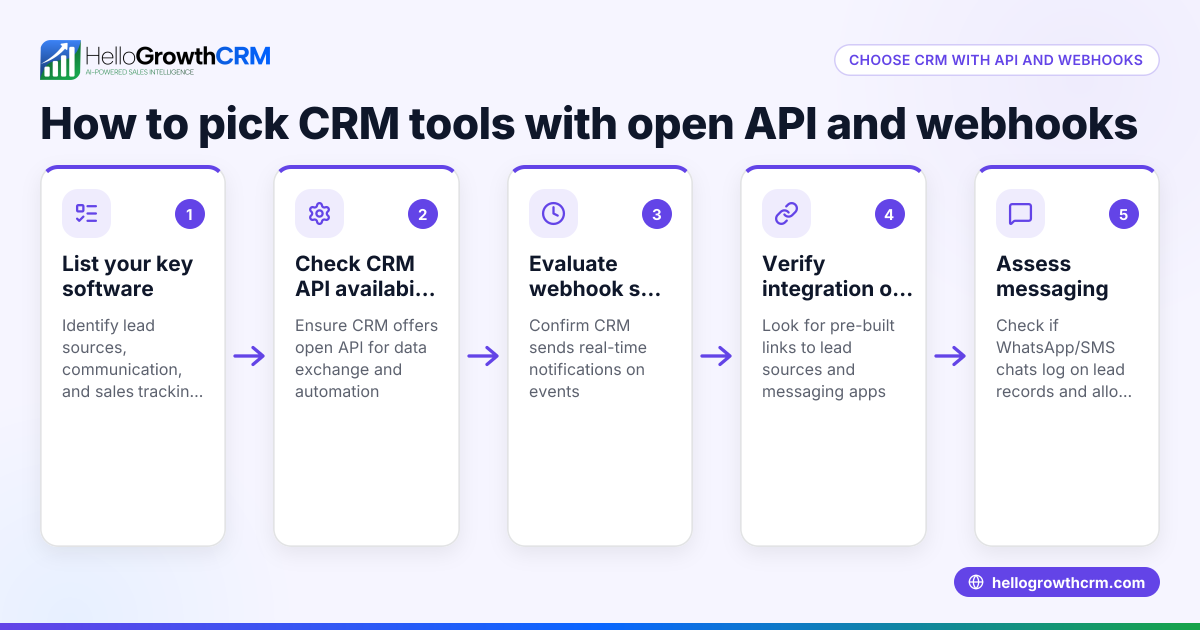
- Evaluate CRM WhatsApp integration features: Look for automatic logging of WhatsApp conversations on lead records and the ability to send follow-ups as WhatsApp messages. This ensures all communication is tracked in one place.
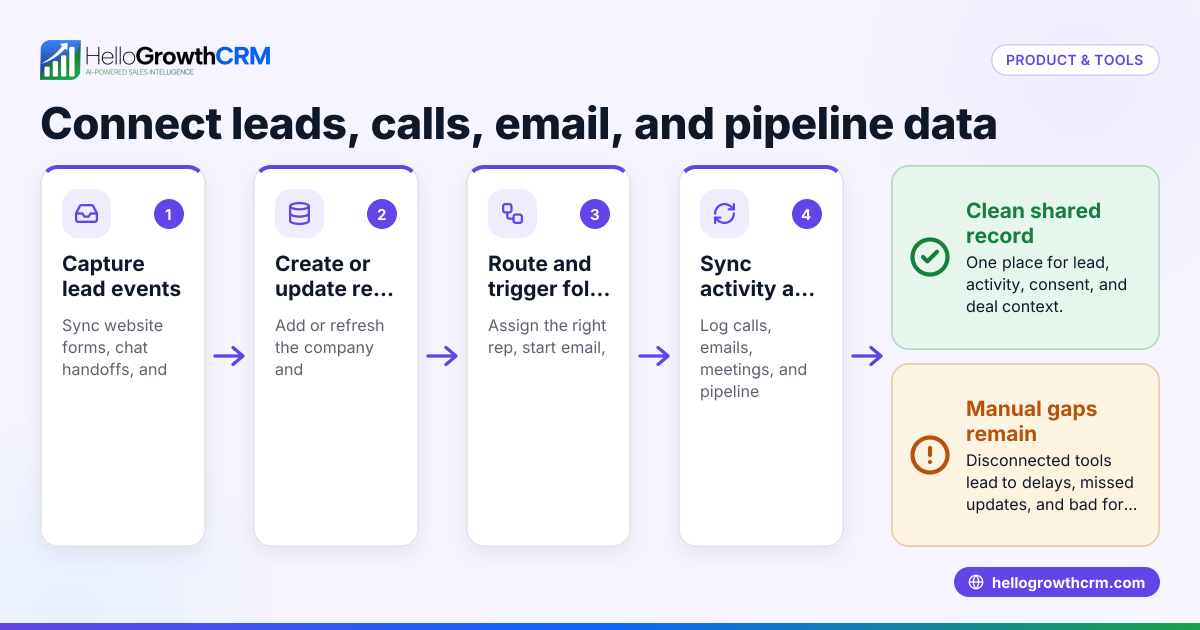
- Assess lead capture and integration capabilities: Check if the CRM can import leads directly from your website, IndiaMART, JustDial, or other platforms you use.
- Consider automation and AI features: Determine if the CRM offers AI agents that can draft follow-up messages after calls, reducing manual work for your sales reps.
- Review user experience and team adoption: Choose a CRM that your sales team can easily use without complex training, especially if they are used to WhatsApp.
- Confirm reporting and forecasting tools: Ensure the CRM provides sales pipeline visibility and forecasting to help you manage growth.
- Check pricing and plans: Compare CRM pricing plans but remember not all features may be included in the free or basic tiers.
Example (fictional figures)
A dental clinic in Jumeirah, Dubai, wants to improve its lead follow-up using a WhatsApp Business API CRM. They receive 200 new patient enquiries monthly via WhatsApp and website forms.
- Monthly leads: 200
- Average conversion rate before CRM: 10% (20 new patients)
- Average patient value: AED 1,500
By adopting a WhatsApp API CRM with automated follow-ups, they improve conversion to 15% (30 new patients).
Monthly revenue before CRM = 20 × AED 1,500 = AED 30,000
Monthly revenue after CRM = 30 × AED 1,500 = AED 45,000
Revenue increase = AED 45,000 - AED 30,000 = AED 15,000
This example shows how better lead management and follow-up through WhatsApp can increase revenue significantly.
Common mistakes
- Choosing a CRM without true WhatsApp Business API integration: Avoid CRMs that only offer manual WhatsApp messaging without logging or automation. This wastes time and leads get lost. Check for features like WhatsApp conversations logged on lead records and message sequences.
- Ignoring the approval process for WhatsApp templates: WhatsApp Business API requires message templates to be approved by Meta before use. Plan for this delay when choosing a CRM.
- Not testing lead capture from all sources: Some CRMs may not integrate with platforms like IndiaMART or JustDial. Verify these integrations to avoid missing leads.
- Overlooking team training and adoption: A CRM that is too complex or unfamiliar can cause your team to revert to WhatsApp and spreadsheets. Choose a WhatsApp-native CRM that fits your existing workflows.
- Neglecting AI and automation capabilities: Manual follow-ups take time and cause delays. Use CRMs with AI agents that draft follow-ups for review, saving time.
- Not checking reporting features: Without sales pipeline visibility and forecasting, it’s hard to track progress and plan growth.
Doing this in HelloGrowthCRM
HelloGrowthCRM is a WhatsApp-native CRM designed for UAE small and mid-sized businesses. It logs WhatsApp conversations on the lead record and lets you send follow-ups as WhatsApp or SMS messages, keeping all communication in one place. It integrates with IndiaMART and JustDial to capture enquiries automatically. Additionally, its AI agents can draft follow-up messages after calls for your sales reps to review and send. Learn more about its WhatsApp and SMS CRM features here.
Frequently asked questions
What is the difference between WhatsApp Business and WhatsApp Business API? WhatsApp Business is an app for small businesses to communicate with customers manually. WhatsApp Business API allows medium and large businesses to integrate WhatsApp messaging with CRM systems, automate messaging, and handle higher volumes. API access requires approval from Meta.
Can I use WhatsApp Business API without a CRM? Technically yes, but managing conversations manually at scale is difficult. A CRM helps log messages, automate follow-ups, and track sales progress, reducing lost leads.
How do I get approved for WhatsApp Business API? Approval is granted by Meta and usually requires a verified Facebook Business Manager account and compliance with WhatsApp policies. Some CRM providers assist with this process.
Are WhatsApp message templates required? Yes, for proactive or automated messages outside of a 24-hour customer service window, message templates must be pre-approved by Meta.
Can HelloGrowthCRM integrate with other lead sources? Yes, it integrates with platforms like IndiaMART and JustDial to automatically capture enquiries as leads, reducing manual data entry. See more on integrations See HelloGrowthCRM integrations.
Does HelloGrowthCRM support calling features? Yes, it includes a built-in CRM dialer to make calls directly from the CRM, helping you manage all sales communication in one place. More details are available here.
Key takeaways
- WhatsApp Business API CRM connects WhatsApp messaging with sales workflows to manage leads efficiently.
- Evaluate CRMs for true WhatsApp API integration, lead capture, automation, and team usability.
- Avoid common mistakes like ignoring template approvals and lacking integrations.
- HelloGrowthCRM logs WhatsApp conversations, integrates lead sources like IndiaMART and JustDial, and offers AI-assisted follow-ups.
- Using a WhatsApp-native CRM improves lead follow-up speed and sales pipeline visibility.
Start managing your WhatsApp leads better today. Start on the Free Forever plan (200 leads, no credit card).
Ready to put this into practice?
Set up your pipeline, WhatsApp follow-ups, and AI lead scoring in minutes — free, no credit card.
Try HelloGrowthCRM freeGet CRM tips in your inbox
Join thousands of sales professionals who get weekly insights on CRM strategy, AI automation, and pipeline optimization.

The HelloGrowthCRM team publishes guides on CRM strategy, AI sales tools, and revenue operations for small business sales teams.