HelloGrowthCRM software
Built for real small-business sales teams
HelloGrowthCRM helps reps qualify faster, follow up on time, and close more deals—with practical automation in one place.
- AI lead scoring and pipeline visibility
- Built-in dialer, WhatsApp, and email automation
- Sales forecasting and RevOps-ready reporting
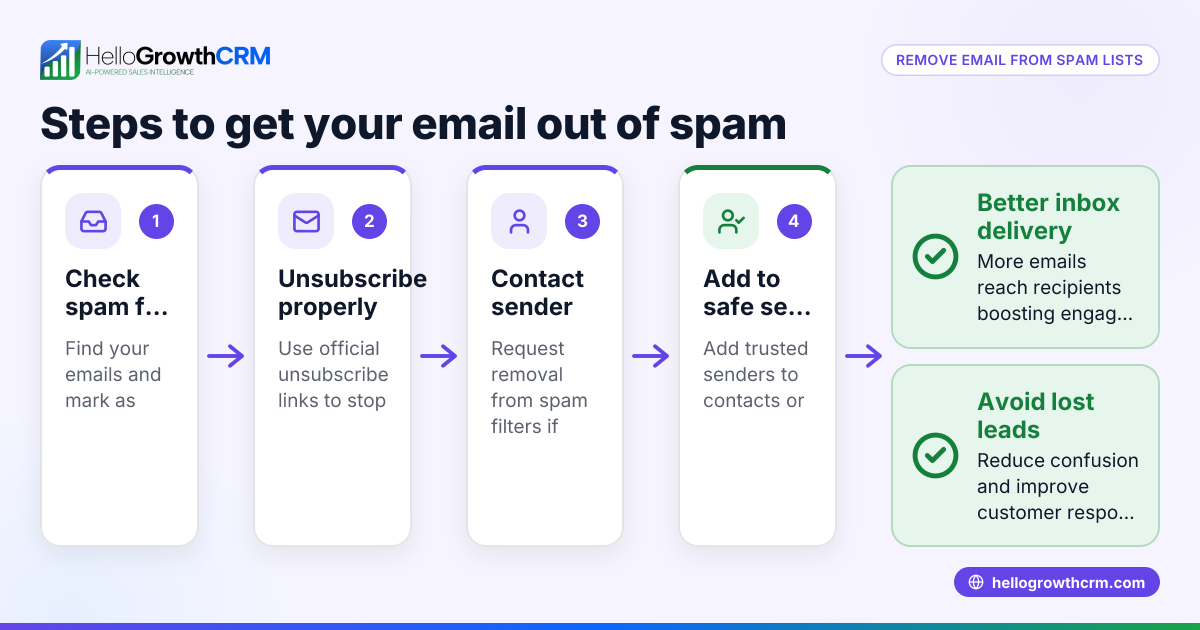
Emails end up in spam folders because email providers use filters that check for signs of unwanted or harmful messages. These filters look at your sender reputation, your email content, and technical settings like authentication records. When these signals suggest your email might be spam, it gets routed away from the inbox.
Why this comes up / what goes wrong
Small business owners often send emails to prospects or customers using basic tools like email clients, spreadsheets, or text messages. Without proper setup, these emails can trigger spam filters and never reach the intended recipient’s inbox. This leads to lost leads, missed sales opportunities, and wasted marketing efforts.
For example, a B2B software reseller in Denver might send a promotional email to a list they bought or compiled without confirming if recipients opted in. If the emails lack proper technical setup like SPF or DKIM records or contain spam-like language, many recipients or email providers may mark or filter these emails as spam. Over time, this damages the sender’s reputation, making future emails even less likely to reach inboxes.
Step-by-step
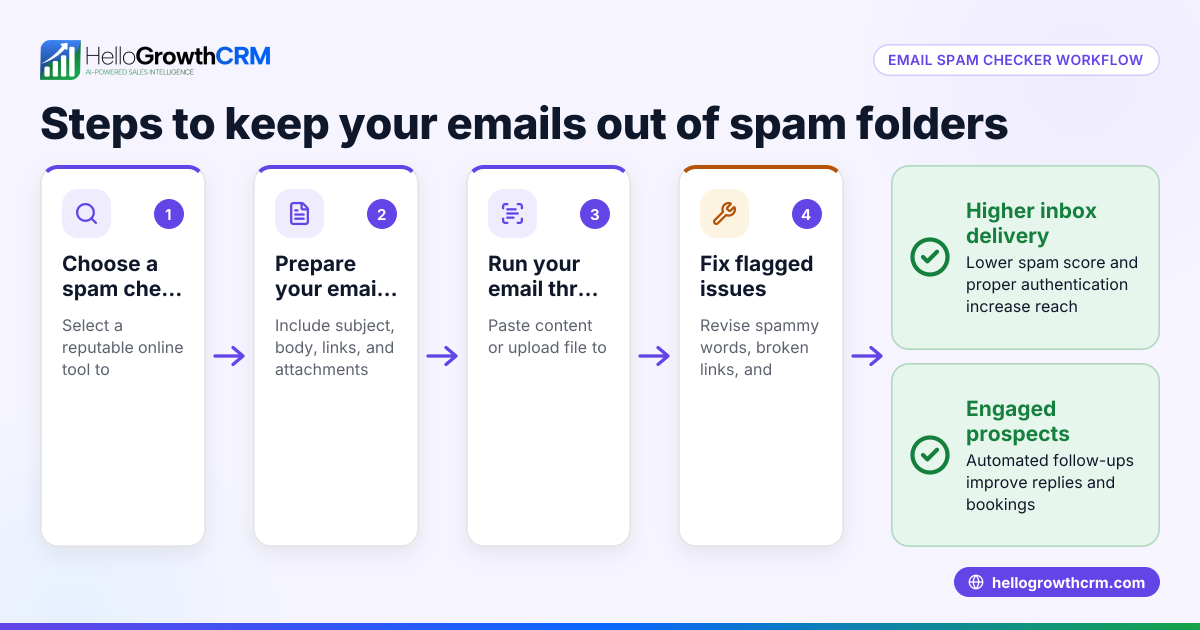
- Verify your email list: Only email people who have explicitly opted in or have an existing business relationship with you. Remove invalid or bounced addresses regularly to keep your list clean.
- Set up email authentication: Configure SPF, DKIM, and DMARC records for your sending domain. These technical records prove to email providers that your emails are legitimate and authorized.
- Avoid spammy content: Use clear, honest subject lines. Avoid all caps, excessive punctuation, and misleading language. Keep your message professional and relevant to the recipient.
- Limit links and attachments: Emails with too many links or large attachments are more likely to be flagged. Use links sparingly and link only to reputable sites.
- Maintain consistent sending patterns: Avoid sudden spikes in email volume or irregular sending schedules, which can harm your sender reputation.
- Monitor your sender reputation and blacklists: Use online tools to check if your domain or IP is blacklisted and take corrective action if needed.
- Use email automation and sequences: Structured follow-up emails sent at the right times increase engagement and reduce the chance of being marked as spam. Learn more about email automation and sequences.
Example (fictional figures)
A B2B software reseller in Denver, Colorado, sends a promotional email campaign to 5,000 contacts on 05/01/2026. Without proper setup, a significant number of emails go to spam, reducing conversions.
Total emails sent = 5,000 Assumed spam rate = 30% Emails in spam = 5,000 × 30% = 1,500
Emails delivered to inbox = 5,000 - 1,500 = 3,500 Conversion rate on inbox emails = 2% Conversions = 3,500 × 2% = 70
If each conversion is worth $1,000: Revenue lost due to spam = 1,500 × 2% × $1,000 = 1,500 × 0.02 × $1,000 = $30,000
By improving email authentication and content, the reseller can reduce the spam rate to 5%, increasing revenue significantly.
Common mistakes
- Emailing purchased or unverified lists: Prevent this by only emailing contacts who opted in and by regularly cleaning your list.
- Skipping SPF, DKIM, and DMARC setup: Prevent by configuring these authentication records for your sending domain.
- Using spammy language or formatting: Avoid all caps, excessive punctuation, and misleading subject lines.
- Including too many links or large attachments: Limit links and attachments to reduce spam filter triggers.
- Inconsistent sending frequency: Send emails on a regular schedule and avoid sudden volume spikes.
- Not using automation for follow-up: Use structured email sequences to engage leads effectively and reduce spam risk; see email automation and sequences.
Frequently asked questions
Why do some legitimate emails still go to spam? Even legitimate emails can go to spam if technical setups like SPF or DKIM are missing, if the sender reputation is low, or if recipients mark similar emails as spam. Email providers use complex algorithms that weigh many factors.
How can I check if my emails are going to spam? Ask trusted recipients to check their spam folders or use email testing tools that simulate spam filter results. Also, monitor bounce rates and engagement metrics to detect delivery issues.
What is sender reputation and why does it matter? Sender reputation is a score assigned by email providers based on your sending history, complaint rates, and technical compliance. A poor sender reputation increases the chance your emails go to spam.
Can using WhatsApp and SMS help avoid spam? Yes, using WhatsApp and SMS alongside email can improve lead engagement and reduce reliance on email alone. Consider tools like WhatsApp and SMS CRM to manage multiple communication channels efficiently.
Is email automation safe from spam filters? Automation helps by sending timely, relevant emails to engaged contacts, improving deliverability. However, automation must be set up correctly with good content and authentication to avoid spam.
Key takeaways
- Emails go to spam mainly due to poor sender reputation, missing authentication, or spam-like content.
- Verify your email list and set up SPF, DKIM, and DMARC records to prove legitimacy.
- Avoid spammy language, excessive links, and attachments in your emails.
- Send emails consistently and monitor your sender reputation regularly.
- Use email automation and sequences to engage leads effectively and reduce spam risk.
- Consider integrating WhatsApp and SMS for diversified communication.
Start improving your email delivery today. Start on the Free Forever plan (200 leads, no credit card) to organize your sales outreach and avoid losing leads to spam.
Ready to put this into practice?
Set up your pipeline, WhatsApp follow-ups, and AI lead scoring in minutes — free, no credit card.
Try HelloGrowthCRM freeGet CRM tips in your inbox
Join thousands of sales professionals who get weekly insights on CRM strategy, AI automation, and pipeline optimization.

The HelloGrowthCRM team publishes guides on CRM strategy, AI sales tools, and revenue operations for small business sales teams.