HelloGrowthCRM software
Built for real small-business sales teams
HelloGrowthCRM helps reps qualify faster, follow up on time, and close more deals—with practical automation in one place.
- AI lead scoring and pipeline visibility
- Built-in dialer, WhatsApp, and email automation
- Sales forecasting and RevOps-ready reporting
To remove your email from a spam list, you must first understand why your emails are flagged and then take specific actions such as unsubscribing from unwanted lists, marking emails as "Not Spam," or contacting the sender directly. This article covers why emails get flagged, step-by-step instructions to remove your email from spam lists, common errors to avoid, and how HelloGrowthCRM supports better email communication.
Why this comes up / what goes wrong
Small-business owners often find their emails landing in spam folders because recipients or email providers mistakenly flag them. This can happen if your email content looks like spam, if you send bulk emails without proper permission, or if your email address was added to spam lists by mistake or maliciously. Losing leads or customer responses due to emails going to spam slows down sales and damages your reputation.
For example, a dental practice sending appointment reminders or promotions via email might find patients not receiving them because their emails went to spam. This creates confusion and lost business opportunities.
Step-by-step
- Check your spam or junk folder: Look for your emails there. If you find them, open the email and click "Not Spam" or "Move to Inbox" to train your email provider.
- Unsubscribe from unwanted mailing lists: If your email is on a spam list because you signed up but no longer want the emails, use the unsubscribe link usually found at the bottom of the email.
- Contact the sender directly: If you want to stay on the list but your emails still go to spam, reply to the sender or contact their support to request removal from spam filters.
- Add the sender to your contacts or safe sender list: This tells your email provider that you trust emails from that address.
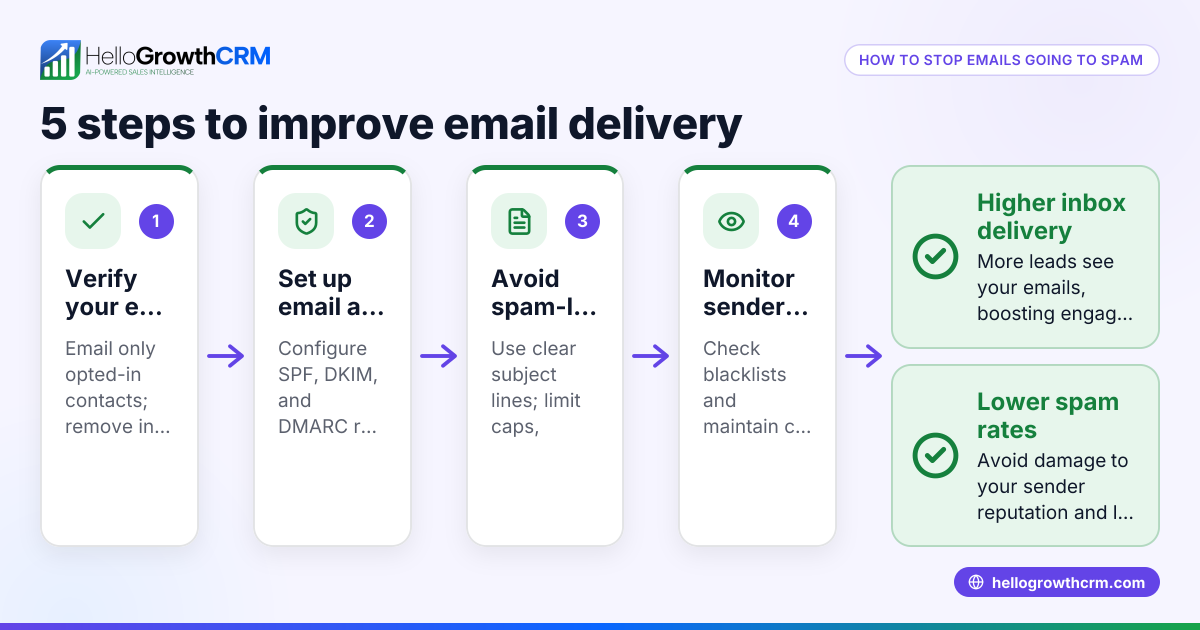
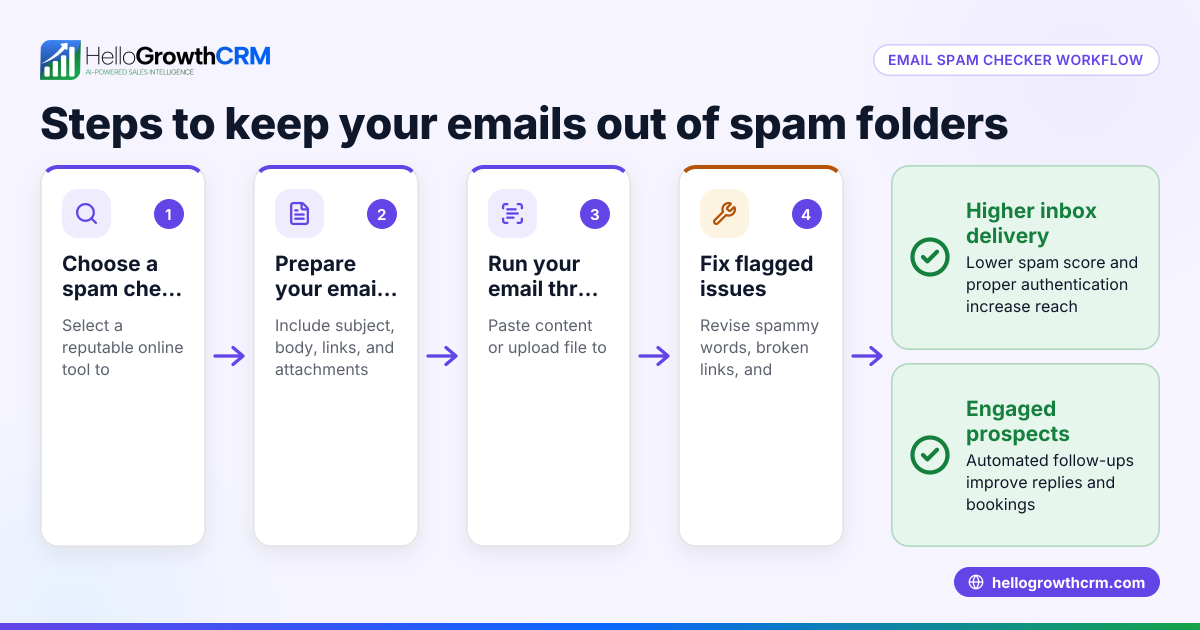
- Review your email sending practices: If you send emails yourself, ensure you have permission from recipients, avoid spammy language, and use proper email authentication.
- Use email tools to manage follow-ups: Automate and track your emails with tools like HelloGrowthCRM sequences and shared inboxes to reduce errors and improve deliverability.
- Check your email domain reputation: Use online tools to see if your domain is blacklisted and take steps to improve it if needed.
Example (fictional figures)
SmileBright is a two-location dental practice in Columbus, Ohio. They send promotional emails to 5,000 patients but notice fewer appointment bookings because many emails are marked as spam.
- They reduce email frequency from 4 emails per month to 2.
- They remove 500 inactive email addresses from their list.
- They add a clear unsubscribe link to every email.
- They ask patients to add SmileBright's email to their contacts.
Calculations:
Initial emails sent = 5,000
Inactive emails removed = 500
Active emails after cleaning = 5,000 - 500 = 4,500
Assuming 10% of emails were going to spam, effective delivery was:
4,500 × 0.90 = 4,050 emails delivered
After improvements, spam rate drops to 3%, so delivery is:
4,500 × 0.97 = 4,365 emails delivered
Increase in emails reaching inbox = 4,365 - 4,050 = 315 more emails
This means 315 more patients receive emails, increasing potential bookings.
Common mistakes
- Ignoring the spam folder: Not checking if your emails land in spam delays fixing the issue. Always monitor your email deliverability.
- Not unsubscribing properly: Clicking random links can be unsafe. Use the official unsubscribe link or contact the sender.
- Sending emails without permission: This increases spam complaints. Always get explicit consent before emailing.
- Using spammy language or excessive links: Avoid words like "free," "urgent," or too many links to reduce spam flags.
- Not using email automation tools: Manual follow-ups can cause mistakes. Use tools like HelloGrowthCRM for sequences and shared inboxes to stay organized and compliant. See more on email automation and sequences.
- Not adding trusted contacts: Failing to add important contacts to safe sender lists increases spam risks.
Doing this in HelloGrowthCRM
HelloGrowthCRM offers a shared inbox called HelloMail where your team can see replies to quotation emails, preventing missed responses on deals. Its sequences and campaigns feature automates follow-ups with a five-step sequence over two weeks, stopping immediately when a prospect replies. This helps keep your email outreach consistent and reduces the chance your emails end up in spam. Learn more about these features at email automation and sequences.
Frequently asked questions
How do I know if my email is on a spam list? You might notice your emails consistently go to the spam folder or recipients do not respond. Using email testing tools can help identify spam issues. Checking with your email provider or the sender can also clarify.
Can I remove my email from a spam list myself? Yes, by unsubscribing from unwanted emails, marking messages as "Not Spam," and adding senders to your safe list. Sometimes contacting the sender directly is necessary.
Why do legitimate emails go to spam? Email providers use filters that consider content, sender reputation, and recipient behavior. Even trusted emails can be flagged if they resemble spam or if recipients mark them as spam.
Does using a CRM help prevent emails from going to spam? Yes, CRMs automate follow-ups, keep communication organized, and help maintain good sending practices, reducing spam risks. See how HelloGrowthCRM supports WhatsApp and SMS CRM.
What should I do if my domain is blacklisted? You need to identify the reason, fix issues like spam complaints or security breaches, and request removal from blacklists. This may require expert help.
Key takeaways
- Check spam folders regularly and mark legitimate emails as "Not Spam."
- Unsubscribe properly from unwanted emails to stop spam.
- Add trusted senders to your contacts or safe sender lists.
- Avoid spammy content and get permission before emailing.
- Use email automation tools like HelloGrowthCRM sequences and shared inboxes to manage outreach.
- Monitor your email domain reputation and fix issues promptly.
Removing your email from spam lists improves communication and sales follow-up. Start managing your leads better with HelloGrowthCRM. Start on the Free Forever plan (200 leads, no credit card).
Ready to put this into practice?
Set up your pipeline, WhatsApp follow-ups, and AI lead scoring in minutes — free, no credit card.
Try HelloGrowthCRM freeGet CRM tips in your inbox
Join thousands of sales professionals who get weekly insights on CRM strategy, AI automation, and pipeline optimization.

The HelloGrowthCRM team publishes guides on CRM strategy, AI sales tools, and revenue operations for small business sales teams.