HelloGrowthCRM software
Built for real small-business sales teams
HelloGrowthCRM helps reps qualify faster, follow up on time, and close more deals—with practical automation in one place.
- AI lead scoring and pipeline visibility
- Built-in dialer, WhatsApp, and email automation
- Sales forecasting and RevOps-ready reporting
A workflow management application is software that helps small businesses organize, automate, and track their business processes and tasks to improve efficiency and reduce errors. This article explains what a workflow management application is, why small businesses need it, how to implement one step-by-step, common pitfalls to avoid, and how HelloGrowthCRM supports workflow automation.
Why this comes up / what goes wrong
Small business owners often juggle multiple tasks and customer interactions using disconnected tools like spreadsheets, emails, and text messages. This scattered approach leads to lost leads, missed follow-ups, and slow responses, which hurt sales and customer satisfaction. Without a clear system to manage workflows, team members may duplicate work or miss critical steps, causing delays and confusion. Business processes that involve multiple people or stages become harder to track and optimize as the business grows.
Step-by-step
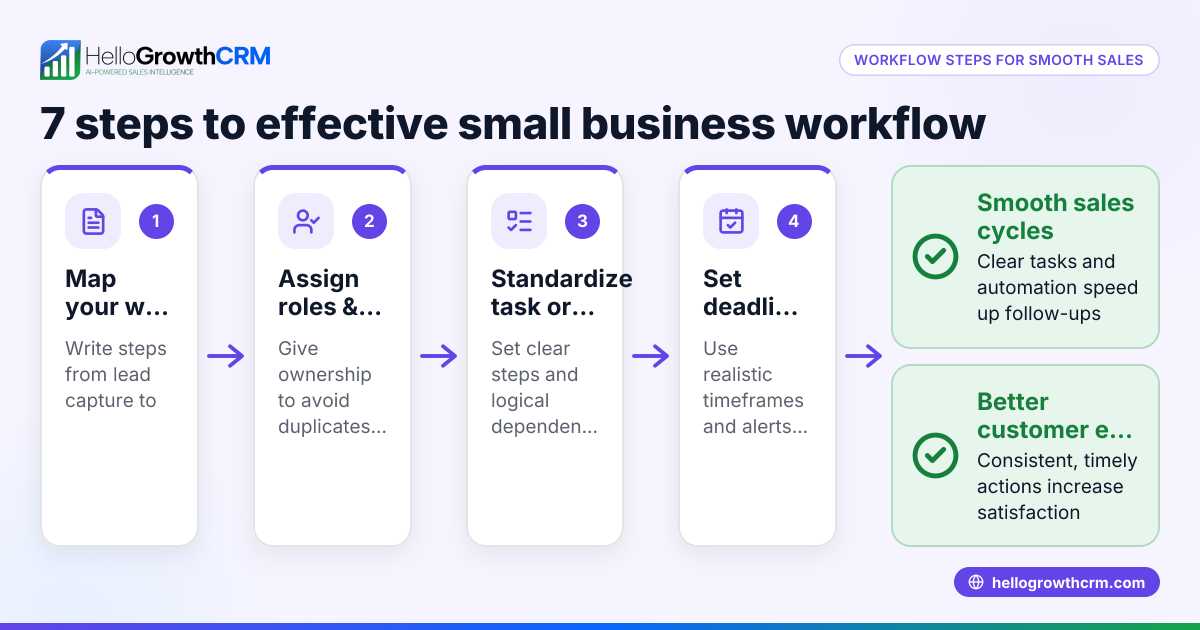
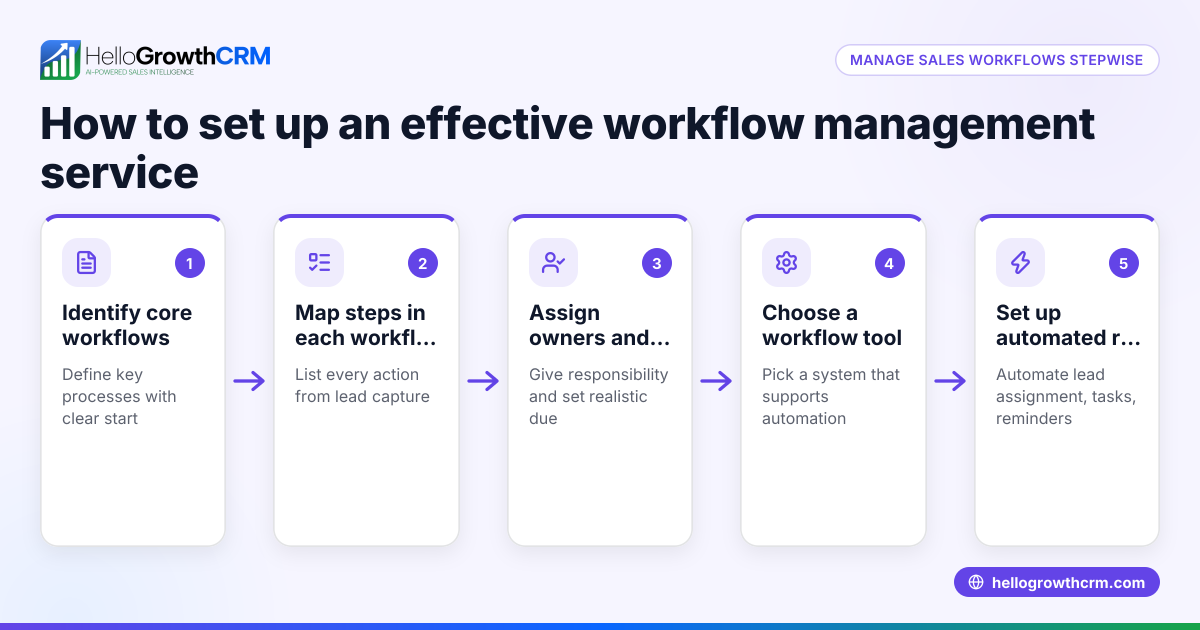
- Identify key workflows: List the main business processes that involve multiple steps or people, such as lead capture, sales follow-up, order fulfillment, or customer support. Check which tasks repeat often and have clear start and end points.
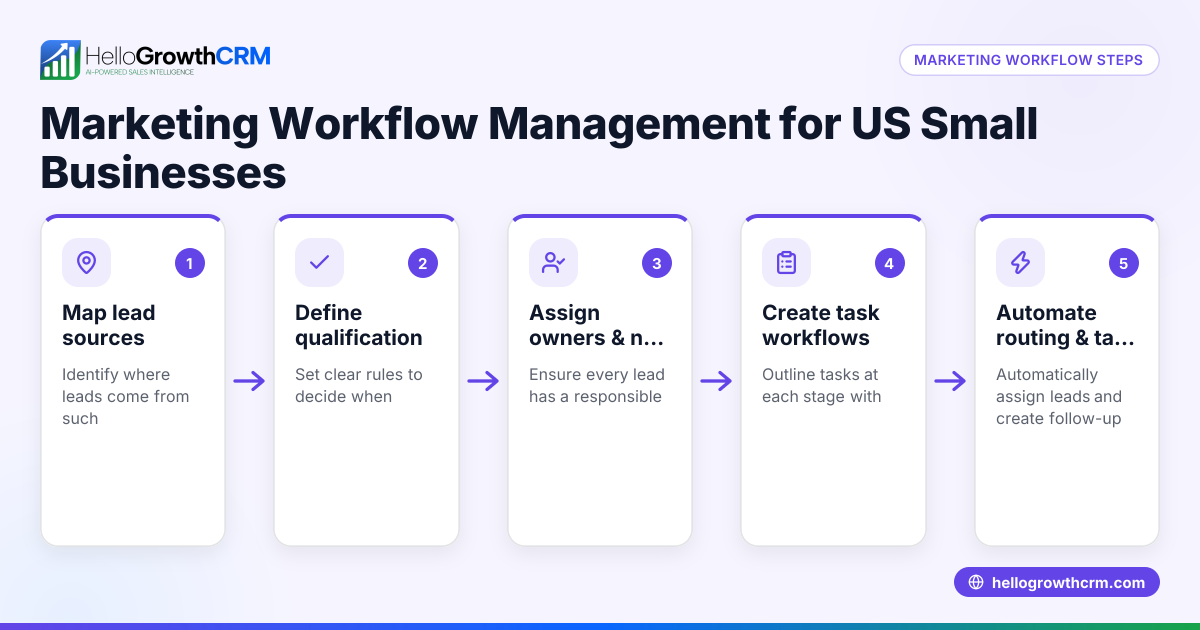
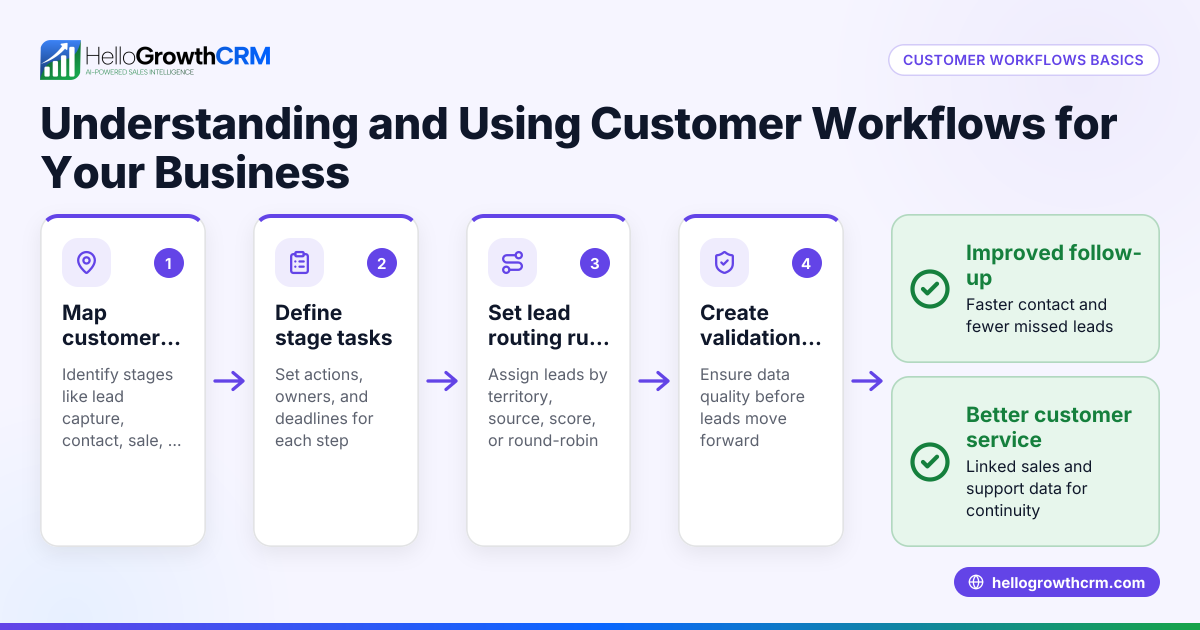
- Map the workflow steps: For each process, write down each step in order, who is responsible, and what triggers the next step. Check for bottlenecks or unclear handoffs.
- Choose a workflow management application: Select software that fits your business size and needs. Ensure it can automate task assignments, notifications, and status tracking. Check if it integrates with your current tools.
- Set up workflows in the application: Enter your mapped steps into the software, assigning owners and due dates. Configure triggers like lead capture or task completion to move the workflow forward.
- Train your team: Make sure everyone understands how to use the application and their responsibilities within each workflow. Check for questions or resistance.
- Monitor and adjust: Regularly review workflow performance, completion times, and bottlenecks. Update workflows as your business changes or to improve efficiency.
Example (fictional figures)
GreenLeaf Landscaping, a small landscaping contractor in Charlotte, North Carolina, wants to improve lead follow-up.
- They receive about 100 inquiries per month from their website form.
- Current manual tracking causes a 20% lead loss due to slow follow-up.
Step 1: Identify workflow — Lead capture to first sales call.
Step 2: Map steps —
- Inquiry received
- Lead assigned to sales rep
- First call scheduled
- Follow-up task created
Step 3: Choose workflow software (HelloGrowthCRM).
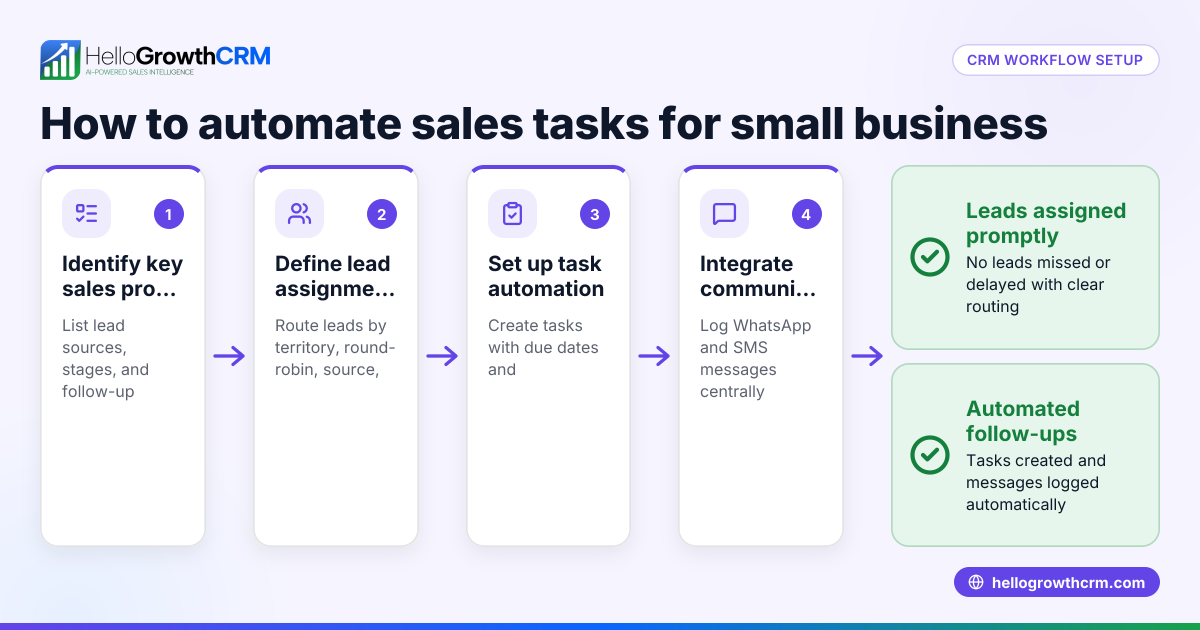
Step 4: Set up workflow — New inquiry assigned round-robin to sales reps, and a first-call task is automatically created.
Step 5: Train your team on using HelloGrowthCRM's workflows and task management tools to keep tasks and follow-ups organized.
Step 6: Monitor results — After 3 months, lead loss drops to 5%.
Calculations:
Current lost leads = 100 × 20% = 20 leads lost
After workflow setup lost leads = 100 × 5% = 5 leads lost
Leads saved = 20 - 5 = 15 leads
Assuming average sale value = $2,000
Additional revenue = 15 × $2,000 = $30,000
Common mistakes
- Not mapping workflows clearly: Leads to confusion about steps and responsibilities. Prevent by documenting each step and owner before automation.
- Overcomplicating workflows: Adding too many steps or approvals slows down processes. Keep workflows as simple as possible.
- Ignoring team training: Without proper training, team members may not use the application correctly. Schedule training sessions and provide support.
- Failing to monitor workflows: Without review, inefficiencies persist. Regularly check workflow metrics and make improvements.
- Using multiple disconnected tools: This causes data silos and errors. Choose a workflow management application that integrates communications and lead tracking, like HelloGrowthCRM's WhatsApp and SMS CRM (/product/whatsapp-sms-crm).
Doing this in HelloGrowthCRM
HelloGrowthCRM offers workflows, lead routing, and validation rules that automate task creation, field updates, notifications, and stage moves based on CRM events. Leads from forms, calls, or WhatsApp messages enter the pipeline with owners and next steps, keeping inquiries organized and moving toward conversion. Learn more about these features at HelloGrowthCRM for the United States (/usa).
Frequently asked questions
What is the difference between workflow management and project management applications? Workflow management focuses on automating and tracking repeatable business processes with defined steps and rules, while project management handles unique, time-bound projects with variable tasks.
Can a workflow management application integrate with WhatsApp or SMS? Yes, some workflow management applications, like HelloGrowthCRM, include WhatsApp and SMS CRM features to capture leads and automate communication sequences, improving follow-up efficiency (/product/whatsapp-sms-crm).
How do I measure if my workflow management application is effective? Track metrics like lead response time, task completion rates, sales conversion rates, and customer satisfaction. Improvements in these areas indicate effective workflow management.
Is it difficult to set up workflows in HelloGrowthCRM? No, HelloGrowthCRM provides an automated workflow builder that allows you to create rules for lead routing, task creation, and notifications without coding. This helps small businesses automate key processes quickly (/product/ai-crm).
Can workflows be customized for different teams or territories? Yes, HelloGrowthCRM supports automated lead assignment by territory, source, score, or round-robin, allowing workflows to be tailored to your sales team's structure.
Key takeaways
- A workflow management application organizes and automates business processes to improve efficiency.
- Identify and map your key workflows before choosing software.
- Implement workflows step-by-step and train your team.
- Monitor workflow performance regularly and adjust as needed.
- HelloGrowthCRM offers workflow automation, lead routing, and integrated communication tools to streamline sales processes.
Start organizing your business processes today with HelloGrowthCRM. Start on the Free Forever plan (200 leads, no credit card).
Ready to put this into practice?
Set up your pipeline, WhatsApp follow-ups, and AI lead scoring in minutes — free, no credit card.
Try HelloGrowthCRM freeGet CRM tips in your inbox
Join thousands of sales professionals who get weekly insights on CRM strategy, AI automation, and pipeline optimization.

The HelloGrowthCRM team publishes guides on CRM strategy, AI sales tools, and revenue operations for small business sales teams.