HelloGrowthCRM software
Built for real small-business sales teams
HelloGrowthCRM helps reps qualify faster, follow up on time, and close more deals—with practical automation in one place.
- AI lead scoring and pipeline visibility
- Built-in dialer, WhatsApp, and email automation
- Sales forecasting and RevOps-ready reporting
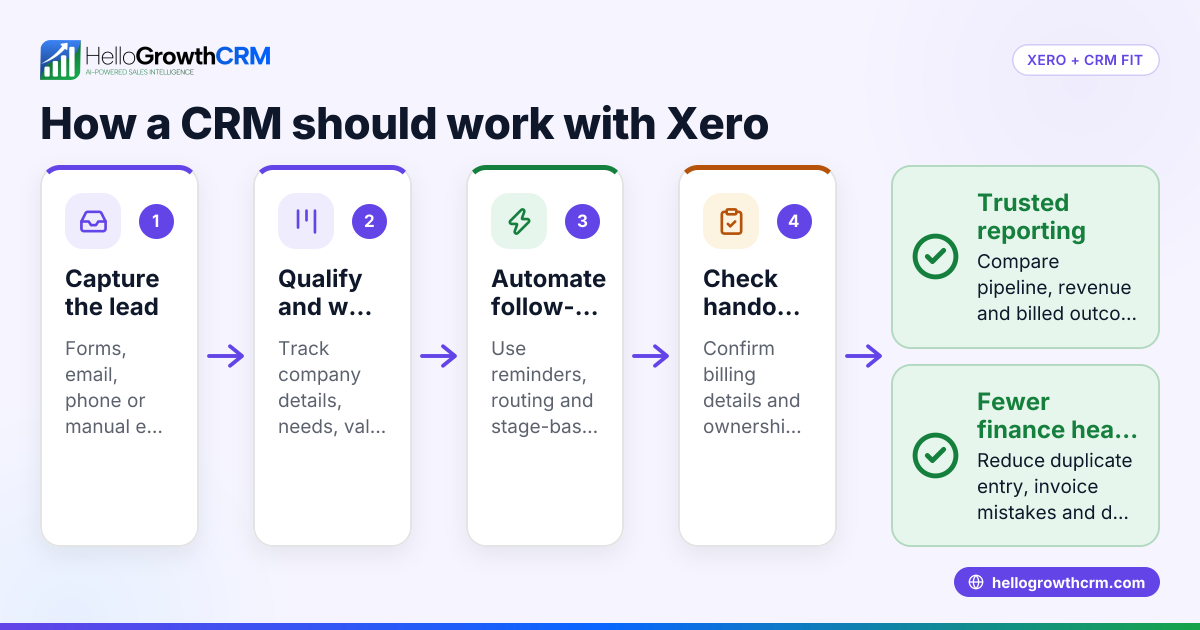
A Xero CRM plugin integrates customer and sales data with Xero’s accounting features, aiming to streamline your business workflows. Many Indian SMBs seek this to avoid managing leads and invoices separately, reducing manual errors and delays.
Why this comes up / what goes wrong
Small business owners often start with separate tools: WhatsApp or spreadsheets for sales leads and Xero for accounting. This split causes slow follow-ups, lost leads, and duplicated data entry. They search for a Xero CRM plugin to unify sales and accounting, hoping to improve efficiency and cash flow visibility. However, not all plugins fit their team size, sales process, or Indian market needs, leading to frustration.
Step-by-step
- Identify your sales workflow needs: List how your team tracks leads, follow-ups, and customer communication. Check if the plugin supports WhatsApp or SMS messaging, common in India.
- Check integration depth with Xero: Confirm the plugin syncs contacts, invoices, and payments automatically with Xero to avoid manual entry.
- Evaluate user interface and ease of use: Choose a plugin your sales and accounting teams can adopt without extensive training.
- Assess automation and AI features: Look for AI agents that can draft follow-ups or update records to save time.
- Review pricing and plans: Ensure the plugin fits your budget and offers a free trial or free plan for initial testing.
- Verify support for Indian sales channels: The plugin should ideally capture leads from IndiaMART, JustDial, or web forms.
- Check data security and compliance: Confirm the plugin complies with Indian data protection laws and integrates securely with Xero.
Example (fictional figures)
Rajesh runs a small electronics parts business in Pune. He wants to connect his sales leads with Xero invoices to speed up billing.
- Rajesh receives 50 leads monthly.
- He estimates each lead conversion brings ₹15,000 revenue.
- Without integration, follow-ups take 2 days, causing 20% lead loss.
If integration reduces lead loss to 5%, his monthly revenue gain is:
₹15,000 × 50 = ₹7,50,000 (potential revenue)
Loss without integration:
₹7,50,000 × 20% = ₹1,50,000 (lost revenue)
Loss with integration:
₹7,50,000 × 5% = ₹37,500 (lost revenue)
Revenue saved by integration:
₹1,50,000 - ₹37,500 = ₹1,12,500
Rajesh can justify paying up to ₹1,12,500 annually for a plugin that improves lead follow-up and invoicing efficiency.
Common mistakes
- Choosing plugins without WhatsApp or SMS support: Many Indian SMBs rely on WhatsApp for sales; missing this means extra manual work. Prevent by verifying messaging channel support.
- Ignoring ease of use: Complex plugins lead to low adoption. Test the interface with your team before buying.
- Overlooking AI automation: Without AI agents to draft follow-ups, reps spend more time on routine tasks. Look for AI features if available.
- Not checking lead capture sources: Plugins that don’t integrate with IndiaMART or JustDial miss valuable leads. Confirm lead capture options.
- Skipping data security checks: Ensure the plugin meets Indian regulations and uses secure APIs.
- Neglecting free trials or plans: Paying upfront without testing can waste money. Use free plans or trials first.
Doing this in HelloGrowthCRM
HelloGrowthCRM offers WhatsApp and SMS messaging where conversations with leads are logged on the lead record, making follow-ups simple and tracked. Its AI agents (currently in Beta on Growth plans) draft follow-up messages after calls, so sales reps only review and send them. For small teams, the Free Forever plan supports managing a pipeline with up to two users at no cost, ideal before needing calling or WhatsApp automation. Learn more about WhatsApp and SMS CRM and how the built-in CRM dialer can help manage your calls.
Frequently asked questions
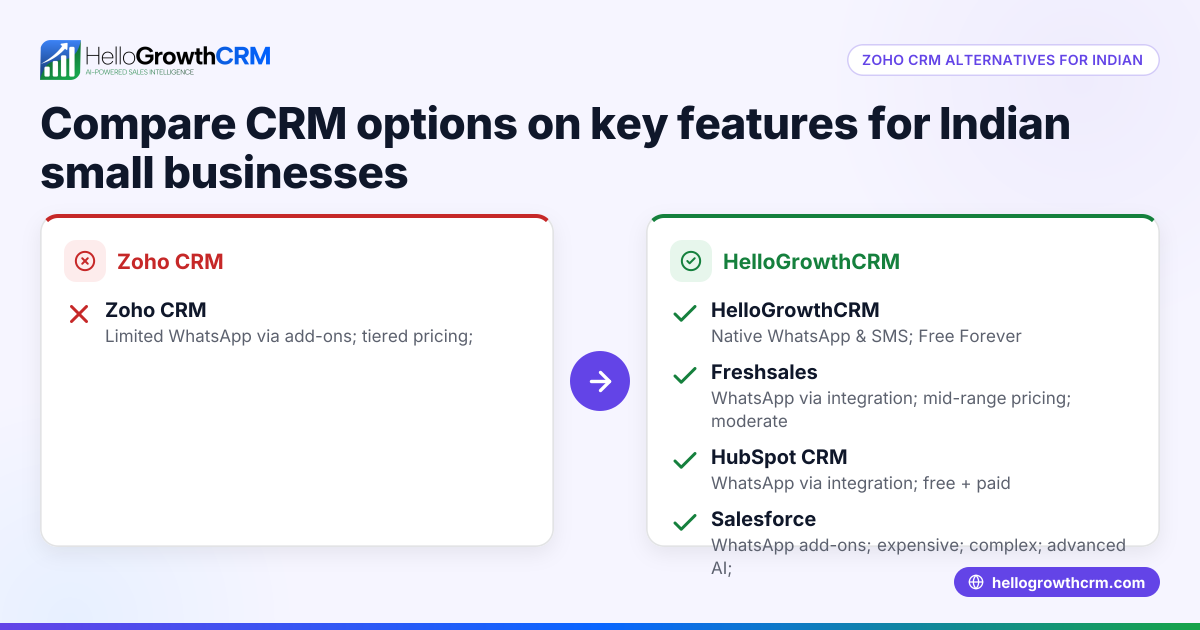
Can Xero CRM plugins handle WhatsApp messages? Not all do. Many Indian businesses use WhatsApp extensively, so check if the plugin supports WhatsApp conversations logged in the CRM for smooth follow-ups. HelloGrowthCRM supports this feature.
Are AI features common in Xero CRM plugins? AI automation is emerging. Some plugins offer AI agents to draft follow-ups or update records, saving time. HelloGrowthCRM provides AI agents in Beta on Growth plans.
Do Xero CRM plugins capture leads from Indian platforms? Few plugins natively capture leads from IndiaMART or JustDial. If your sales depend on these, verify this feature before choosing.
Is there a free Xero CRM plugin plan for small teams? Most plugins are paid, but HelloGrowthCRM offers a Free Forever plan supporting two users and 200 leads, good for testing pipeline management before upgrading.
How to ensure data security with Xero CRM plugins? Confirm the plugin uses secure APIs, complies with Indian data laws, and has clear privacy policies.
Can I try the plugin before buying? Always ask for a free trial or use a free plan to test if the plugin fits your workflow and team. HelloGrowthCRM’s Free Forever plan is one such option.
Key takeaways
- A Xero CRM plugin links sales and accounting, reducing manual work.
- Check for WhatsApp and SMS support, vital for Indian SMBs.
- AI agents can automate follow-ups, saving time.
- Verify lead capture from Indian platforms like IndiaMART.
- Use free trials or free plans to test before buying.
- Data security and ease of use are essential for adoption.
Start your sales and accounting integration with confidence by trying HelloGrowthCRM’s Free Forever plan for up to two users and 200 leads at Start on the Free Forever plan (200 leads, no credit card).
Ready to put this into practice?
Set up your pipeline, WhatsApp follow-ups, and AI lead scoring in minutes — free, no credit card.
Try HelloGrowthCRM freeGet CRM tips in your inbox
Join thousands of sales professionals who get weekly insights on CRM strategy, AI automation, and pipeline optimization.

The HelloGrowthCRM team publishes guides on CRM strategy, AI sales tools, and revenue operations for small business sales teams.