Marketing & Campaigns
Multi-channel campaigns, segmentation, and measurement — connected to pipeline and revenue attribution.
5
Marketing & Campaigns features
Featured workspace
Campaign management
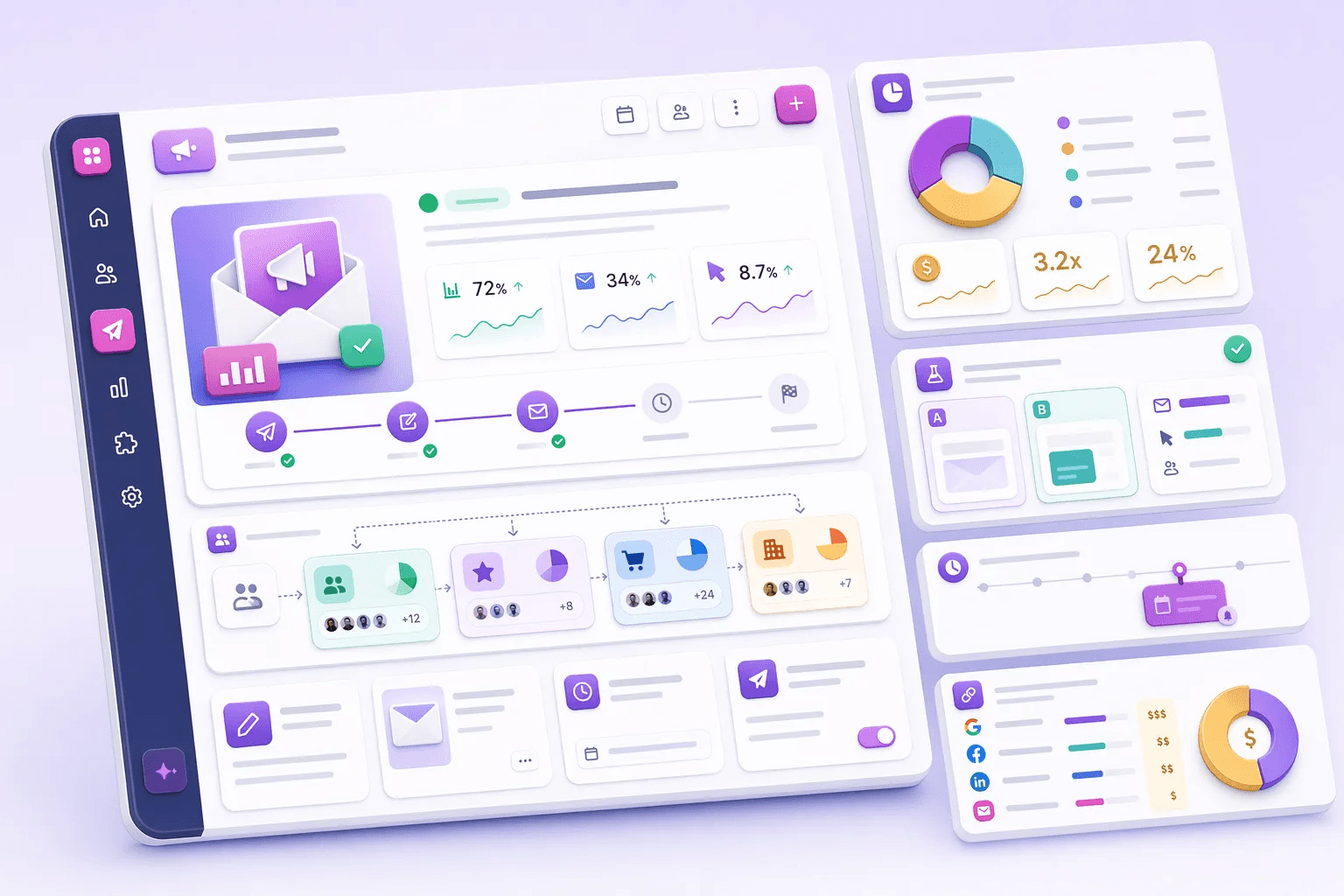
How teams use marketing & campaigns
Teams usually review marketing & campaigns when they want to improve a specific operating motion, not just add another isolated feature. In practice, that means turning related capabilities such as Campaign management, Audience segmentation, A/B testing & experiments, UTM & attribution into one clearer workflow that reps, managers, and operators can actually use every day.
For most buyers, the real question is how this category changes execution. Common evaluation paths include launch segmented campaigns, personalize nurture paths, test campaign ideas, where the value comes from cleaner ownership, faster next steps, and better visibility into what should happen after each customer interaction.
A strong rollout usually starts with one high-value use case, then expands into reporting, automation, and team inspection once adoption is consistent. That is why this category page groups related modules together first and then links into deeper feature pages for more specific evaluation.
Explore modules
Marketing & Campaigns features
Pick a module to see details, workflows, and how it fits into the CRM.


Common use cases
Where teams use marketing & campaigns
Practical workflows built from the features in this category, grouped around the outcomes teams usually care about first.
Use these examples to decide whether you need one focused capability or a broader category rollout. In most teams, adoption improves when the first workflow is concrete and tied to a measurable operational problem rather than a broad feature wish list.
Launch segmented campaigns
Build audiences from CRM data and run campaigns that stay connected to pipeline.
See workflowPersonalize nurture paths
Use fit, behavior, and stage data to send more relevant outreach.
See workflowTest campaign ideas
Run experiments on subject lines, copy, and timing, then scale the winning version.
See workflowProve campaign impact
Capture UTM and referral data so marketing can defend what creates revenue.
See workflowSuggested workflow
Turn features into a working motion
Start with a focused setup, connect the next action, and expand once the team has a repeatable rhythm.
Step 1
Start with the core workflow
Use Campaign management as the first workspace so the team has one clear place to begin.
Step 2
Connect the next action
Layer in Audience segmentation to turn the workflow into repeatable daily execution.
Step 3
Scale what works
Use A/B testing & experiments to refine adoption, coaching, and team visibility as usage grows.