HelloGrowthCRM software
Built for real small-business sales teams
HelloGrowthCRM helps reps qualify faster, follow up on time, and close more deals—with practical automation in one place.
- AI lead scoring and pipeline visibility
- Built-in dialer, WhatsApp, and email automation
- Sales forecasting and RevOps-ready reporting
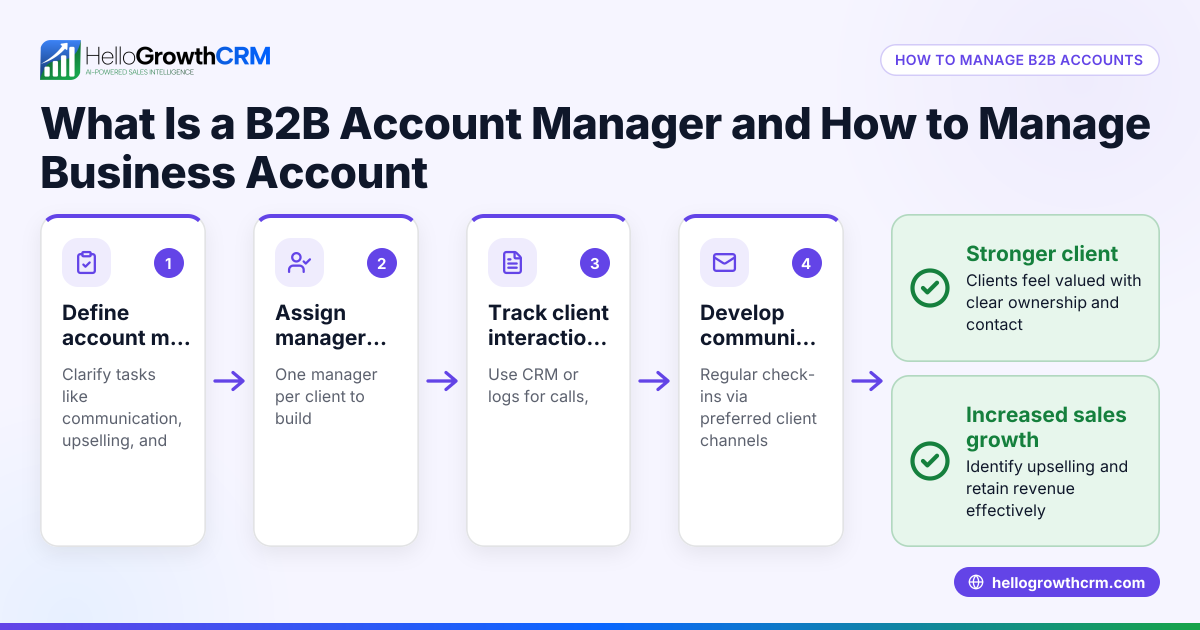
An account management form is a tool small businesses use to capture and organize key information about their customers or clients. It typically includes fields for contact details, account status, recent interactions, and planned follow-ups. Using such a form helps sales teams and business owners keep track of customer needs, improve communication, and avoid losing leads due to slow or disorganized follow-up.
Why this comes up / what goes wrong
Small business owners often struggle to manage multiple customer accounts without a unified system. They might rely on scattered notes, emails, or spreadsheets, which can lead to missed opportunities and slow responses. When sales or service teams communicate via text messages, emails, or phone calls without a structured account management form, important details get lost, causing confusion and lost sales. An account management form provides a consistent way to document and update customer information, ensuring the whole team stays aligned and responsive.
Step-by-step
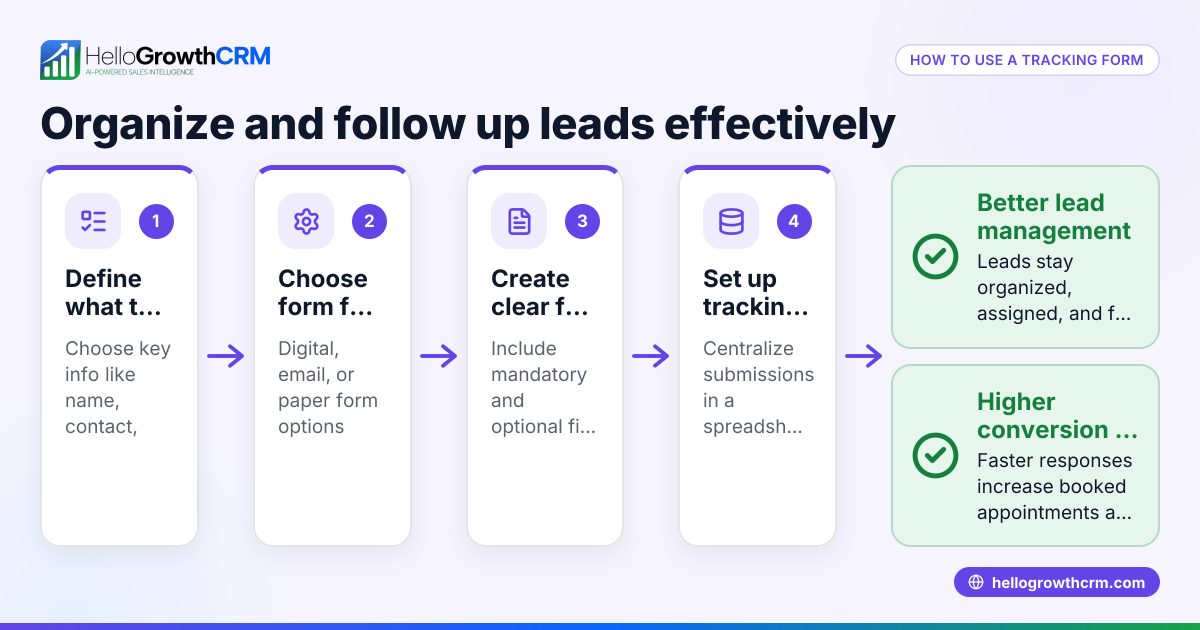
- Define the purpose of your account management form. Decide what information you need to track, such as customer contact info, account status, recent purchases, and next steps.
- Create the form layout. Use a spreadsheet, word processor, or CRM software to build fields for each data point. Include sections for customer name, phone, email, address, account type, last contact date, follow-up tasks, and notes.
- Assign ownership. Make sure each account has a designated owner responsible for updates and follow-ups to avoid confusion.
- Collect data systematically. When new leads come in from web forms, calls, or WhatsApp messages, enter their details into the form promptly.
- Update regularly. After every interaction, update the form with new information and set the next action or reminder.
- Review and analyze. Periodically review the form entries to identify stalled accounts, prioritize follow-ups, and forecast sales.
- Secure and share access appropriately. Ensure the form is accessible to relevant team members but protected from unauthorized changes.
Using a CRM can automate many of these steps. For example, with HelloGrowthCRM, every inquiry from a form, call, or WhatsApp message lands as a lead with an owner and a next step, preventing manual errors and lost leads. Learn more about HelloGrowthCRM for the United States and its WhatsApp and SMS CRM and built-in CRM dialer features.
Example (fictional figures)
A two-location dental practice in Columbus, Ohio, uses an account management form to track patient follow-ups and appointment scheduling.
- Patient: John Smith
- Contact: john.smith@example.com, (614) 555-1234
- Last Visit: 03/15/2026
- Outstanding Balance: $250
- Next Follow-up: 04/10/2026
Steps taken:
- Enter patient details on 03/16/2026.
- Note outstanding balance: $250.
- Schedule reminder for next follow-up on 04/10/2026.
- On 04/10/2026, call John to confirm appointment.
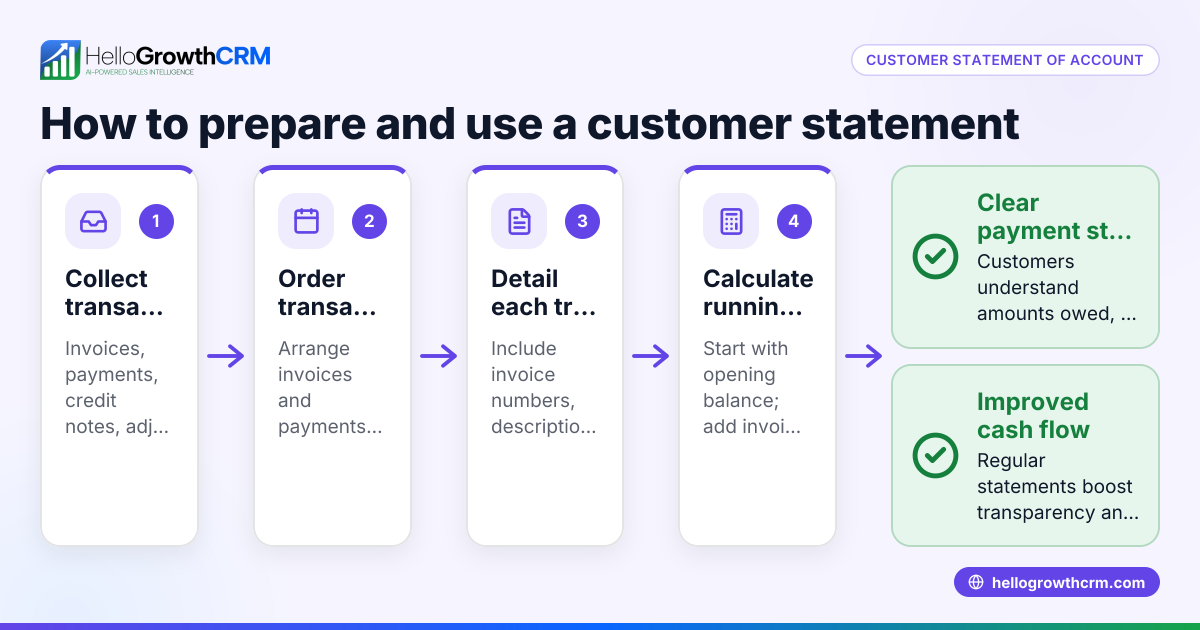
This structured approach prevents missed appointments and overdue payments, helping the practice maintain steady cash flow and patient satisfaction.
Calculations:
Outstanding Balance = $250
If John pays $100 on 04/10/2026:
$250 - $100 = $150 (Remaining Balance)
Update the form to reflect the new balance and schedule the next follow-up if needed.
Common mistakes
- Not updating the form promptly. Prevent this by setting a routine to update the form immediately after each customer interaction.
- Using inconsistent formats or fields. Standardize the form layout and train the team to use it uniformly.
- Assigning no clear owner for accounts. Always designate a responsible person for each account to ensure accountability.
- Relying on manual tracking only. Consider CRM tools that automate lead capture and reminders to reduce errors and save time.
- Sharing the form insecurely. Use secure platforms with controlled access to protect customer data.
- Ignoring follow-up scheduling. Always set and record next steps to maintain engagement and avoid losing leads.
Learn how HelloGrowthCRM helps avoid these pitfalls by automatically capturing and organizing leads from various sources.
Doing this in HelloGrowthCRM
HelloGrowthCRM captures every inquiry from a form, call, or WhatsApp message as a lead with an assigned owner and a next step. This eliminates the need for manual entry in notebooks or spreadsheets and ensures no lead is lost or forgotten. The system keeps your customer accounts organized and your sales team on track with follow-ups. Learn more about HelloGrowthCRM for the United States and how its WhatsApp and SMS CRM and built-in CRM dialer features support effective account management.
Frequently asked questions
What is the difference between an account management form and a CRM? An account management form is a document or template used to record customer details manually or digitally. A CRM is software that automates this process, capturing leads, assigning owners, and tracking follow-ups automatically.
Can I use a simple spreadsheet as an account management form? Yes, spreadsheets are a common starting point. However, they require manual updates and can become disorganized as your business grows. A CRM can streamline this by automating lead capture and task management.
How often should I update the account management form? Update it immediately after each customer interaction or at least daily to keep information current and ensure timely follow-ups.
Who should have access to the account management form? Access should be limited to team members involved in sales or customer service to protect privacy and maintain data integrity.
How does HelloGrowthCRM help with account management? HelloGrowthCRM automatically captures leads from forms, calls, and WhatsApp messages, assigns an owner, and sets the next step, keeping your accounts organized and your team efficient.
What are key fields to include in an account management form? Include customer name, contact details, account status, last interaction date, outstanding balances if any, next follow-up date, and notes on preferences or issues. This ensures comprehensive tracking and personalized service.
Key takeaways
- An account management form organizes customer information to improve follow-up and sales.
- Consistent updating and clear ownership prevent lost leads and confusion.
- Using a CRM like HelloGrowthCRM automates lead capture and task tracking.
- Avoid manual errors by standardizing your form and training your team.
- Secure access to customer data to maintain trust and compliance.
- Schedule and record follow-ups to maintain engagement and avoid losing leads.
Start managing your customer accounts more effectively today. Start on the Free Forever plan (200 leads, no credit card) with HelloGrowthCRM and see how it can simplify your lead capture and follow-up process.
Ready to put this into practice?
Set up your pipeline, WhatsApp follow-ups, and AI lead scoring in minutes — free, no credit card.
Try HelloGrowthCRM freeGet CRM tips in your inbox
Join thousands of sales professionals who get weekly insights on CRM strategy, AI automation, and pipeline optimization.

The HelloGrowthCRM team publishes guides on CRM strategy, AI sales tools, and revenue operations for small business sales teams.