HelloGrowthCRM software
Built for real small-business sales teams
HelloGrowthCRM helps reps qualify faster, follow up on time, and close more deals—with practical automation in one place.
- AI lead scoring and pipeline visibility
- Built-in dialer, WhatsApp, and email automation
- Sales forecasting and RevOps-ready reporting
An AI calendar is a digital scheduling tool that uses artificial intelligence to automate and optimize appointment booking, reminders, and time management. It helps small businesses save time, reduce scheduling conflicts, and follow up with leads more efficiently. This article explains why small business owners look for AI calendars, how to set one up, common mistakes to avoid, and how AI features in HelloGrowthCRM can enhance your scheduling and sales follow-up.
Why this comes up / what goes wrong
Small business owners often juggle many tasks, including managing appointments, sales calls, and customer follow-ups. Without an AI calendar, they might rely on manual scheduling methods like spreadsheets, email chains, or text messages. This can lead to missed meetings, double bookings, or slow follow-up with leads. For example, a sales rep might spend hours coordinating call times or forget to follow up promptly, causing lost opportunities. The need for an AI calendar arises from the desire to automate these repetitive tasks, reduce errors, and prioritize time effectively.
Step-by-step
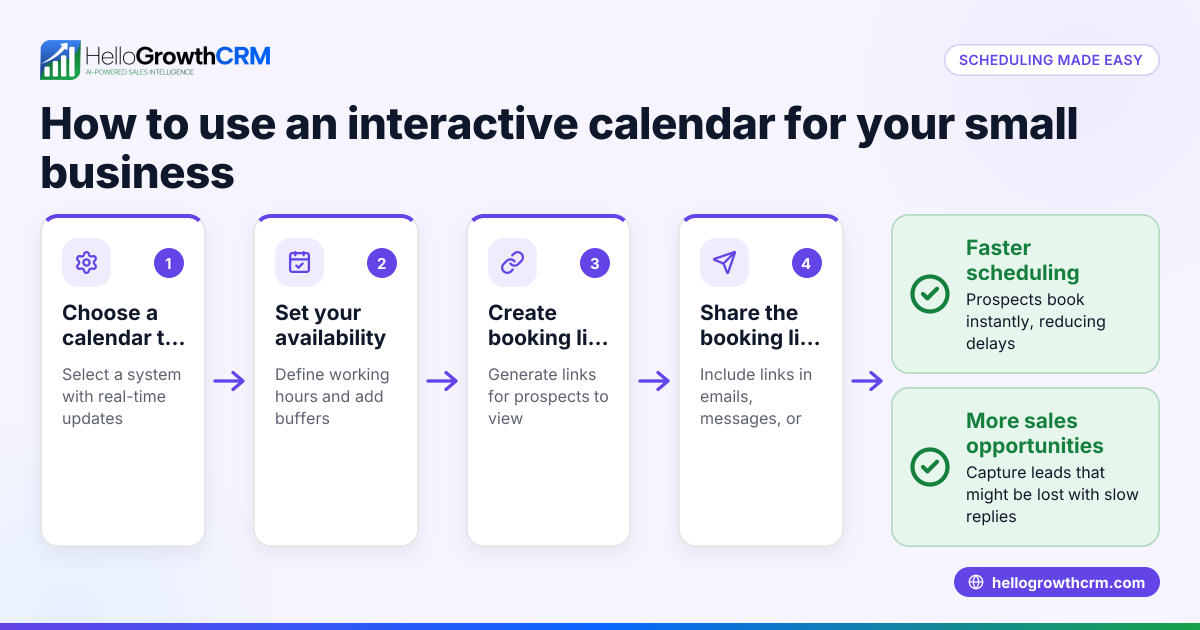
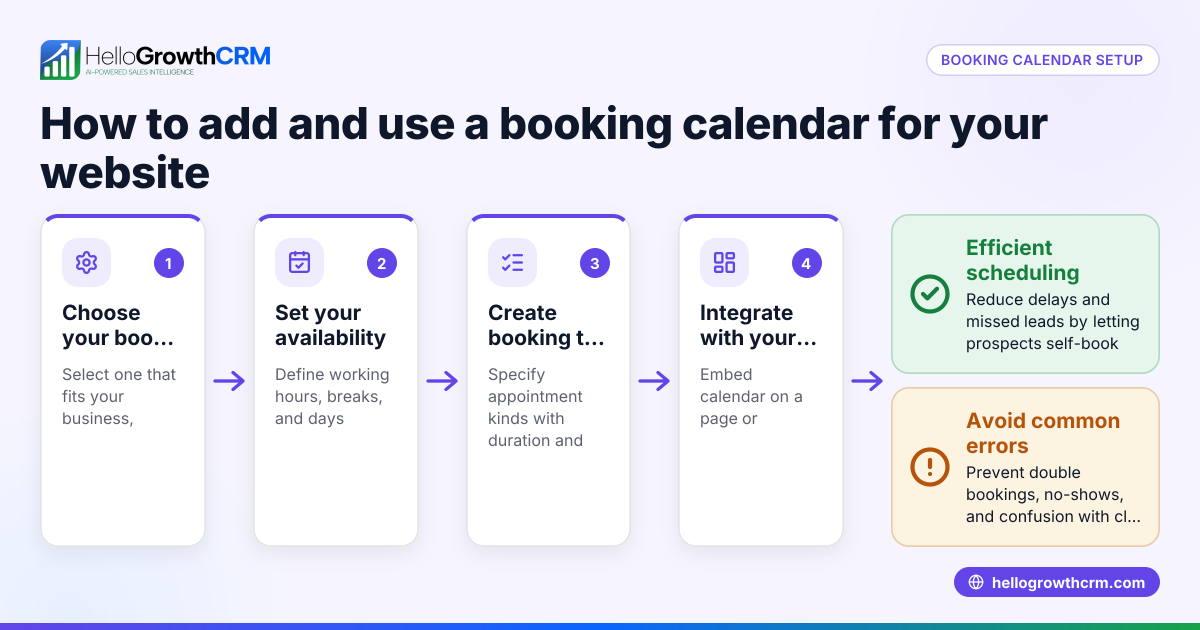
- Choose an AI calendar tool: Research options that integrate with your current sales and communication platforms. Check if it supports your preferred channels like WhatsApp, SMS, or email.
- Connect your calendar and contacts: Link your existing calendar (Google Calendar, Outlook, etc.) and import contacts or leads to ensure seamless scheduling.
- Set your availability and preferences: Define your working hours, buffer times between meetings, and preferred meeting durations.
- Enable AI features: Activate AI functions such as automatic appointment suggestions, conflict detection, and follow-up reminders.
- Integrate with your CRM or sales tools: Connect the AI calendar with your CRM to automatically schedule calls or meetings based on lead status or priority.
- Train your team: Ensure your sales reps and staff understand how to use the AI calendar and respond promptly to AI-suggested actions.
- Monitor and adjust settings: Regularly review calendar usage, AI recommendations, and adjust settings to improve efficiency.
Example (fictional figures)
A two-location dental practice in Columbus, Ohio, uses an AI calendar to manage patient appointments and sales calls for new patient leads.
- The practice owner sets working hours from 8:00 AM to 5:00 PM, Monday to Friday.
- The AI calendar automatically suggests appointment slots and avoids double bookings.
- The practice receives 100 new patient leads monthly.
- AI lead scoring prioritizes 30 leads most likely to convert.
- Reps use the AI calendar to schedule calls with these leads.
Calculation of time saved:
- Without AI: Each rep spends 3 hours weekly coordinating appointments.
- With AI calendar: Coordination time reduces to 1 hour weekly.
Time saved per month = (3 hours - 1 hour) × 4 weeks = 8 hours
Assuming rep wage is $25/hour:
Labor cost saved = 8 hours × $25/hour = $200 monthly
This time and cost saving allows reps to focus on closing deals rather than scheduling.
Common mistakes
- Not setting clear availability: Without defined working hours, the AI calendar may suggest inconvenient times. Prevent this by carefully setting your availability.
- Ignoring AI suggestions: Manually overriding AI recommendations too often reduces efficiency. Train your team to trust and review AI actions.
- Failing to integrate with CRM: Using the AI calendar separately from your CRM leads to data silos and missed follow-ups. Use tools like HelloGrowthCRM for integration.
- Not updating contact information: Outdated contacts cause scheduling errors. Regularly update your lead and customer lists.
- Overloading the calendar: Scheduling back-to-back meetings without breaks leads to fatigue and errors. Use buffer times to prevent this.
- Neglecting to review AI insights: AI calendars often provide usage reports or forecasts. Regularly review these to optimize your schedule.
Doing this in HelloGrowthCRM
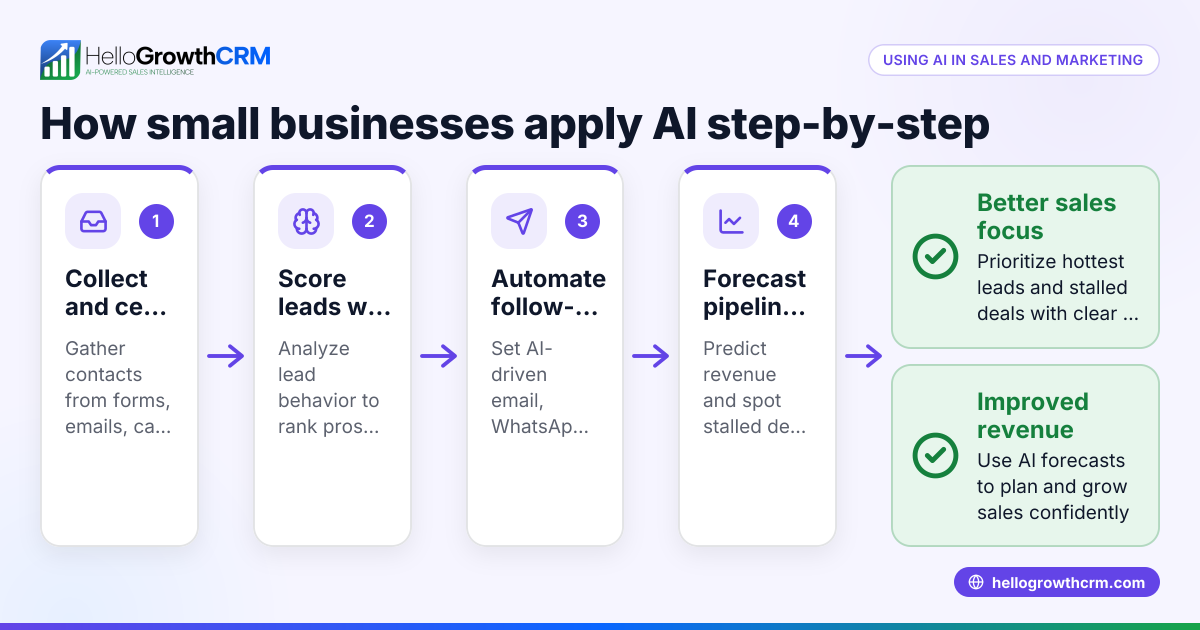
HelloGrowthCRM offers AI lead scoring so reps call the leads most likely to convert first, improving scheduling priority. Its pipeline forecast and AI insights let owners see which deals are stalling without building spreadsheets, helping prioritize follow-ups. Additionally, AI agents draft follow-up messages after calls, so reps only review and send, saving time on communication. These features work together with HelloGrowthCRM’s WhatsApp and SMS CRM capabilities for integrated scheduling and lead management. Learn more about AI CRM, WhatsApp and SMS CRM, and HelloGrowthCRM for the United States.
Frequently asked questions
What is the difference between an AI calendar and a regular calendar? An AI calendar uses artificial intelligence to automate scheduling tasks, suggest optimal meeting times, and send reminders, whereas a regular calendar requires manual entry and management. AI calendars reduce errors and save time by handling routine scheduling decisions.
Can an AI calendar integrate with my existing CRM? Yes, many AI calendars can integrate with CRMs to sync contacts, schedule sales calls automatically, and update lead statuses. For example, HelloGrowthCRM integrates AI features with WhatsApp and SMS communication to streamline scheduling and follow-up.
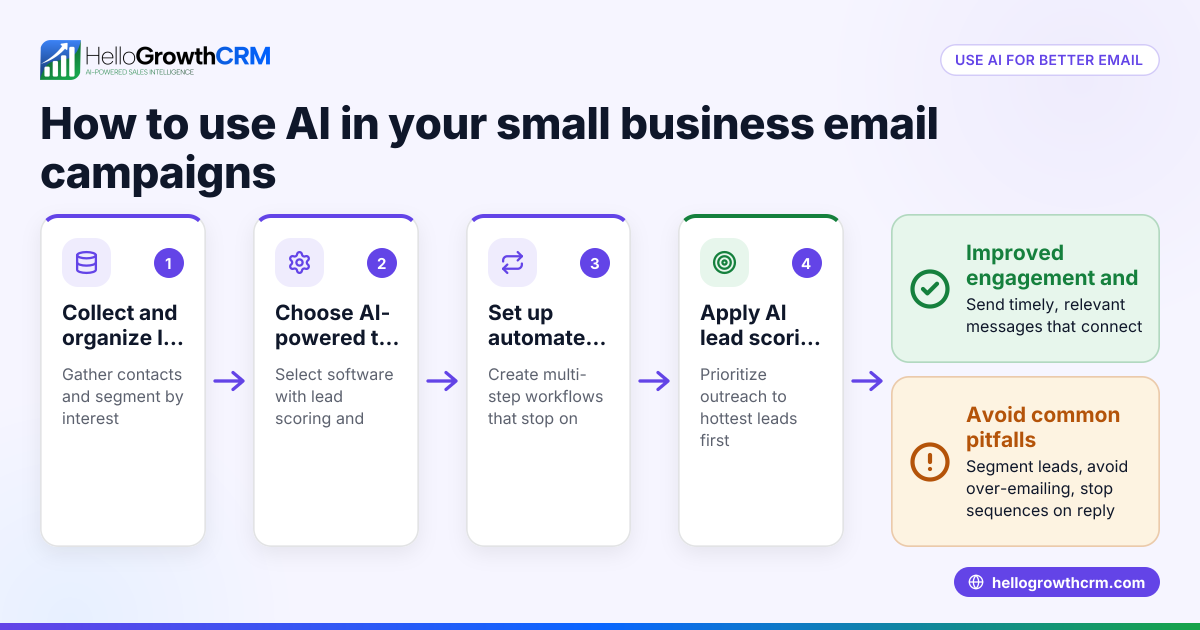
How does AI lead scoring improve scheduling with an AI calendar? AI lead scoring ranks leads based on their likelihood to convert, so your team can prioritize scheduling calls with the most promising prospects first. This ensures your time is focused on high-value opportunities.
Is using an AI calendar expensive for small businesses? Costs vary by provider, but many AI calendar tools offer free tiers or affordable plans suitable for small businesses. Consider features like integration, automation, and AI capabilities when choosing a tool.
How do AI agents help with follow-up scheduling? AI agents can draft follow-up messages or schedule next steps automatically after calls, reducing manual work for sales reps. This helps maintain timely communication and improves lead conversion.
Key takeaways
- An AI calendar automates scheduling, reduces conflicts, and saves time for small businesses.
- Setting clear availability and integrating with your CRM maximizes AI calendar benefits.
- AI lead scoring helps prioritize calls with leads most likely to convert.
- Avoid common mistakes like ignoring AI suggestions or failing to update contacts.
- HelloGrowthCRM combines AI lead scoring, pipeline forecasting, and AI agents to enhance scheduling and follow-up.
Start managing your time and leads more efficiently today. Start on the Free Forever plan (200 leads, no credit card).
Ready to put this into practice?
Set up your pipeline, WhatsApp follow-ups, and AI lead scoring in minutes — free, no credit card.
Try HelloGrowthCRM freeGet CRM tips in your inbox
Join thousands of sales professionals who get weekly insights on CRM strategy, AI automation, and pipeline optimization.

The HelloGrowthCRM team publishes guides on CRM strategy, AI sales tools, and revenue operations for small business sales teams.