HelloGrowthCRM software
Built for real small-business sales teams
HelloGrowthCRM helps reps qualify faster, follow up on time, and close more deals—with practical automation in one place.
- AI lead scoring and pipeline visibility
- Built-in dialer, WhatsApp, and email automation
- Sales forecasting and RevOps-ready reporting
An interactive calendar for scheduling is a digital calendar interface that allows customers or prospects to view your available time slots and book meetings or appointments instantly. This eliminates the usual back-and-forth messages needed to find a mutually convenient time. By showing open slots in real time, it speeds up scheduling and reduces the risk of losing leads due to slow responses.
Why this comes up / what goes wrong
Small business owners often face lost leads or wasted time because scheduling meetings involves too many back-and-forth messages via text, email, or WhatsApp. For example, a sales rep might ask a prospect for their availability, then wait hours or days for a reply. During this delay, the prospect could lose interest or choose a competitor. This problem is common when using spreadsheets or manual calendars without interactive booking features.
An interactive calendar solves this by showing only open slots, letting prospects pick one instantly. This reduces friction and speeds up the path from interest to conversation. This is especially important for small teams without dedicated schedulers or sales managers.
Step-by-step
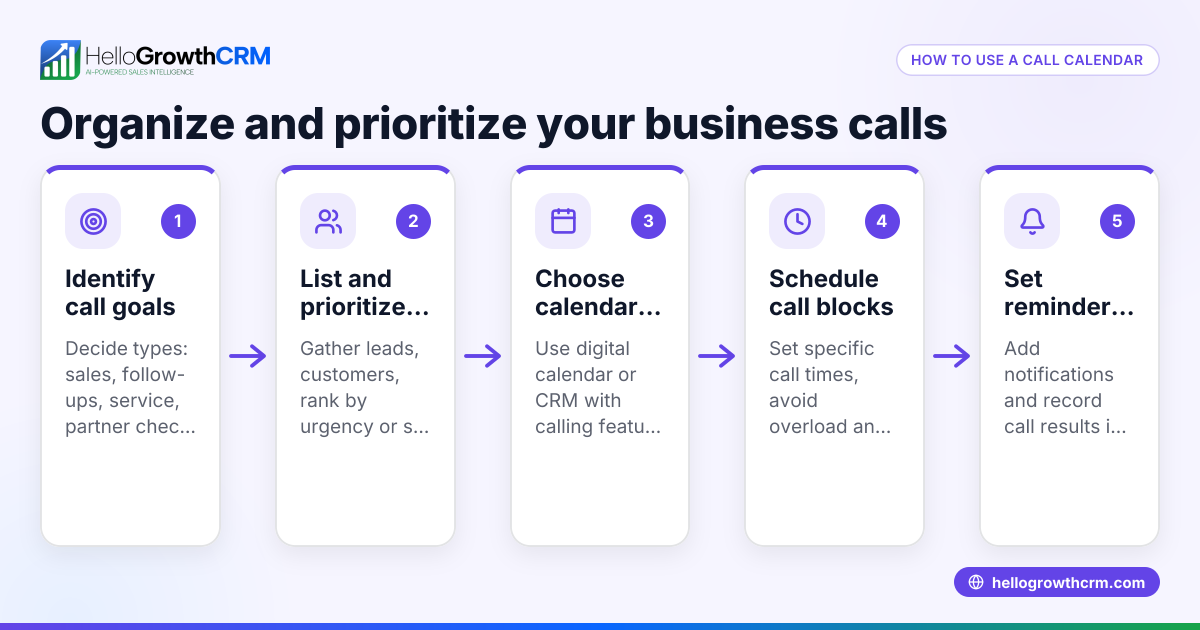
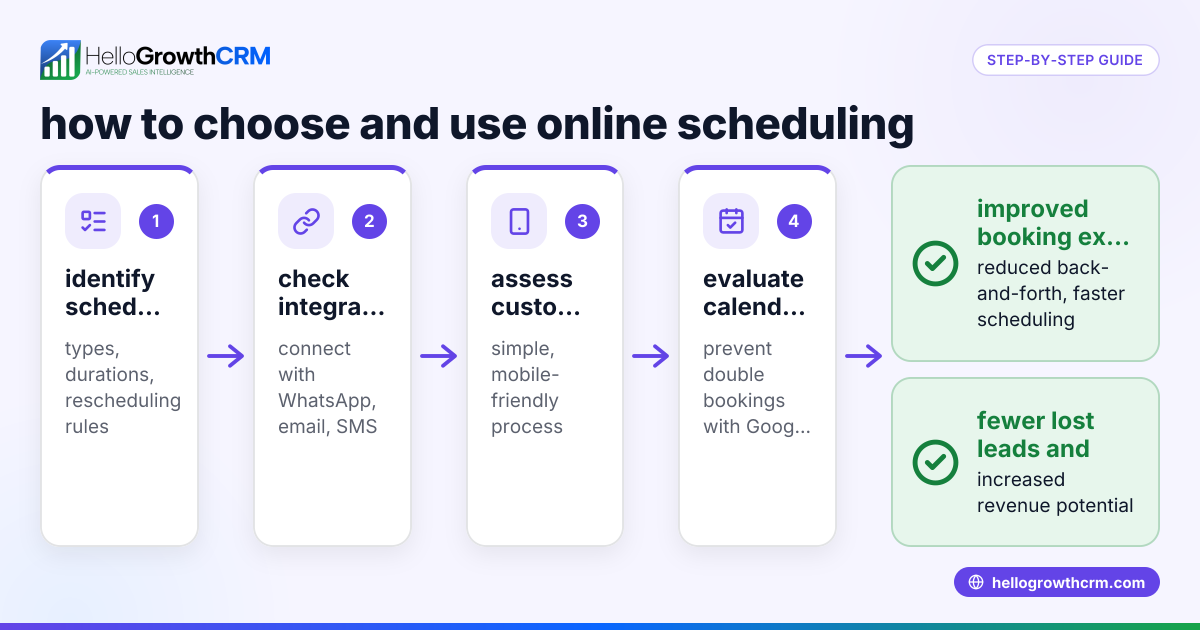
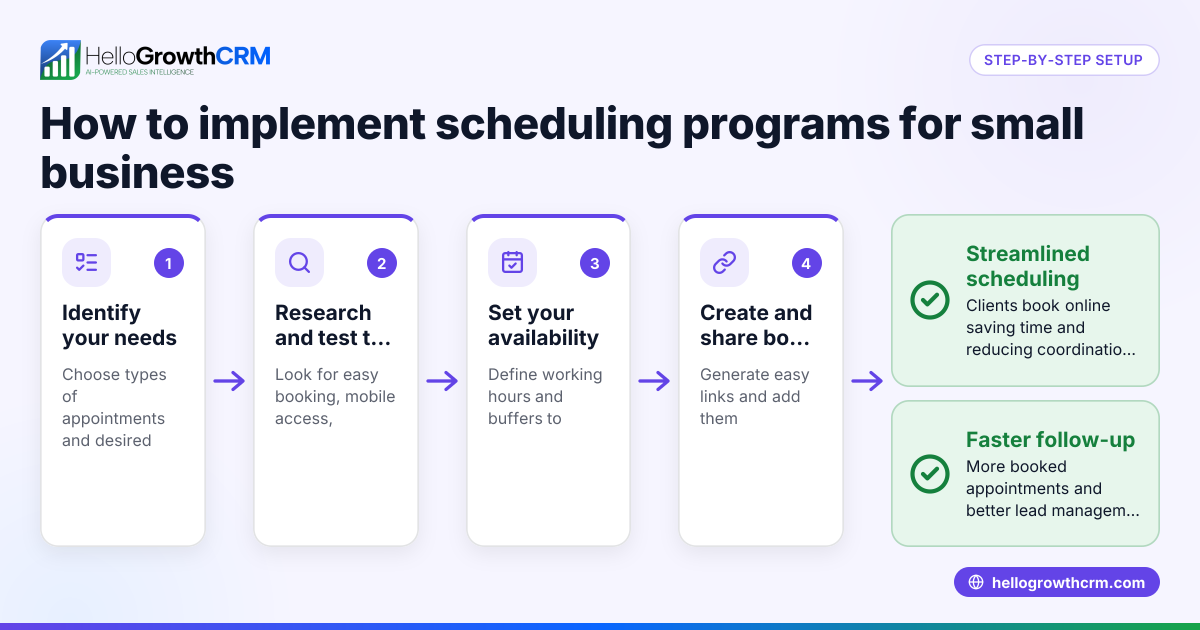
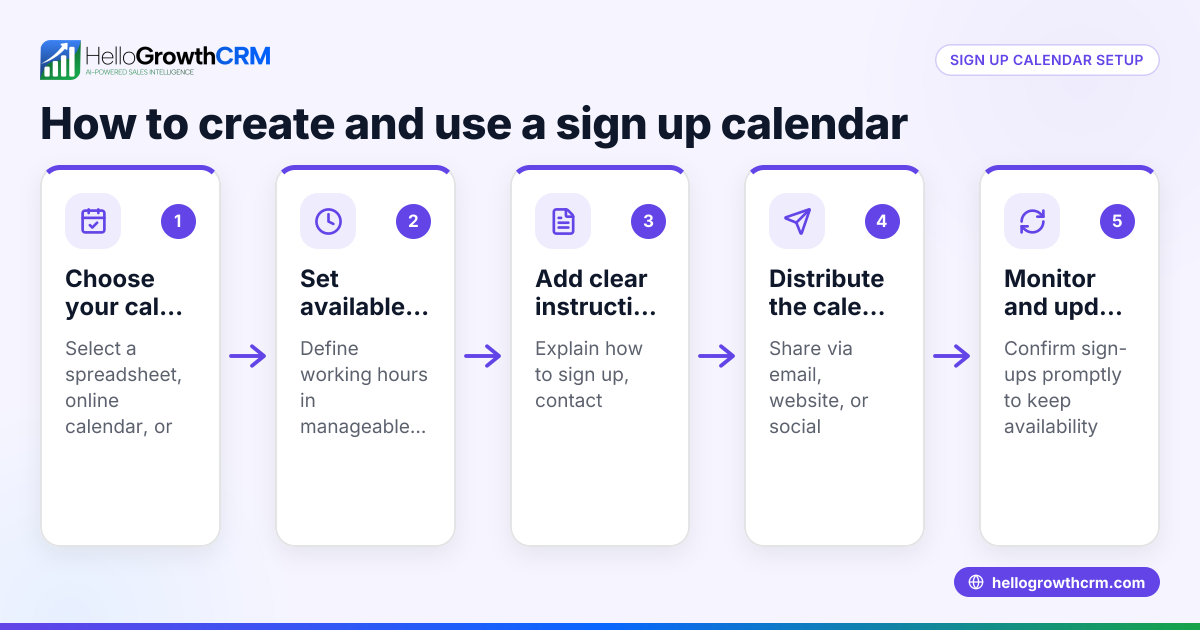
- Choose an interactive calendar tool: Select a calendar system that fits your business needs and integrates with your communication channels. Check for real-time availability updates.
- Set your availability: Define your working hours and include buffer times between appointments to avoid overlaps.
- Create booking links: Generate shareable links that prospects can click to view your calendar and select a time slot.
- Share the booking link: Include the link in your outreach messages, email signatures, or WhatsApp chats to make booking easy.
- Enable automatic confirmations: Configure the system to send automatic booking confirmations and reminders to reduce no-shows.
- Integrate with your CRM: Connect your calendar bookings to your CRM pipeline to track leads and follow-ups efficiently.
- Review and adjust availability regularly: Check your calendar settings weekly to reflect changes in your schedule.
Example (fictional figures)
A small residential real estate team in Phoenix, Arizona, started using an interactive calendar on 06/01/2026 to improve scheduling efficiency and reduce lost leads.
- They set their availability Monday to Friday, 9 AM to 5 PM, with 15-minute buffers between meetings.
- Before using the calendar, they estimated losing about $48,000 in potential monthly commissions due to slow scheduling.
- After implementing the calendar, they booked 5 more meetings per month, each with an average commission of $1,200.
Calculation of increased revenue:
5 meetings × $1,200 = $6,000 additional revenue
Total monthly revenue after improvement:
$48,000 + $6,000 = $54,000
This example shows how faster scheduling can directly impact sales revenue by capturing more opportunities.
Common mistakes
- Not updating availability regularly: Leads to double bookings or missed opportunities. Prevent this by reviewing your calendar weekly.
- Sharing booking links too late: Share booking links early in conversations to speed up scheduling.
- Ignoring time zone differences: Always confirm time zones when dealing with remote prospects to avoid confusion.
- Not integrating with CRM: Manual entry wastes time and risks errors. Use CRM integration for automatic updates.
- Overbooking without buffers: Set buffer times to avoid back-to-back meetings that cause delays.
- Failing to send reminders: Automated reminders reduce no-shows significantly.
To avoid these mistakes, use a CRM that supports scheduling and booking pages where prospects pick slots from a link instead of back-and-forth WhatsApp messages. See more about WhatsApp and SMS CRM and the built-in CRM dialer that complement scheduling.
Doing this in HelloGrowthCRM
HelloGrowthCRM provides scheduling and booking pages that let prospects select meeting slots from a link, eliminating slow back-and-forth on WhatsApp. This feature is available even on the Free plan. Additionally, if you don’t have a dedicated sales manager, HelloGrowthCRM’s Managed RevOps service assigns a revenue specialist to handle weekly follow-ups, maintain pipeline hygiene, and ensure no leads slip through. This support helps founders focus on growth while keeping scheduling and lead engagement consistent. Learn more about HelloGrowthCRM for the United States.
Frequently asked questions
What is an interactive calendar for scheduling? An interactive calendar allows clients or prospects to see your available time slots and book appointments directly online, speeding up the scheduling process and reducing delays.
How does an interactive calendar improve sales follow-up? It removes back-and-forth messaging by letting prospects pick meeting times instantly, which keeps them engaged and reduces lost leads.
Can I use an interactive calendar with WhatsApp? Yes, some tools integrate scheduling links directly into WhatsApp conversations, making it easy for prospects to book meetings without switching apps.
What features should I look for in an interactive calendar tool? Look for real-time availability updates, easy link sharing, automatic booking confirmations and reminders, and integration with your CRM for tracking.
Is it expensive to implement an interactive calendar? Many tools offer free or affordable plans. HelloGrowthCRM includes scheduling features starting with its Free plan, so you can start without upfront costs.
How does Managed RevOps help with scheduling? Managed RevOps provides a dedicated specialist who manages your follow-up queue weekly, ensuring leads are contacted promptly and scheduled efficiently.
Key takeaways
- An interactive calendar lets prospects book meetings directly, speeding up scheduling.
- It reduces lost leads caused by slow back-and-forth communication.
- Set clear availability, share booking links early, and integrate with your CRM.
- Avoid common mistakes like not updating availability or ignoring time zones.
- Scheduling features and Managed RevOps support help small businesses maintain consistent follow-up.
Simplify your scheduling today. Start on the Free Forever plan (200 leads, no credit card).
Ready to put this into practice?
Set up your pipeline, WhatsApp follow-ups, and AI lead scoring in minutes — free, no credit card.
Try HelloGrowthCRM freeGet CRM tips in your inbox
Join thousands of sales professionals who get weekly insights on CRM strategy, AI automation, and pipeline optimization.

The HelloGrowthCRM team publishes guides on CRM strategy, AI sales tools, and revenue operations for small business sales teams.