HelloGrowthCRM software
Built for real small-business sales teams
HelloGrowthCRM helps reps qualify faster, follow up on time, and close more deals—with practical automation in one place.
- AI lead scoring and pipeline visibility
- Built-in dialer, WhatsApp, and email automation
- Sales forecasting and RevOps-ready reporting
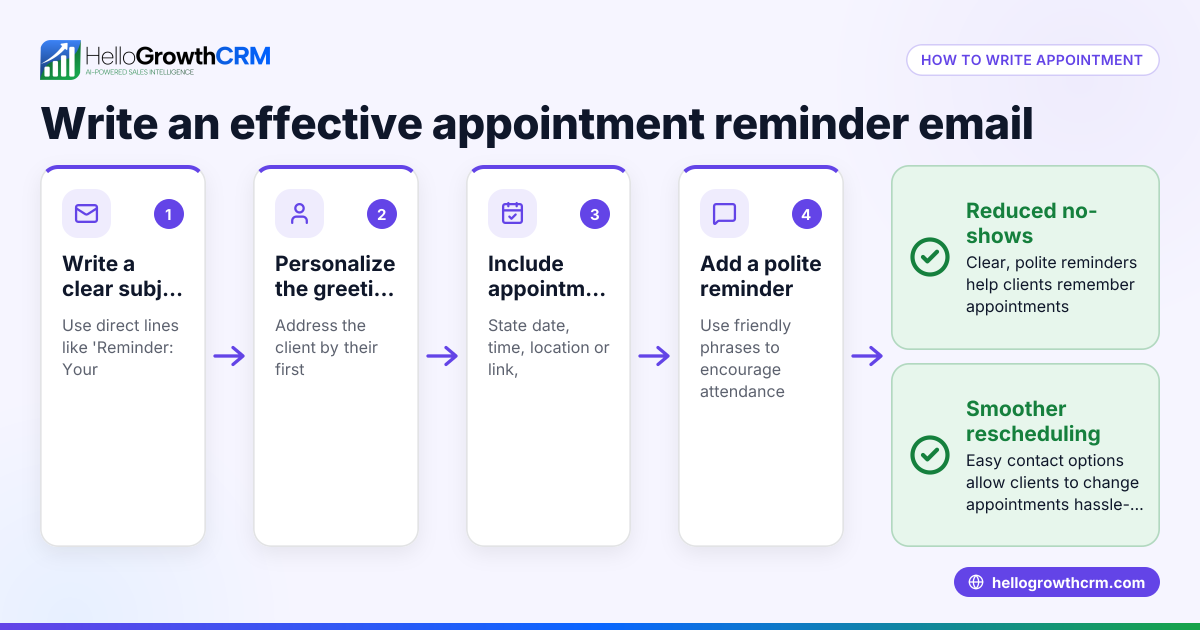
Appointment reminder calls are a simple but effective way for small businesses to confirm upcoming appointments with clients. These calls help reduce no-shows, last-minute cancellations, and scheduling confusion by reminding customers of their commitment. This article covers why appointment reminders matter, how to make them successfully, a detailed example with numbers, common pitfalls, and how HelloGrowthCRM supports appointment reminders.
Why this comes up / what goes wrong
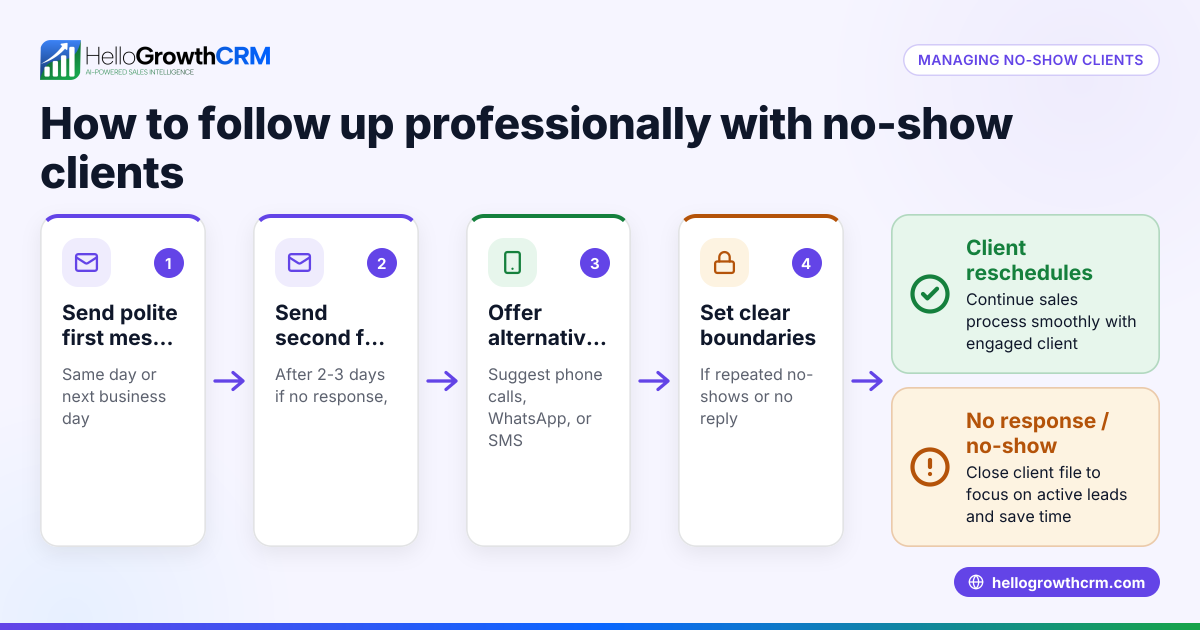
Small-business owners often struggle with clients missing appointments or forgetting scheduled meetings. This leads to wasted time, lost revenue, and disrupted daily operations. Without a reliable system for reminding clients, businesses rely on memory or manual notes, which can fail. Appointment reminder calls address this by proactively contacting clients before the appointment, confirming their attendance or allowing rescheduling. This is especially important for businesses like dental practices, salons, consultants, and service providers where appointments are a core part of operations.
Step-by-step
- Collect accurate contact information
- Ensure you have the correct phone number for each client when booking the appointment.
- Verify preferred contact times if possible.
- Schedule reminder calls in advance
- Decide how far in advance to call (commonly 24-48 hours before the appointment).
- Use a calendar or task board to organize call times.
- Prepare a clear script or checklist
- Confirm the appointment date, time, and location.
- Ask if the client needs to reschedule.
- Provide any necessary instructions (e.g., bring documents, arrive early).
- Make the calls and log outcomes
- Call clients according to your schedule.
- Record whether the appointment is confirmed, rescheduled, or if no answer.
- Follow up on unconfirmed or rescheduled appointments
- Set tasks to call again if no answer or if rescheduling is requested.
- Update your appointment calendar accordingly.
- Review and adjust your process regularly
- Track no-show rates and call success.
- Adjust call timing or script based on feedback.
Using tools like sales task boards can help organize and track these calls efficiently.
Example (fictional figures)
A two-location dental practice in Columbus, Ohio, schedules 100 appointments per week. They experience a 15% no-show rate, losing an estimated $10,000 weekly revenue.
- Weekly appointments = 100
- No-show rate = 15%
- Revenue lost per no-show (average) = $100
Calculate weekly revenue lost:
100 appointments × 15% no-show rate = 15 no-shows 15 no-shows × $100 lost per appointment = $1,500 lost weekly
By implementing appointment reminder calls 48 hours before, they reduce no-shows to 5%:
100 appointments × 5% no-show rate = 5 no-shows 5 no-shows × $100 lost = $500 lost weekly
Weekly revenue saved:
$1,500 original loss − $500 new loss = $1,000 saved weekly
This shows how reminder calls can significantly reduce lost revenue and improve scheduling efficiency.
Common mistakes
- Calling too late or too early: Calling too close to the appointment may not give clients enough time to reschedule; too early may lead to forgetfulness. Prevent this by testing different timings.
- Not tracking call outcomes: Without logging results, you can’t follow up effectively. Use task boards to record each call’s outcome.
- Relying on manual memory: Trying to remember calls without tools leads to missed reminders. Use scheduling and task tools to automate reminders.
- Using a generic script: Failing to personalize or clearly communicate details can confuse clients. Prepare a simple but clear script.
- Ignoring client preferences: Some clients prefer text or email reminders. Ask and adapt your approach.
Using a meeting scheduler can also reduce back-and-forth and improve booking accuracy.
Doing this in HelloGrowthCRM
HelloGrowthCRM helps small businesses manage appointment reminder calls efficiently. Its activities and task boards turn each follow-up call into a task with a due date, so the day's calls appear as a clear list rather than relying on memory. The built-in scheduling and booking feature lets prospects pick appointment slots via a link, reducing scheduling errors and saving time on back-and-forth messages. This integration of call reminders and scheduling streamlines your workflow and reduces no-shows.
Frequently asked questions
How far in advance should I make appointment reminder calls? Most businesses call 24 to 48 hours before the appointment. This timing gives clients enough notice to reschedule if needed without forgetting the appointment.
Can I use text or email instead of calls? Yes, many businesses use SMS or email reminders as alternatives or supplements to calls. However, calls can be more personal and allow immediate interaction.
What if clients don’t answer reminder calls? Leave a clear voicemail or follow up with a text message. Schedule a second attempt if possible. Logging these attempts helps track client responsiveness.
How do appointment reminder calls reduce no-shows? They remind clients of their commitment, allow rescheduling, and reduce forgetfulness, which are common reasons for no-shows.
Can I automate appointment reminders? Yes, some CRM systems offer automation features for reminders. HelloGrowthCRM supports task boards and scheduling to help organize calls but does not automate calls directly.
Is it better to let clients book appointments themselves? Allowing clients to pick slots through a meeting scheduler reduces errors and scheduling conflicts, improving the overall appointment process.
Key takeaways
- Appointment reminder calls confirm and reduce no-shows, saving time and money.
- Collect accurate contact info and schedule calls 24-48 hours before appointments.
- Use scripts and track call outcomes to improve follow-up.
- Avoid relying on memory by using task boards and scheduling tools.
- HelloGrowthCRM supports these steps with task boards and booking links.
- Combining calls with self-service scheduling improves client experience.
Appointment reminder calls are a practical way to improve your business’s scheduling reliability. To get started easily, start on the Free Forever plan (200 leads, no credit card) with HelloGrowthCRM and organize your calls and bookings efficiently.
Ready to put this into practice?
Set up your pipeline, WhatsApp follow-ups, and AI lead scoring in minutes — free, no credit card.
Try HelloGrowthCRM freeGet CRM tips in your inbox
Join thousands of sales professionals who get weekly insights on CRM strategy, AI automation, and pipeline optimization.

The HelloGrowthCRM team publishes guides on CRM strategy, AI sales tools, and revenue operations for small business sales teams.