HelloGrowthCRM software
Built for real small-business sales teams
HelloGrowthCRM helps reps qualify faster, follow up on time, and close more deals—with practical automation in one place.
- AI lead scoring and pipeline visibility
- Built-in dialer, WhatsApp, and email automation
- Sales forecasting and RevOps-ready reporting
An appointment scheduling CRM for service businesses in Canada helps you streamline booking, reduce missed leads, and manage client communication efficiently. This article covers why appointment scheduling matters, a step-by-step guide to choosing the right CRM, common pitfalls to avoid, a worked example, and how HelloGrowthCRM can support your service business.
Why this comes up / what goes wrong
Many small and mid-sized Canadian service businesses struggle with managing appointments efficiently. They often rely on text messages, emails, or spreadsheets to book and track appointments, leading to slow follow-up and lost leads. Back-and-forth messaging wastes time and frustrates clients. Without a central system, it’s hard to keep track of booked slots, cancellations, and no-shows, which impacts revenue and customer satisfaction.
Choosing an appointment scheduling CRM can solve these issues by automating booking, centralizing communication, and integrating follow-ups. However, the Canadian market has many options, and business owners want to understand what features matter most and what trade-offs exist.
Step-by-step
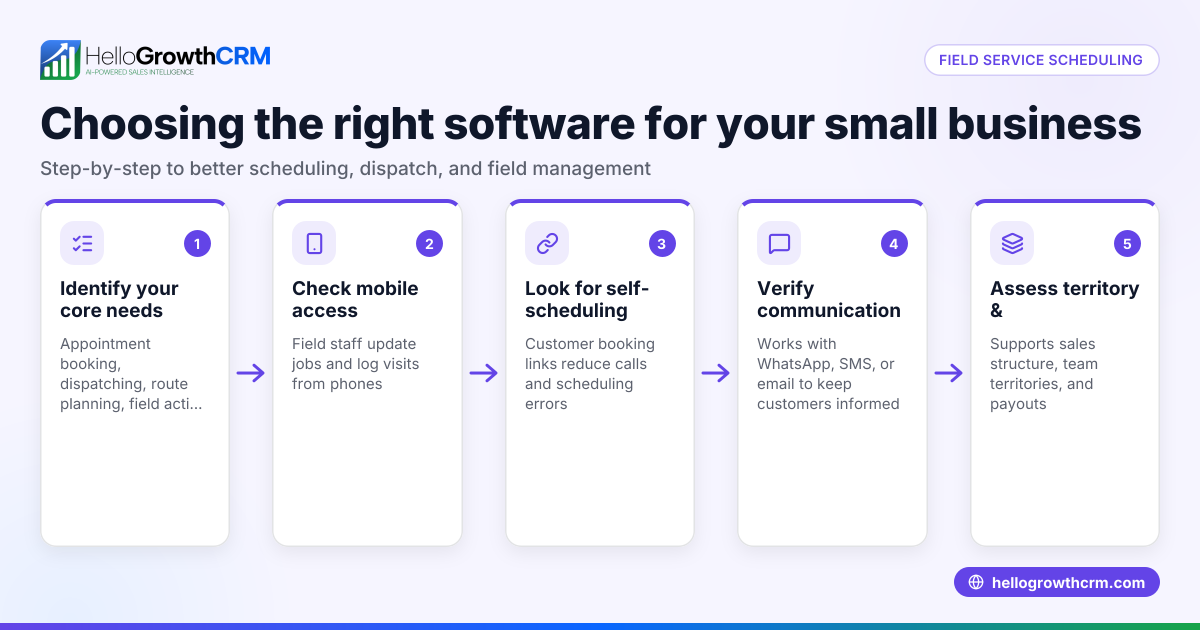
- Identify your business needs
- Determine how many appointments you handle weekly and your team size.
- Check if you need multi-channel communication (e.g., WhatsApp, SMS, email).
- Decide if you want automated reminders and follow-ups.
- Check appointment booking features
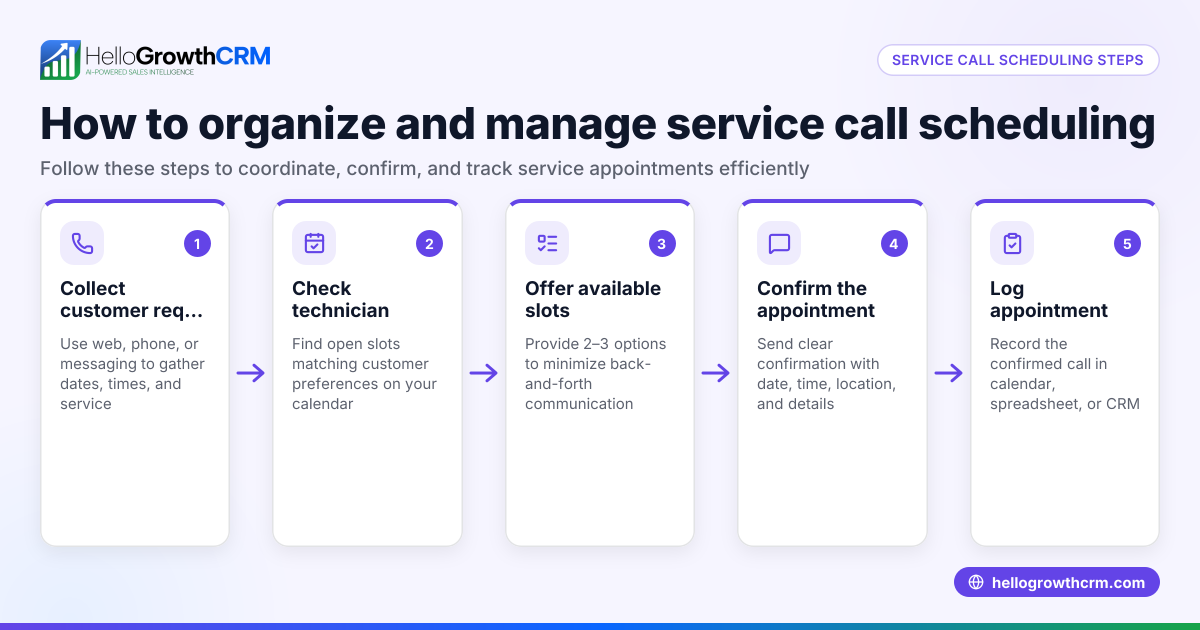
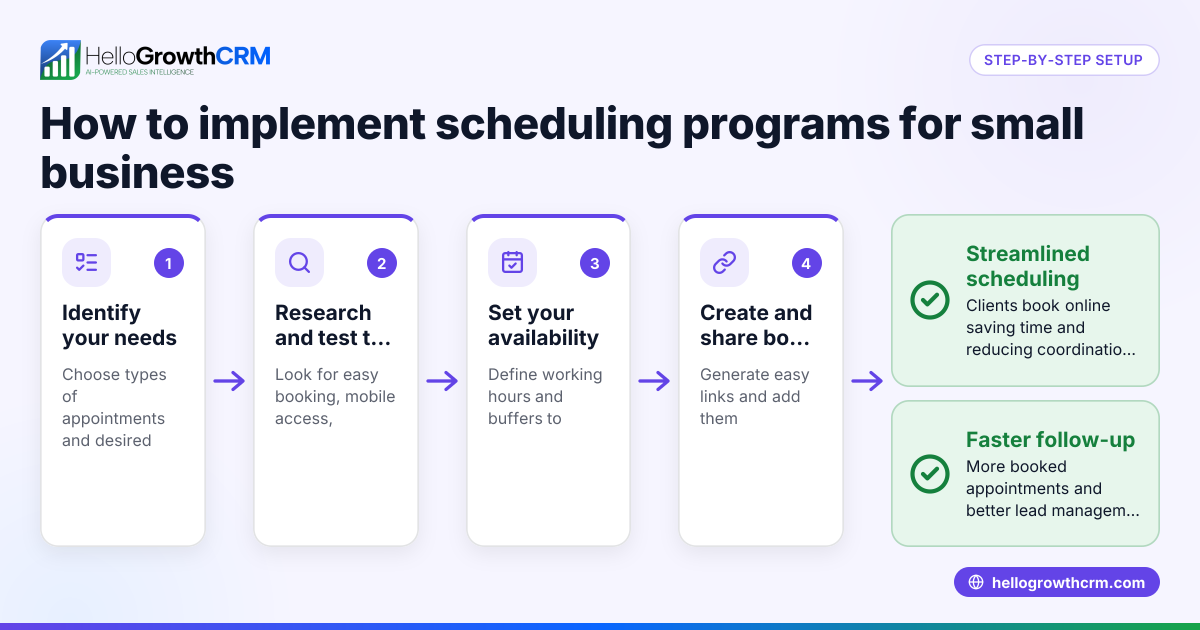
- Look for scheduling pages where clients pick slots directly, avoiding back-and-forth messaging.
- Confirm support for time zones and calendar sync with Google or Outlook.
- Evaluate communication integration
- Ensure the CRM logs client conversations in one place.
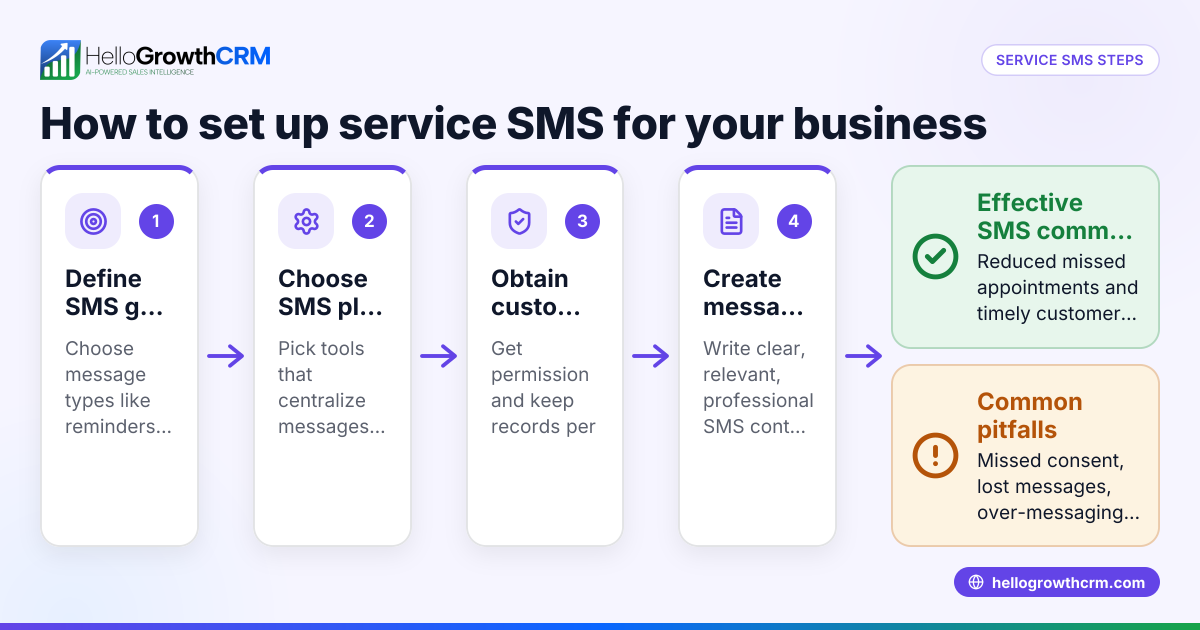
- Check if it supports WhatsApp and SMS messaging, as many Canadian clients prefer these channels.
- Consider automation and AI assistance
- See if the CRM offers AI agents to draft follow-ups or update records automatically.
- Automation reduces manual work and speeds up lead nurturing.
- Review reporting and pipeline management
- Confirm the CRM provides a clear view of your appointment pipeline and task boards.
- Sales forecasting can help plan resources.
- Test ease of use and adoption
- Try demos or free plans to check if your team finds the CRM intuitive.
- A CRM that your team uses consistently improves results.
- Check Canadian compliance and support
- Verify if the CRM supports Canadian data privacy standards.
- Ensure customer support is available during your business hours.
- Compare pricing and plans
- Understand what features come on free versus paid tiers.
- Avoid surprises by reading terms on message limits or users.
For help with scheduling pages, see meeting scheduler. For messaging integration, check WhatsApp and SMS CRM.
Example (fictional figures)
A home-renovation contractor in Calgary, Alberta, handles about 50 client appointments monthly. They want to reduce the 20% lost leads from slow follow-up and double-bookings.
- Monthly revenue from appointments: C$30,000
- Average appointment value: C$600
- Current lost leads: 20% × C$30,000 = C$6,000
By adopting an appointment scheduling CRM with automated booking and messaging:
- Expected lost leads reduction: 50% of C$6,000 = C$3,000 recovered
- CRM monthly cost (assumed): C$100
Net gain:
C$3,000 - C$100 = C$2,900 additional revenue monthly
This example shows how scheduling automation and integrated communication can boost revenue by reducing lost leads and improving client experience.
Common mistakes
- Ignoring team adoption
- Mistake: Choosing a CRM that is too complex.
- Prevention: Test with your team and pick one that fits their workflow.
- Overlooking communication channels
- Mistake: Not supporting WhatsApp or SMS where clients prefer to chat.
- Prevention: Choose a CRM with multi-channel messaging like WhatsApp and SMS.
- Skipping automation features
- Mistake: Manually sending follow-ups wastes time and delays responses.
- Prevention: Use AI agents or automated sequences to speed up follow-up.
- Failing to use scheduling links
- Mistake: Booking appointments by back-and-forth messages increases errors.
- Prevention: Use a scheduling page link so clients pick slots directly.
- Not checking Canadian data privacy
- Mistake: Using software that does not comply with Canadian laws.
- Prevention: Confirm CRM data storage and privacy policies.
- Neglecting reporting tools
- Mistake: Not tracking appointment pipeline and follow-up tasks.
- Prevention: Use CRM with pipeline and task boards to stay organised.
Doing this in HelloGrowthCRM
HelloGrowthCRM offers a meeting scheduling feature where prospects pick a slot from a link, eliminating back-and-forth on WhatsApp. It logs WhatsApp and SMS conversations on the lead record, allowing follow-ups as messages directly from the CRM. Additionally, AI agents draft follow-up messages after calls so sales reps only review and send, saving time. Learn more about meeting scheduler and WhatsApp and SMS CRM.
Frequently asked questions
What features should a service business look for in an appointment scheduling CRM? Look for easy booking links, multi-channel messaging (WhatsApp, SMS), automated reminders, and pipeline management. Integration with calendars and automation like AI follow-ups also help.
Can I use WhatsApp for appointment reminders in a CRM? Yes, many CRMs support WhatsApp messaging for reminders and follow-ups. This is useful in Canada where clients often prefer WhatsApp over email.
How does AI improve appointment scheduling and follow-up? AI can draft follow-up messages and update records automatically, reducing manual work and speeding up customer engagement.
Is it necessary to have a scheduling page link? Yes, a scheduling page lets clients pick available slots directly, reducing errors and saving time compared to back-and-forth messaging.
Are there free CRM options for appointment scheduling? Some CRMs offer free plans with basic scheduling features. However, messaging and AI automation often require paid tiers.
How do I ensure my CRM complies with Canadian privacy laws? Check the CRM provider’s data policies and where data is stored. Look for compliance statements and support documentation.
Key takeaways
- Use scheduling pages to let clients book directly, avoiding delays.
- Choose CRMs with WhatsApp and SMS integration for better client reach.
- Automation and AI agents save time on follow-ups and record-keeping.
- Ensure the CRM fits your team’s workflow to improve adoption.
- Check Canadian compliance and support availability.
- Start with free plans to test before committing to paid tiers.
Choosing the right appointment scheduling CRM can transform how your Canadian service business manages leads and bookings. To get started with scheduling and messaging features, consider HelloGrowthCRM for Canada.
Start on the Free Forever plan (200 leads, no credit card) today to see how it fits your business needs.
Ready to put this into practice?
Set up your pipeline, WhatsApp follow-ups, and AI lead scoring in minutes — free, no credit card.
Try HelloGrowthCRM freeGet CRM tips in your inbox
Join thousands of sales professionals who get weekly insights on CRM strategy, AI automation, and pipeline optimization.

The HelloGrowthCRM team publishes guides on CRM strategy, AI sales tools, and revenue operations for small business sales teams.