HelloGrowthCRM software
Built for real small-business sales teams
HelloGrowthCRM helps reps qualify faster, follow up on time, and close more deals—with practical automation in one place.
- AI lead scoring and pipeline visibility
- Built-in dialer, WhatsApp, and email automation
- Sales forecasting and RevOps-ready reporting
To automate business workflow means using technology to handle routine tasks and processes automatically, reducing manual work and speeding up operations. This article explains why automation matters for small businesses, gives step-by-step instructions to set it up, shows a practical example, warns about common pitfalls, and describes how HelloGrowthCRM supports workflow automation.
Why this comes up / what goes wrong
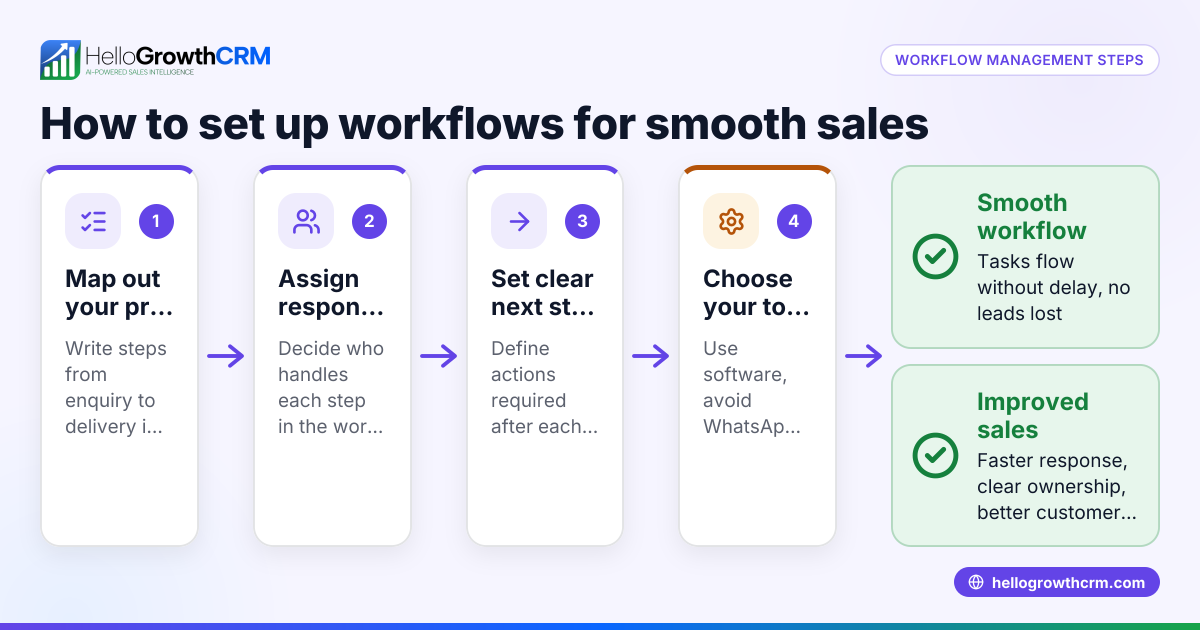
Small business owners often face slow or inconsistent follow-up with leads and customers because tasks like assigning leads, scheduling calls, or sending reminders are done manually. Using text messages, email, and spreadsheets to track sales and operations can cause errors, lost opportunities, and wasted time. Automating workflows helps ensure that leads are routed to the right team member, tasks are created without delay, and the sales process moves forward smoothly without relying on memory or manual tracking.
Step-by-step
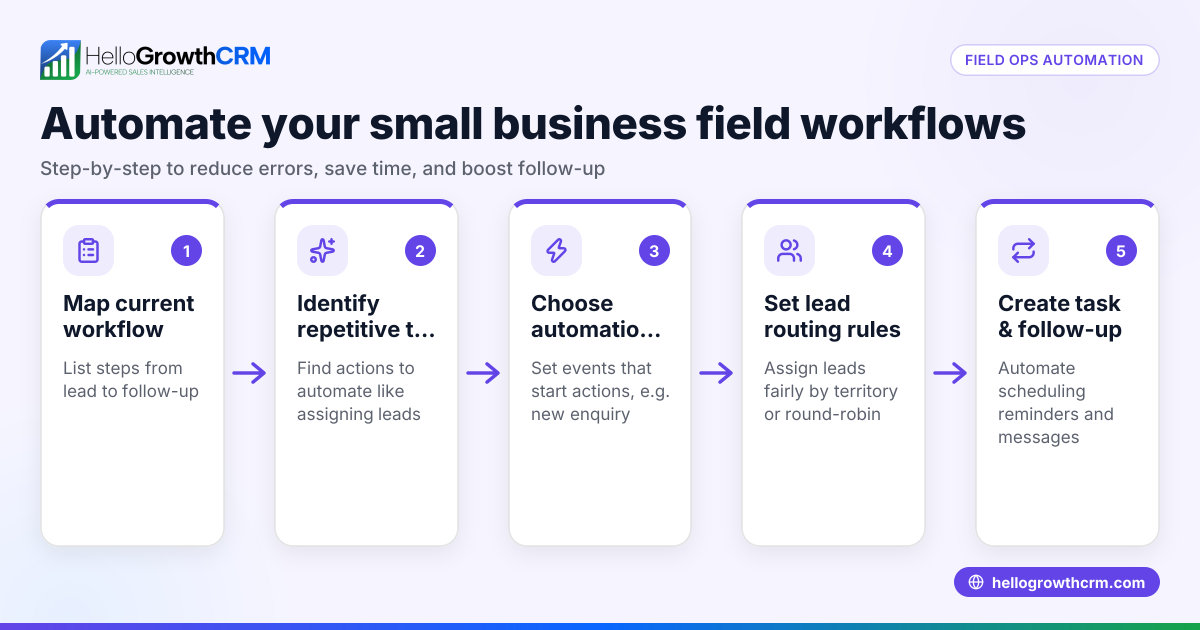
- Identify repetitive tasks and processes: List all routine actions in your sales or operations cycle, such as lead assignment, follow-up calls, or status updates.
- Define clear triggers for automation: Decide what events should start an automated action, like receiving a new lead, completing a call, or moving a deal stage.
- Choose automation tools or software: Select a CRM or workflow automation platform that supports your needs, such as task creation, notifications, and lead routing.
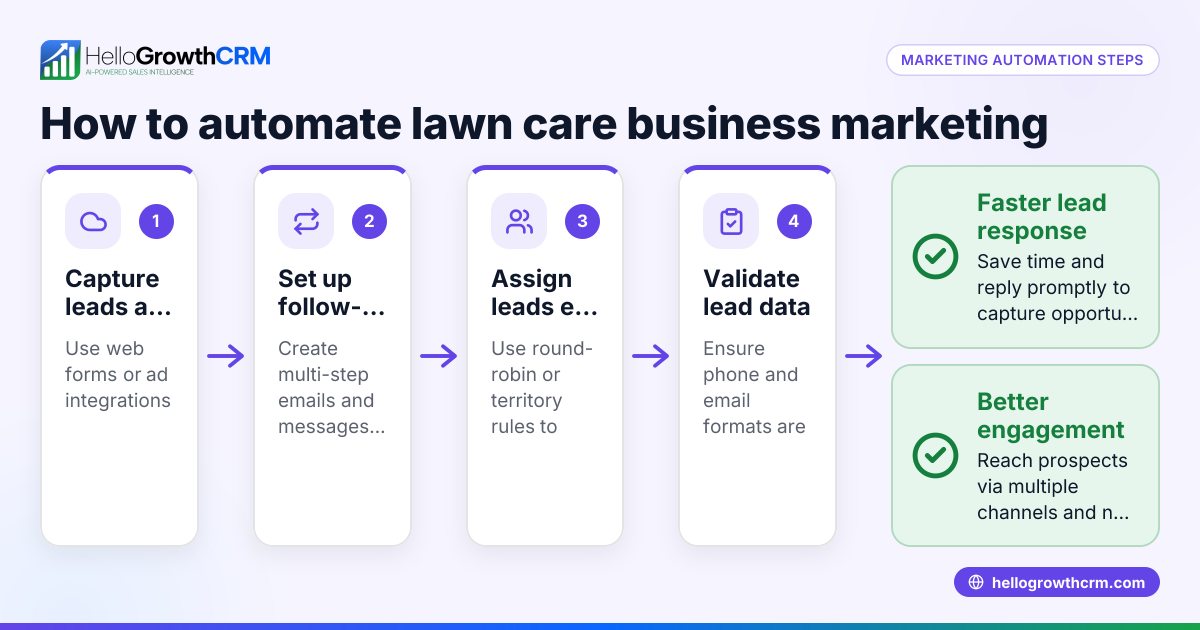
- Set up rules for lead routing and task assignment: For example, assign leads by territory, source, or round-robin to balance workload.
- Create workflow sequences for common processes: Automate sending messages, moving deals through pipeline stages, or updating records.
- Test your workflows carefully: Check that tasks trigger correctly, leads route as expected, and no steps are skipped.
- Train your team on the new automated processes: Ensure everyone understands how automation works and their responsibilities.
- Monitor and adjust workflows regularly: Use reporting to find bottlenecks or errors and refine your automation rules.
For more on automating lead routing and task creation, see WhatsApp and SMS CRM.
Example (fictional figures)
A landscaping contractor in Charlotte, North Carolina, receives about 120 new customer inquiries monthly. Before automation, the owner manually assigned leads and reminded sales reps to call back, causing delays and lost sales.
They set up an automated workflow:
- New inquiry triggers lead assignment round-robin among 3 sales reps.
- A first-call task is created automatically for the assigned rep.
- Follow-up reminders are sent if no call is logged within 24 hours.
Results for April 2026:
- Total leads: 120
- Average sales conversion before: 15%
- Average sales conversion after automation: 22% (estimated improvement)
Calculations:
Leads converted before = 120 × 15% = 18 Leads converted after = 120 × 22% = 26.4 (rounded to 26)
Additional 8 customers per month from automation.
If average contract value is $1,200:
Additional revenue = 8 × $1,200 = $9,600 monthly
This example shows how automating lead routing and task creation can directly increase sales efficiency and revenue.
Common mistakes
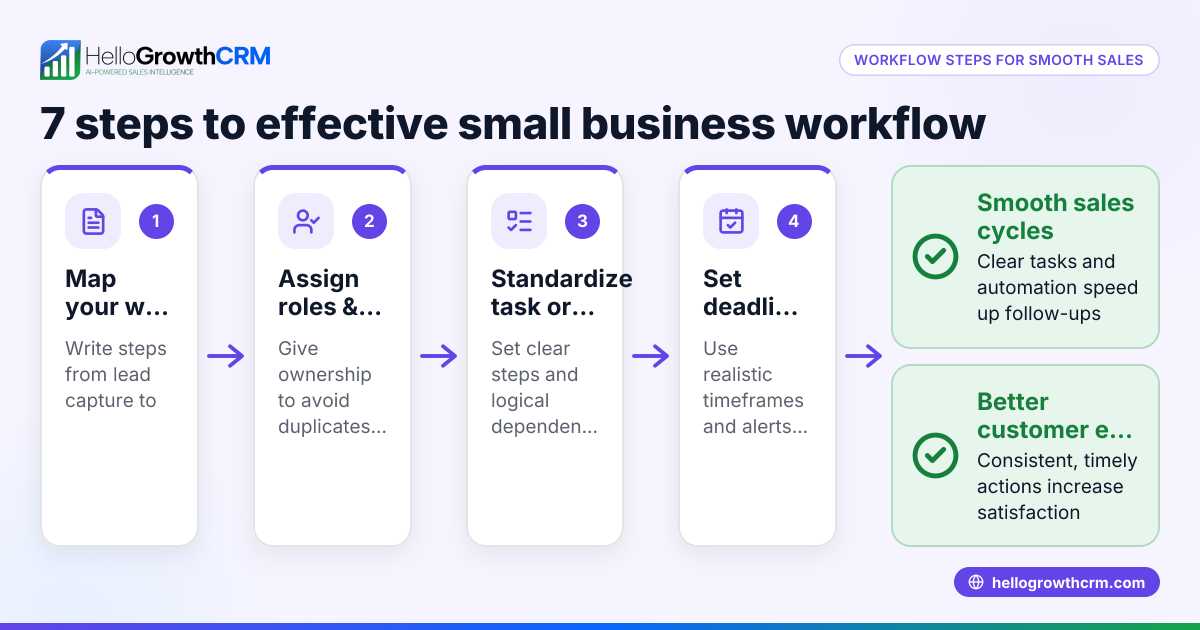
- Automating without clear process mapping: Prevent by documenting your current workflows before automation.
- Overcomplicating automation rules: Keep rules simple and focused to avoid errors.
- Failing to train the team: Provide clear instructions and support to ensure adoption.
- Ignoring workflow testing: Always test automation in a controlled way before full rollout.
- Not monitoring performance post-automation: Use CRM reports to track effectiveness and adjust.
- Relying on manual overrides too often: Aim to fix automation issues rather than bypassing them.
Learn more about avoiding these mistakes with built-in CRM dialer.
Doing this in HelloGrowthCRM
HelloGrowthCRM offers an automated workflow builder that triggers actions like task creation, field updates, notifications, and stage moves based on CRM events. It supports automated lead assignment by territory, source, score, or round-robin. For example, a new web-form inquiry is assigned round-robin and a first-call task is created automatically. This helps small businesses reduce manual follow-up and keep sales moving efficiently. For details, visit HelloGrowthCRM for the United States.
Frequently asked questions
What is business workflow automation? Business workflow automation uses software to automatically complete routine tasks and processes, such as assigning leads, sending reminders, or updating records, without manual intervention.
How can automation improve sales follow-up? Automation ensures leads are assigned quickly, follow-up tasks are created on time, and no lead is forgotten. This speeds up response times and increases conversion rates.
Can small businesses benefit from workflow automation? Yes, even small teams can save time and reduce errors by automating repetitive tasks, allowing staff to focus on higher-value activities.
Is it hard to set up workflow automation? Setting up automation requires clear mapping of your processes and choosing the right tools. Many CRM platforms offer user-friendly workflow builders to simplify this.
How does HelloGrowthCRM help with workflow automation? HelloGrowthCRM includes workflows, lead routing, and validation rules that automate task creation and lead assignment, helping teams respond faster and stay organized.
Key takeaways
- Automating business workflows reduces manual tasks and speeds up processes.
- Identify repetitive tasks and define clear triggers before automating.
- Use CRM tools with workflow builders and lead routing to streamline sales.
- Test and train your team to ensure smooth adoption.
- Monitor automation performance and refine rules regularly.
- HelloGrowthCRM supports workflow automation with lead routing and automatic task creation.
Start automating your business workflows today. Start on the Free Forever plan (200 leads, no credit card) and see how HelloGrowthCRM can help your small business respond faster and close more deals.
Ready to put this into practice?
Set up your pipeline, WhatsApp follow-ups, and AI lead scoring in minutes — free, no credit card.
Try HelloGrowthCRM freeGet CRM tips in your inbox
Join thousands of sales professionals who get weekly insights on CRM strategy, AI automation, and pipeline optimization.

The HelloGrowthCRM team publishes guides on CRM strategy, AI sales tools, and revenue operations for small business sales teams.